



Loé’s Night Vision Shaders for Minecraft 26.1
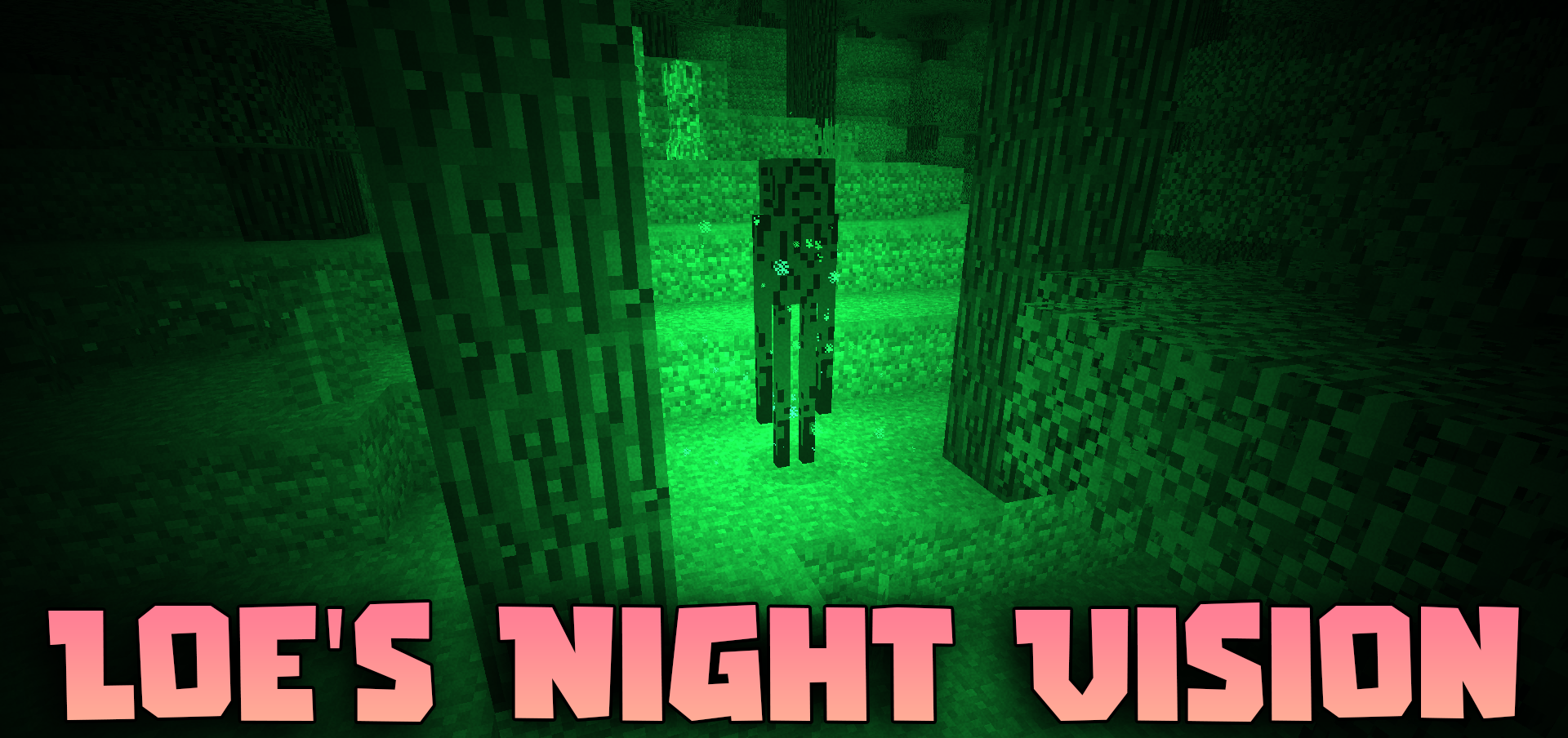
Loé’s Night Vision Shaders is an unusual shader pack because its purpose is not simply to improve the graphics, but to completely change the perception of the world. It presents Minecraft in the style of night vision devices, adding noise, distinctive color filtering, exposure adjustment, and characteristic lens effects.
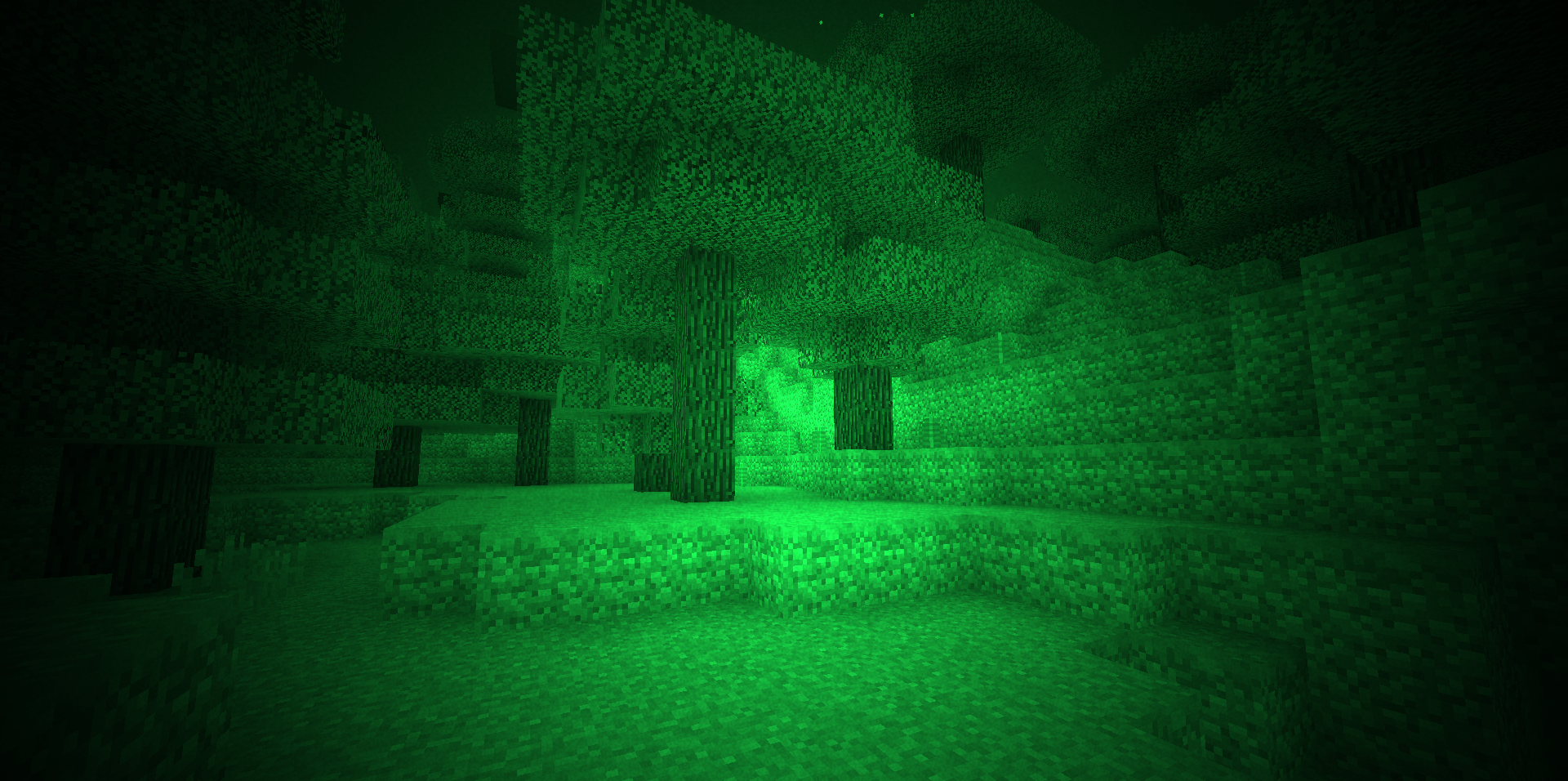
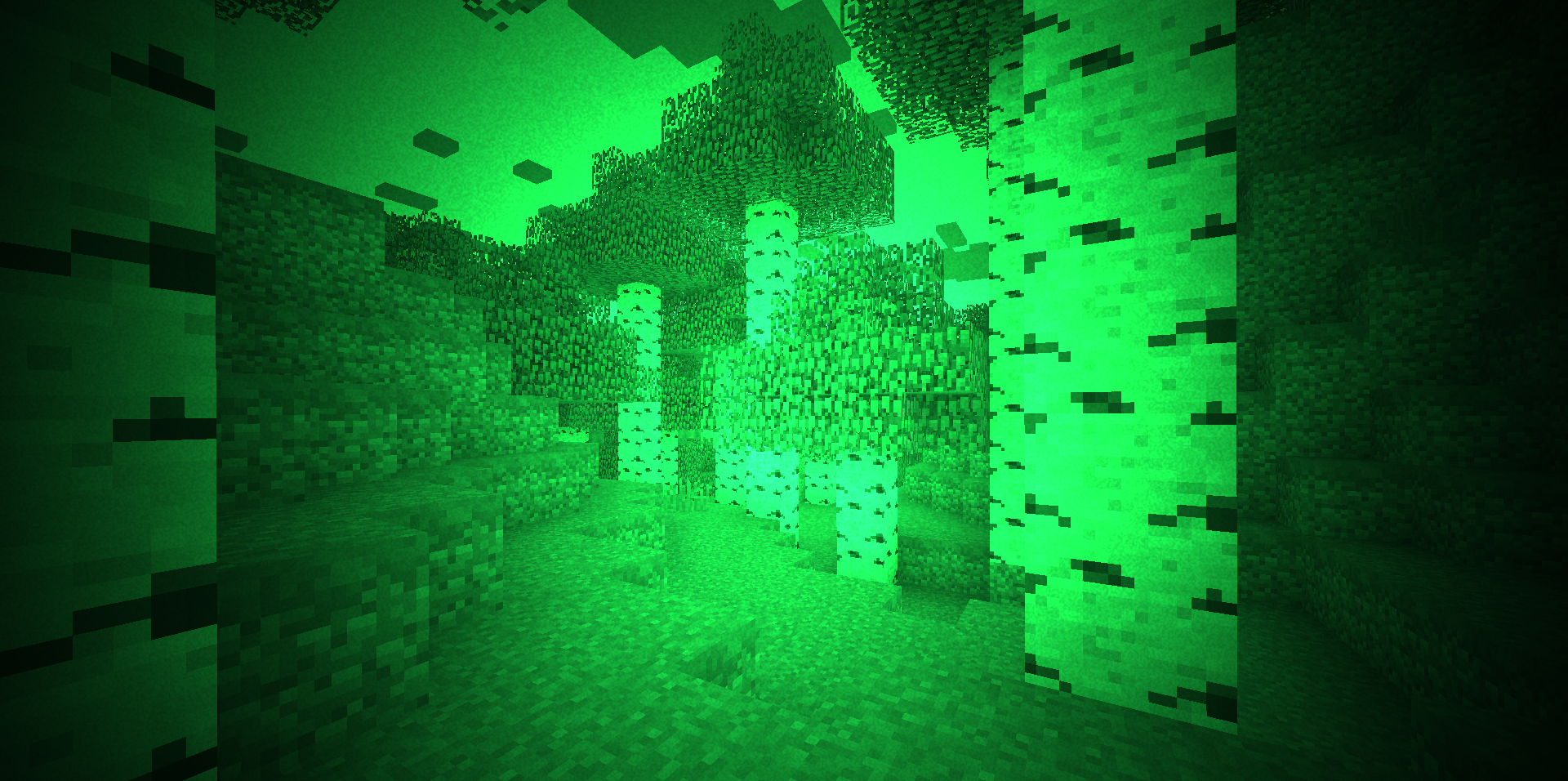
Because of this, ordinary walks at night or exploration of dark locations begin to feel completely different: the world becomes more tense and atmospheric, and is perfectly suited for roleplay, horror scenarios, or themed modpacks. An important advantage is its flexibility — the intensity of the noise, the color, and the lens effects can all be adjusted to match the desired mood.
How to install a shader:
First step: download the shader package from the link below.
Second step: Unpack the downloaded archive and copy the Loé’s Night Vision Shaders folder to c:\Users\User\AppData\Roaming\.minecraft\shaderpacks\(if this folder does not exist, create it yourself) (For Windows)
Third step: In the game, go to Settings, then to Graphics Settings. Select the "shaders" section and activate the shader pack of your choice.
Comments (0)