



MollyVX Shaders for Minecraft 26.1
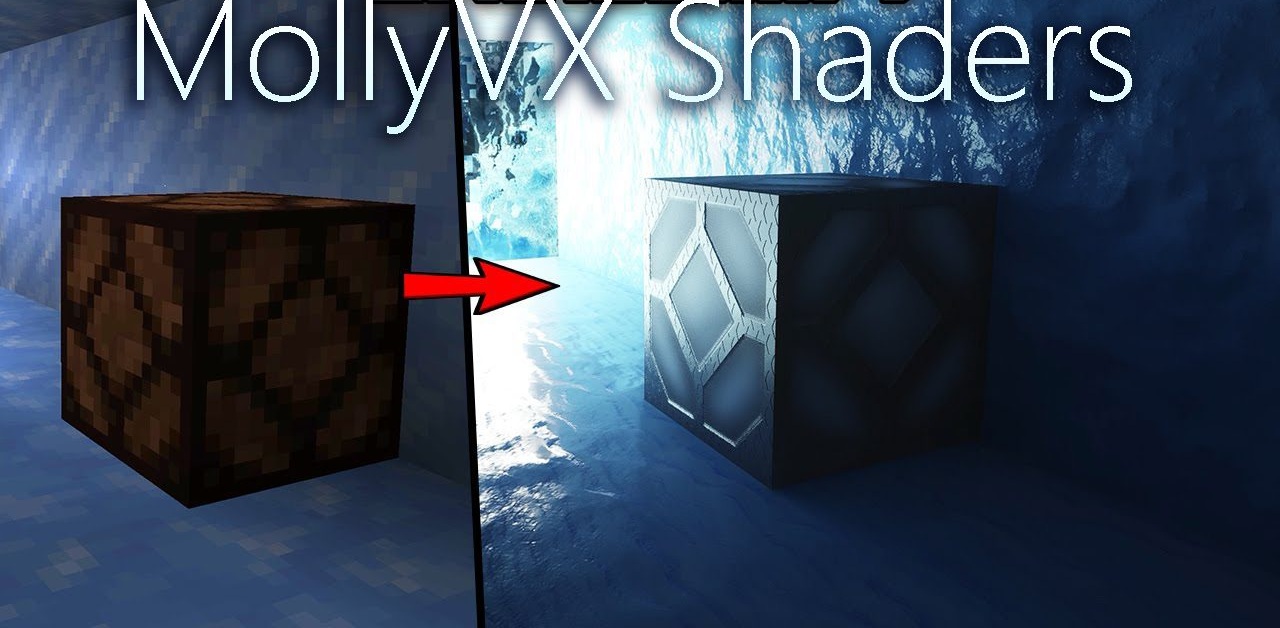
MollyVX Shaders is a solution for those who want to see the game in the most technological and visually rich way possible. This ray-traced shader changes the perception of the game: the lighting becomes deeper, more realistic, and more convincing in the way it conveys the behavior of light in space. The world looks not just beautiful, but truly dimensional, especially in scenes with bright light sources, reflections, and a complex atmosphere.
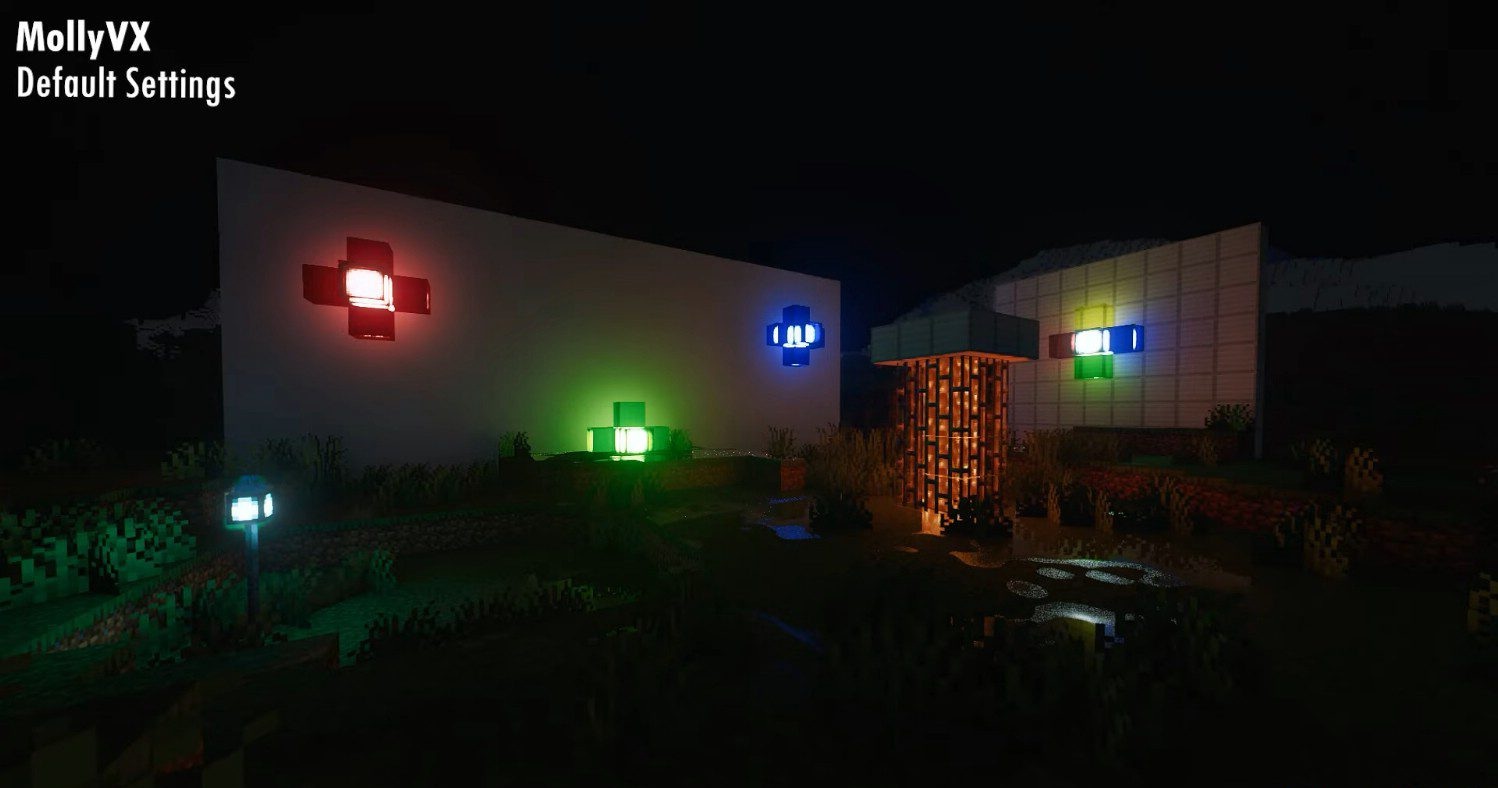
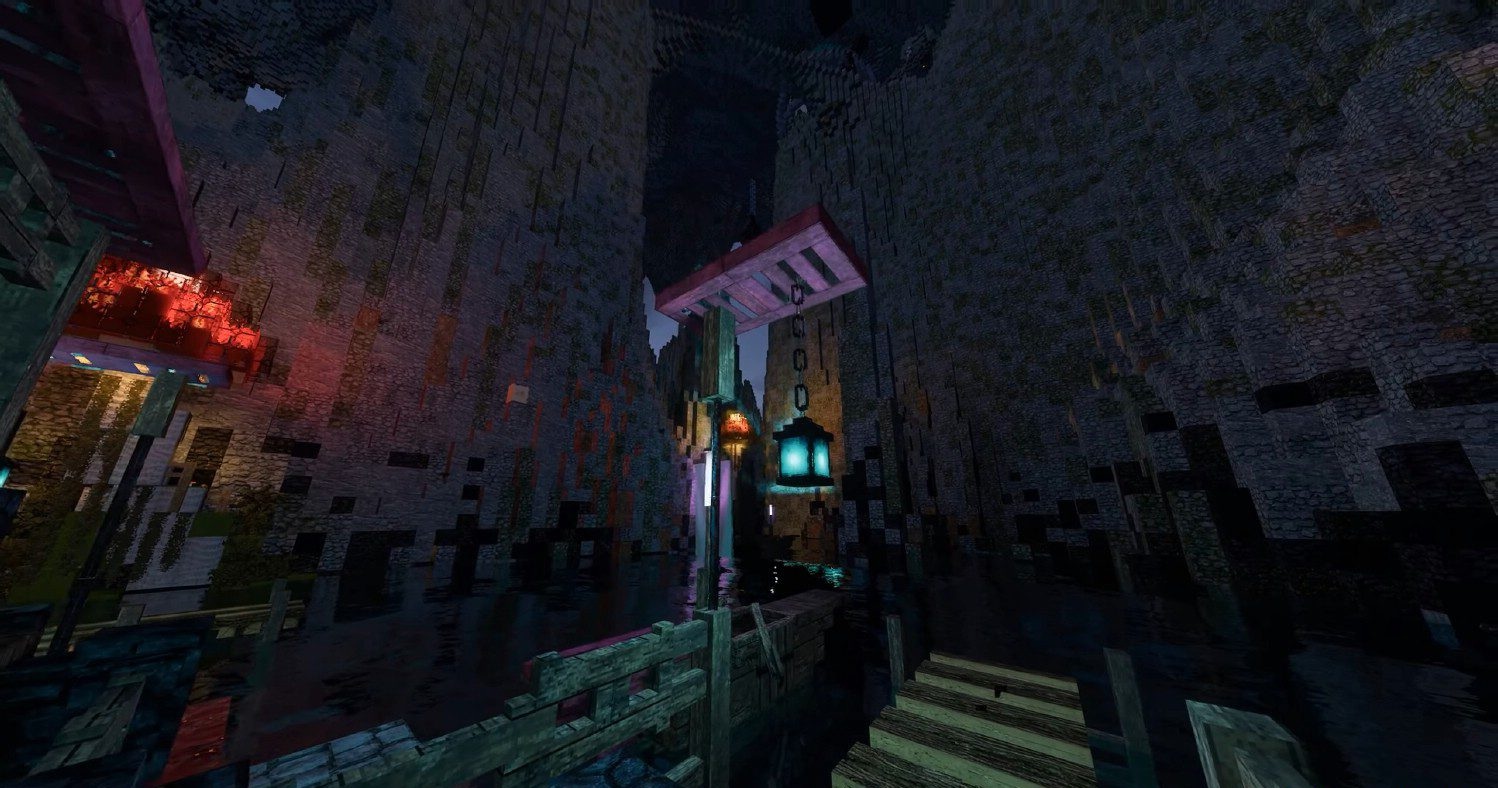
New clouds, reworked water, and more expressive nebula-like effects are all noticeable here. Additional effects such as dynamic glare, contact shadows, advanced anti-aliasing, and expanded shading controls make the pack highly flexible.
How to install a shader:
First step: download the shader package from the link below.
Second step: Unpack the downloaded archive and copy the MollyVX Shaders folder to c:\Users\User\AppData\Roaming\.minecraft\shaderpacks\(if this folder does not exist, create it yourself) (For Windows)
Third step: In the game, go to Settings, then to Graphics Settings. Select the "shaders" section and activate the shader pack of your choice.
Comments (2)