



Noble Shaders for Minecraft 26.1
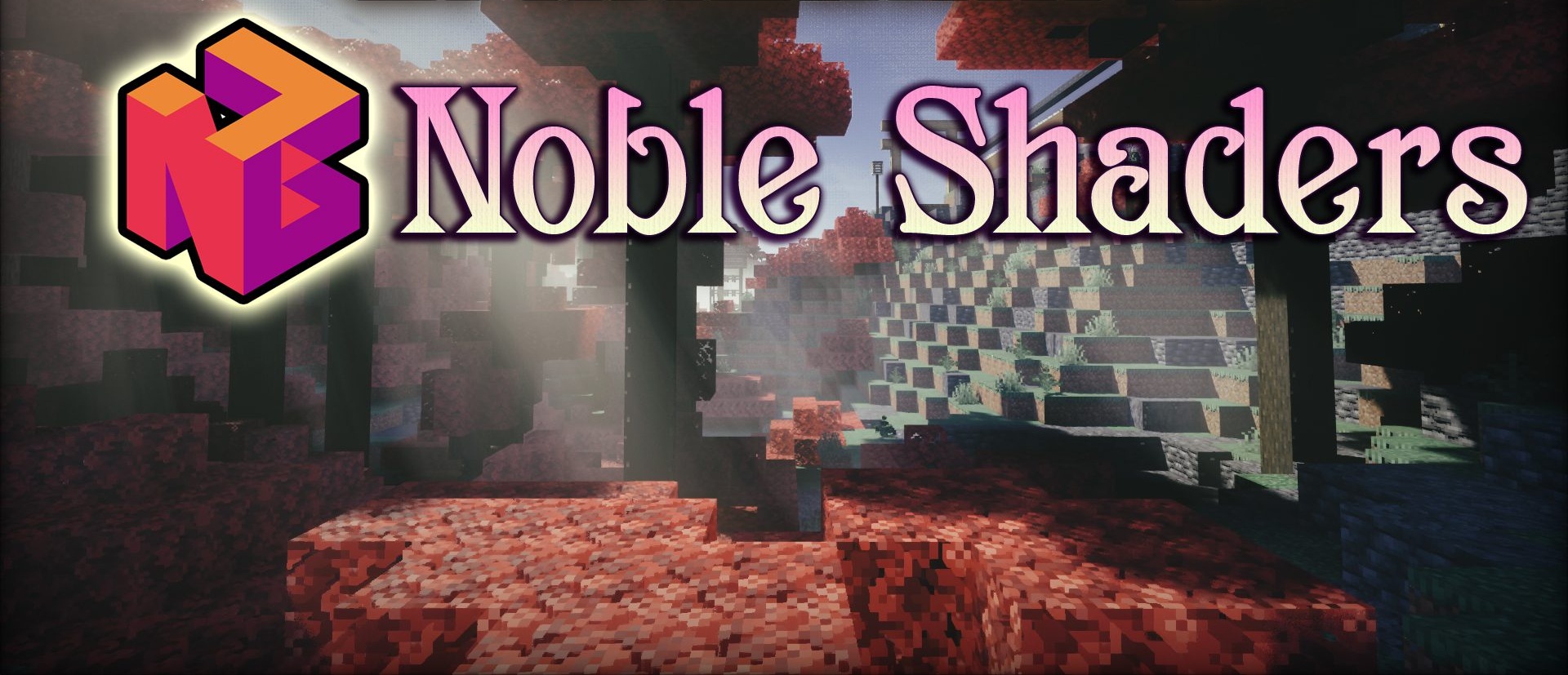
Noble Shaders is aimed at a more realistic and expressive image, capable of noticeably transforming the familiar game world. This shader places emphasis on lighting effects and overall image quality, which makes even familiar biomes feel fresh. The lighting gives the scenes volume, while the surrounding world looks more detailed and richer.

At the same time, an important advantage of the pack is that it can be adapted for less powerful systems by lowering the settings while still preserving a solid result. This approach makes the shader pack more versatile than it may seem at first glance.
How to install a shader:
First step: download the shader package from the link below.
Second step: Unpack the downloaded archive and copy the Noble Shaders folder to c:\Users\User\AppData\Roaming\.minecraft\shaderpacks\(if this folder does not exist, create it yourself) (For Windows)
Third step: In the game, go to Settings, then to Graphics Settings. Select the "shaders" section and activate the shader pack of your choice.
Comments (1)