



Sildur’s Shaders for Minecraft 26.1

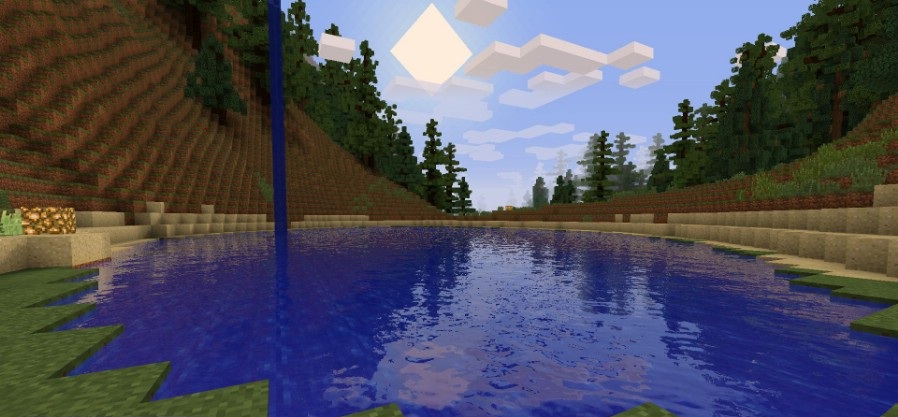
Sildur’s Shaders has long been perceived as one of the most convenient options for players who want beautiful graphics without the feeling that the shader was created only for top-end systems. Its strong side is the combination of accessibility and expressiveness. The pack adds shadows, dynamic lighting, and animation for grass, foliage, and water, making the world feel noticeably more alive without losing its recognizability.
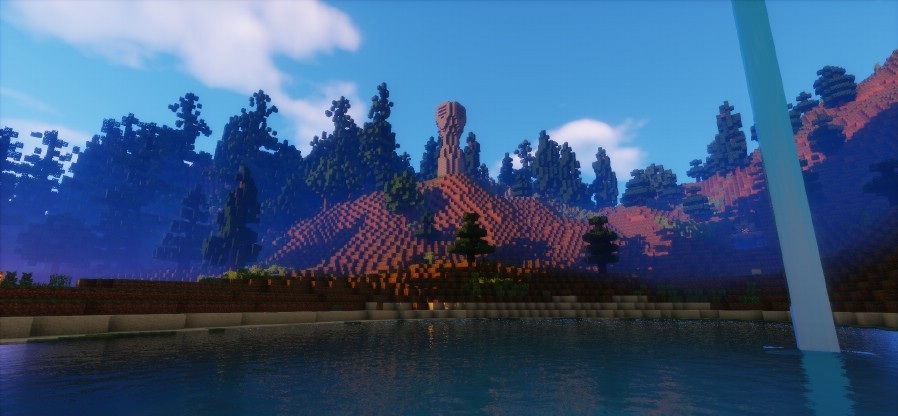
The shader shines especially in scenes with sunlight: sunrises and sunsets look rich, warm rays fall beautifully across the terrain, and fog appears in the distance, making the landscape feel deeper. Clouds and weather effects also contribute to the atmosphere without overloading the image.
How to install a shader:
First step: download the shader package from the link below.
Second step: Unpack the downloaded archive and copy the Sildur’s Shaders folder to c:\Users\User\AppData\Roaming\.minecraft\shaderpacks\(if this folder does not exist, create it yourself) (For Windows)
Third step: In the game, go to Settings, then to Graphics Settings. Select the "shaders" section and activate the shader pack of your choice.
Comments (2)