



Sundial Lite Shaders for Minecraft 26.1
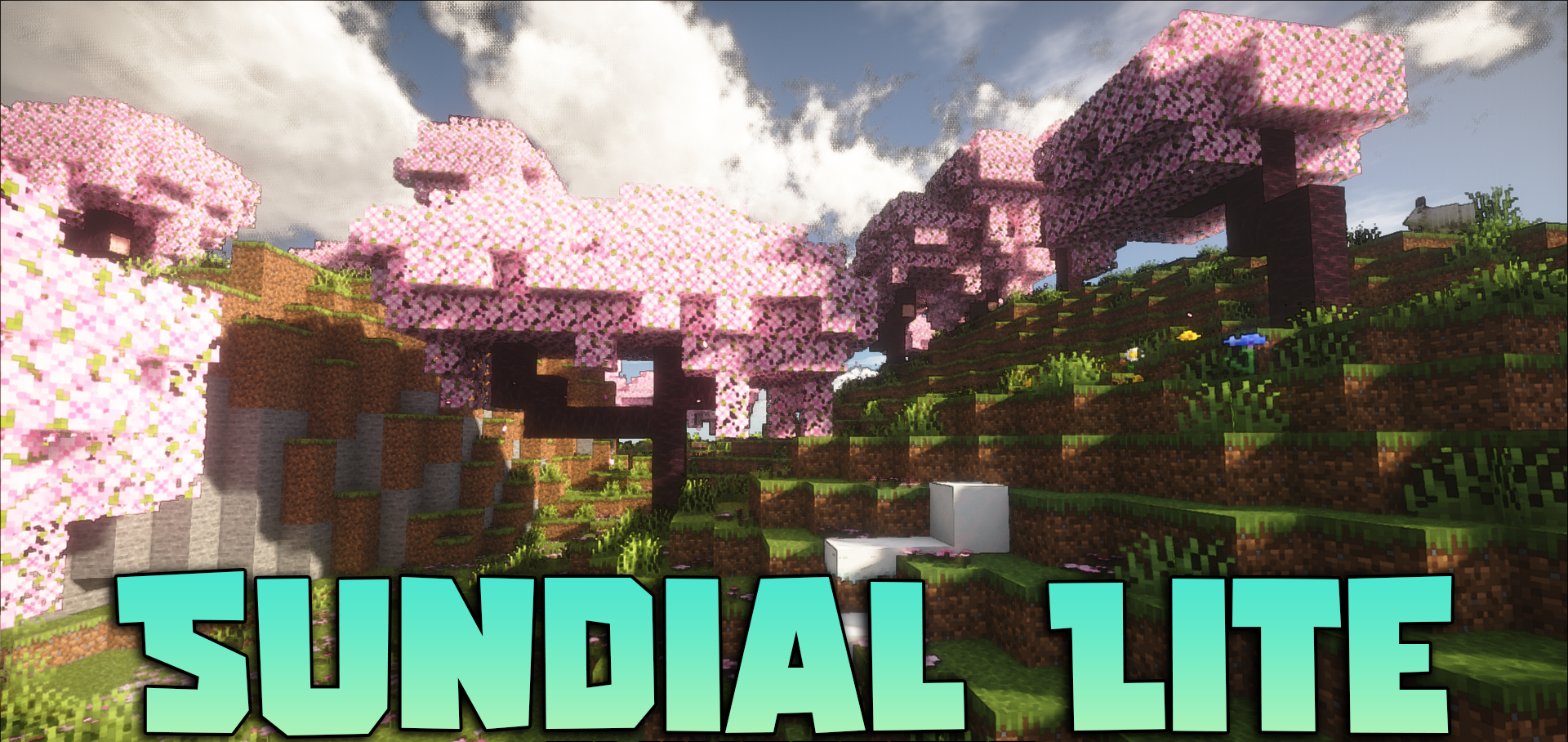
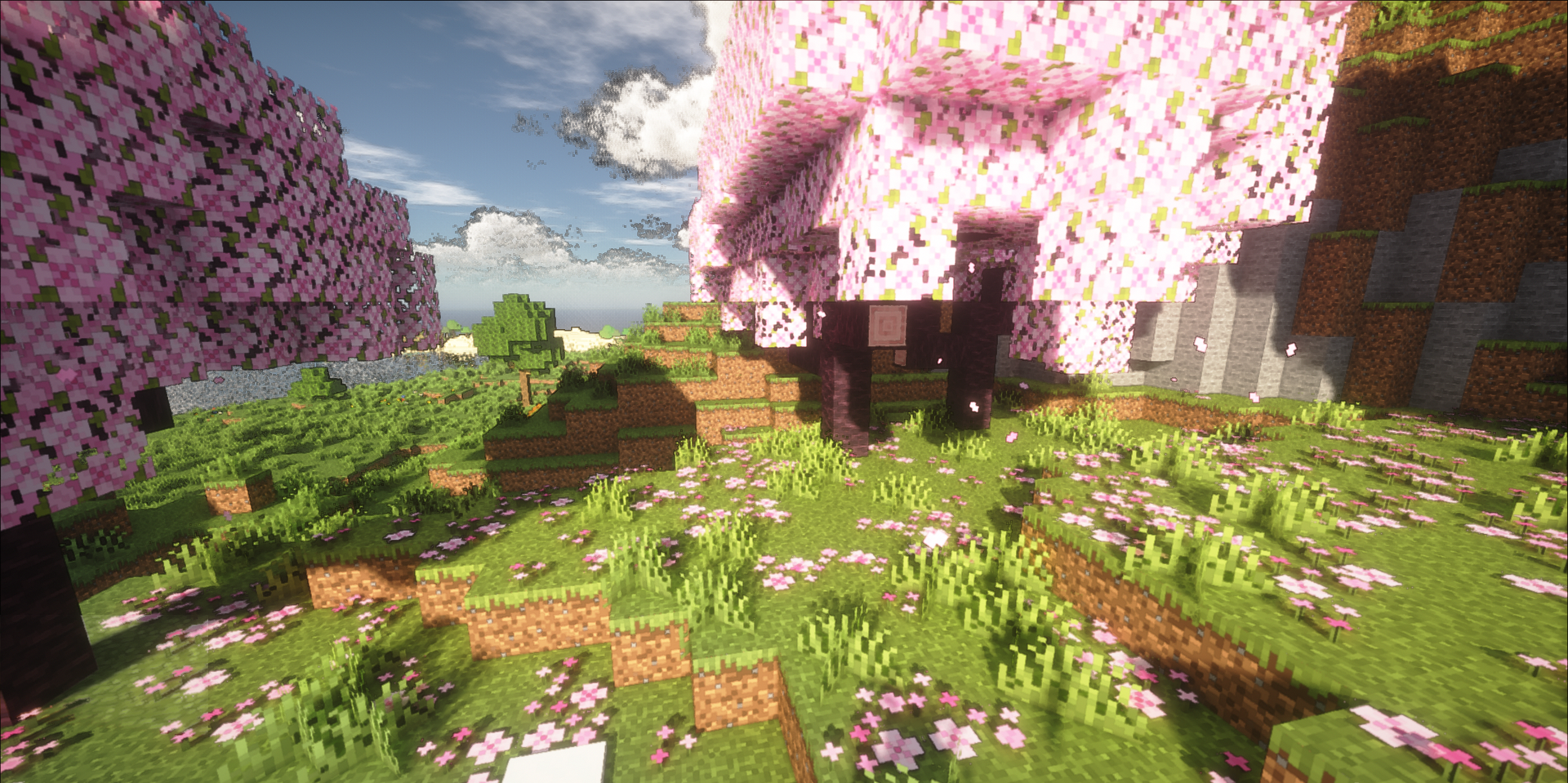
Sundial Lite Shaders is interesting because it offers an advanced visual foundation in a more accessible form. In essence, it is a lightweight version of a large shader solution in which most of the key features have been preserved, while the most demanding elements related to ray tracing have been removed. Because of this, the image remains rich and modern, while the system requirements become noticeably more reasonable.
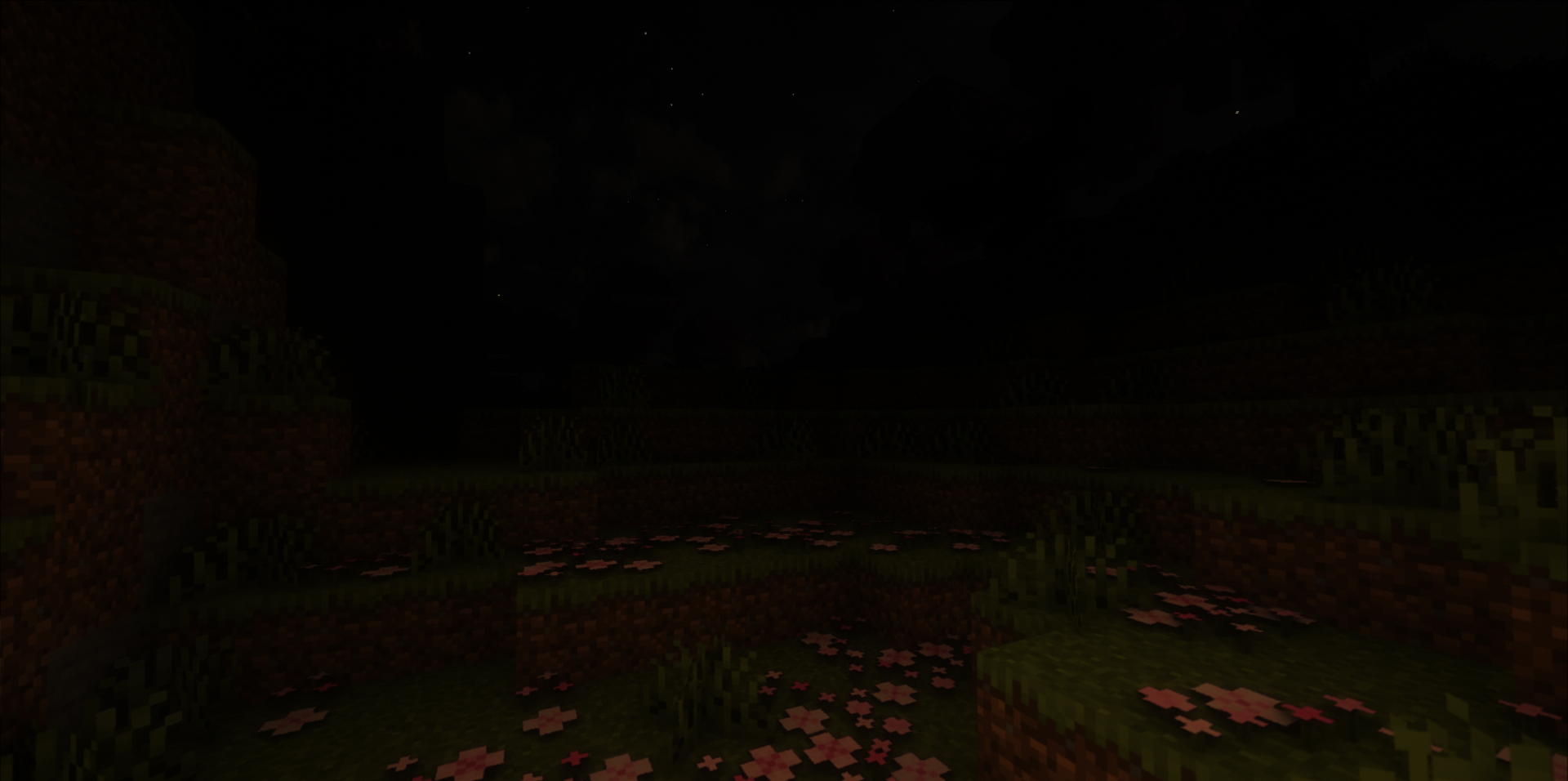
It has an engineering-minded approach: reflections and volumetric lighting are calculated more efficiently, without unnecessary strain, yet the scenes do not look empty or simplified. The fog, lighting, and overall perception of the world retain their depth, and the final style does not feel compromised.
How to install a shader:
First step: download the shader package from the link below.
Second step: Unpack the downloaded archive and copy the Sundial Lite Shaders folder to c:\Users\User\AppData\Roaming\.minecraft\shaderpacks\(if this folder does not exist, create it yourself) (For Windows)
Third step: In the game, go to Settings, then to Graphics Settings. Select the "shaders" section and activate the shader pack of your choice.
Comments (0)