



Sunveil Shaders for Minecraft 26.1
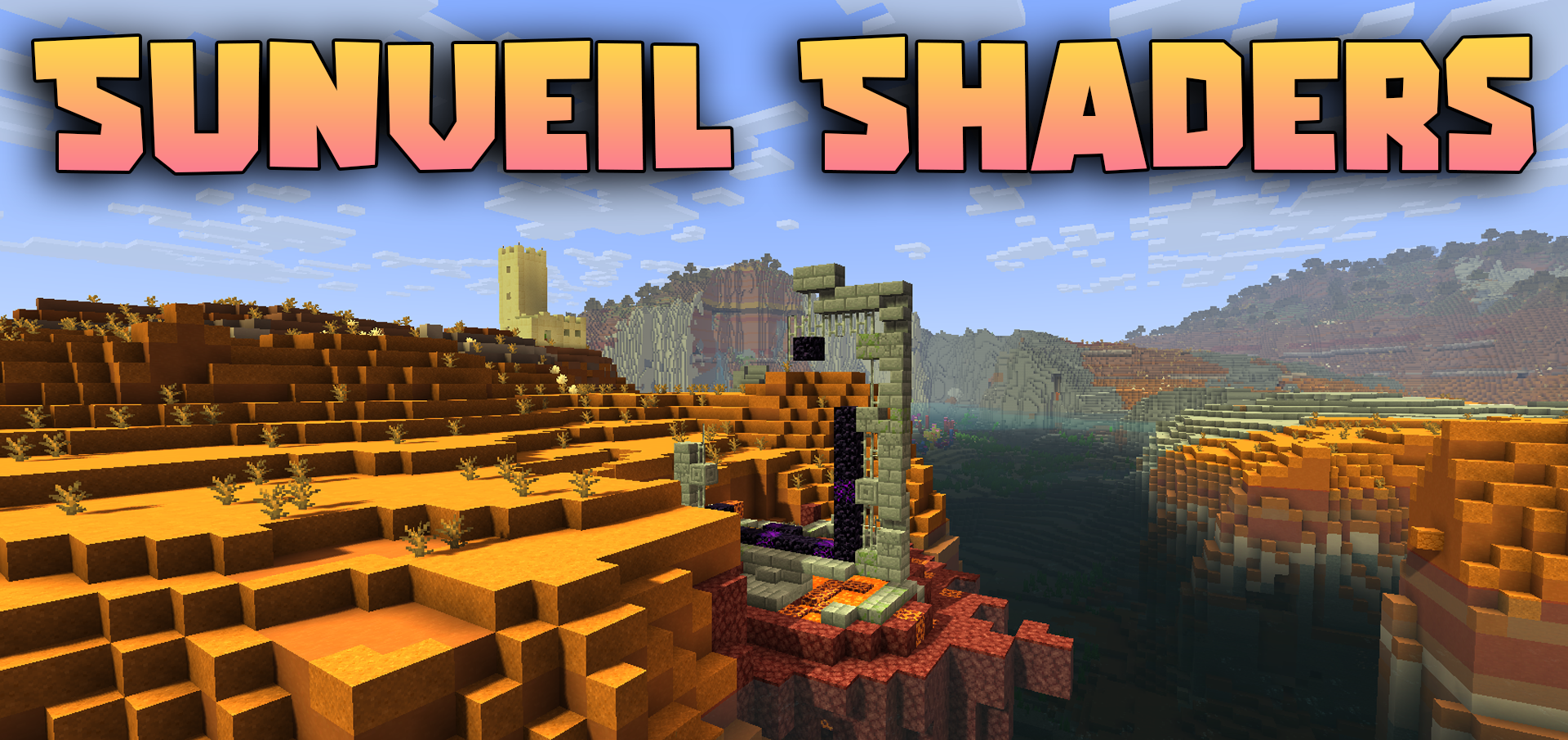
Sunveil Shaders focuses on neat and comfortable lighting without overloading the image with unnecessary effects. The main feature of this shader pack is its dynamic shadows, which change along with the movement of the sun and make the world feel noticeably more alive. At the same time, the shadows do not look harsh, but soft and smooth thanks to edge smoothing and higher-quality filtering.
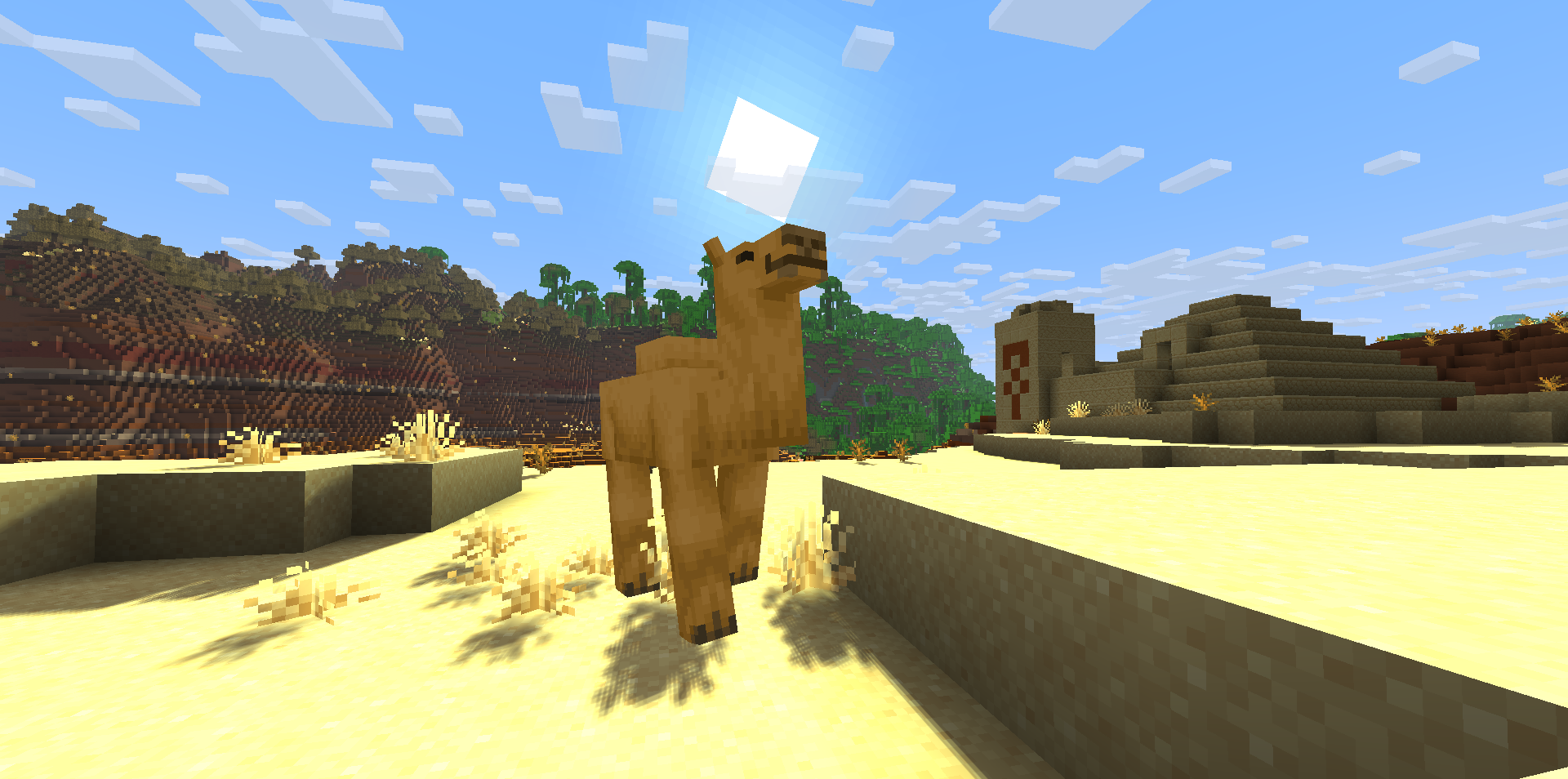
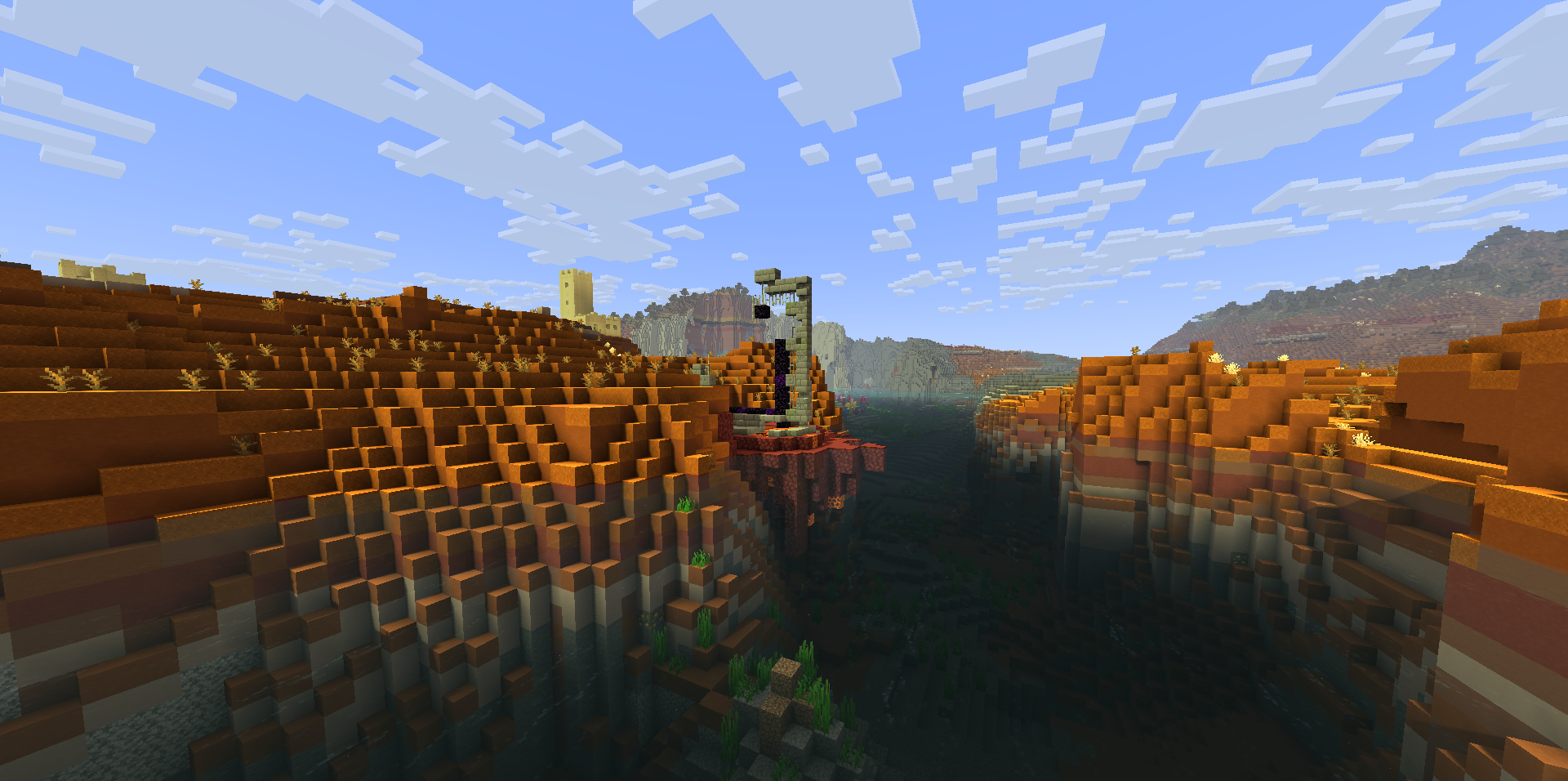
The work with lighting is especially pleasing: the sun rays here are warmer, dark areas remain readable, and light from lanterns does not turn the environment into a sharp contrast between brightness and darkness. The shader creates a pleasant natural image in which the color temperature gradually changes throughout the day, adding depth to the scenes.
How to install a shader:
First step: download the shader package from the link below.
Second step: Unpack the downloaded archive and copy the Sunveil Shaders folder to c:\Users\User\AppData\Roaming\.minecraft\shaderpacks\(if this folder does not exist, create it yourself) (For Windows)
Third step: In the game, go to Settings, then to Graphics Settings. Select the "shaders" section and activate the shader pack of your choice.
Comments (2)