



Trailer Shaders for Minecraft 26.1
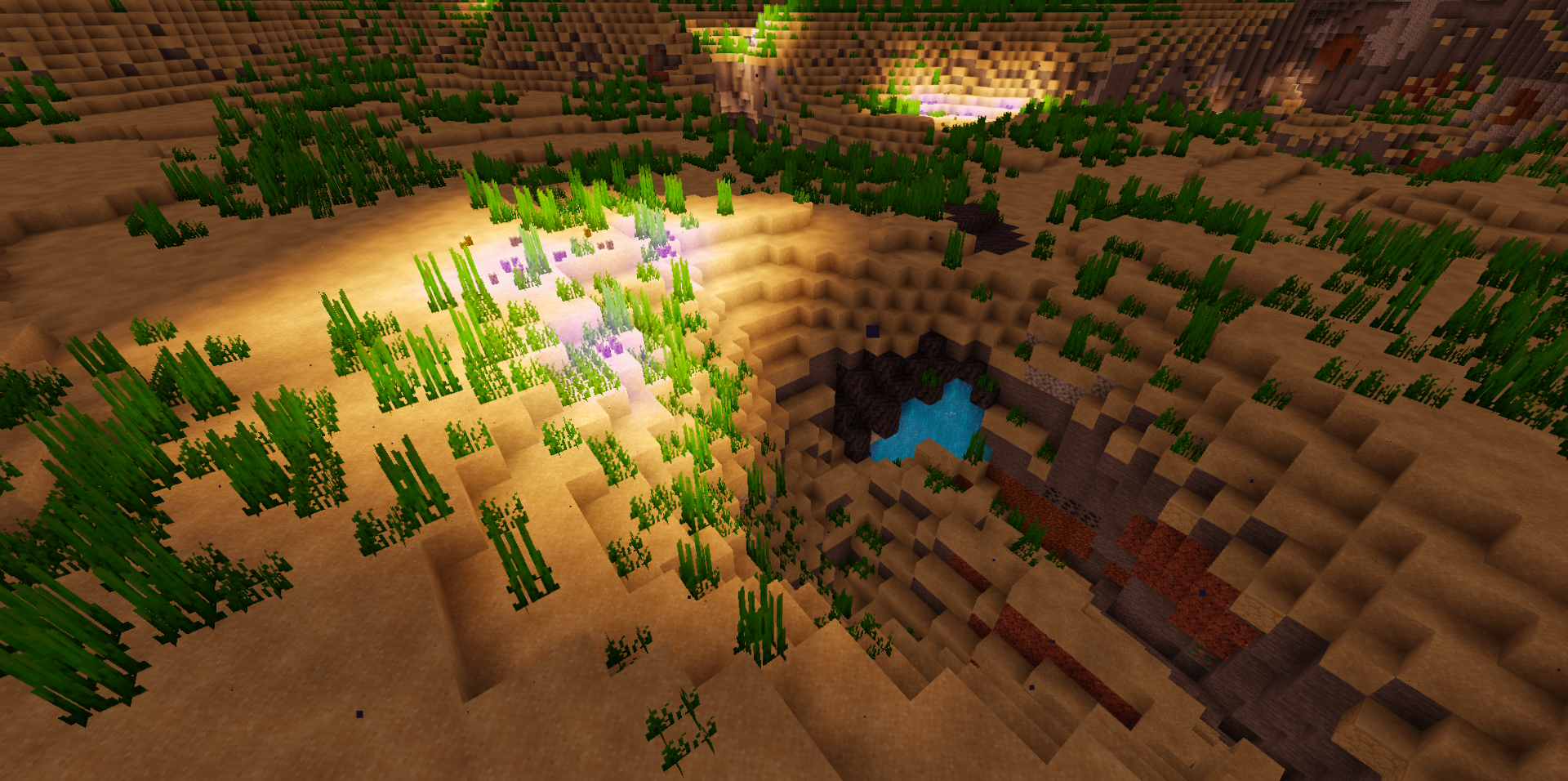
If you need a shader capable of giving Minecraft a striking, almost staged look without heavy technologies and excessive strain, Trailer Shaders looks like a very successful option. It creates its impression not through complex rendering, but through clean work with light, shadows, and color. The soft glow makes the scene more cinematic, while the smooth shadows do not distract from the overall image and look neat even in everyday gameplay.
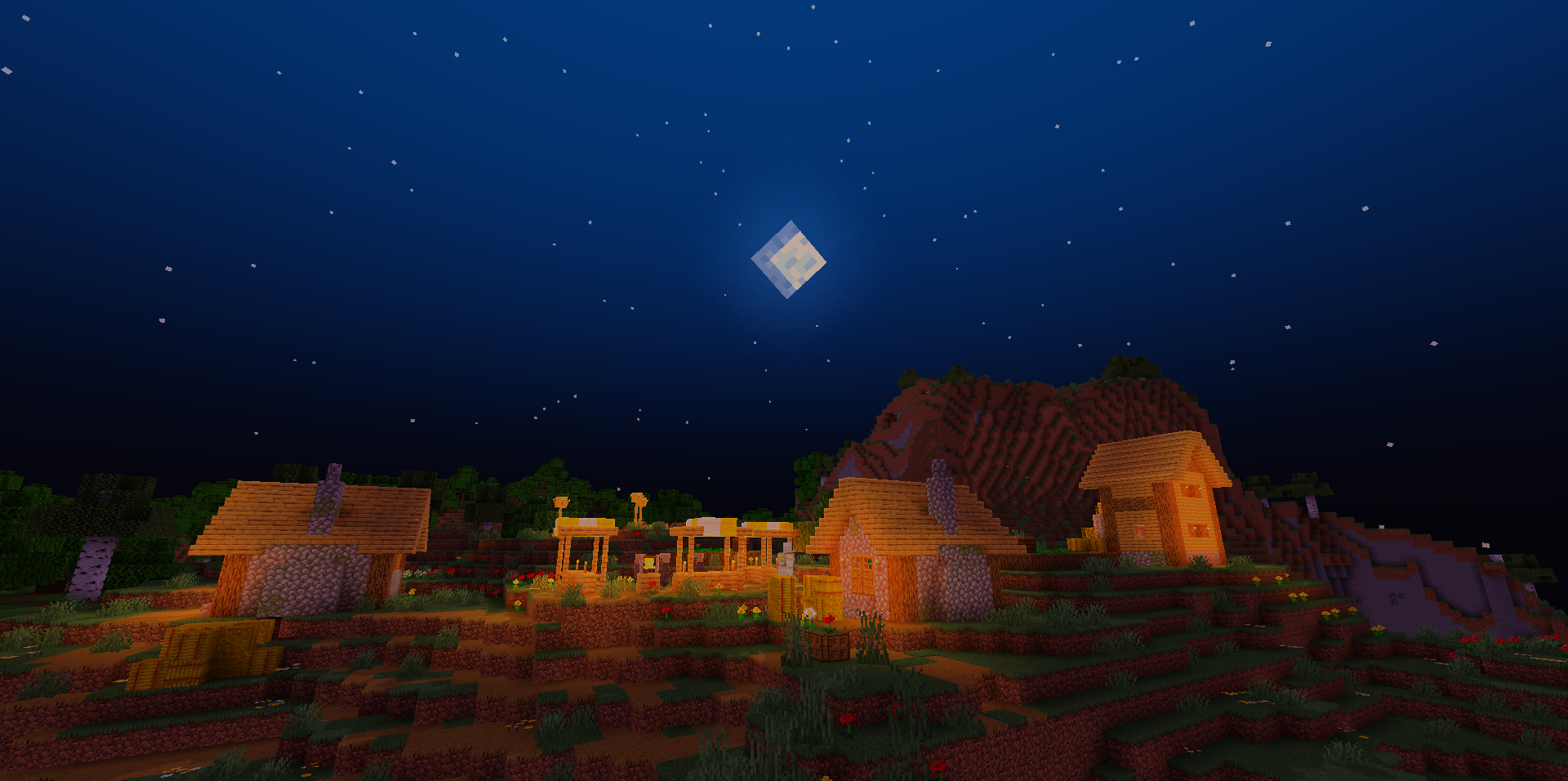
A particularly interesting feature here is the ability to control the red, green, and blue channels separately: because of this, the pack allows you to tailor the mood of the world to your liking — from a warm, cozy palette to a colder and more dramatic one.
How to install a shader:
First step: download the shader package from the link below.
Second step: Unpack the downloaded archive and copy the Trailer Shaders folder to c:\Users\User\AppData\Roaming\.minecraft\shaderpacks\(if this folder does not exist, create it yourself) (For Windows)
Third step: In the game, go to Settings, then to Graphics Settings. Select the "shaders" section and activate the shader pack of your choice.
Comments (0)