



Voyager Shaders for Minecraft 26.1
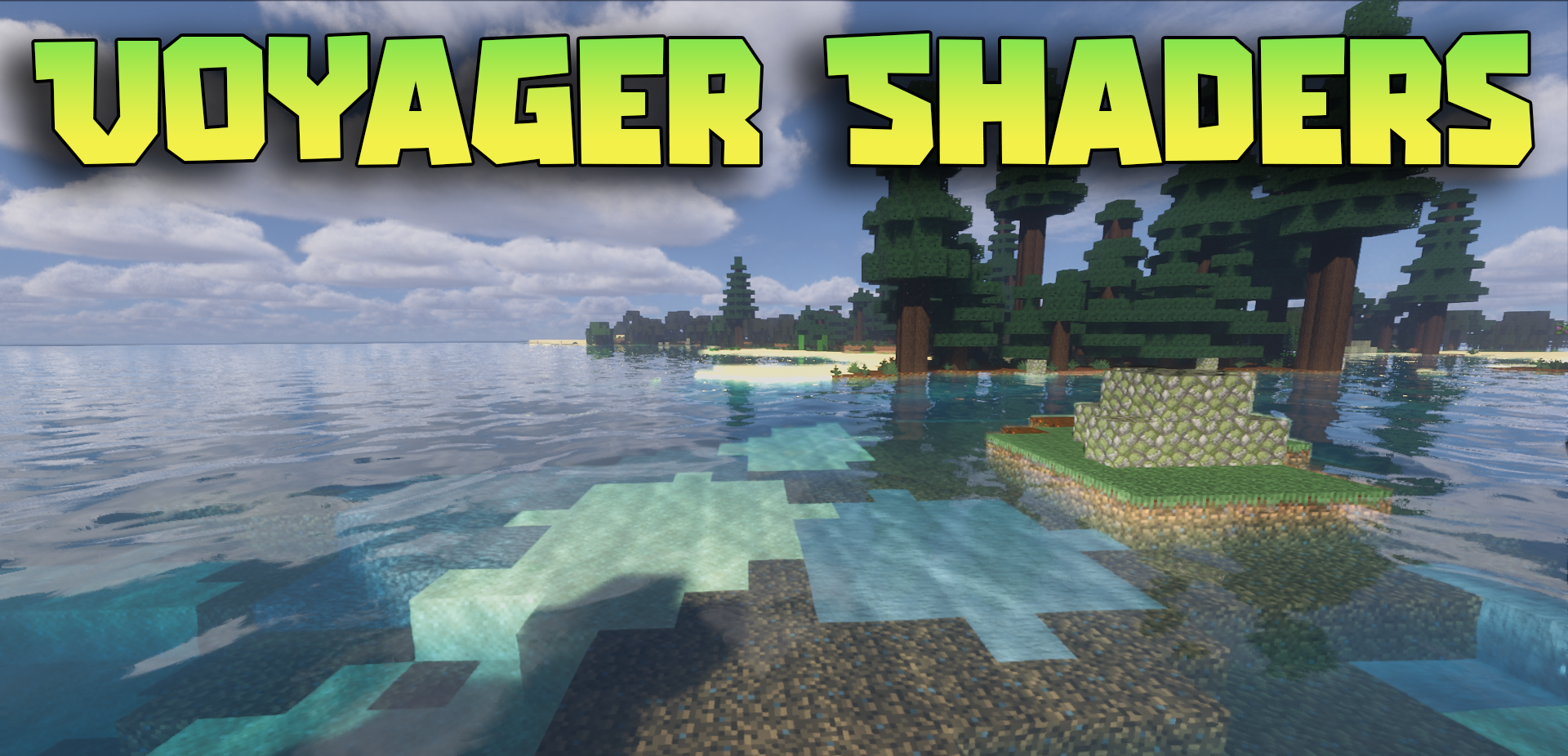
Voyager Shaders is presented as a refined and more mature version of an earlier concept, in which weak points have been corrected and the visual possibilities have been expanded. The main impression it leaves is a striving for realism without leaning too far into excessive heaviness or visual noise. This shader makes the world cleaner, neater, and more polished without turning every scene into a showcase of special effects.
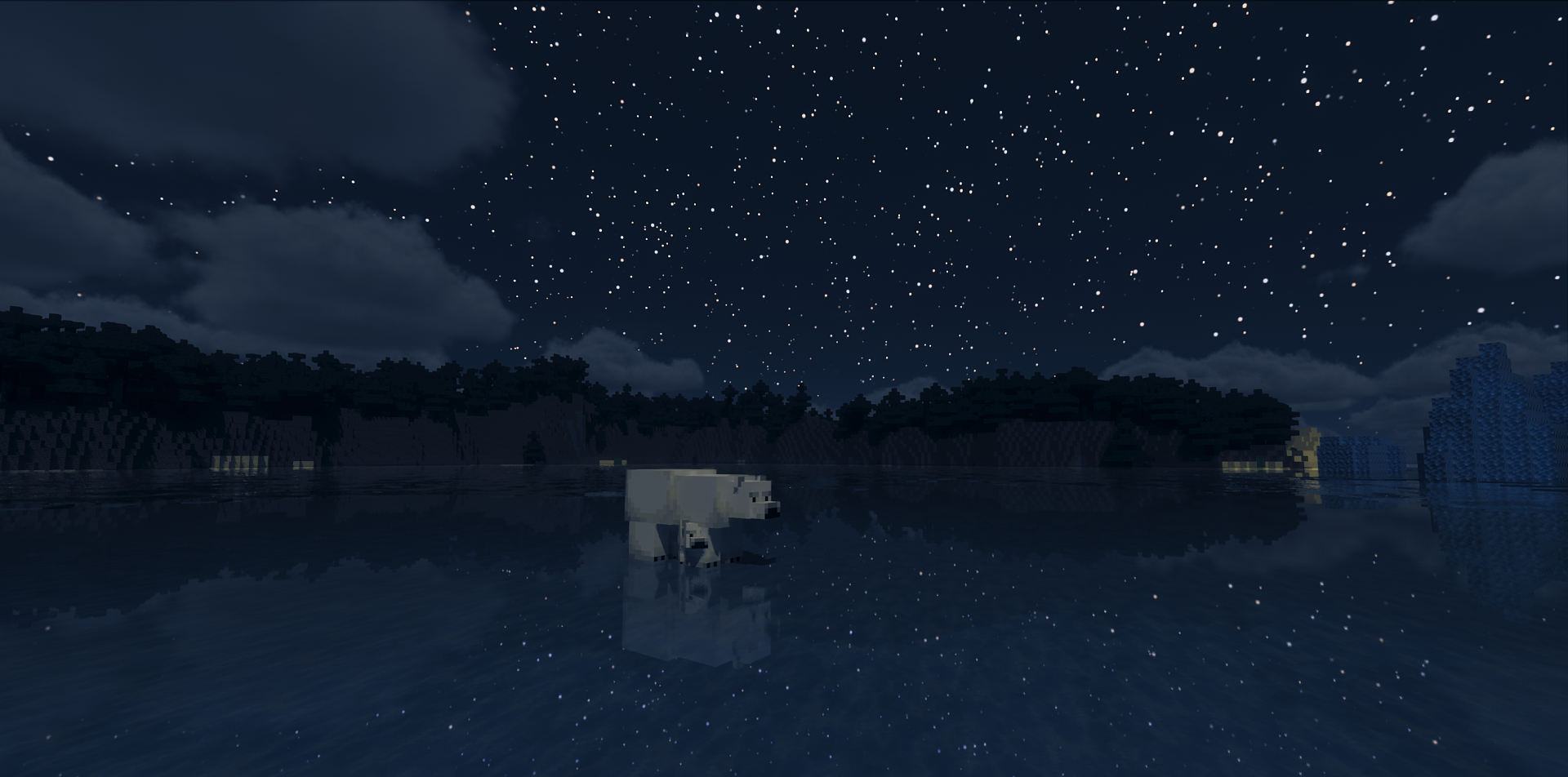
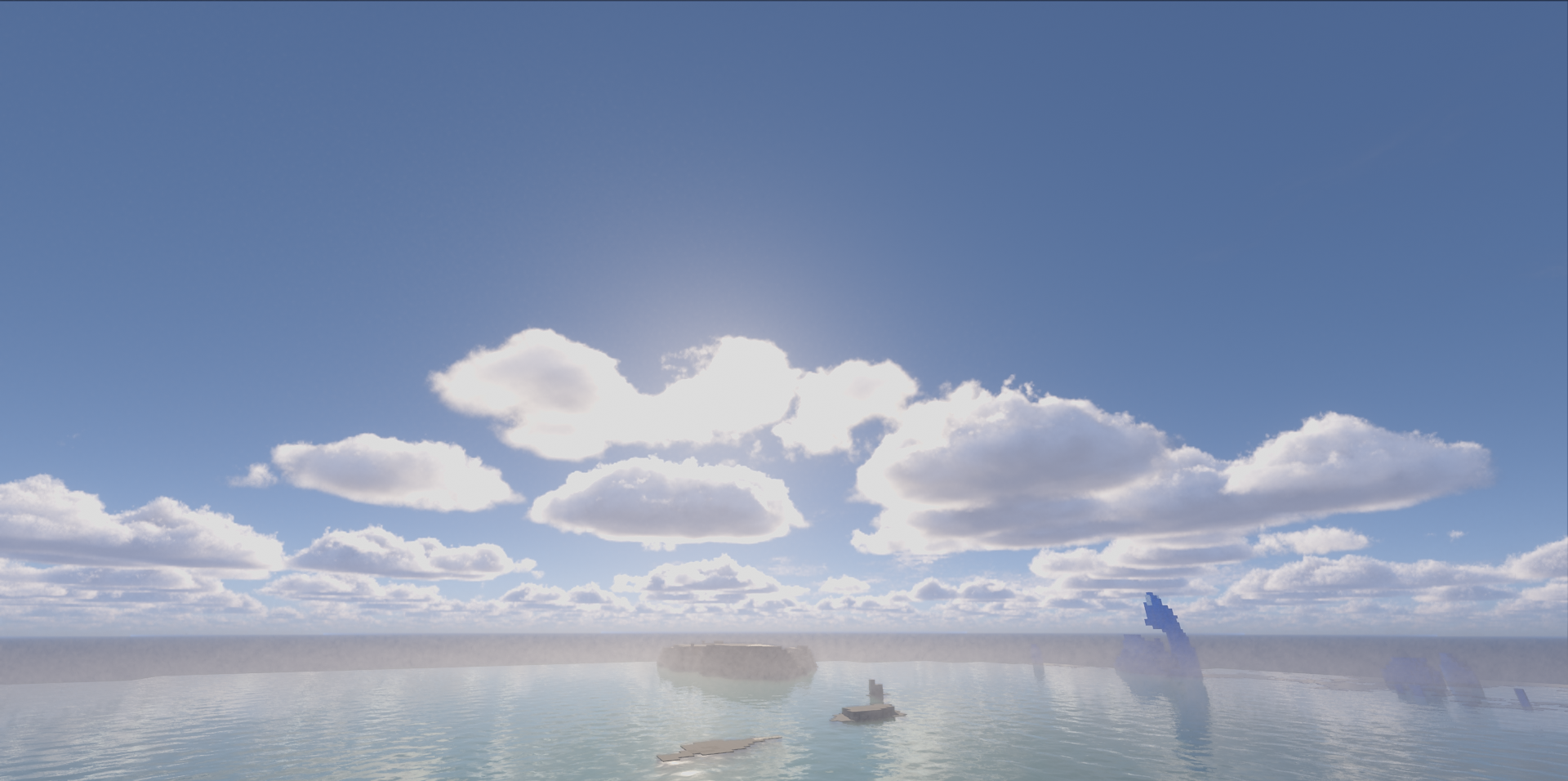
It suits those who want modern graphics while also valuing the cohesion of the image. The realism here is felt in the overall lighting, the depth of the environment, and the more thoughtful presentation of details, rather than only in isolated effects meant for a wow reaction.
How to install a shader:
First step: download the shader package from the link below.
Second step: Unpack the downloaded archive and copy the Voyager Shaders folder to c:\Users\User\AppData\Roaming\.minecraft\shaderpacks\(if this folder does not exist, create it yourself) (For Windows)
Third step: In the game, go to Settings, then to Graphics Settings. Select the "shaders" section and activate the shader pack of your choice.
Comments (0)