



Zayko Shaders for Minecraft 26.1
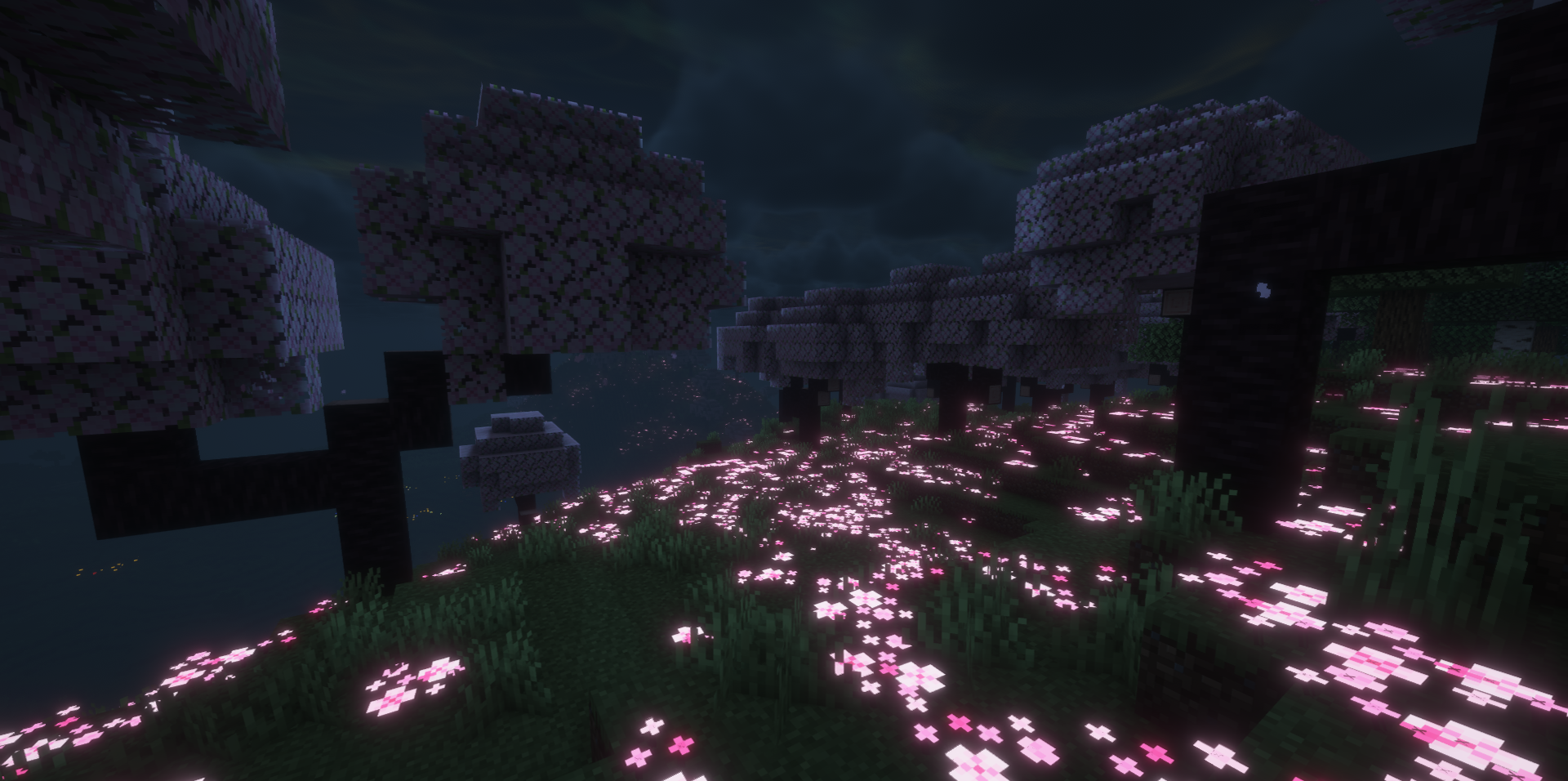
Zayko Shaders looks like a shader pack for those who value not only a beautiful image, but also freedom of customization. Its strong side is the combination of quality, optimization, and flexibility. It includes support for PBR effects and emissive textures for blocks, items, and mobs, thanks to which the world can look noticeably richer and more modern.
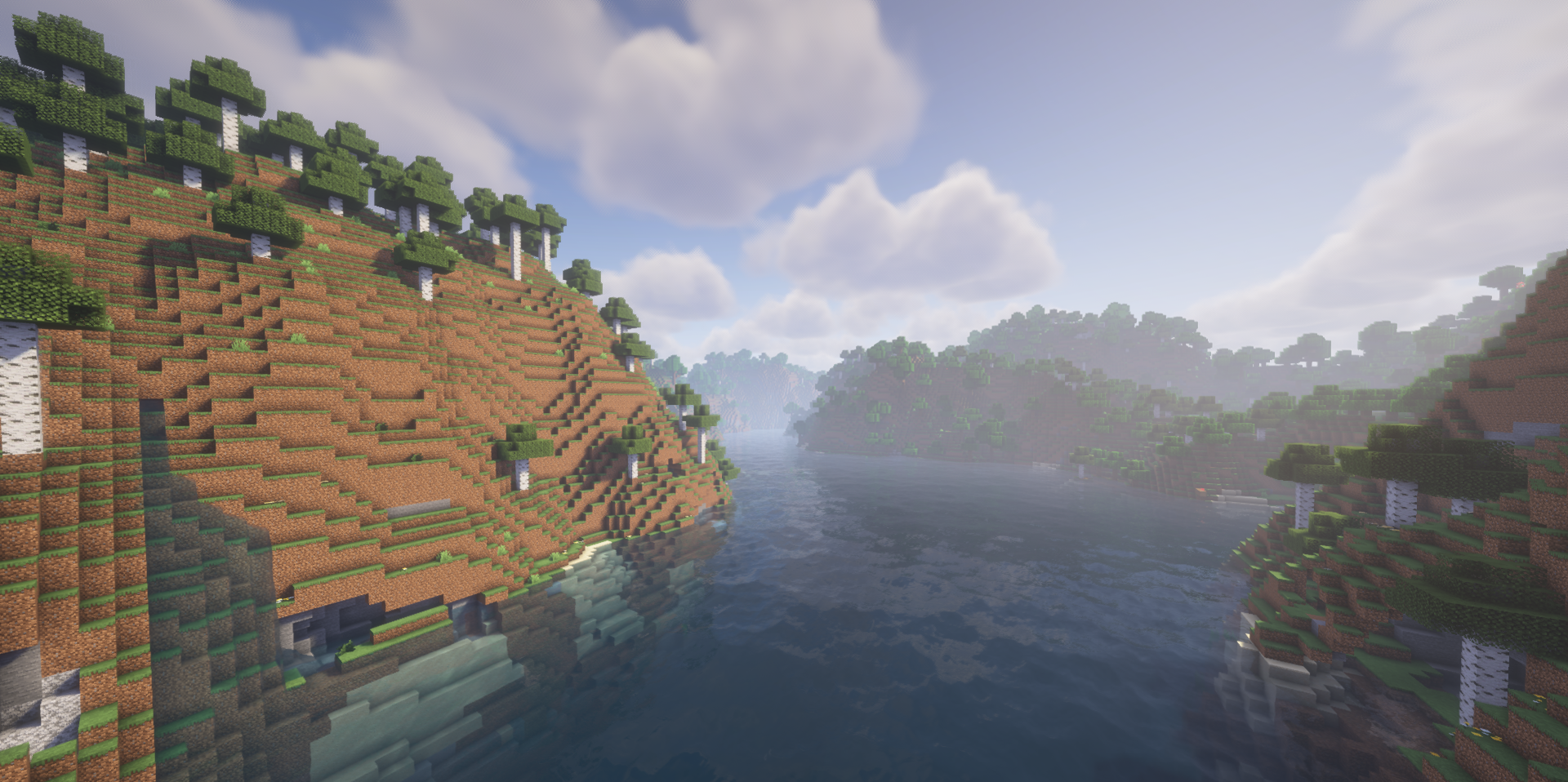
The pack does not force the player into one predetermined scenario: a wide range of presets, from very low to ultra settings, allows the shader to be adjusted for different systems and personal preferences. That is exactly why it is appealing both to those looking for a balanced option for regular gameplay and to those who want to get the maximum out of a powerful PC.
How to install a shader:
First step: download the shader package from the link below.
Second step: Unpack the downloaded archive and copy the Zayko Shaders folder to c:\Users\User\AppData\Roaming\.minecraft\shaderpacks\(if this folder does not exist, create it yourself) (For Windows)
Third step: In the game, go to Settings, then to Graphics Settings. Select the "shaders" section and activate the shader pack of your choice.
Comments (1)