



Minecraft 26.4 Snashot 7 Java Edition Download (Overview)
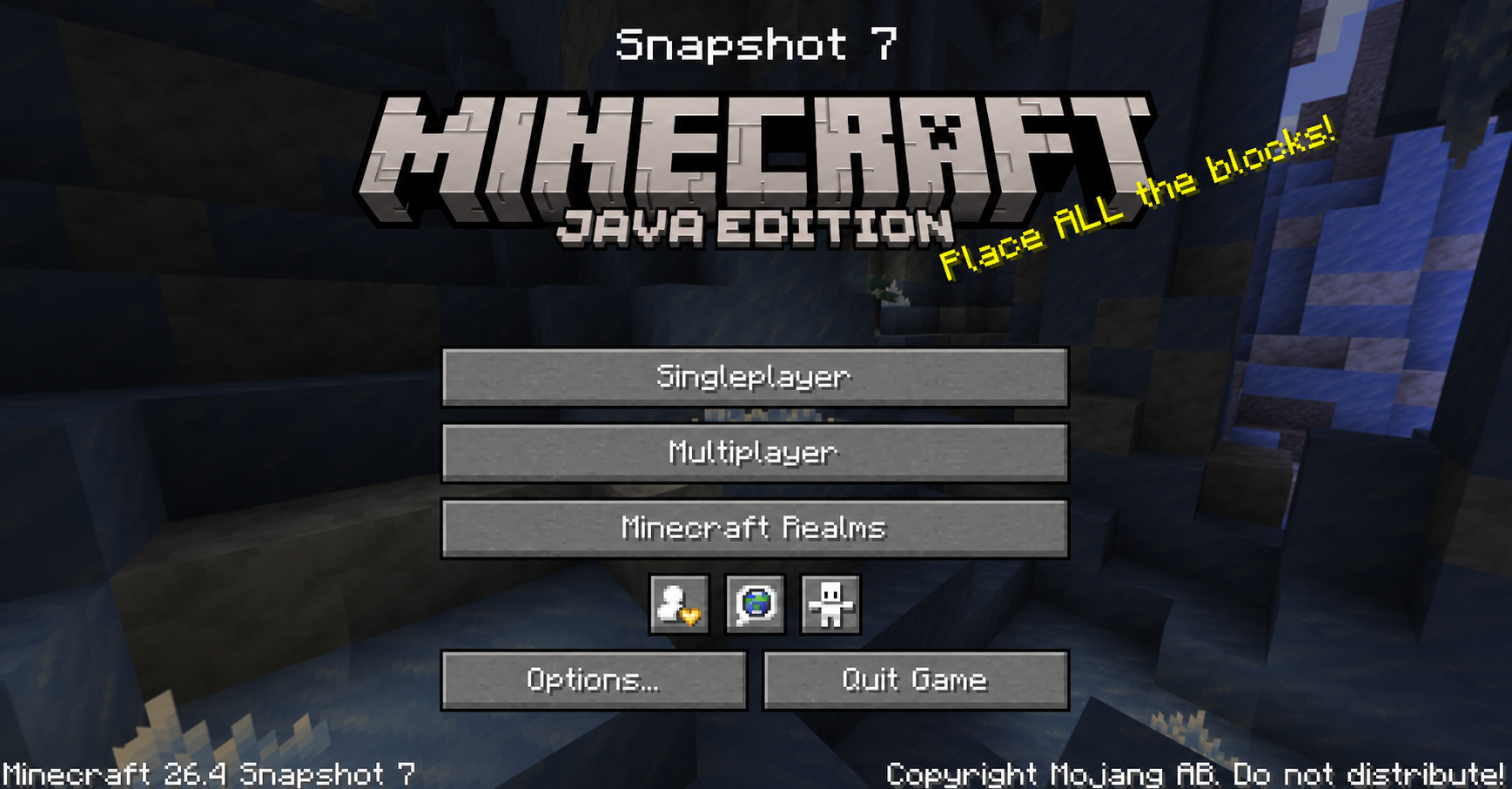
26.4 Snapshot 7 was released on November 3, 2026. It expanded the range of building materials with a new set of calcite blocks and added a music disc called "flurry" to the game's collection. The developers also introduced a block connected to the Sift and updated the main menu panorama. This overview covers all the new features and changes.
Contents:
1 New Blocks and Items
2 Changes
3 Bug Fixes
4 How to Install the Snapshot
5 Download Links
New Blocks and Items
The snapshot expands the ways you can use calcite in construction by adding several new variants of the material. Regular calcite can now be used to craft:
- Calcite Pillar — a decorative block for building.
- Calcite Wall — a wall variant made of calcite.
- Calcite Slab — a half-height building block.
- Calcite Stairs — used for staircases and other structures.
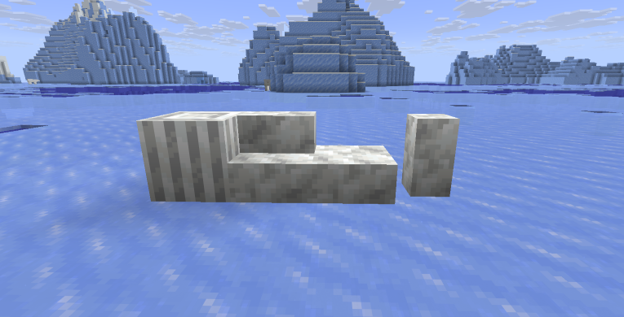
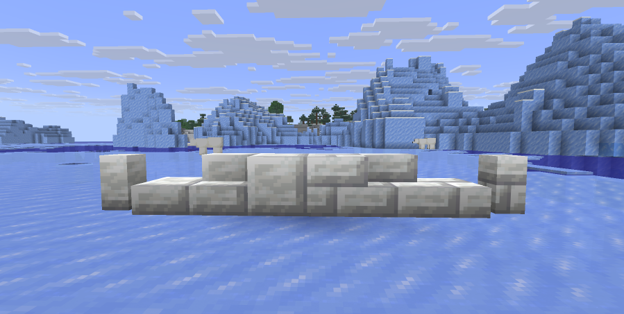
Polished Calcite and Polished Calcite Bricks have also been added. Both materials come in slab, stair, and wall variants. Polished Calcite is crafted from four regular calcite blocks, while the bricks require four blocks of Polished Calcite. You can make the new variants using either a crafting table or a stonecutter.
Chiseled Soulshale has been added as a new decorative block depicting a Singer. It can be found in chests in ancient cities. At present, the block is not available in the Creative inventory.
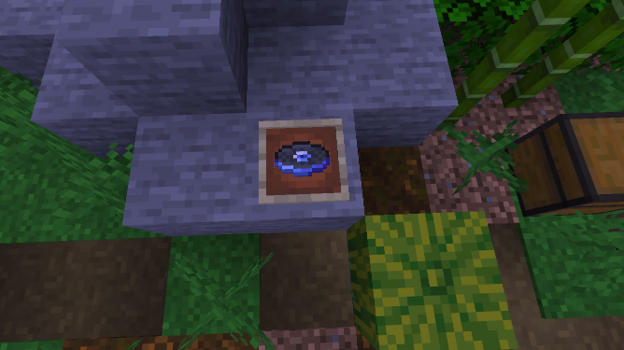
New "Flurry" Music Disc. The music collection now includes a disc featuring a track by Hyper Potions. It can be found in a chest in an igloo basement. When the disc is played in a jukebox, a connected redstone comparator can output a signal strength of 7.
Changes
· Stray Spawning. These mobs can now appear in six biomes: Deep Frozen Ocean, Frozen River, Frozen Peaks, Frozen Ocean, Snowy Slopes, and Jagged Peaks.
· Zombie and Skeleton Conversion. Wearing any piece of leather armor now prevents zombies from turning into Frostbites and skeletons from turning into Strays.
· New Parrot Sounds. Parrots can now imitate the sounds made by Frostbites.
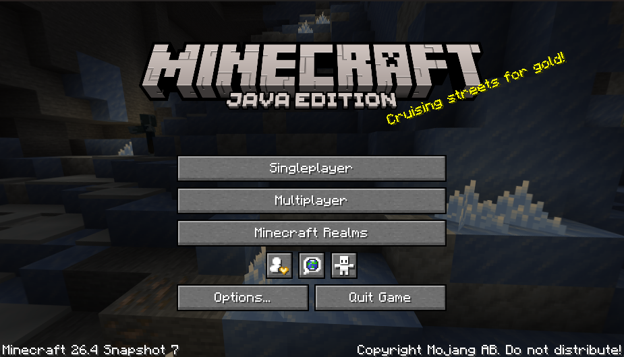
· New Panorama. When you launch the game, you will see an updated panorama in the main menu, now reflecting the content of the update.
Bug Fixes
The developers fixed 53 bugs in this update. Here are a few of them:
- Memory Leak — fixed an issue in the Vulkan graphics engine that caused memory usage to increase with every rendering pass.
- Incorrect Mob Behavior — fixed an issue that caused mobs to jerk and slide around in crowds when they could not reach the player.
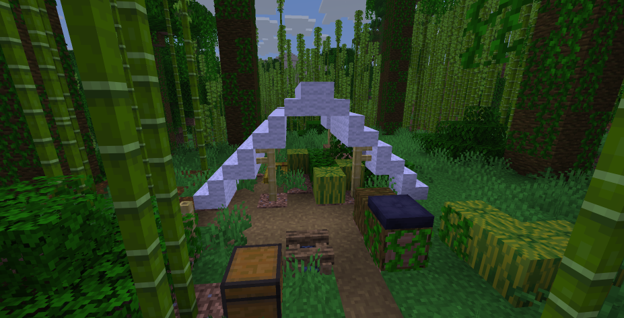
- Abandoned Camp Generation — fixed problems that prevented certain camps from generating correctly and caused trees to appear inside their structures.
- Mob Attack Range — fixed issues that caused trident-wielding Drowned and Snow Golems to attack from shorter distances than intended.
- Game Display Issues — fixed jerky mob movement that appeared after changes to the interpolation system in version 26.3.
Installation
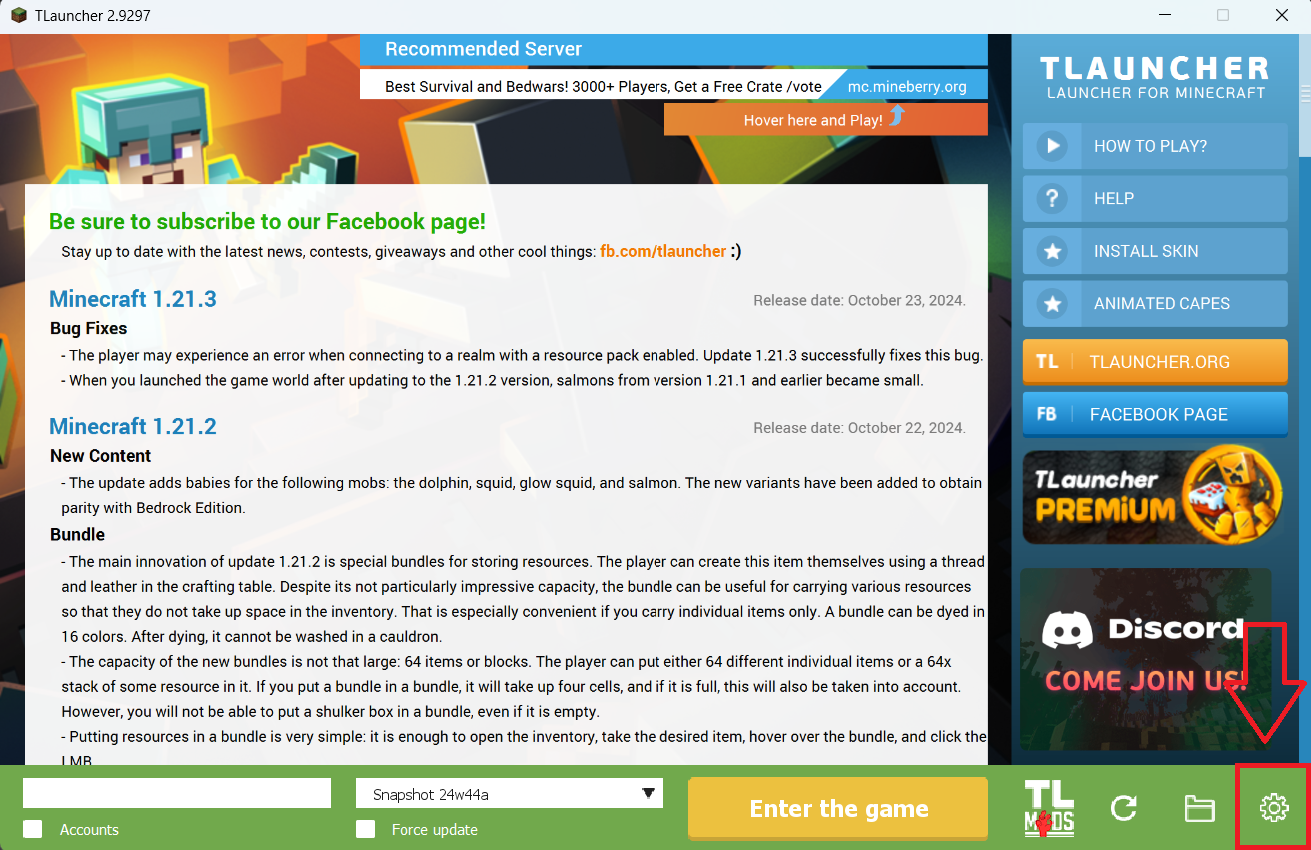
Step 1. Open TLauncher and go to the Settings tab by clicking the gear icon in the lower right corner.
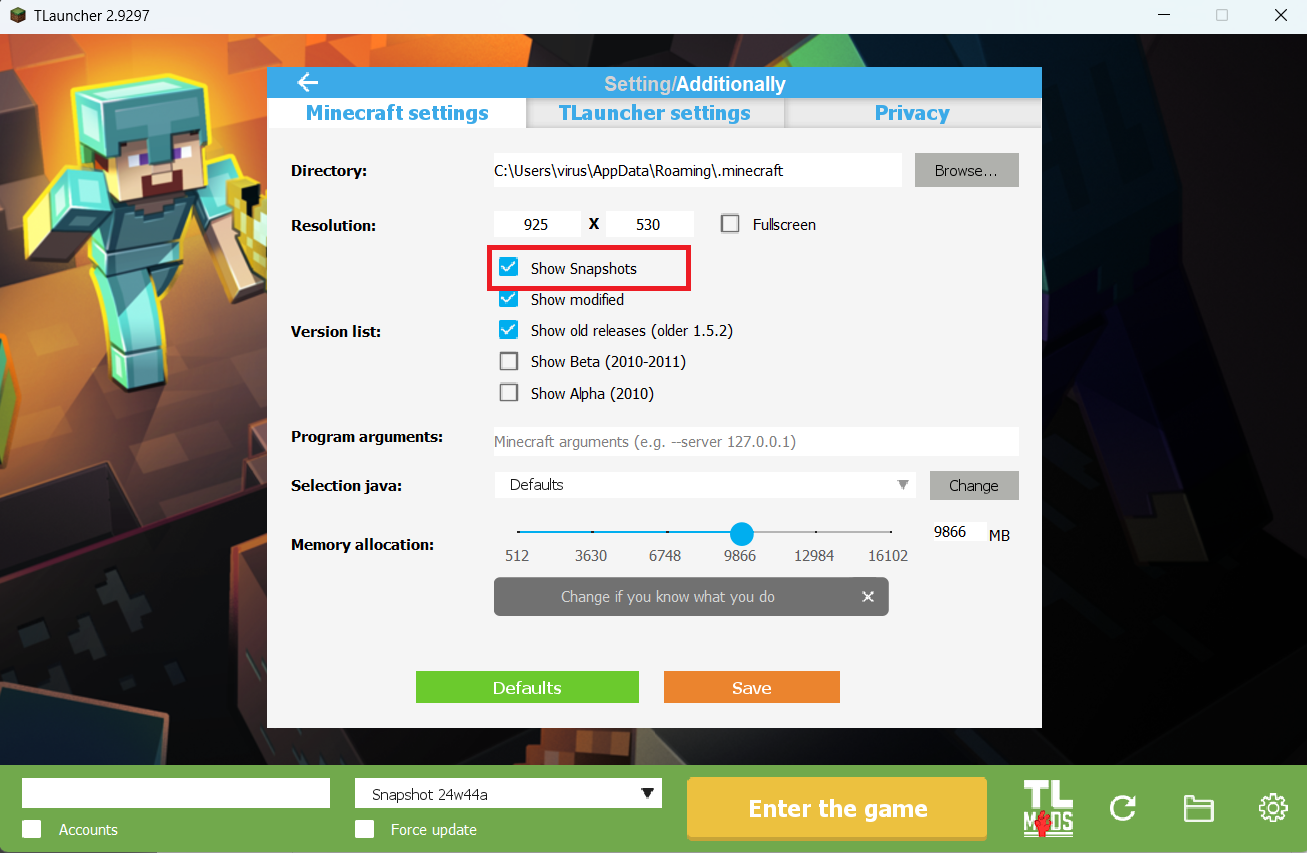
Step 2. Select the Display Snapshots checkbox, and do not forget to save the changes by clicking the appropriate button at the bottom.
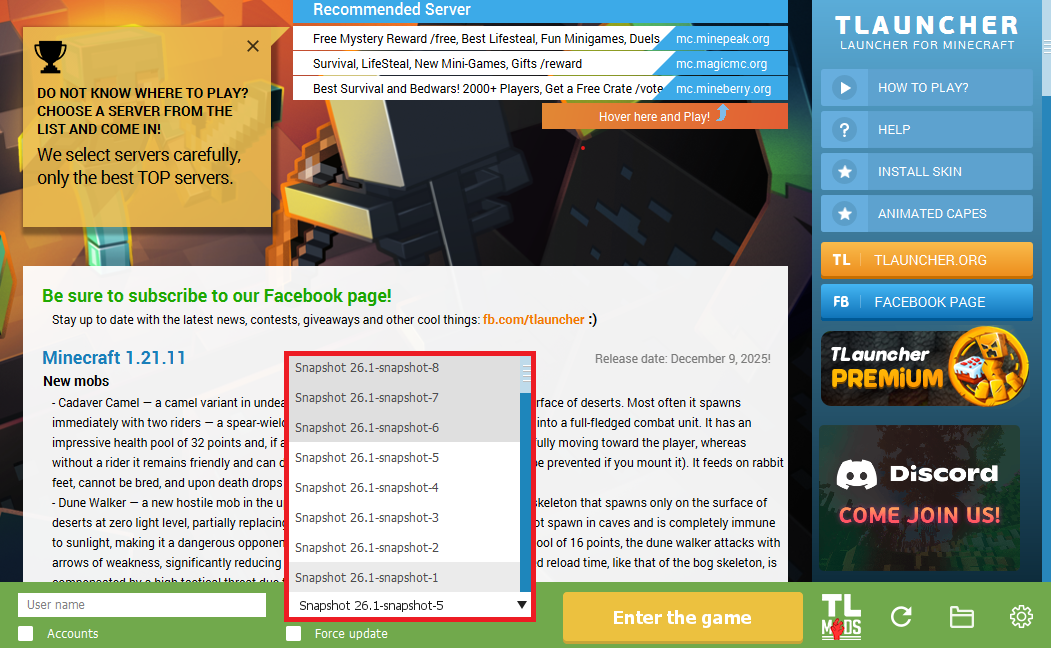
Step 3. On the main screen of TLauncher, open the version selection tab, select the desired snapshot, and click 'Install' or 'Launch the Game' if the snapshot is already installed.
Download Links
26.4 Snapshot 7 is out!
Previous snapshots:
The latest version of the game:
Comments (0)