



Who Am I? for Minecraft 1.21.11

Sometimes even small interface details can affect the comfort of gameplay, especially when it comes to visual information about the character — this is exactly the small detail that Who Am I? mod improves. It adds the display of the player’s own name tag in several modes. After installation, the character’s name appears directly on the inventory screen.
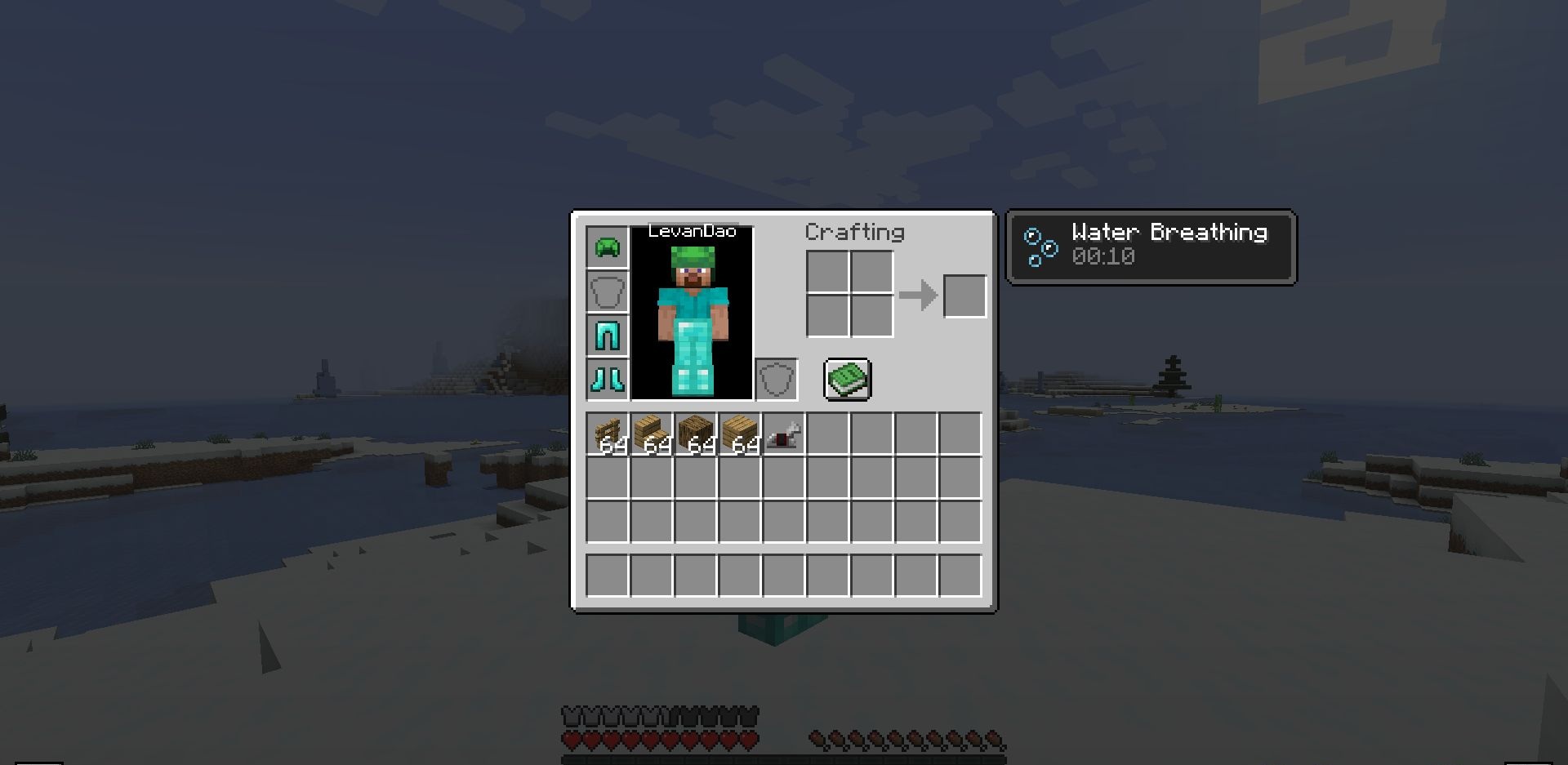
This allows the player to see their own tag even while managing items or crafting new ones. Such a feature may seem simple, but it makes the interface more logical. Additionally, the player’s tag is also displayed when using the third-person camera.

How to install the modification:
First step: download and install Fabric и Fabric API.
Second step: download the mod file.
Third step: copy Who Am I? mod package to the .minecraft/mods folder (if it does not exist, install Forge again or create it yourself).
Comments (0)