



Enhanced Visuals for Minecraft 26.1
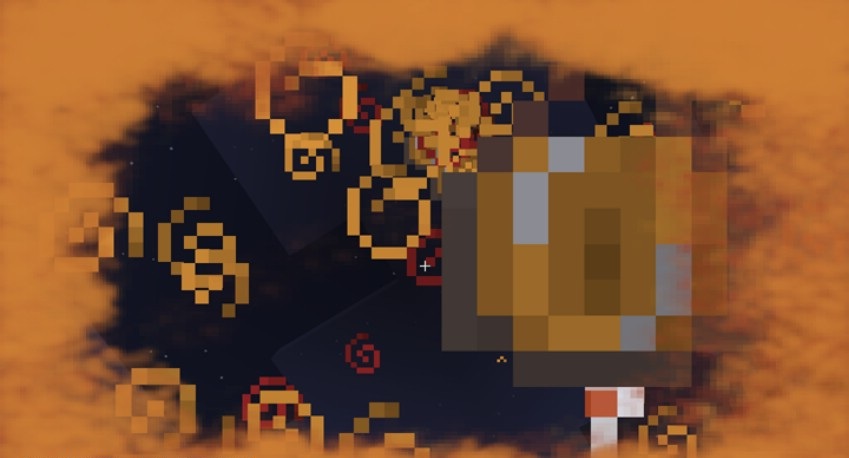
Sometimes Minecraft lacks spectacle in those moments that are supposed to feel tense. That is exactly what Enhanced Visuals fixes. The mod adds visual effects to the screen related to the character’s condition and the events happening around them. At low health, the image begins to pulse alarmingly in red, and negative effects such as poison tint the picture in the corresponding shades.
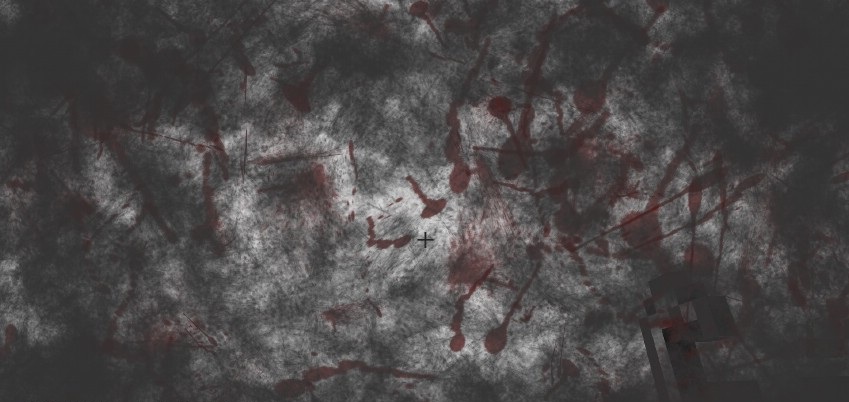
Even encounters with dangerous creatures begin to feel sharper, because the game conveys the sense of threat better. The add-on does not change the balance, does not touch the combat system, and does not add new items, but at the same time it noticeably affects the perception of what is happening.
How to install the modification:
First step: download and install Fabric и Fabric API.
Second step: download the mod file.
Third step: copy Enhanced Visuals mod package to the .minecraft/mods folder (if it does not exist, install Forge again or create it yourself).
Comments (0)