



Hide Hands for Minecraft 26.1
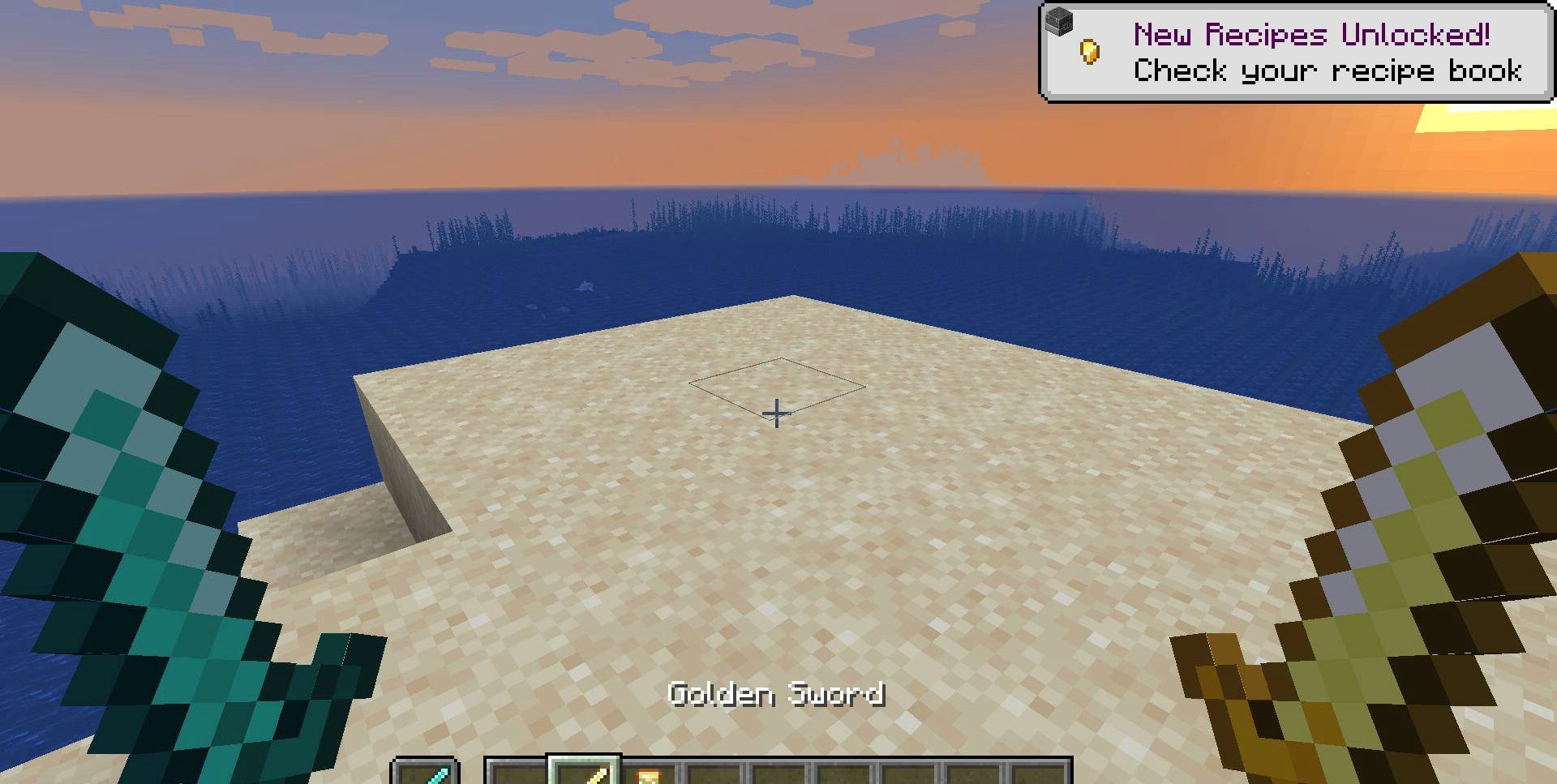
Sometimes, for comfortable gameplay, you do not need large-scale mechanics, new blocks, or crowds of mobs — a small but precise interface adjustment is enough. That is exactly how Hide Hands works. It is an extremely minimalistic mod that allows you to hide the main hand, the off-hand, or both at once if they interfere with the view and spoil the visual experience.
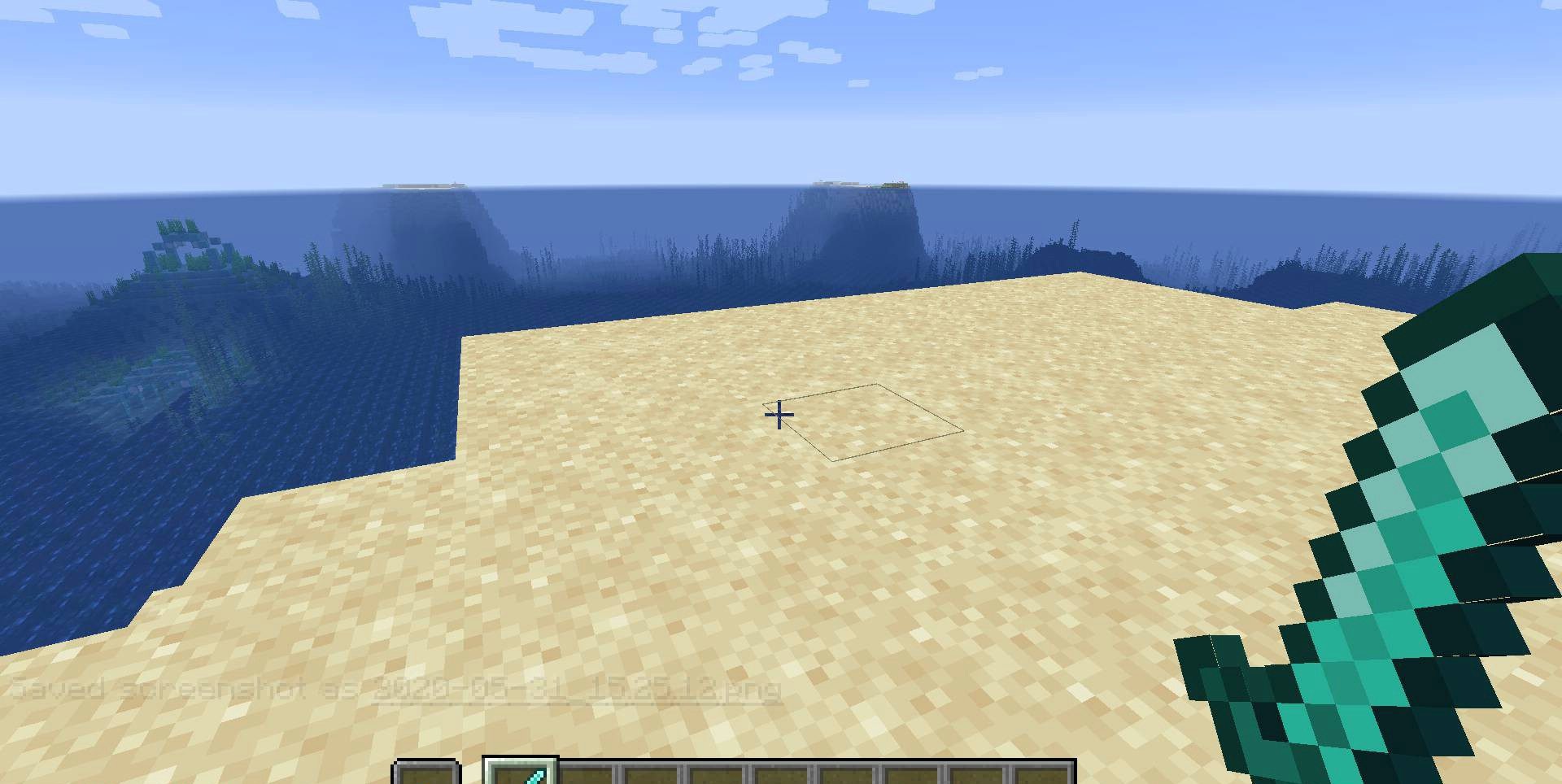
This is useful in situations when a torch, a Totem of Undying, or another item is constantly sticking into the frame and distracting from the surroundings. Thanks to such flexibility, the mod is equally well suited both for those who want to make the picture cleaner and for those who simply want a neater first-person view.
How to install the modification:
First step: download and install Fabric и Fabric API.
Second step: download the mod file.
Third step: copy Hide Hands mod package to the .minecraft/mods folder (if it does not exist, install Forge again or create it yourself).
Comments (0)