



Smooth Gui for Minecraft 26.1
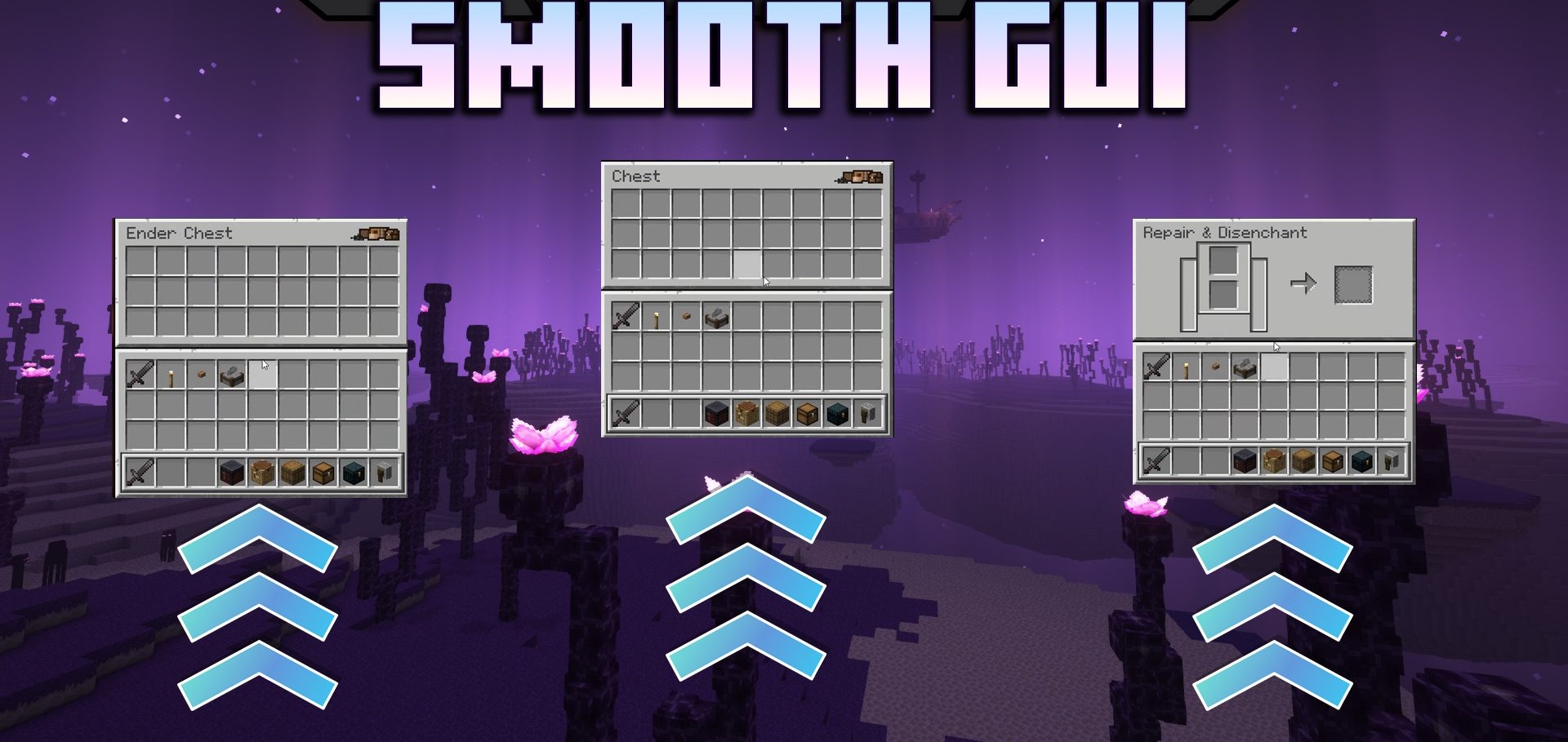
The interface in Minecraft usually works quickly, but rather abruptly, which makes transitions between menus look a bit rough. Smooth Gui fixes this with smooth animations for the appearance of the graphical interface. Every time a menu, inventory, or another window is opened, it begins to feel softer and more pleasant, because the elements do not appear instantly, but fade in neatly on the screen.
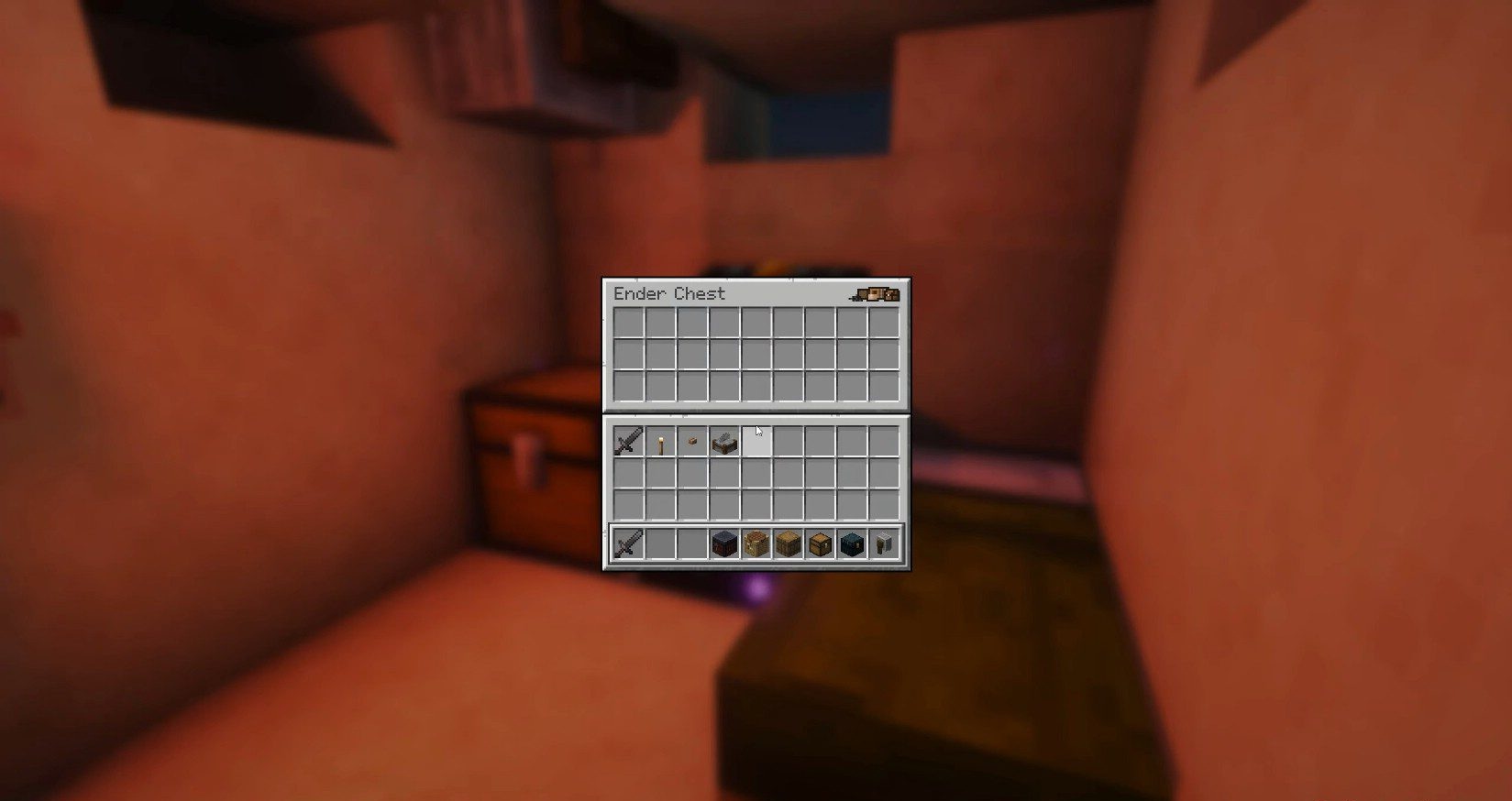
This change may seem small, but it is exactly such details that often affect the overall feel of the game. The interface becomes visually more modern, and interacting with it becomes more comfortable, especially if the player often works with menus, chests, or settings.
How to install the modification:
First step: download and install Fabric и Fabric API.
Second step: download the mod file.
Third step: copy Smooth Gui mod package to the .minecraft/mods folder (if it does not exist, install Forge again or create it yourself).
Comments (0)