



Debug Stick for Minecraft Pocket Edition 1.21
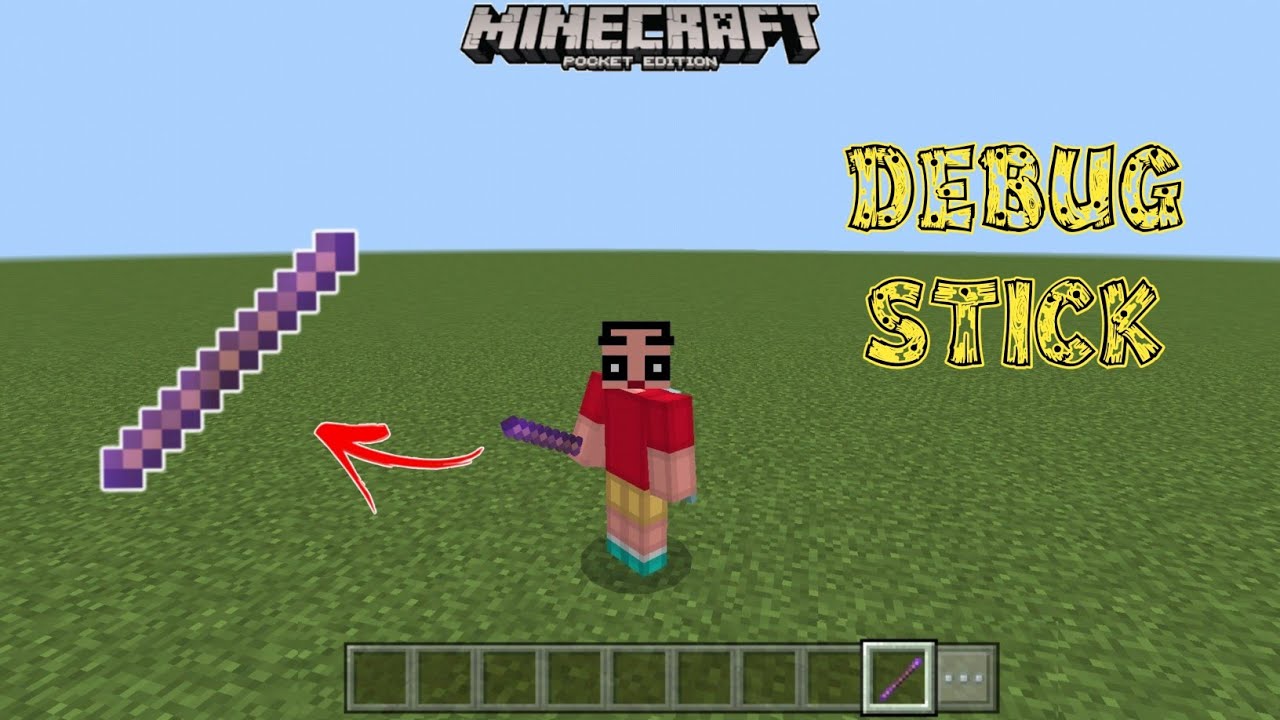
Tools for experimenting with blocks appear in Minecraft PE thanks to Debug Stick mod. It brings a special debug stick into the game that allows the properties of various blocks to be changed. It is enough to touch a block with this tool to switch its state. For example, you can make a chest waterlogged, change the state of a furnace, or make a staircase hang directly in the air.
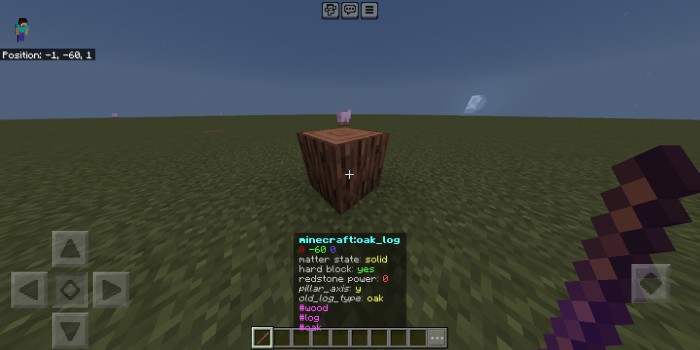
If you hold the button longer, it becomes possible to choose a specific property to change, such as the direction of a block or the type of wood. During use, hints are displayed on the action bar, showing which parameters are being changed.
Installing Debug Stick:
The first step is to run the downloaded file and import the addon/texture into MCPE.
Second step: open Minecraft Pocket Edition and go to the settings of the world.
Third step: install the imported resource sets and add-ons for the world.
Step four: select the imported resource packages/add-on in each section and restart the mobile client.
Comments (0)