



Axolotl Shaders for Minecraft 26.1
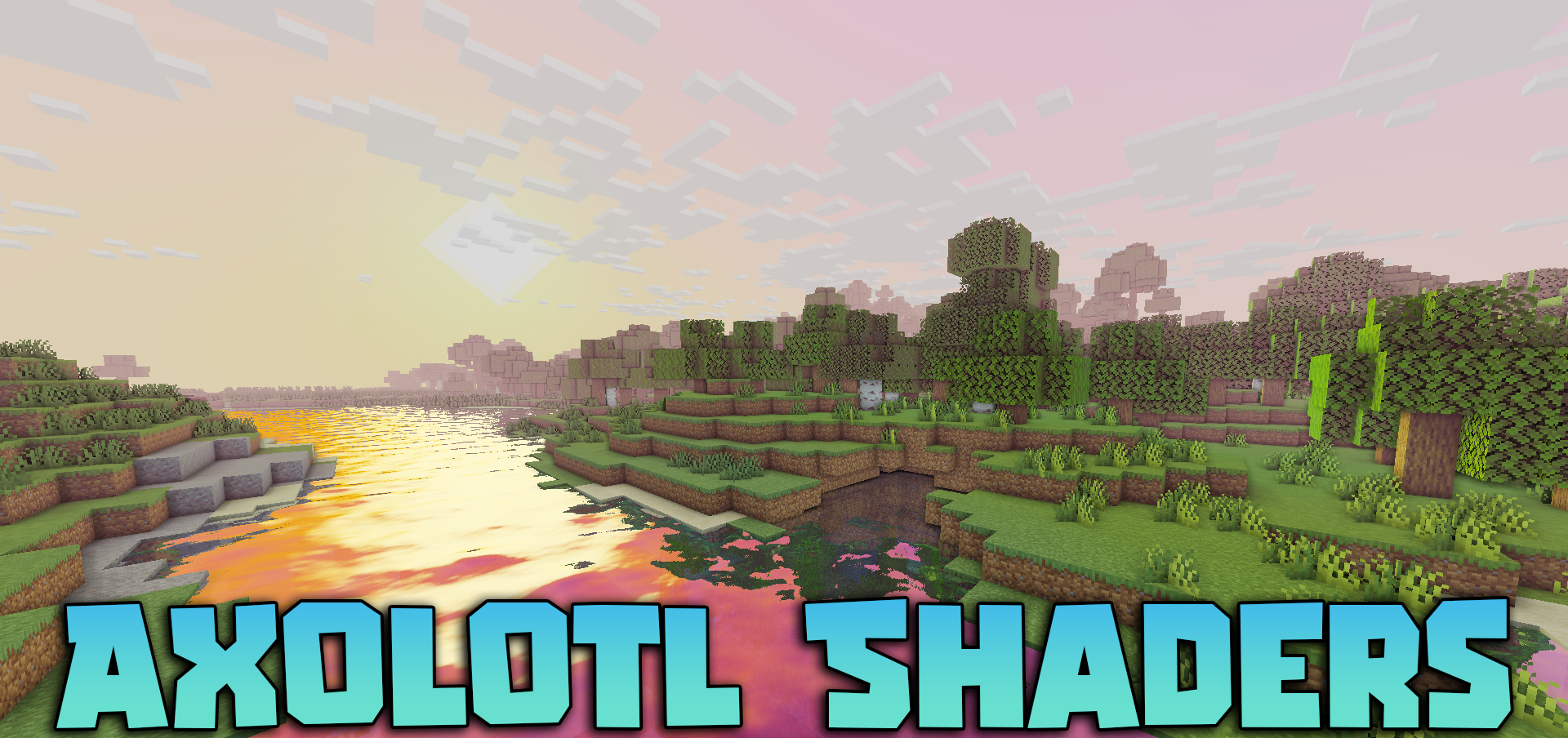
Axolotl Shaders focuses on brightness, clarity, and pleasant image depth. From the very first minutes, it is noticeable that this pack aims to make the world feel more alive through rich, yet not overpowering, colors. The sky looks especially successful here: smooth shade transitions and atmospheric scattering create a sense of volume, while sunlight feels warmer and more natural.
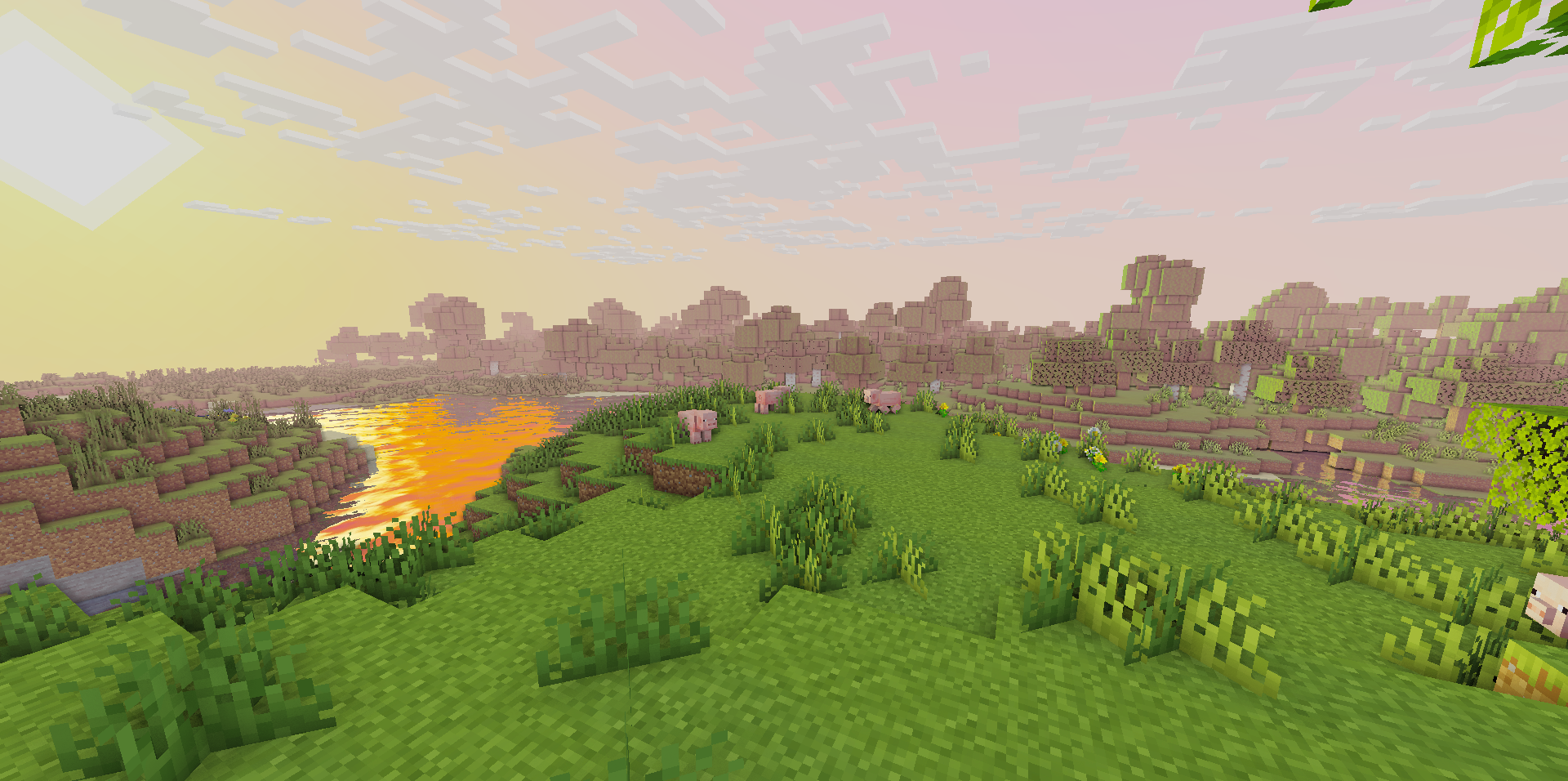
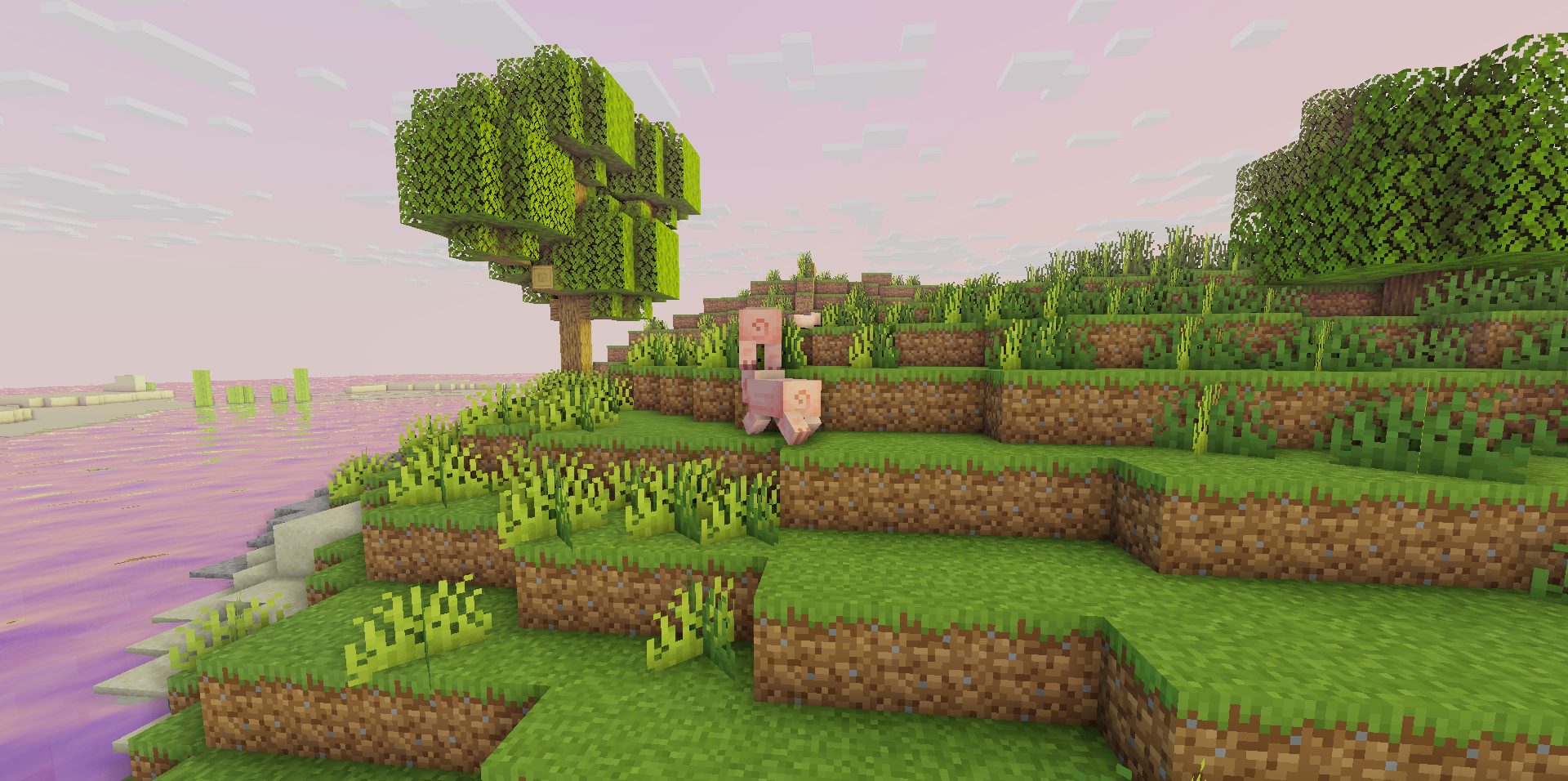
At the same time, the pack does not forget about balance — the image remains expressive, but does not turn into an excessively overexposed show. Fog is used to enhance the depth of the environment, while water receives improved shading and reflections, making landscapes look more cohesive.
How to install a shader:
First step: download the shader package from the link below.
Second step: Unpack the downloaded archive and copy the Axolotl Shaders folder to c:\Users\User\AppData\Roaming\.minecraft\shaderpacks\(if this folder does not exist, create it yourself) (For Windows)
Third step: In the game, go to Settings, then to Graphics Settings. Select the "shaders" section and activate the shader pack of your choice.
Comments (0)