



E-LITE Shaders for Minecraft 26.1
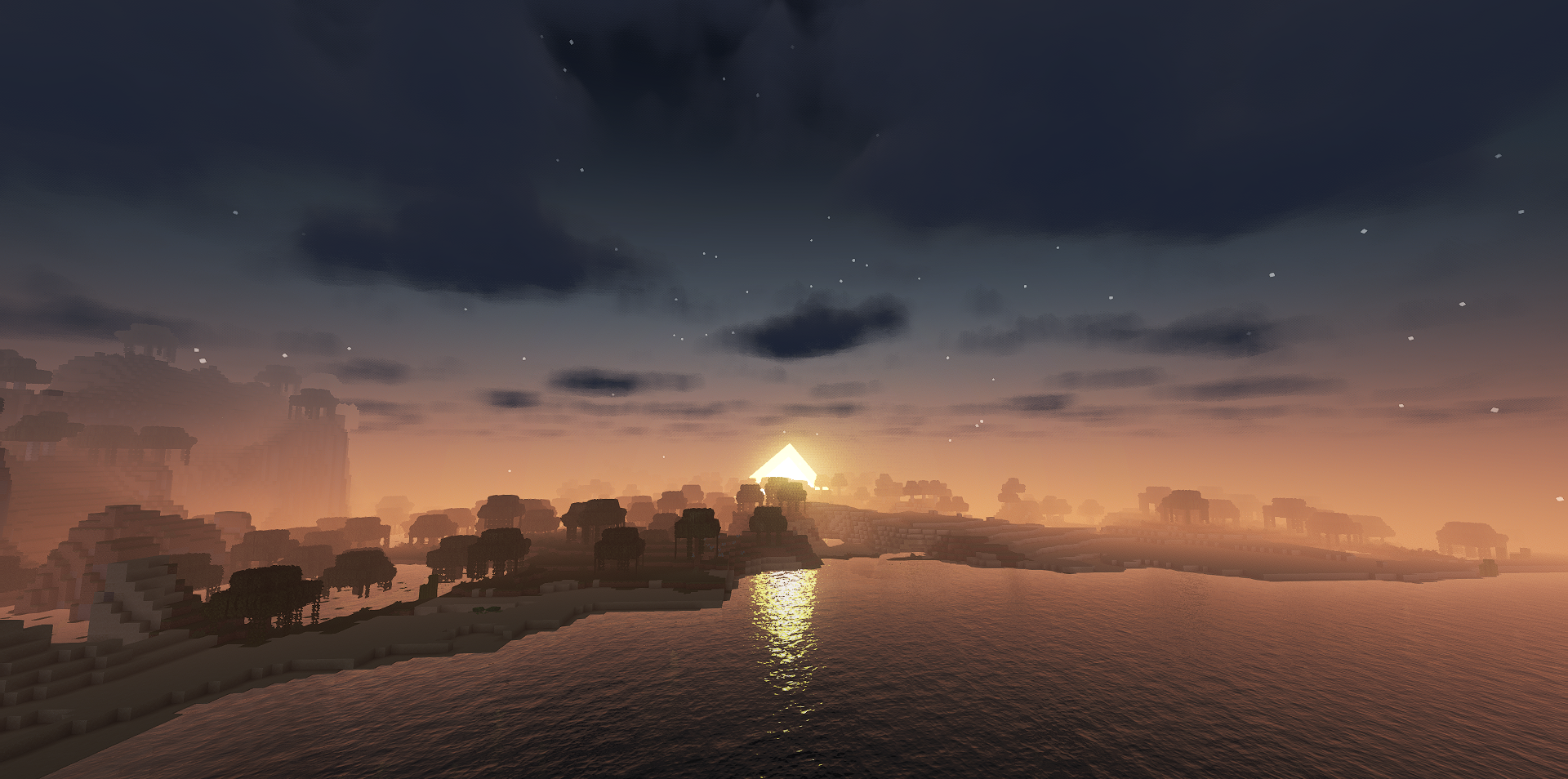
If you need a shader that makes the image noticeably more beautiful without turning performance into a constant compromise, E-LITE Shaders is worth paying attention to. Its strong side is the balance between visual impact and lightness. The pack does not try to overload the screen with an endless number of complex visual solutions, but instead focuses on the most noticeable improvements: shadows, volumetric lighting, reflections, and careful post-processing.
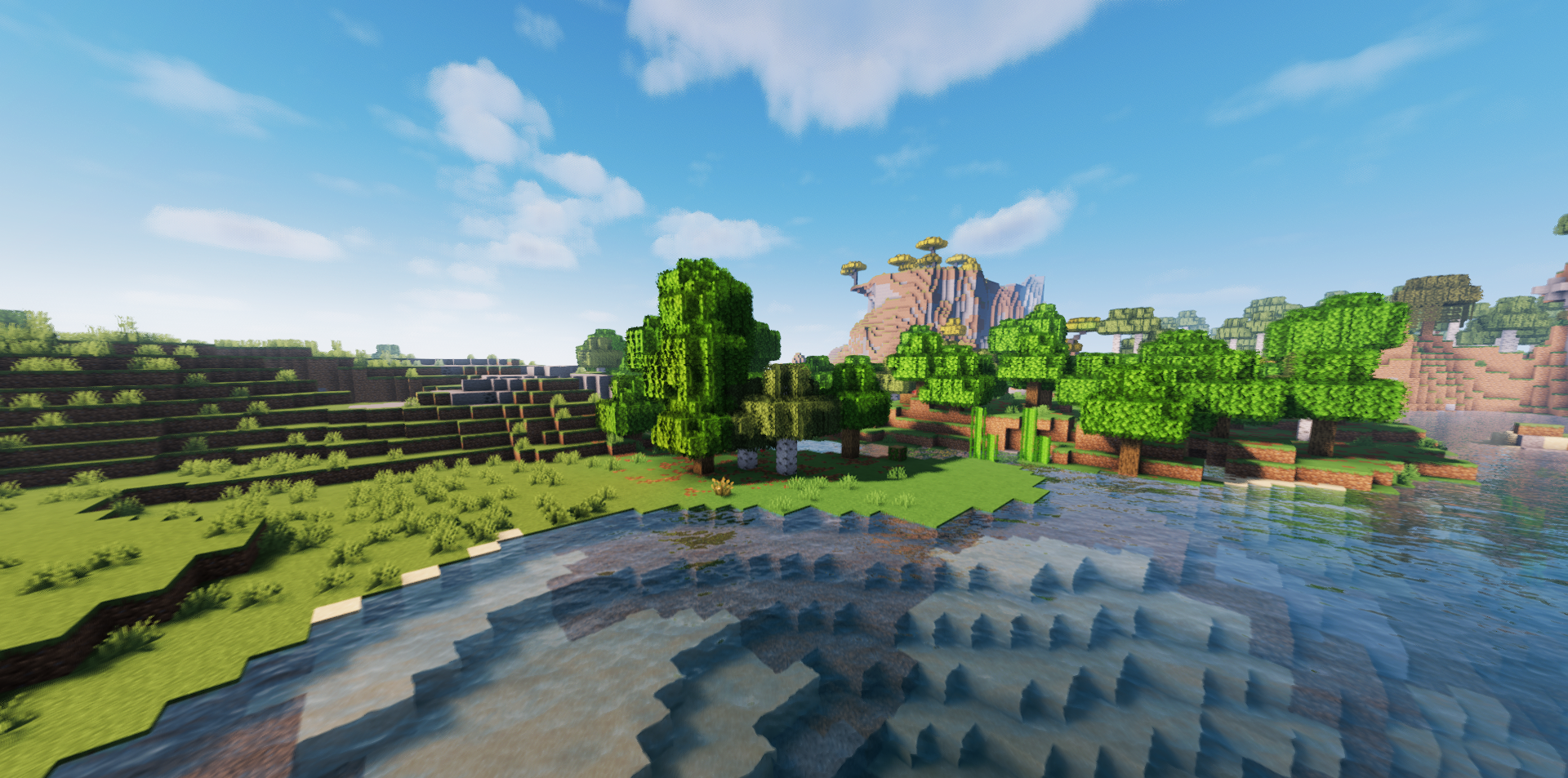
Because of this, the world looks more alive, and the sun rays and lighting give scenes more depth. At the same time, it is also interesting because of its variability: in it, you can choose between a more realistic presentation and a design that is closer to the game’s familiar style.
How to install a shader:
First step: download the shader package from the link below.
Second step: Unpack the downloaded archive and copy the E-LITE Shaders folder to c:\Users\User\AppData\Roaming\.minecraft\shaderpacks\(if this folder does not exist, create it yourself) (For Windows)
Third step: In the game, go to Settings, then to Graphics Settings. Select the "shaders" section and activate the shader pack of your choice.
Comments (0)