



Eclipse Shaders for Minecraft 26.1
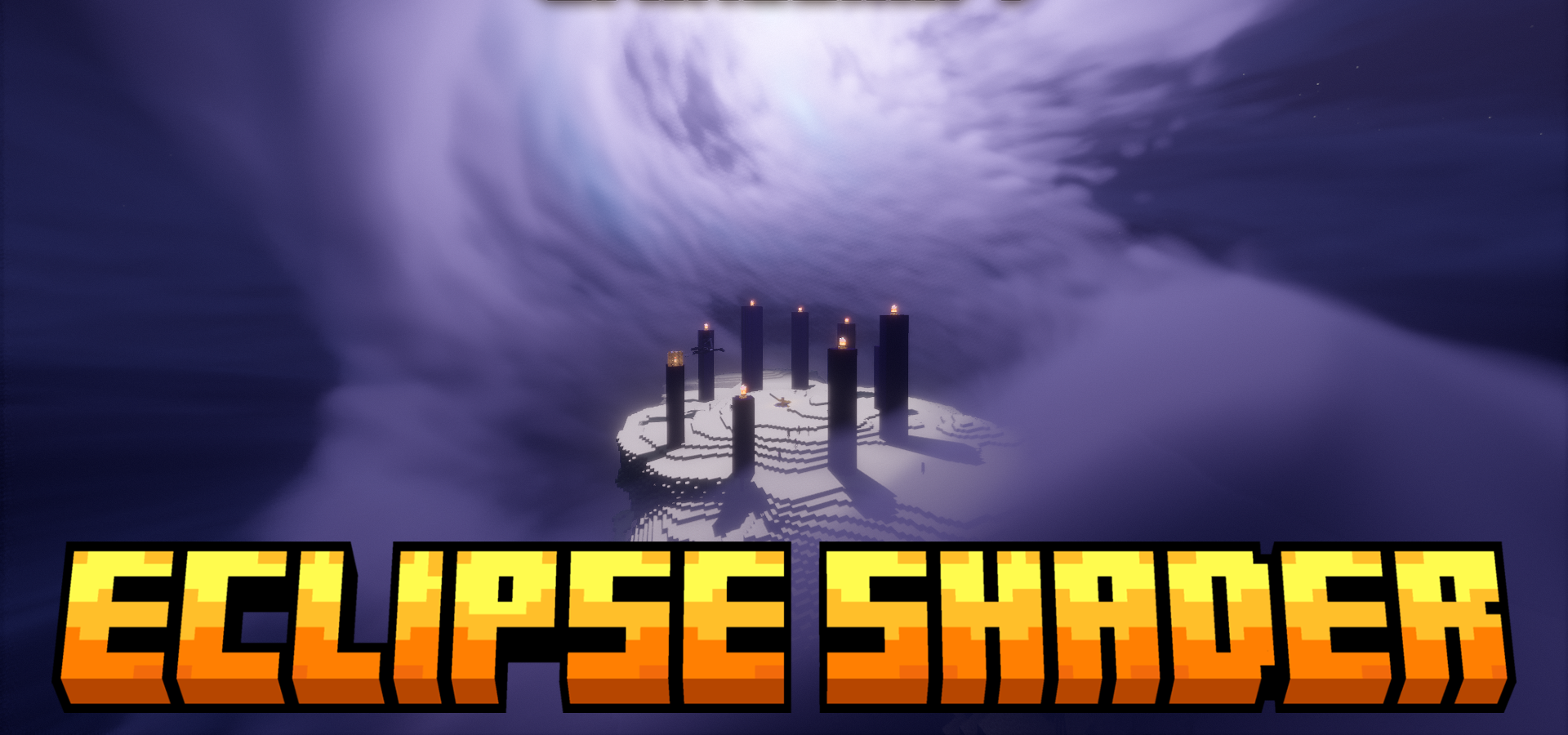
Eclipse Shaders has its own character: it focuses not so much on general “beauty” as on enriching the world with atmospheric and sky-related effects. This is especially noticeable in the treatment of the Moon — here it does not simply hang in the sky, but becomes a full-fledged part of the visual design, with phases, a customizable orbit, and even support for eclipses.
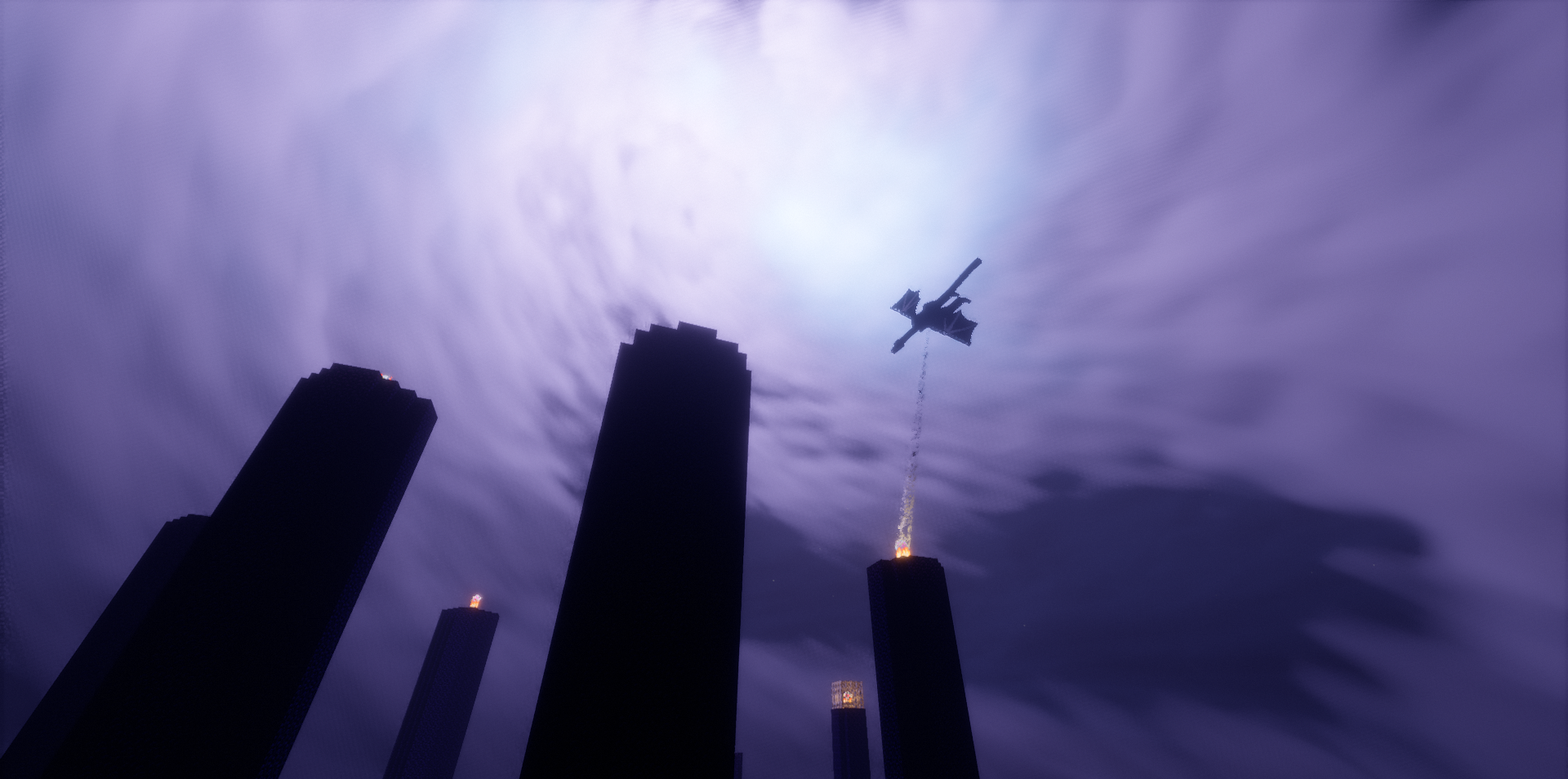
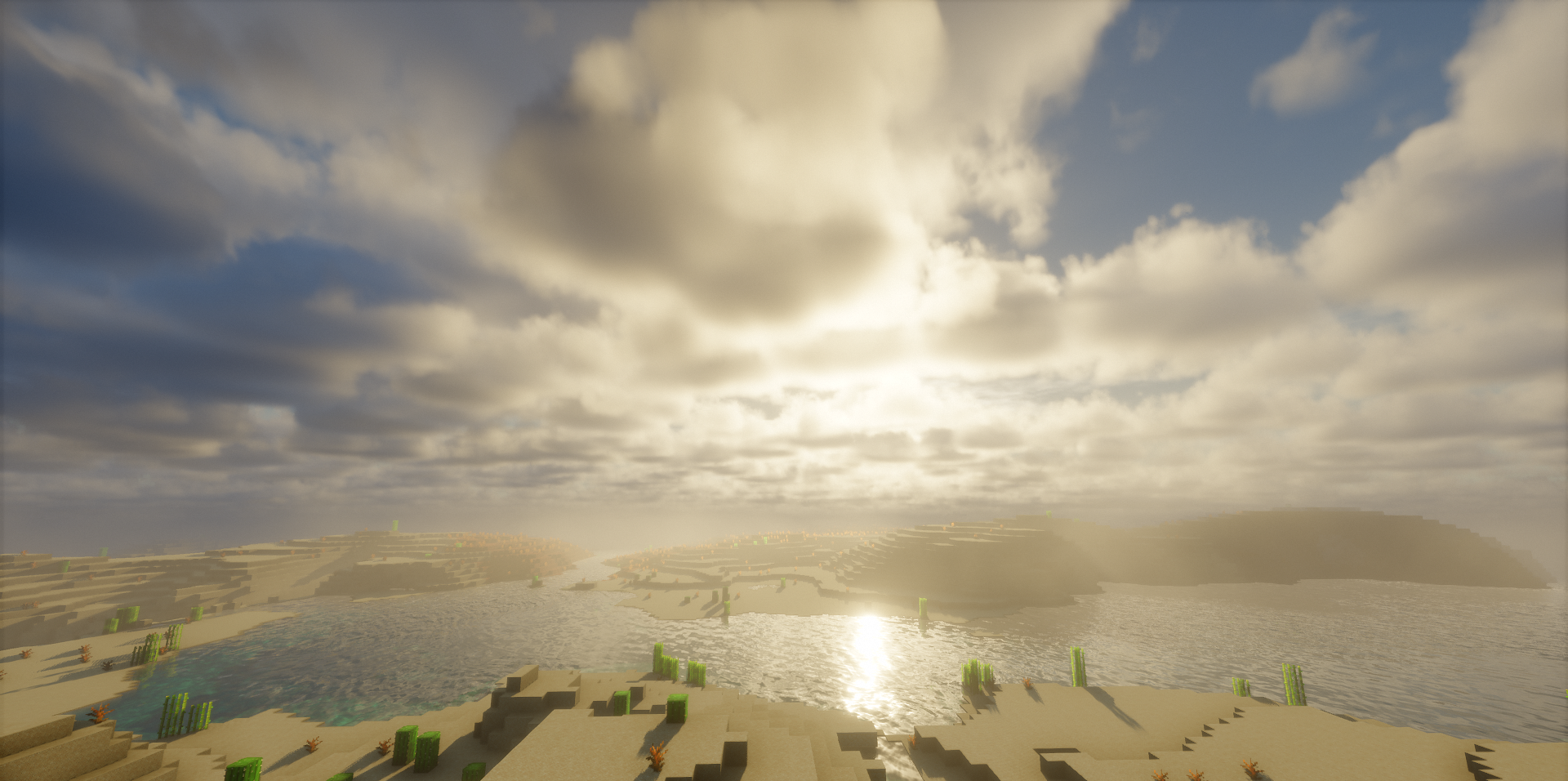
The pack adds auroras, rainbows, additional cloud layers, and many effects that bring the weather and environment to life. Water interacts with the world more convincingly, grass receives animation, and rain and snow become more visually tangible.
How to install a shader:
First step: download the shader package from the link below.
Second step: Unpack the downloaded archive and copy the Eclipse Shaders folder to c:\Users\User\AppData\Roaming\.minecraft\shaderpacks\(if this folder does not exist, create it yourself) (For Windows)
Third step: In the game, go to Settings, then to Graphics Settings. Select the "shaders" section and activate the shader pack of your choice.
Comments (0)