



Emanrux Shaders for Minecraft 26.1.2
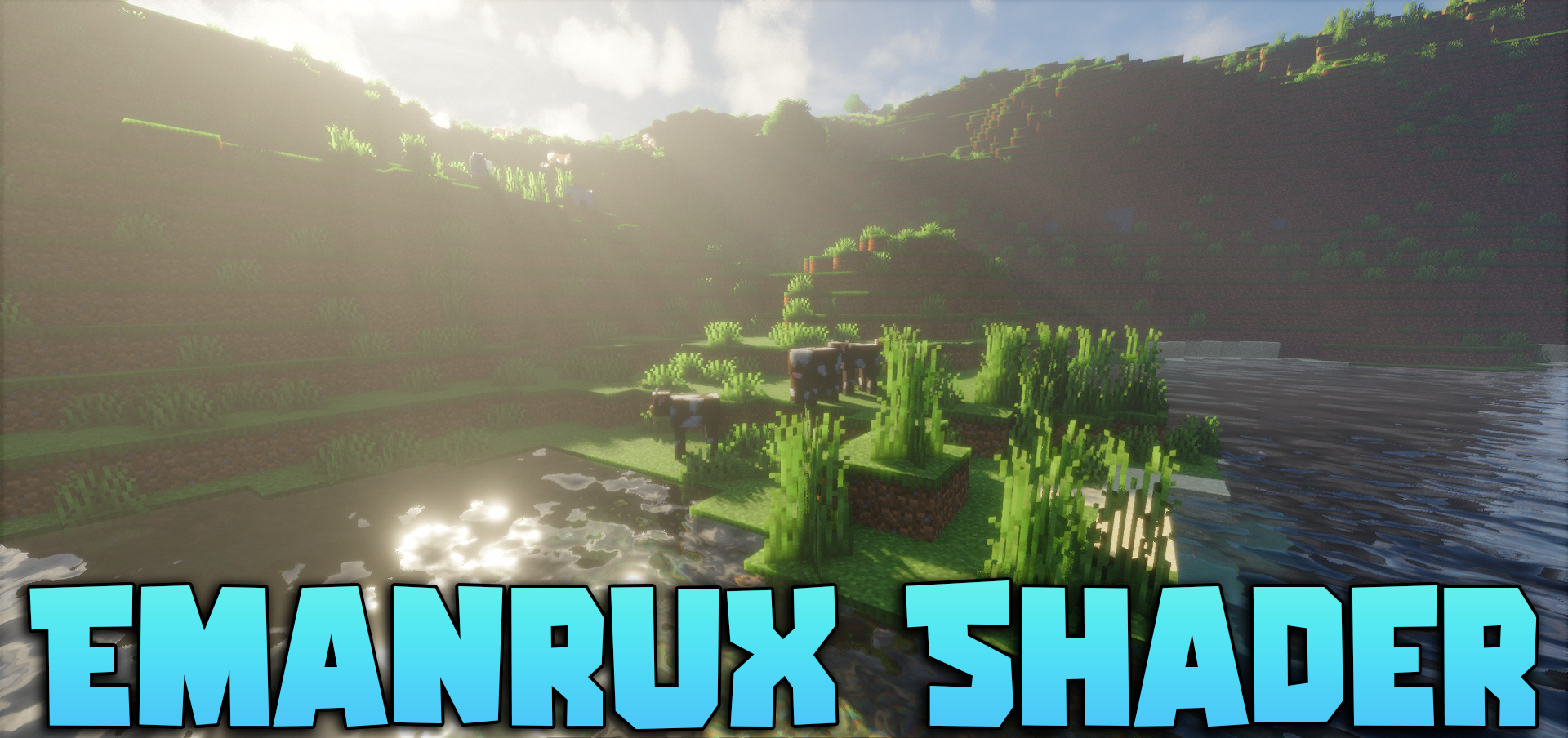
If you want to make Minecraft more beautiful but not turn the game into a heavy graphics test, Emanrux Shaders looks like a very successful option. The shader works well with light, water, and the sky, adding more depth and atmosphere to the world. At night, the cosmic sky with stars, planets, and unusual celestial details stands out, and during rain, the drops on glass look pleasant.
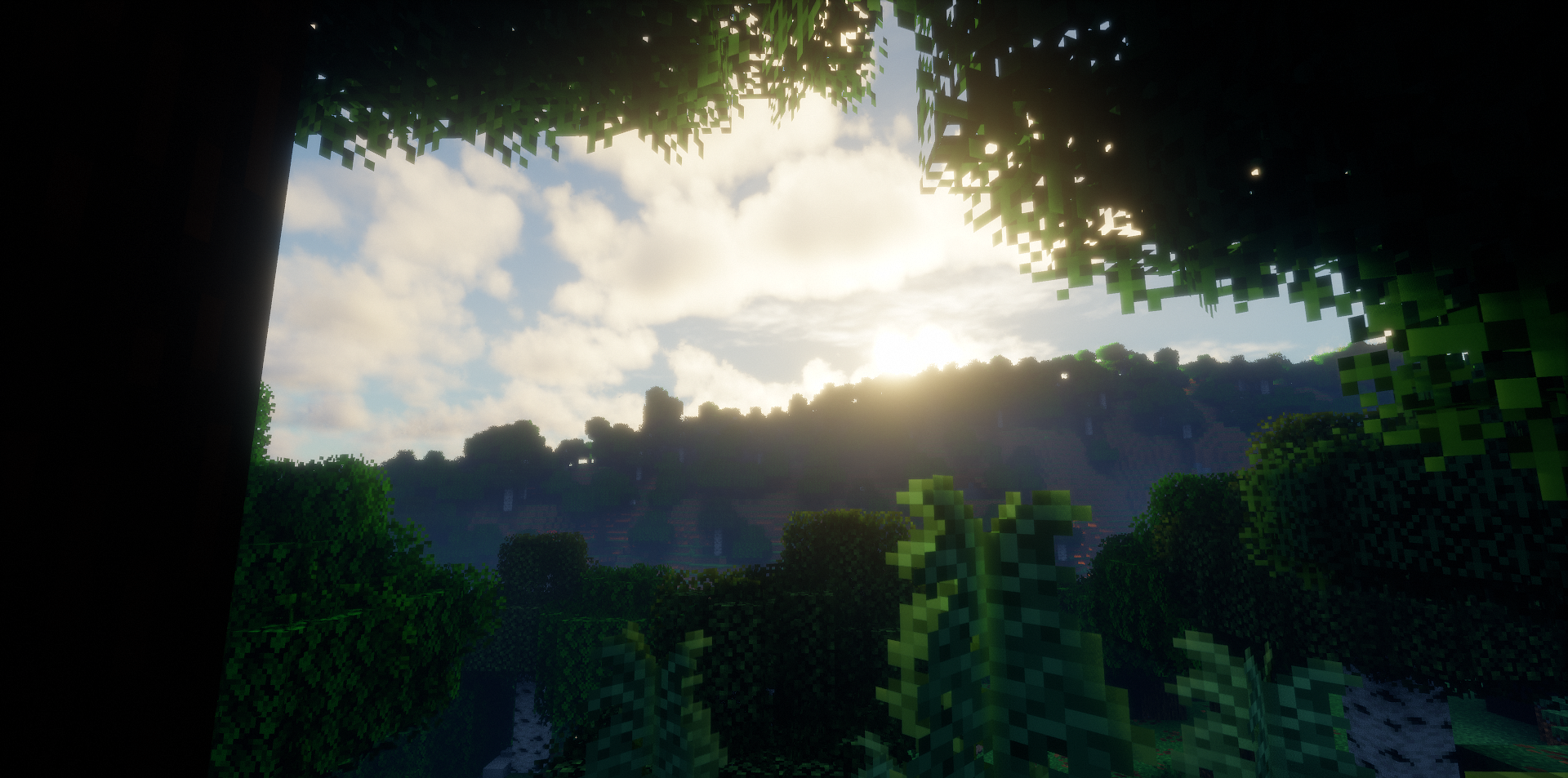
Glowing ores and blocks are a nice touch: dungeons become not only more convenient to explore, but also more visually expressive. In snowy biomes, frosted glass adds a cold mood to buildings, while the updated Nether portal looks impressive and unusual.
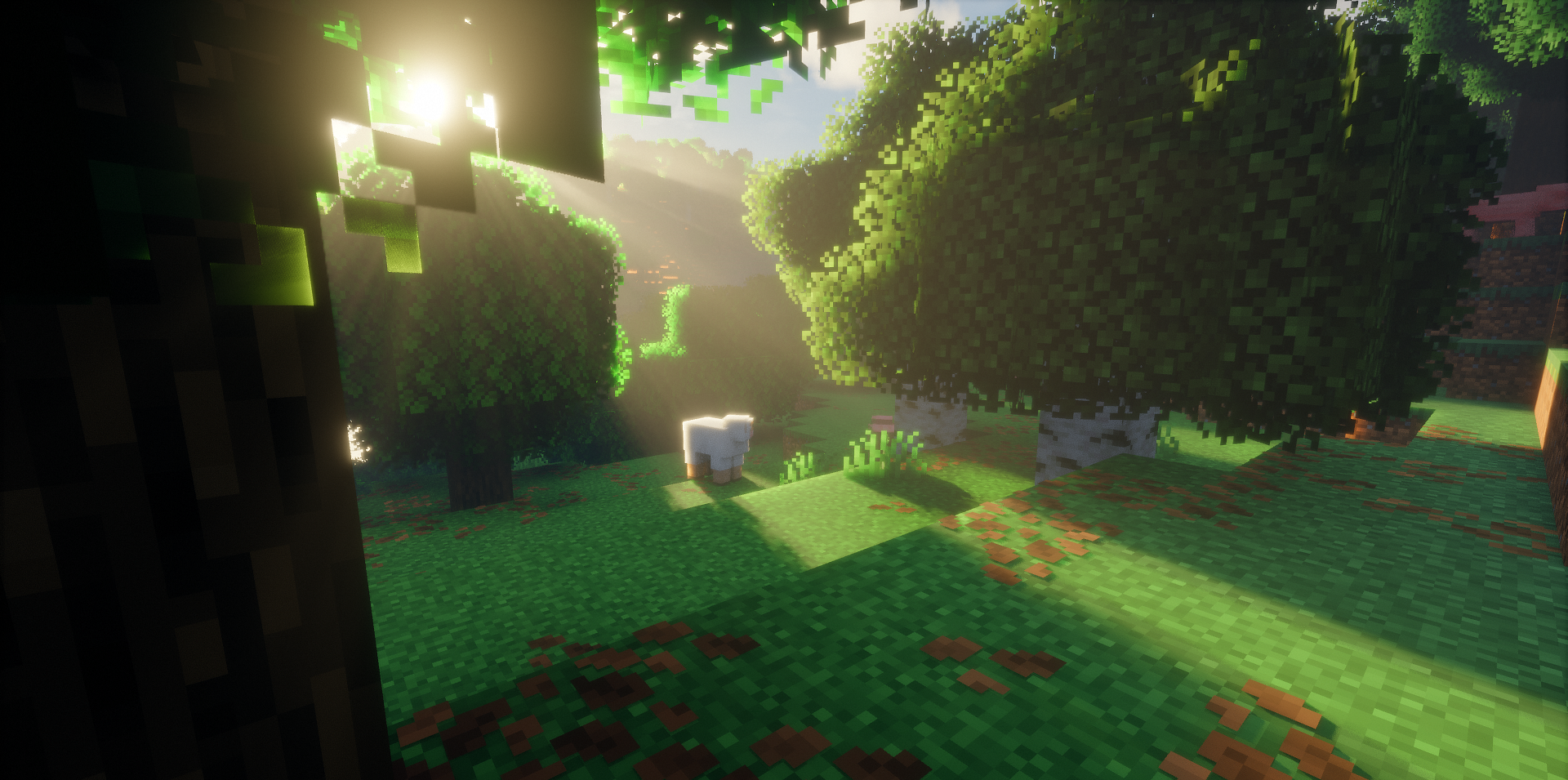
How to install a shader:
First step: download the shader package from the link below.
Second step: Unpack the downloaded archive and copy the Emanrux Shaders folder to c:\Users\User\AppData\Roaming\.minecraft\shaderpacks\(if this folder does not exist, create it yourself) (For Windows)
Third step: In the game, go to Settings, then to Graphics Settings. Select the "shaders" section and activate the shader pack of your choice.
Comments (2)