



Fantasy Shaders Reimagined for Minecraft 26.1
Fantasy Shaders Reimagined immediately makes it clear that this is not just a shader for increasing realism, but a pack with a strongly expressed artistic direction. Its main strength lies in the reworking of the color palette and the overall mood of the world. At night, the sky is colored in rich fantasy-like shades of blue, while clouds, glows, and nebula-like effects make the landscape feel almost fairy-tale-like.
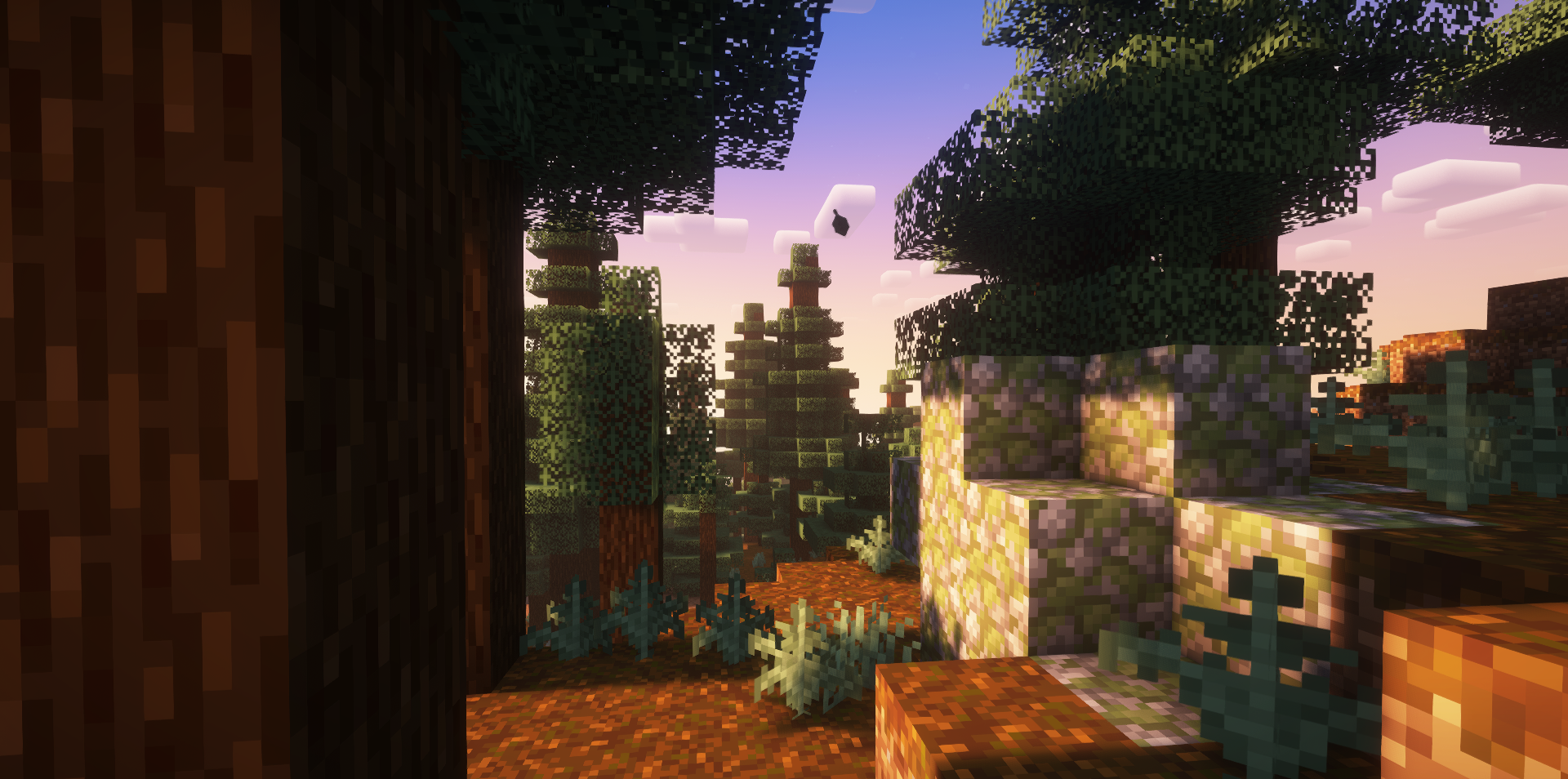
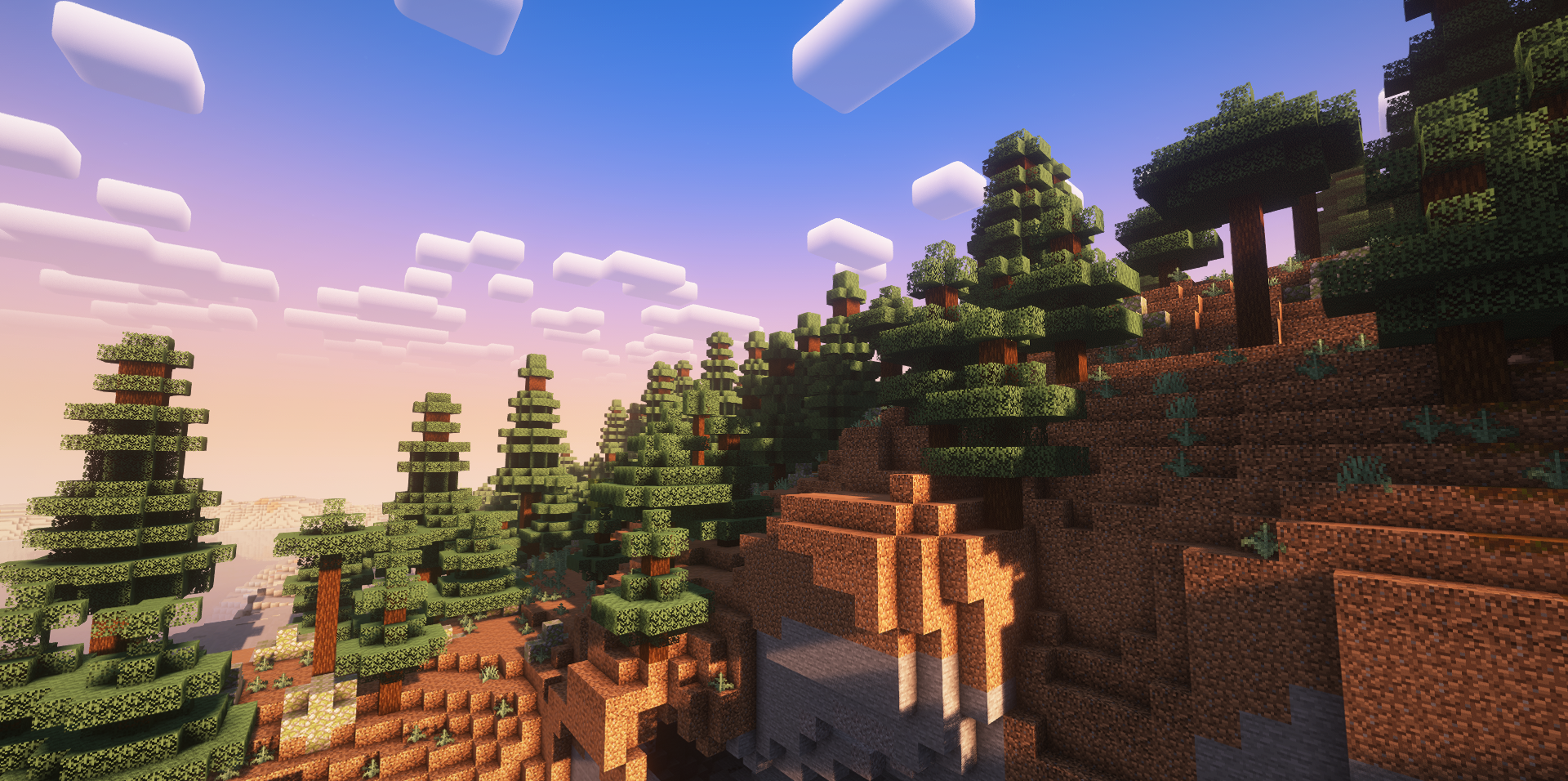
During the day, the image also changes noticeably: the horizon becomes brighter, the upper part of the sky looks cleaner and softer, and sunrises and sunsets appear far more colorful than usual. Because of this, even familiar biomes begin to feel different.
How to install a shader:
First step: download the shader package from the link below.
Second step: Unpack the downloaded archive and copy the Fantasy Shaders Reimagined folder to c:\Users\User\AppData\Roaming\.minecraft\shaderpacks\(if this folder does not exist, create it yourself) (For Windows)
Third step: In the game, go to Settings, then to Graphics Settings. Select the "shaders" section and activate the shader pack of your choice.
Comments (0)