



Fantasy Shaders Reimagined for Minecraft 26.1.2
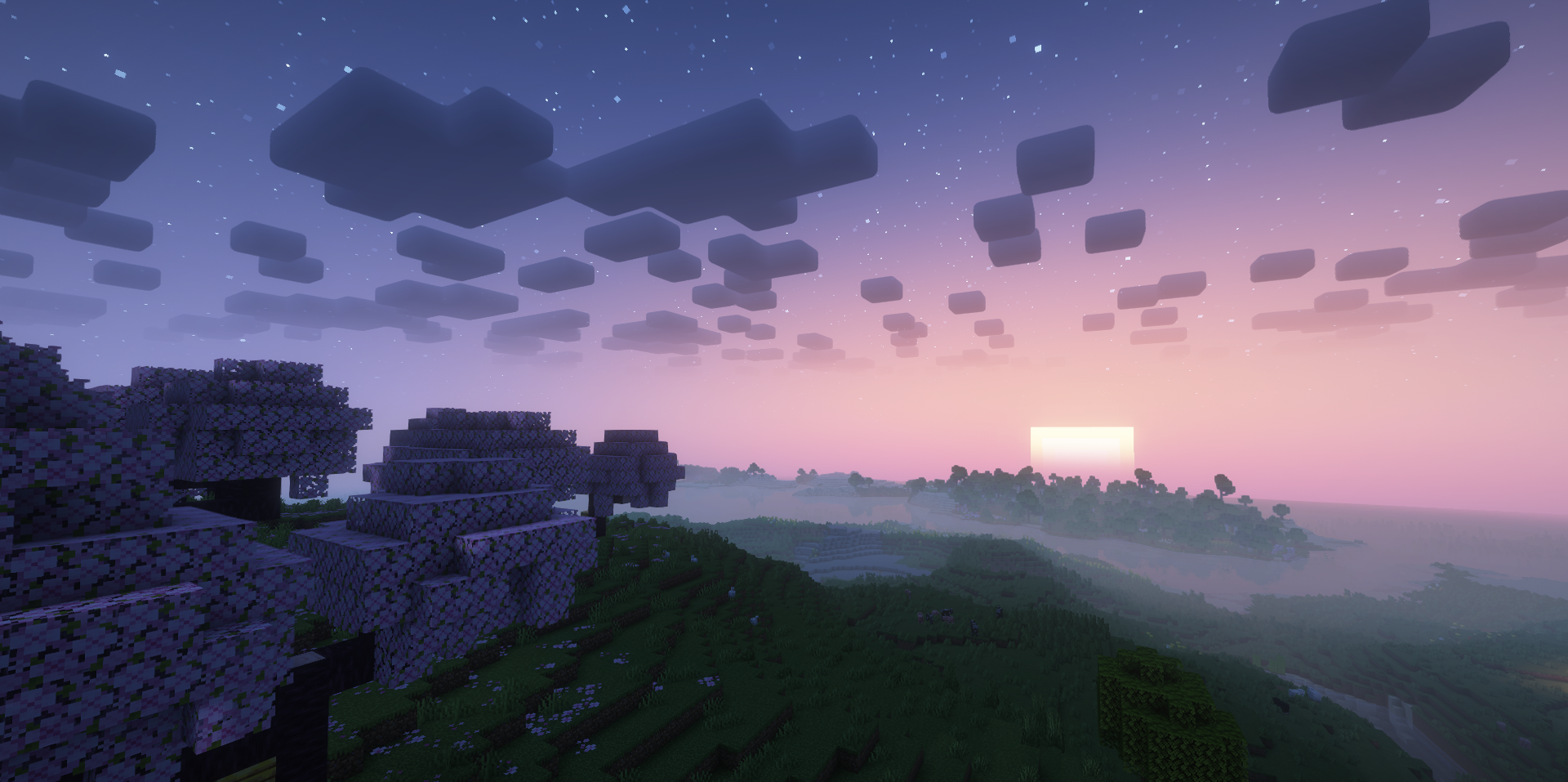
The main strength of Fantasy Shaders Reimagined Shaders is color. This shader noticeably changes the mood of the time of day, making the world more fairy-tale-like and expressive. The night here is not just dark: it gets a rich fantasy blue shade, and the sky is decorated with stars, auroras, clouds, and nebulae.
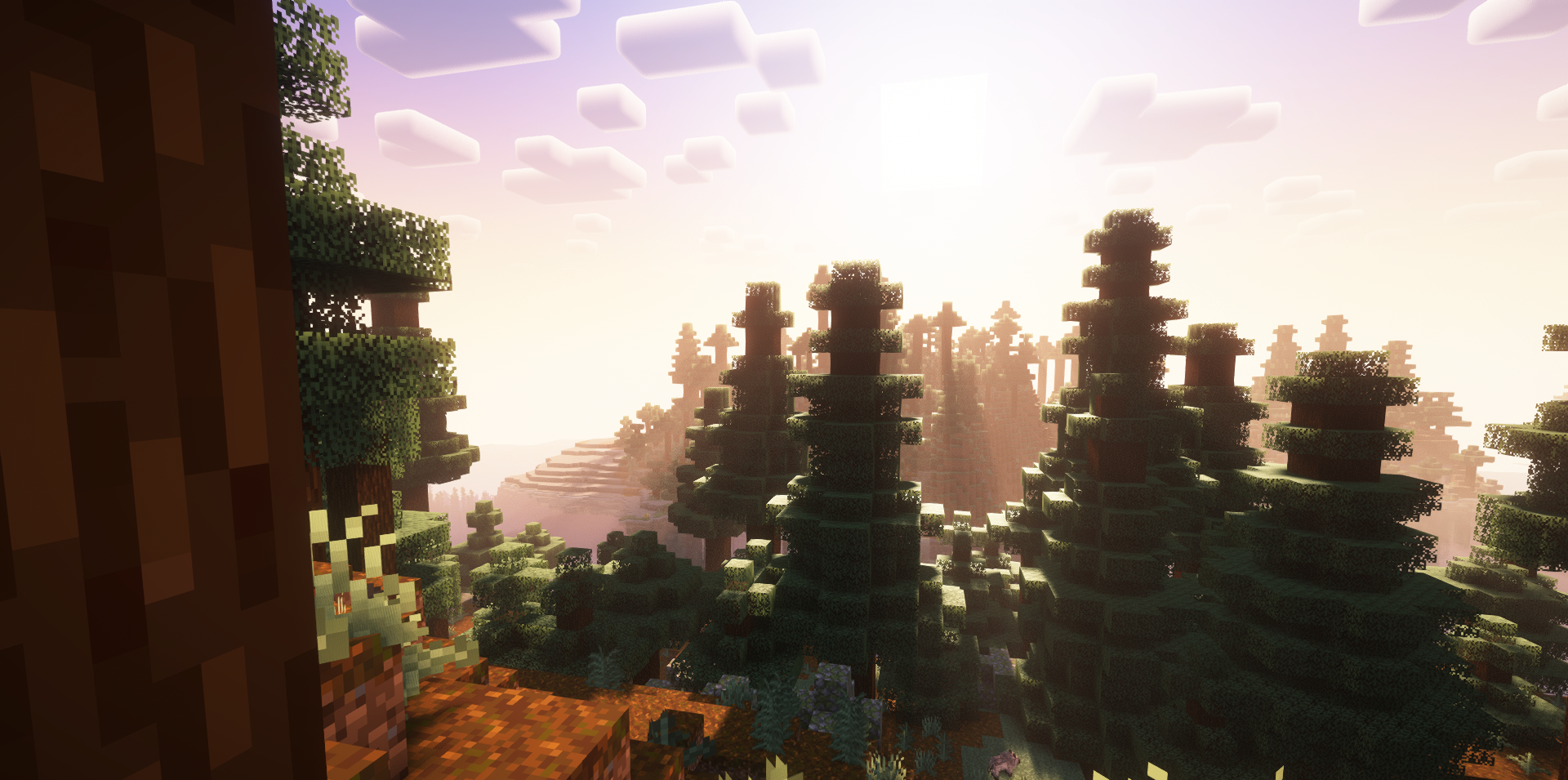
During the day, the image becomes lighter and cleaner, with a white horizon and a soft blue sky, which makes ordinary landscapes look more spacious. Sunrises and sunsets become brighter, and light rays add a cinematic quality to scenes. The End dimension looks interesting, recolored in purple tones and complemented by a starry atmosphere.
How to install a shader:
First step: download the shader package from the link below.
Second step: Unpack the downloaded archive and copy the Fantasy Shaders Reimagined folder to c:\Users\User\AppData\Roaming\.minecraft\shaderpacks\(if this folder does not exist, create it yourself) (For Windows)
Third step: In the game, go to Settings, then to Graphics Settings. Select the "shaders" section and activate the shader pack of your choice.
Comments (0)