



IterationRP Shaders for Minecraft 26.1
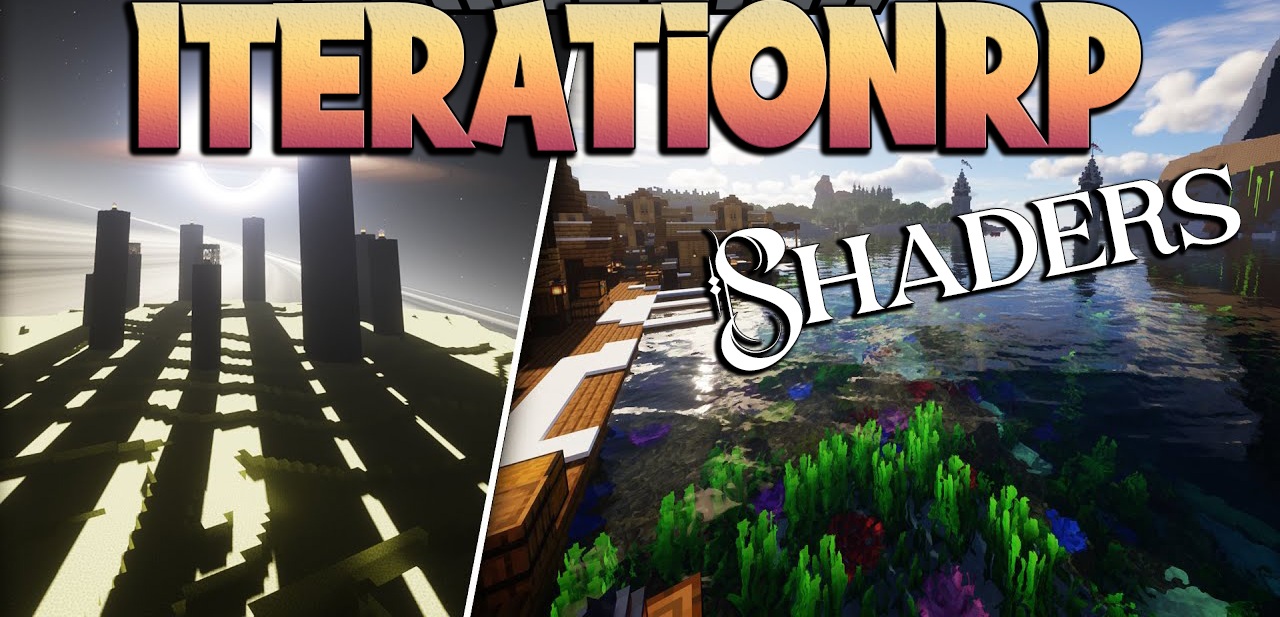
IterationRP Shaders is a shader pack for those who love expressive scenes and vivid weather. It noticeably enhances image quality, making the world sharper, richer, and more visually detailed, but its main effect lies in its ability to turn familiar landscapes into almost surreal panoramas. The lighting is especially impressive: in the morning, the sun colors the world in soft gold, while in the evening, the landscapes are filled with dense sunset tones.
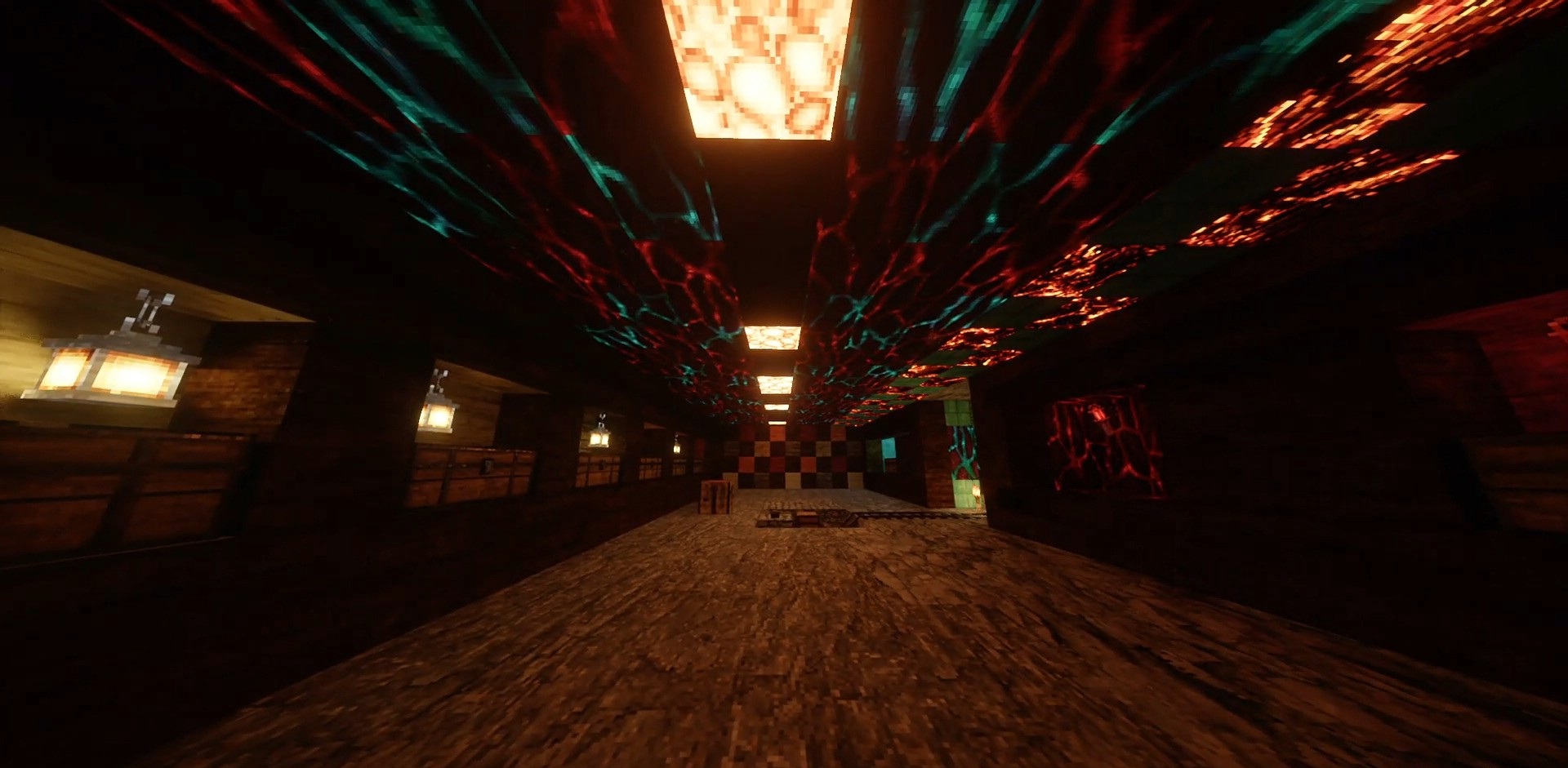
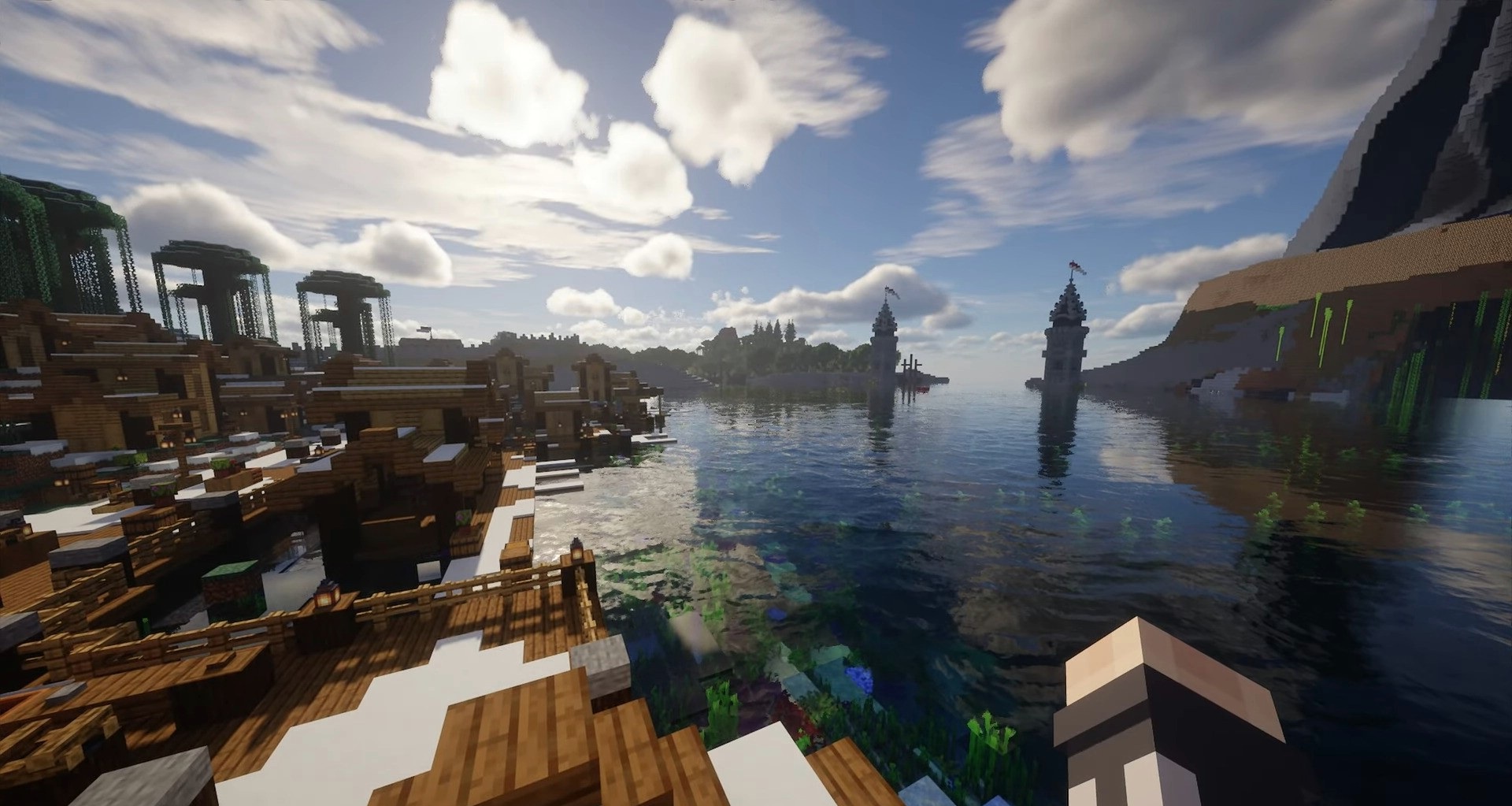
The water is also done at a high level — reflections, ripples, and underwater fog make rivers, seas, and lakes far more expressive. The clouds move smoothly, and the ability to adjust their speed allows you to change the character of the scene, up to an almost cinematic effect.
How to install a shader:
First step: download the shader package from the link below.
Second step: Unpack the downloaded archive and copy the IterationRP Shaders folder to c:\Users\User\AppData\Roaming\.minecraft\shaderpacks\(if this folder does not exist, create it yourself) (For Windows)
Third step: In the game, go to Settings, then to Graphics Settings. Select the "shaders" section and activate the shader pack of your choice.
Comments (0)