



Luminara Shader Spooky for Minecraft 26.1.2
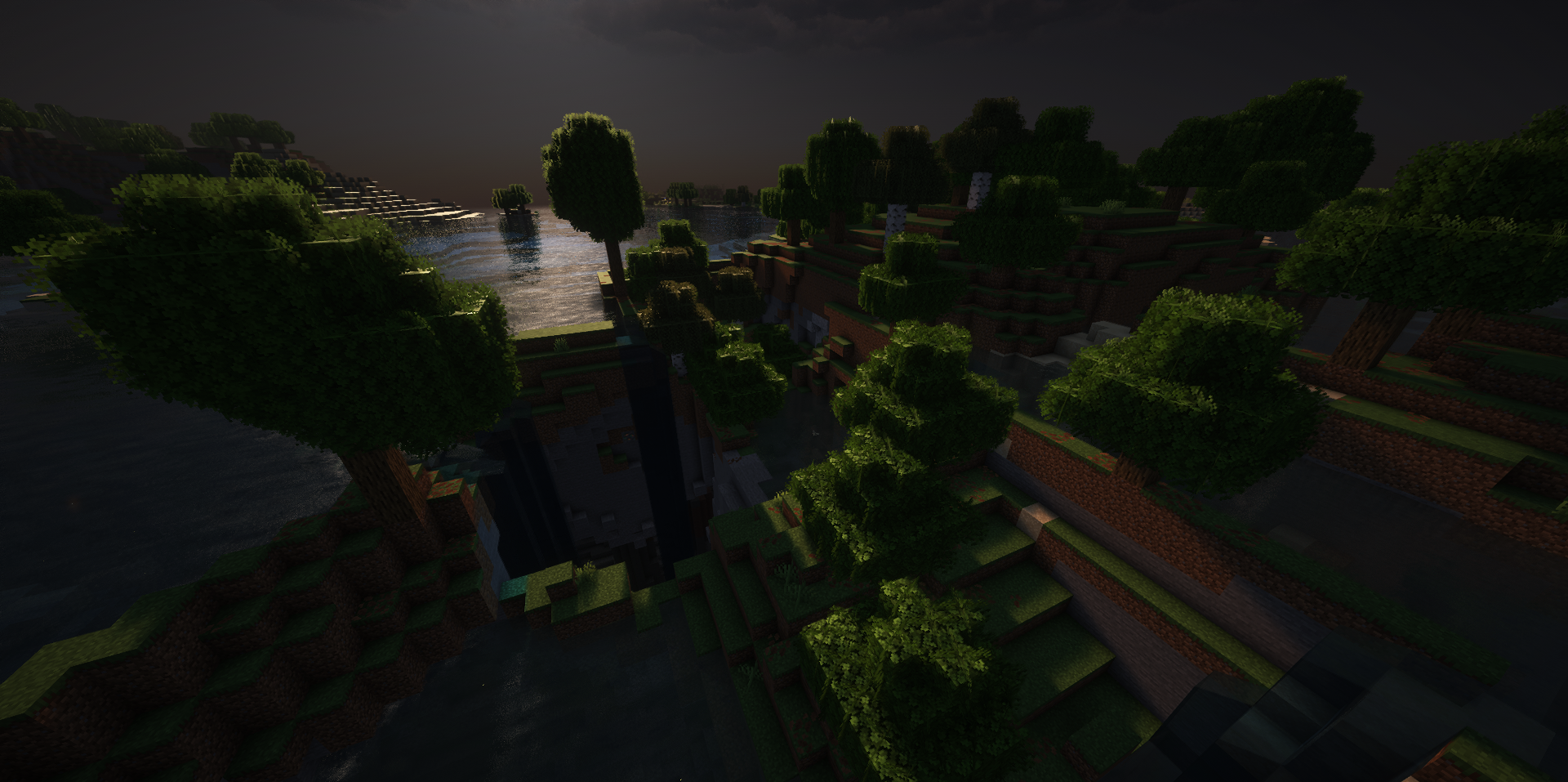
Dark modpacks, Halloween maps, and survival in a dark forest get a completely different mood if you enable Luminara Shader Spooky Shaders. This shader does not try to make Minecraft sunny and bright; on the contrary, it moves the image into an anxious, muted palette with green and purple shades.
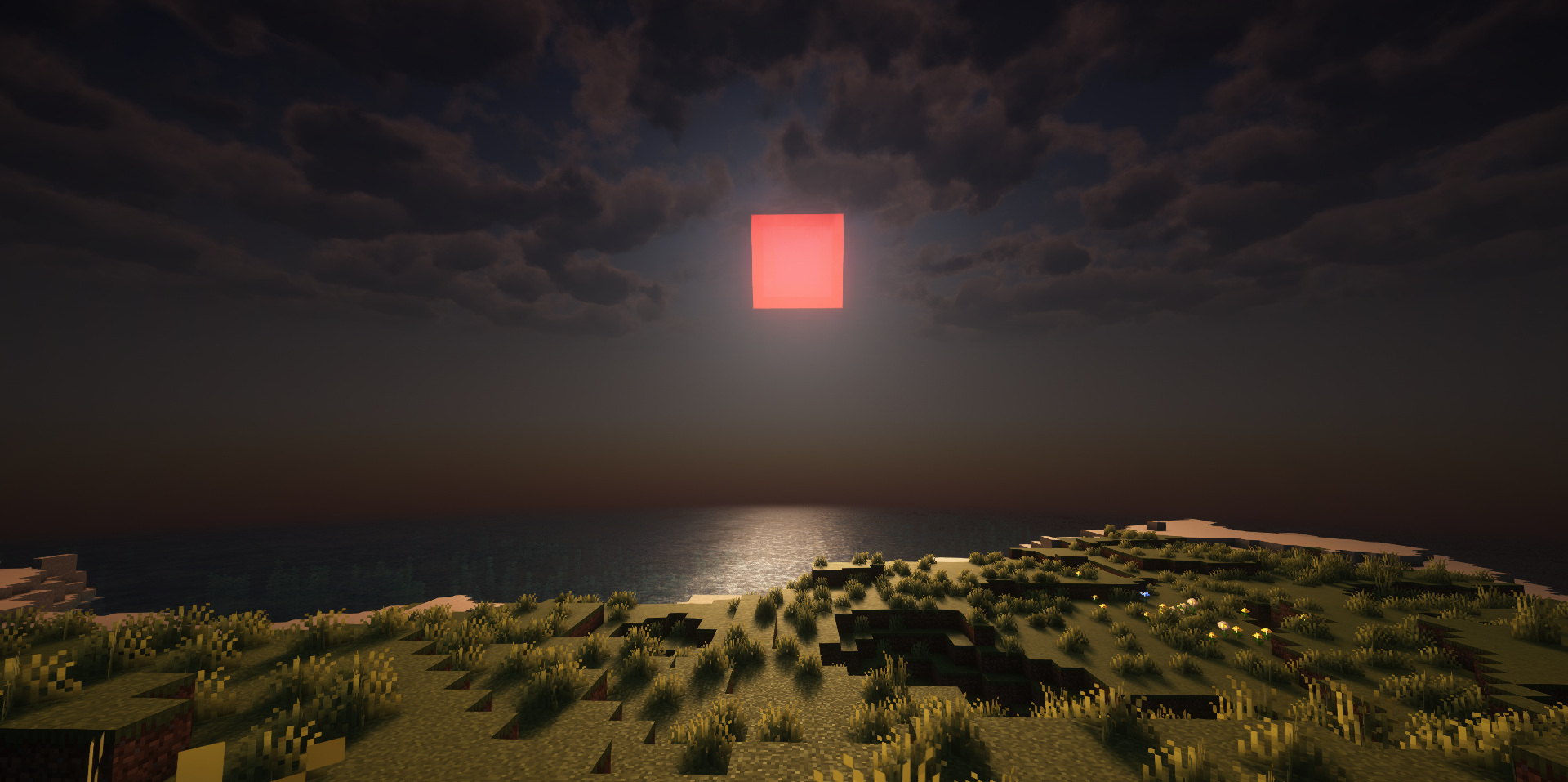
Caves become darker, nights feel more dangerous, and fog fills the space more densely, which makes even familiar places look less friendly. Flickering lanterns add a feeling of instability to scenes, as if the light is about to go out. Atmospheric particles complement the overall style well and make the environment feel more alive.
How to install a shader:
First step: download the shader package from the link below.
Second step: Unpack the downloaded archive and copy the Luminara Shader Spooky folder to c:\Users\User\AppData\Roaming\.minecraft\shaderpacks\(if this folder does not exist, create it yourself) (For Windows)
Third step: In the game, go to Settings, then to Graphics Settings. Select the "shaders" section and activate the shader pack of your choice.
Comments (0)