



Mist Shaders for Minecraft 26.1
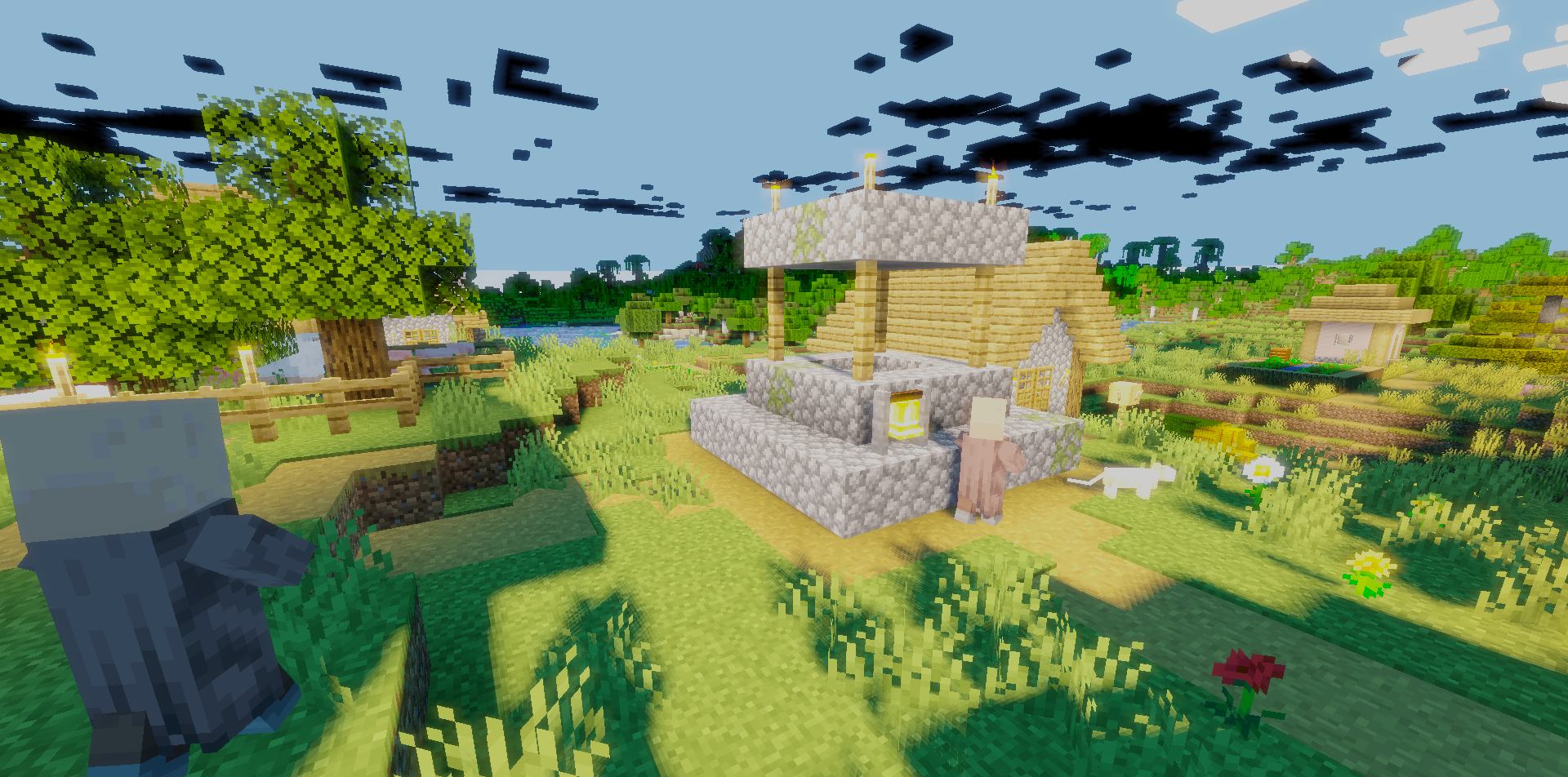
Mist Shaders can be called an excellent choice for those who do not want to lose the vanilla face of Minecraft. This shader does not remake the world beyond recognition: the blocks, textures, and water retain their familiar appearance, thanks to which the game remains exactly the one many players are used to. But over this familiar foundation, a soft glowing tint is applied, which makes the environment calmer and more visually pleasant.
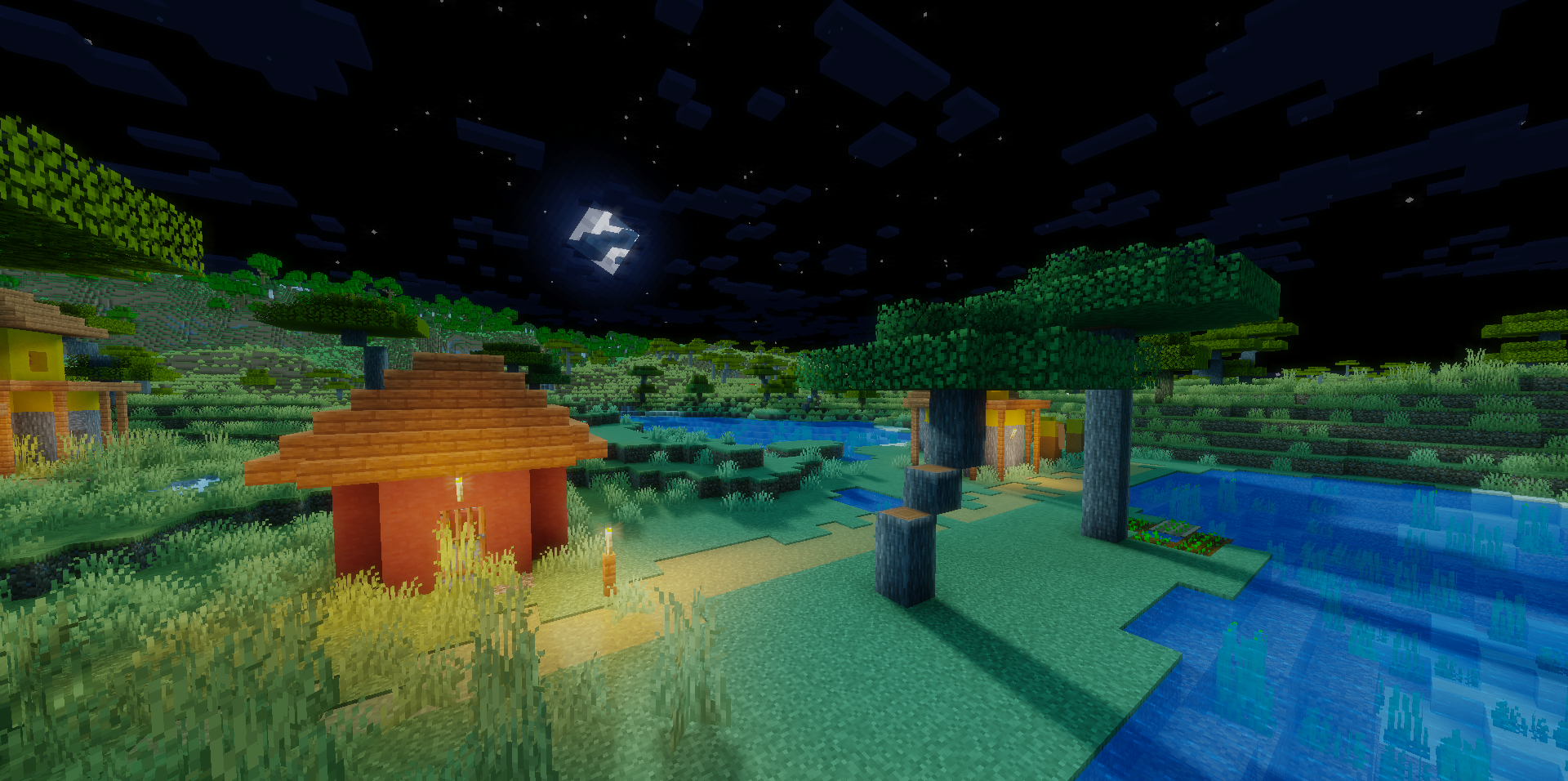
The world looks slightly smoother and more cohesive, without harsh transitions and without overloaded processing. This is felt especially well in landscapes and the sky, where a slight atmospheric depth appears.
How to install a shader:
First step: download the shader package from the link below.
Second step: Unpack the downloaded archive and copy the Mist Shaders folder to c:\Users\User\AppData\Roaming\.minecraft\shaderpacks\(if this folder does not exist, create it yourself) (For Windows)
Third step: In the game, go to Settings, then to Graphics Settings. Select the "shaders" section and activate the shader pack of your choice.
Comments (0)