



OPAL Shaders for Minecraft 26.1
OPAL Shaders can be described as an attempt to combine two approaches that rarely coexist successfully: a fairy-tale atmosphere and respect for the classic appearance. This shader does not seek to turn the game into an ultra-realistic project, but works in a subtler way — through color, contrast, and the overall mood of the world. As a result, it makes the image more expressive and slightly magical, but does not break the foundation for which many people love Minecraft.
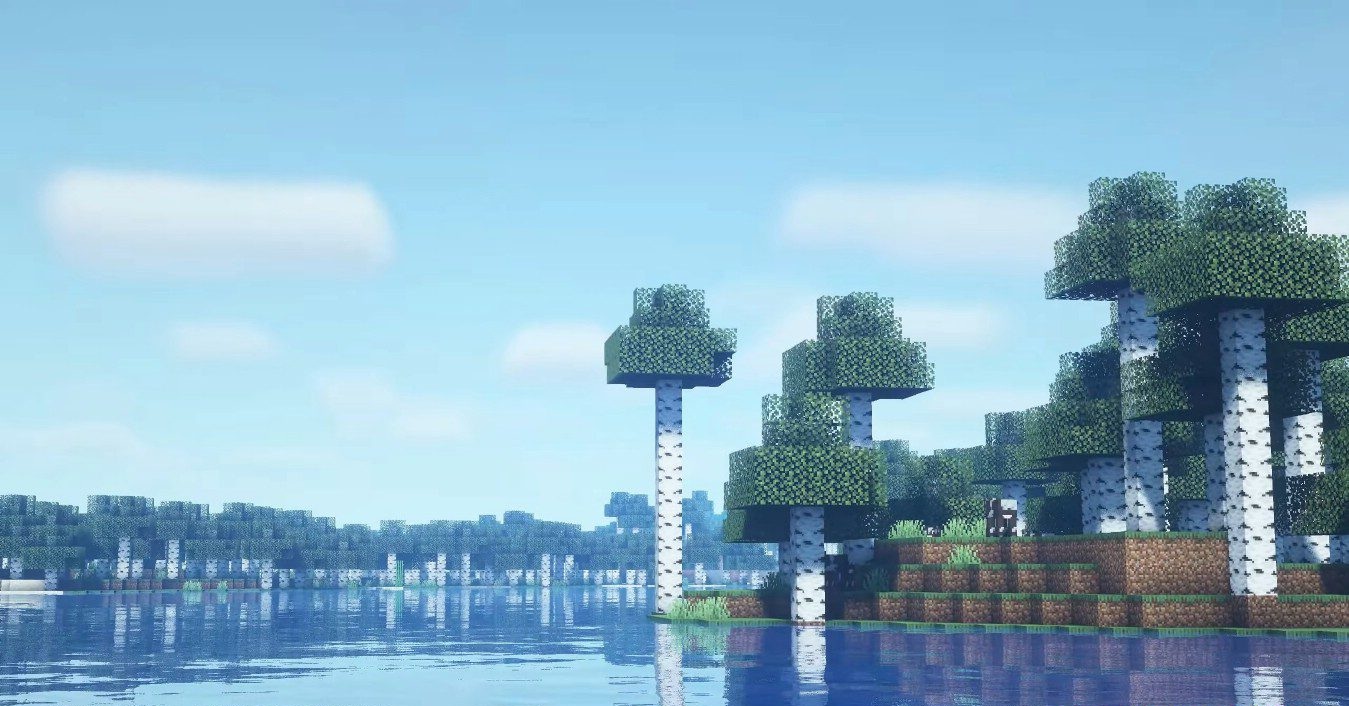
The colors remain natural, yet they gain more noticeable depth, while the contrast helps scenes look brighter and cleaner. Such a pack is especially suitable for long everyday play: it refreshes the experience and makes the world more pleasant for the eyes.
How to install a shader:
First step: download the shader package from the link below.
Second step: Unpack the downloaded archive and copy the OPAL Shaders folder to c:\Users\User\AppData\Roaming\.minecraft\shaderpacks\(if this folder does not exist, create it yourself) (For Windows)
Third step: In the game, go to Settings, then to Graphics Settings. Select the "shaders" section and activate the shader pack of your choice.
Comments (0)