



Photon Shaders for Minecraft 26.1
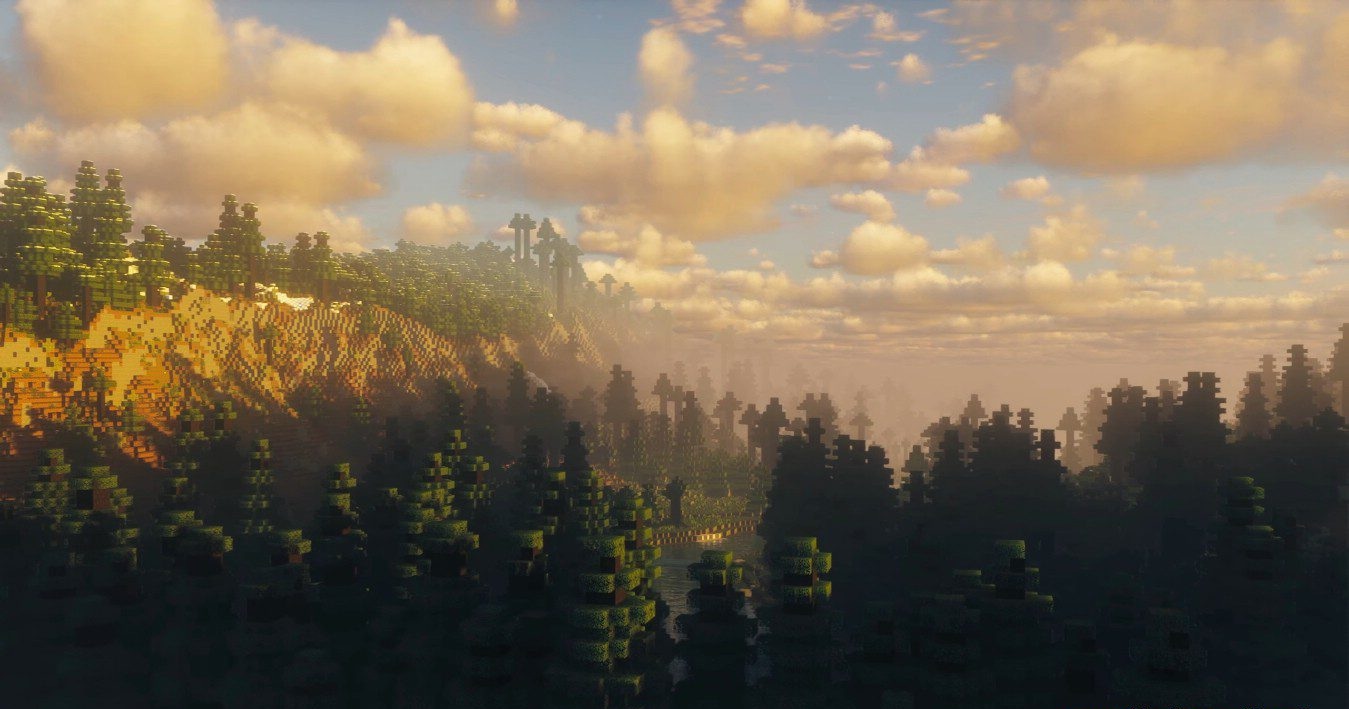
Photon Shaders stands out because even without ray tracing, it is able to offer a very modern and convincing image. Its visual style can be described as natural: the world does not look excessively oversaturated, yet it feels cleaner, more dimensional, and more pleasing to the eye. The clouds are especially memorable here — they are dynamic, changing shape and shades depending on the time of day and the weather, and at sunset they can become a true decoration of the entire scene.
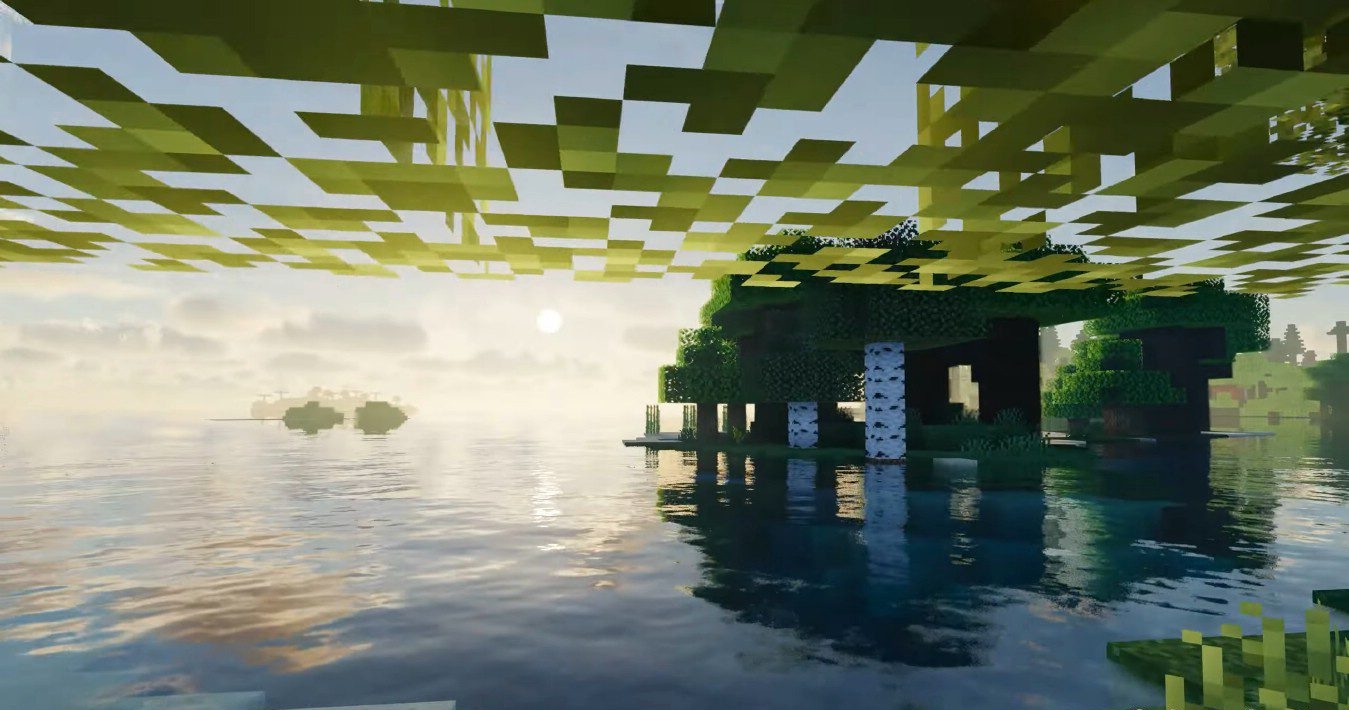
The water is also done very successfully: transparent, animated, with reflections of light and sky, it noticeably brings any landscape to life. Thanks to this level of detail, the landscapes look almost cinematic, especially in large open spaces.
How to install a shader:
First step: download the shader package from the link below.
Second step: Unpack the downloaded archive and copy the Photon Shaders folder to c:\Users\User\AppData\Roaming\.minecraft\shaderpacks\(if this folder does not exist, create it yourself) (For Windows)
Third step: In the game, go to Settings, then to Graphics Settings. Select the "shaders" section and activate the shader pack of your choice.
Comments (0)