



Photon Shaders for Minecraft 26.1.2
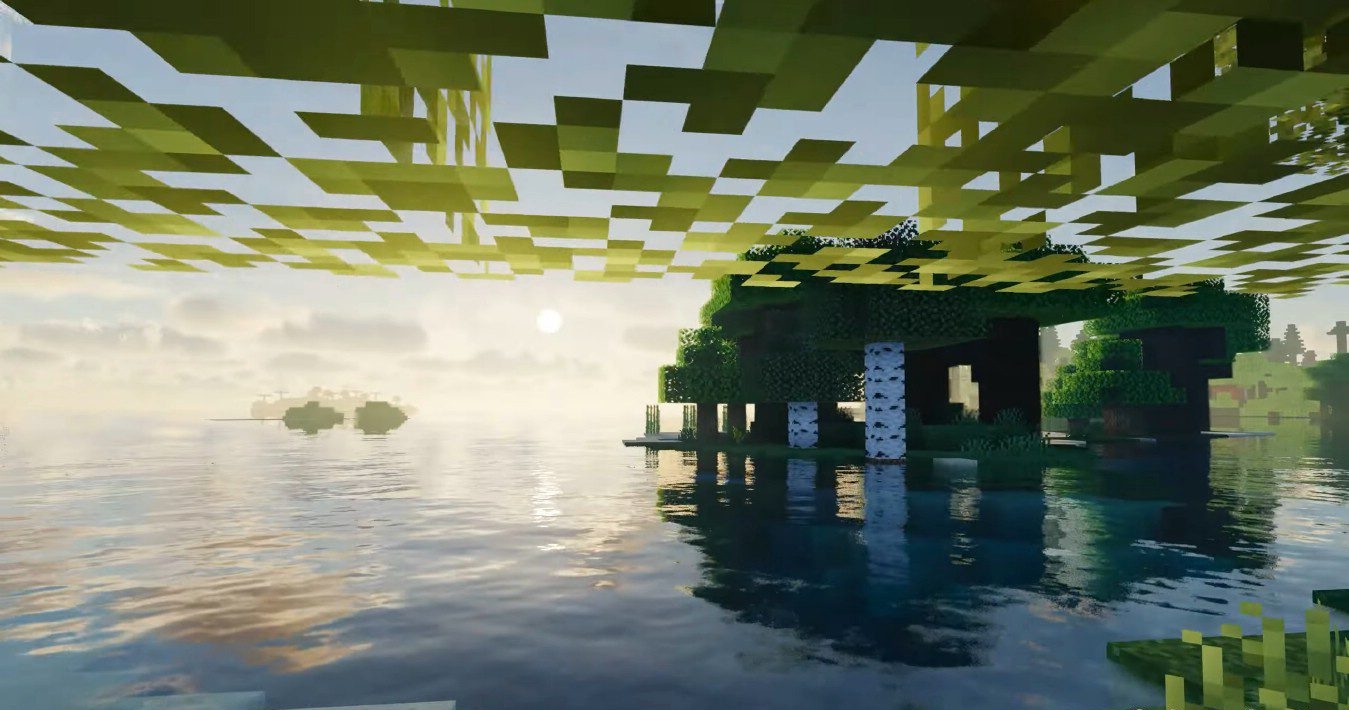
Photon Shaders gives the impression of a shader that tries to make Minecraft natural, but at the same time very expressive. The clouds stand out the most: they look multilayered, change shape and shade depending on the weather and time of day, and at sunset they can become the main decoration of the entire landscape. The water also looks pleasant — transparent, moving, with reflections of the sky and sunlight.
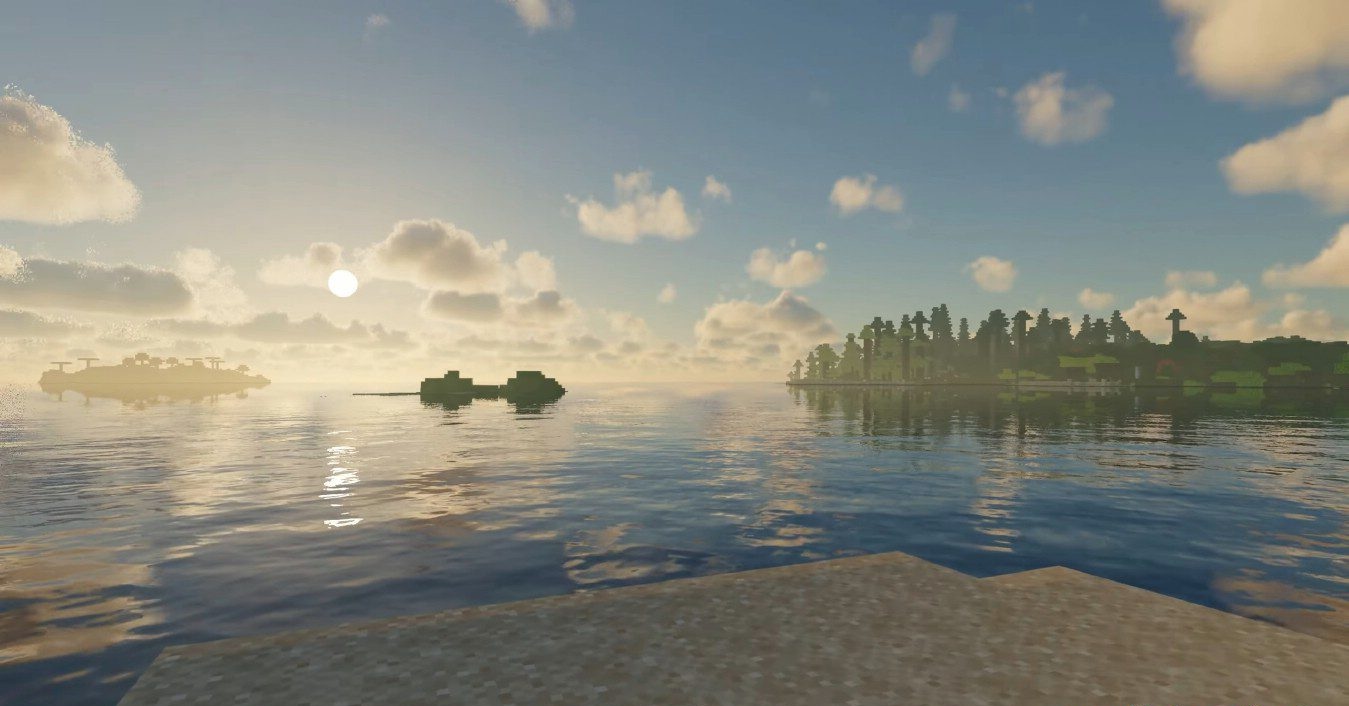
The lighting overall is soft and atmospheric, although in some situations the colors of vegetation may seem too bright, especially when viewed from above. The set is extensive: volumetric fog, soft shadows, reflections, camera effects, anti-aliasing, and detailed settings for almost every element.
How to install a shader:
First step: download the shader package from the link below.
Second step: Unpack the downloaded archive and copy the Photon Shaders folder to c:\Users\User\AppData\Roaming\.minecraft\shaderpacks\(if this folder does not exist, create it yourself) (For Windows)
Third step: In the game, go to Settings, then to Graphics Settings. Select the "shaders" section and activate the shader pack of your choice.
Comments (0)