



Somber Shaders for Minecraft 26.1
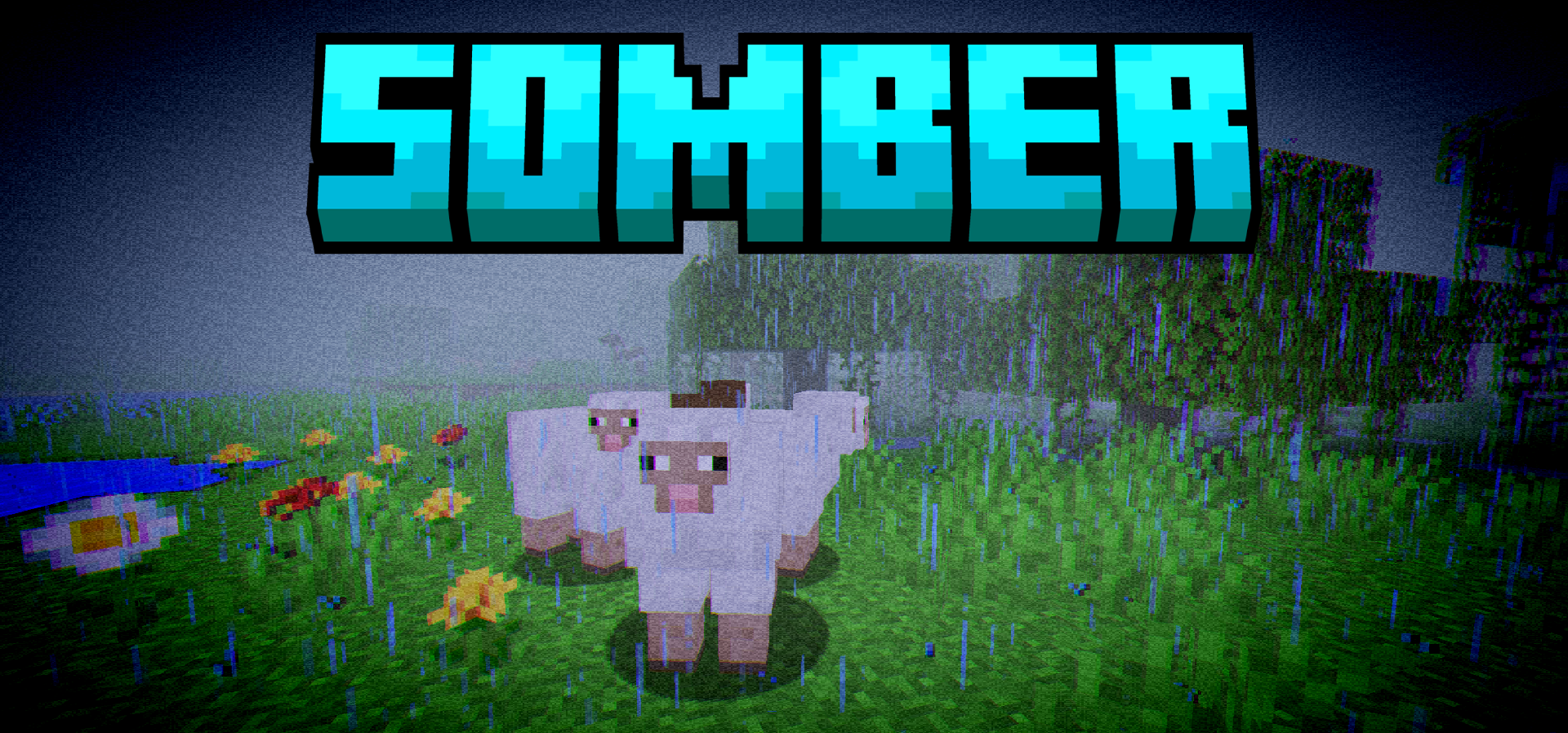
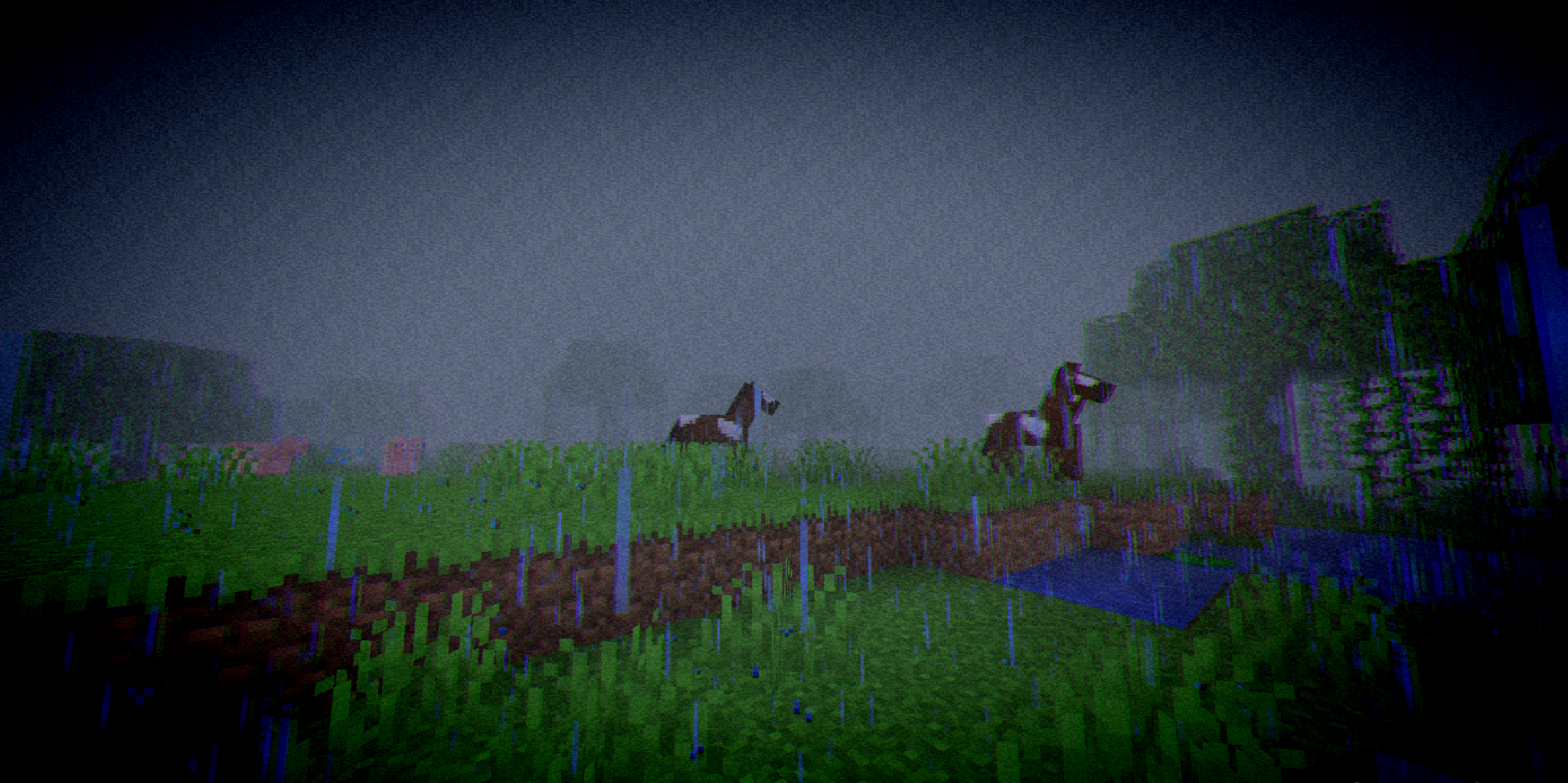
Somber Shaders is a shader pack for those who want to bring back the mood of old Minecraft, but not in a purely museum-like form, rather with a slight anxious undertone. It conveys the spirit of the early alpha and beta versions well: the image feels familiar, yet at the same time the world is perceived as darker, denser, and more atmospheric. The main feature of this shader is that it does not impose one single style.
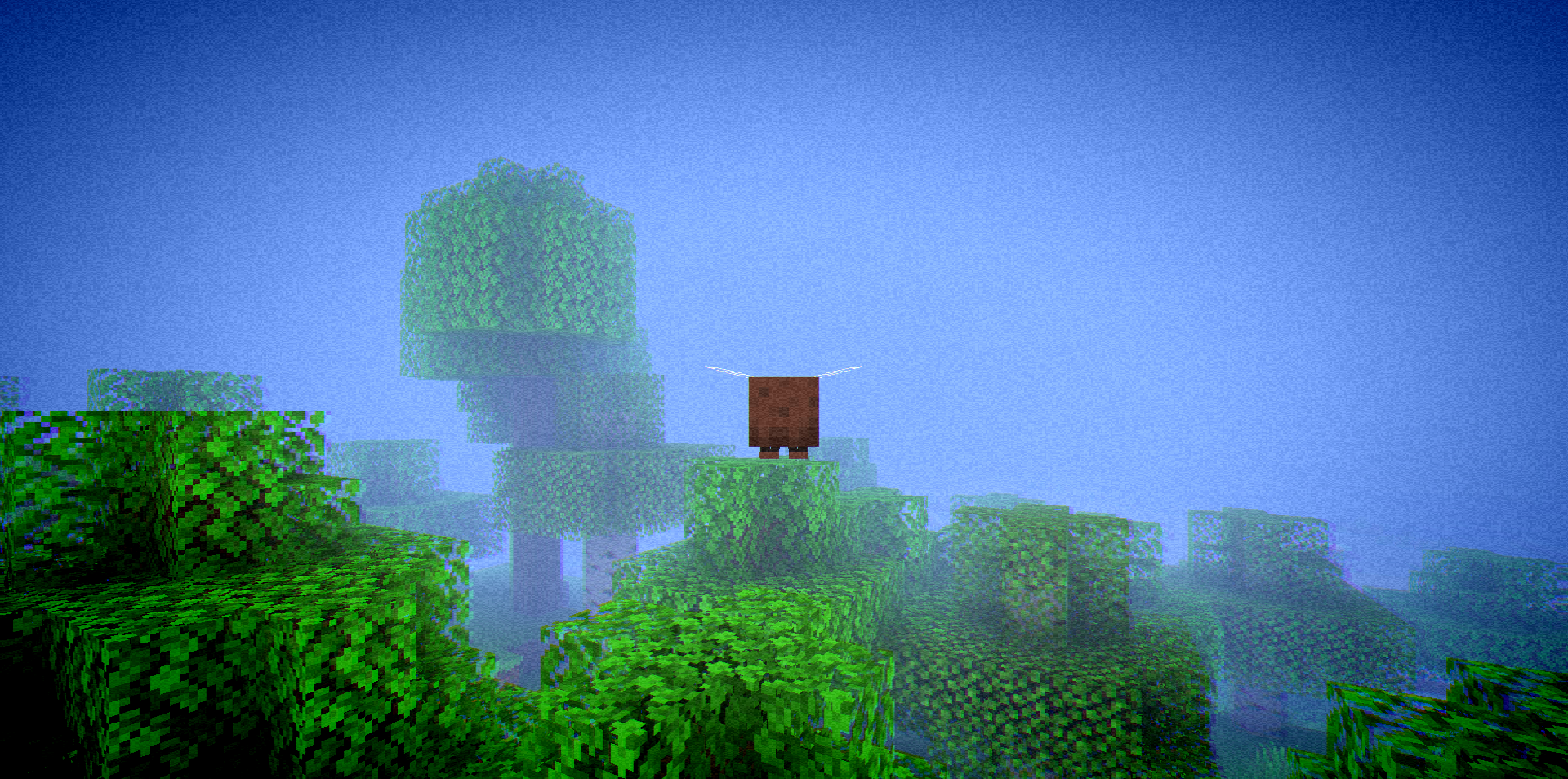
Here you can separately enable and adjust the vignette, chromatic aberration, noise, fog, and other post-processing effects, achieving anything from a barely noticeable retro mood to an almost unsettling visual presentation.
How to install a shader:
First step: download the shader package from the link below.
Second step: Unpack the downloaded archive and copy the Somber Shaders folder to c:\Users\User\AppData\Roaming\.minecraft\shaderpacks\(if this folder does not exist, create it yourself) (For Windows)
Third step: In the game, go to Settings, then to Graphics Settings. Select the "shaders" section and activate the shader pack of your choice.
Comments (0)