



TerraFirmaGreg Shaders for Minecraft 26.1
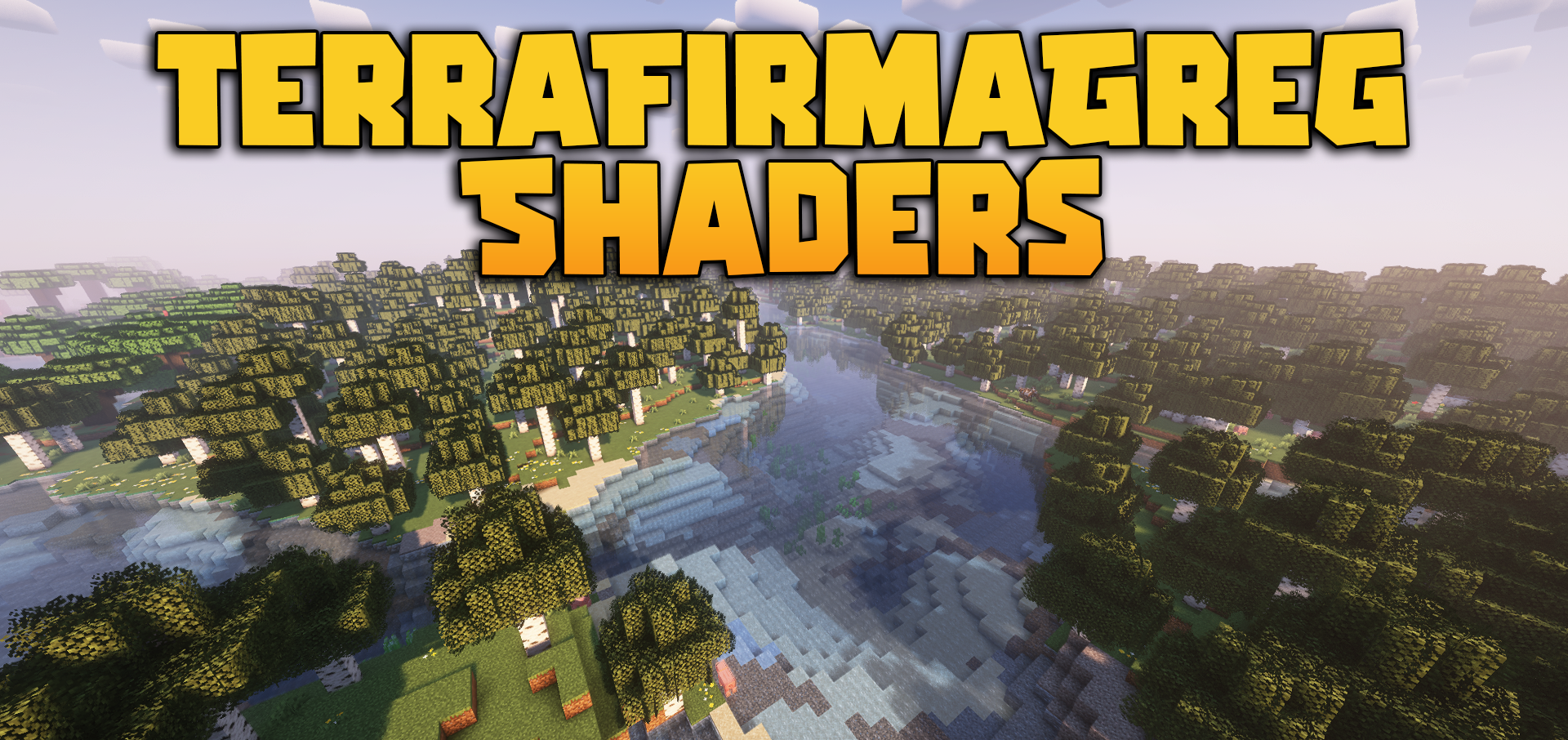
TerraFirmaGreg Shaders is perceived not as a shader made for effects, but as a carefully tuned tool for improving the environment. Its task is not to completely change the style of the world, but to make it more expressive and deeper while preserving the overall mood of the mod pack. This is especially visible in its work with lighting and color: different dimensions receive their own character, and the sky and overall palette feel more deliberate.
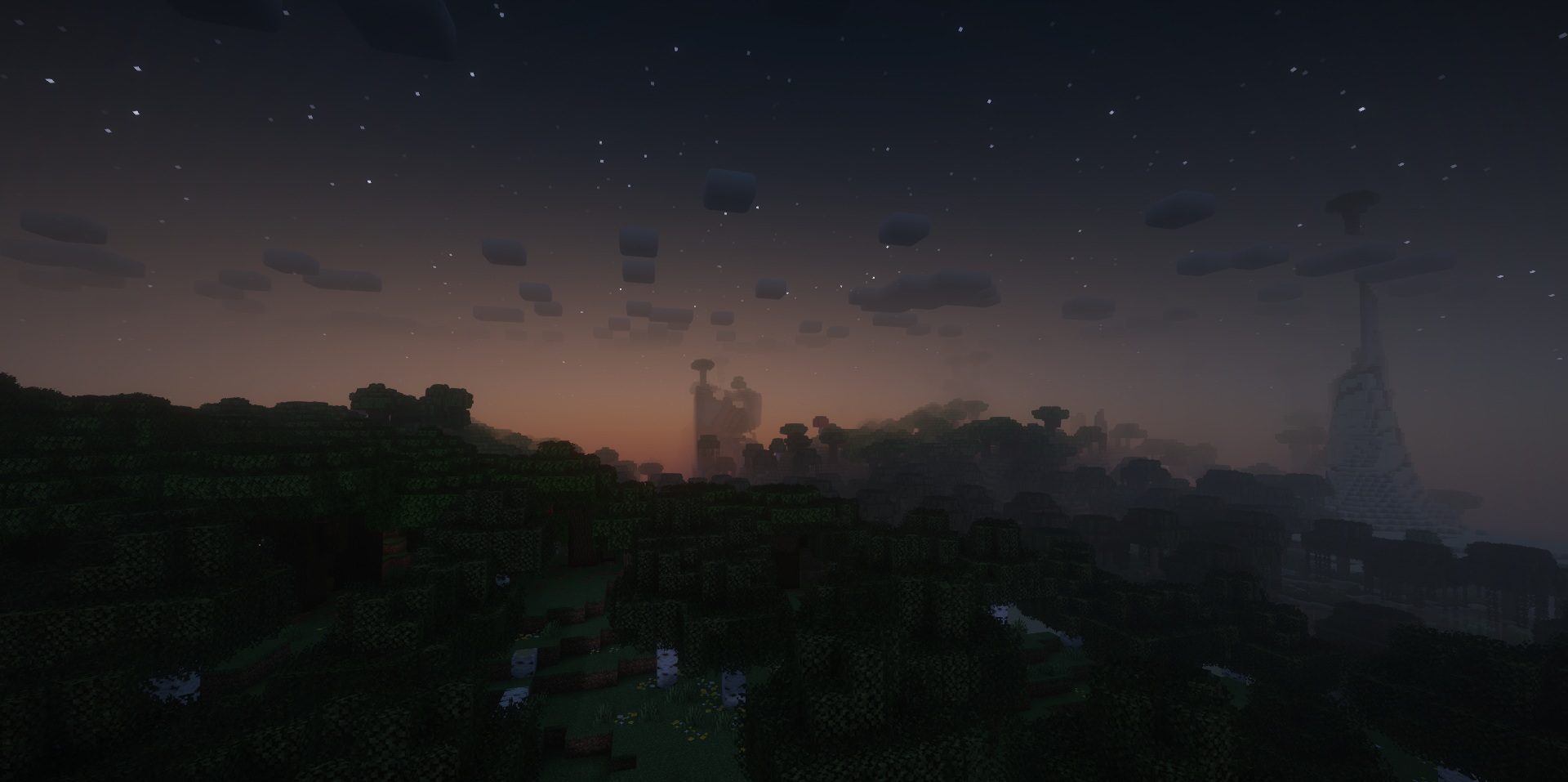
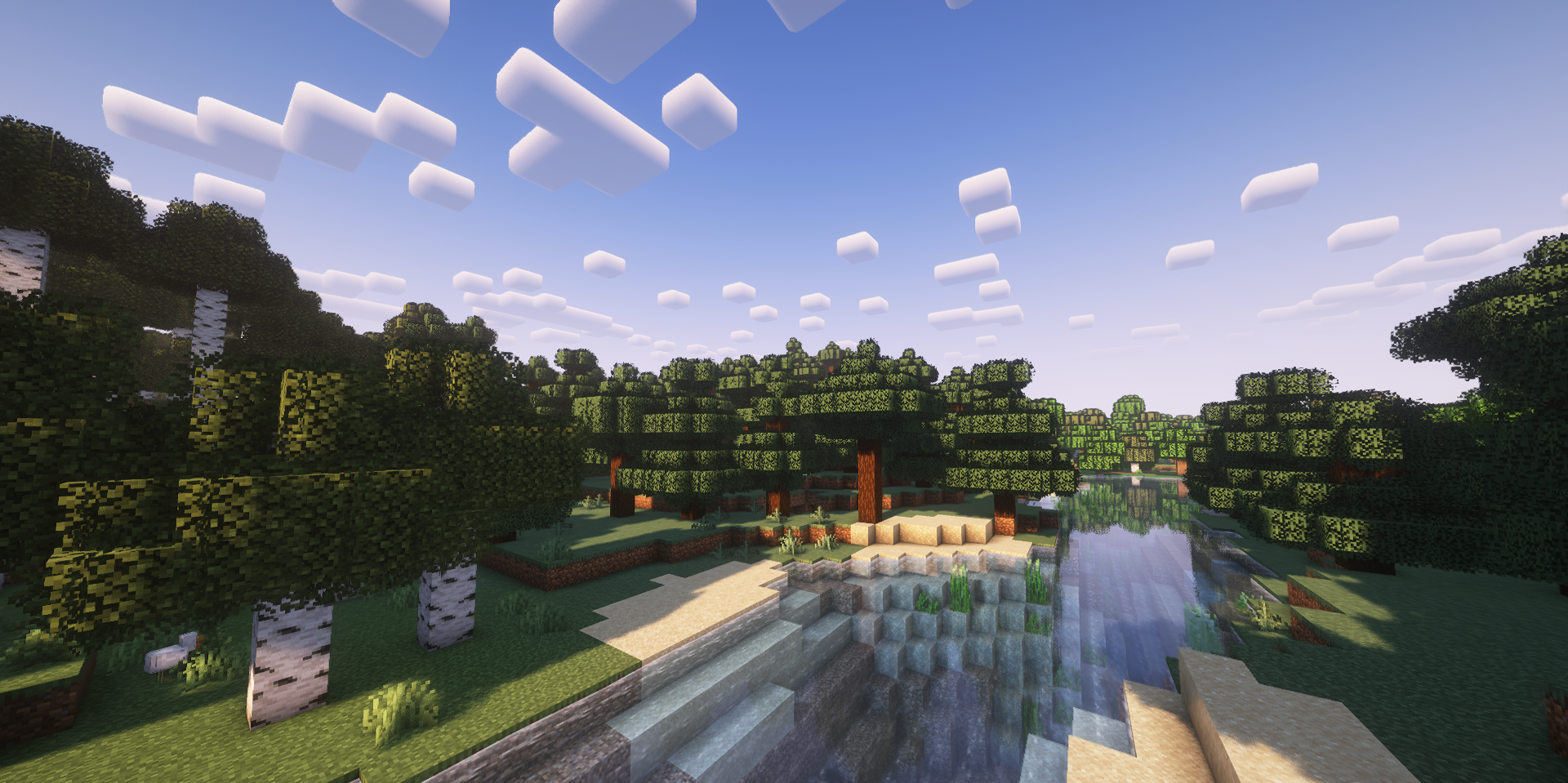
Because of this, locations begin to differ better not only by blocks, but also by mood. Special attention should be given to the water and foliage, which have received their own visual features and look more natural.
How to install a shader:
First step: download the shader package from the link below.
Second step: Unpack the downloaded archive and copy the TerraFirmaGreg Shaders folder to c:\Users\User\AppData\Roaming\.minecraft\shaderpacks\(if this folder does not exist, create it yourself) (For Windows)
Third step: In the game, go to Settings, then to Graphics Settings. Select the "shaders" section and activate the shader pack of your choice.
Comments (0)