



Trailer Shaders for Minecraft 26.1.2
Sometimes Minecraft does not need complex graphics to look impressive. Trailer Shaders focuses exactly on simple but noticeable improvements: clean lighting, soft shadows, bright colors, and light cinematic bloom. As a result, the world becomes more expressive, but not overloaded with details. This shader is well suited for recording videos, showing off builds, or simply having calm survival gameplay with a pleasant picture.
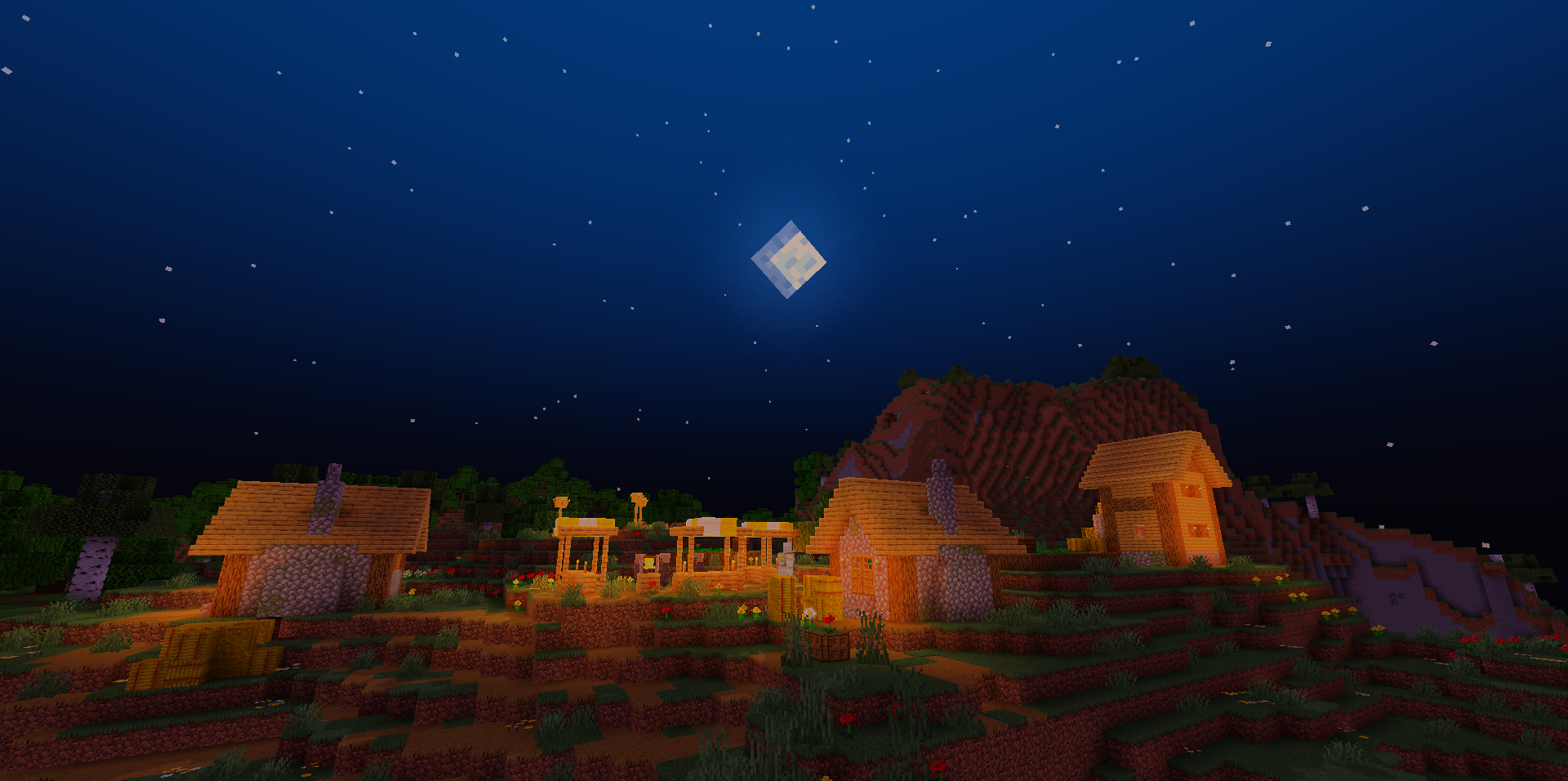
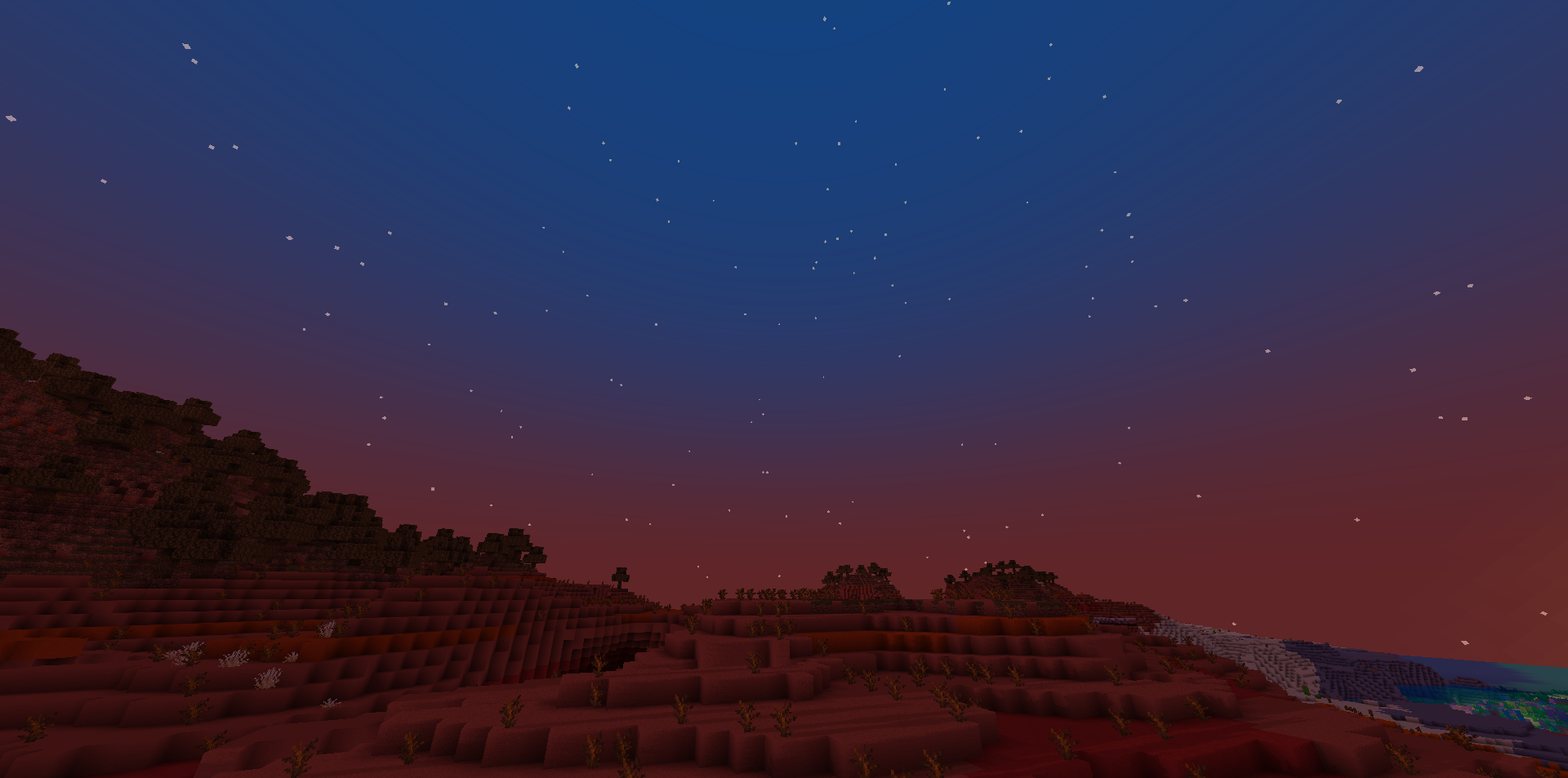
A separate advantage is the ability to adjust color channels, changing the overall tone of the image to your taste: making the scene warmer, colder, brighter, or calmer. Bloom can be turned on and off, so it is easy to adapt it to different play styles.
How to install a shader:
First step: download the shader package from the link below.
Second step: Unpack the downloaded archive and copy the Trailer Shaders folder to c:\Users\User\AppData\Roaming\.minecraft\shaderpacks\(if this folder does not exist, create it yourself) (For Windows)
Third step: In the game, go to Settings, then to Graphics Settings. Select the "shaders" section and activate the shader pack of your choice.
Comments (0)