



BiomeBloom for Minecraft 1.21.11
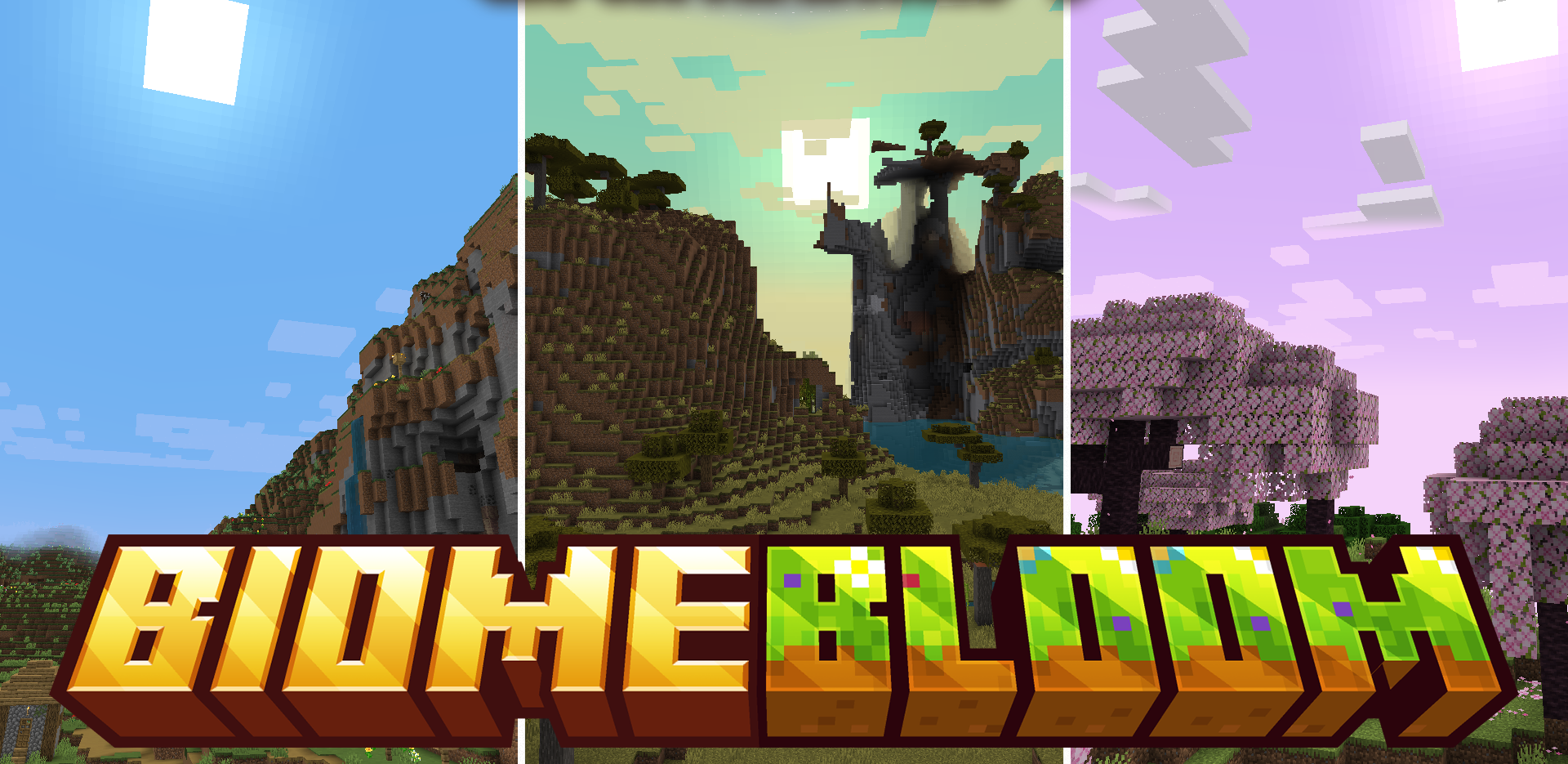
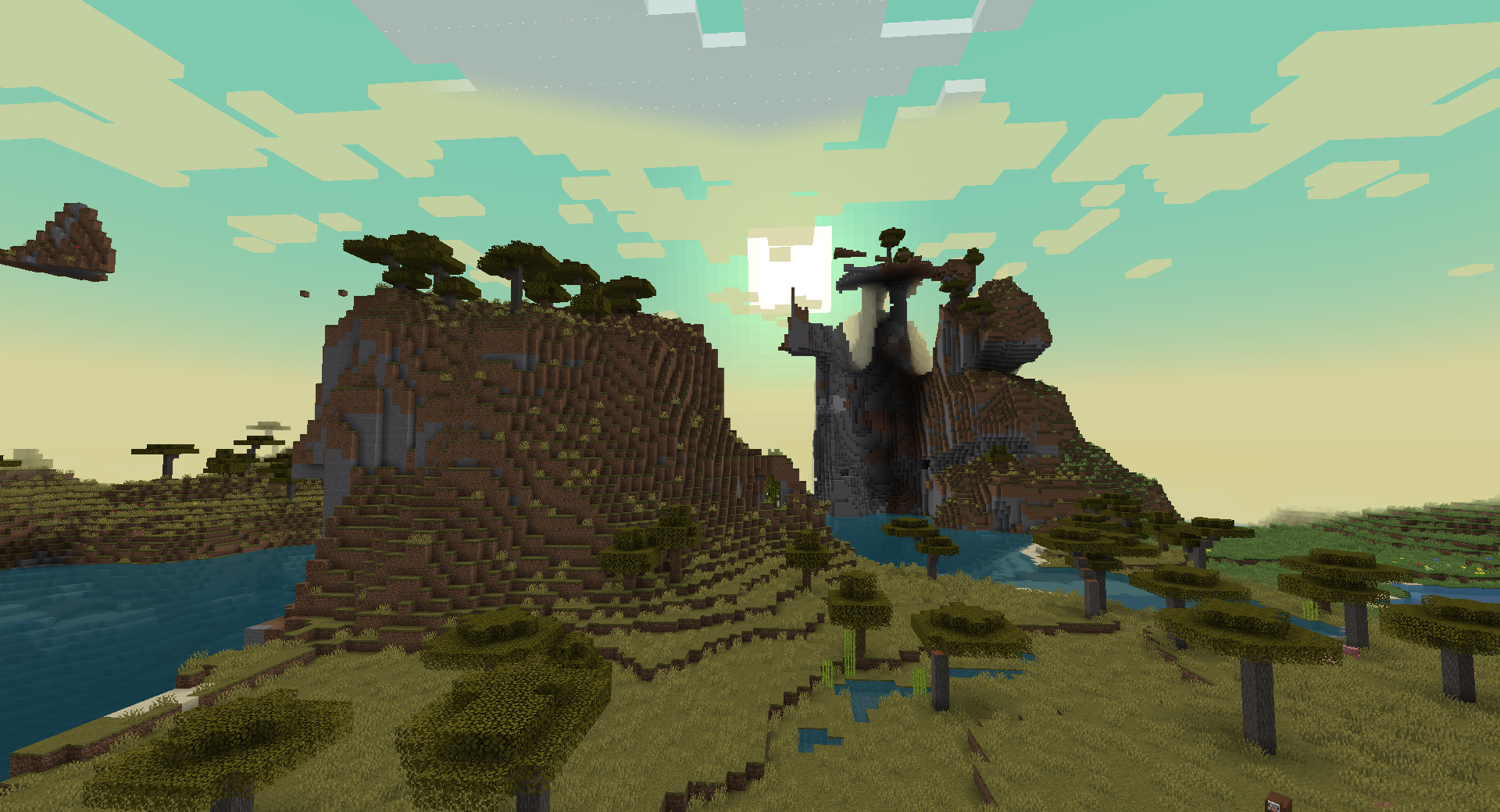
The world of Minecraft consists of many biomes, but sometimes the differences between them are not very noticeable. BiomeBloom resource pack enhances this aspect by giving each biome its own color atmosphere. Grass, leaves, and other vegetation elements receive shades that match the surrounding environment. Forests look more richly green, deserts gain pale and dry tones, and cold regions receive frosty shades.
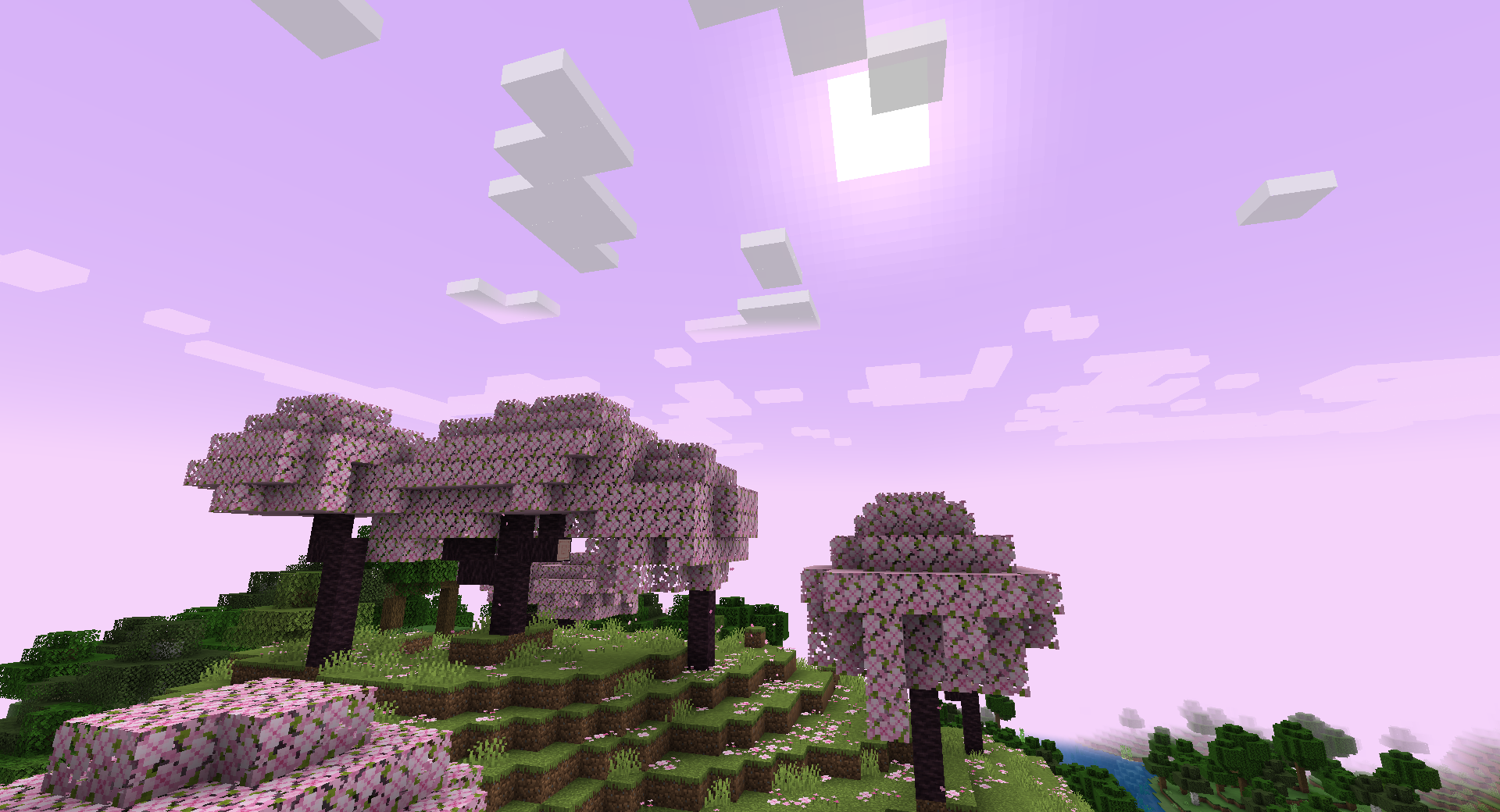
Thanks to these changes, traveling across the world becomes visually more interesting, because each new area feels different in its own way. The pack does not radically change textures, but simply adjusts their color palette.
How to install the texture pack:
First step: download and install BiomeBloom
Second step: copy the texture pack to the C:\Users\USER_NAME\AppData\Roaming\.minecraft\resourcepacks
Third step: in game settings choose needed resource pack.
Comments (0)