



Gliese Sky for Minecraft 1.21.11
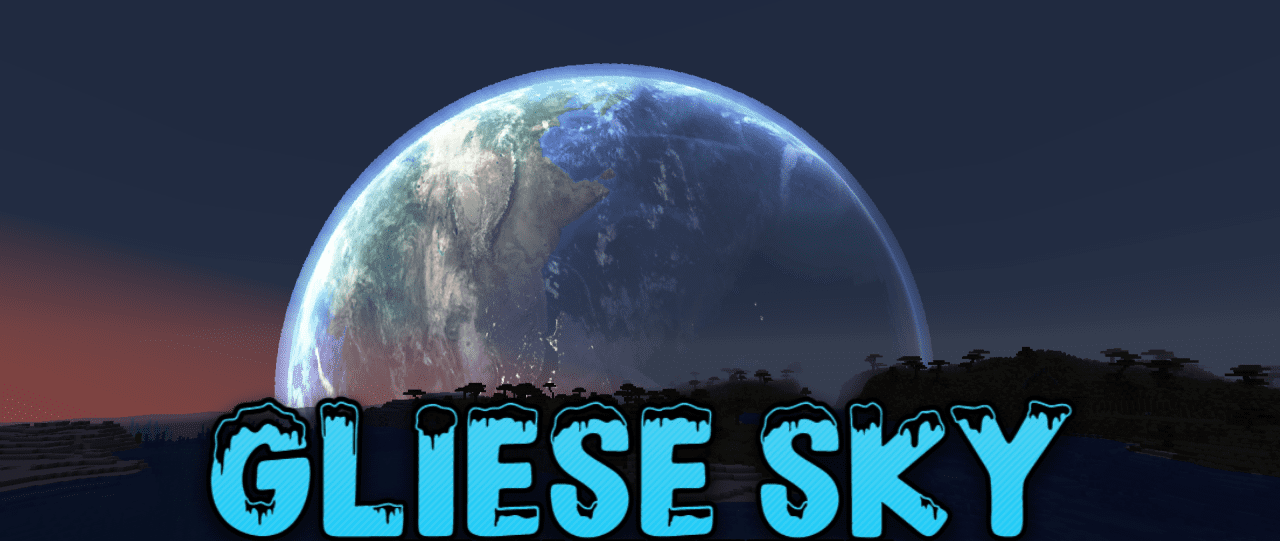
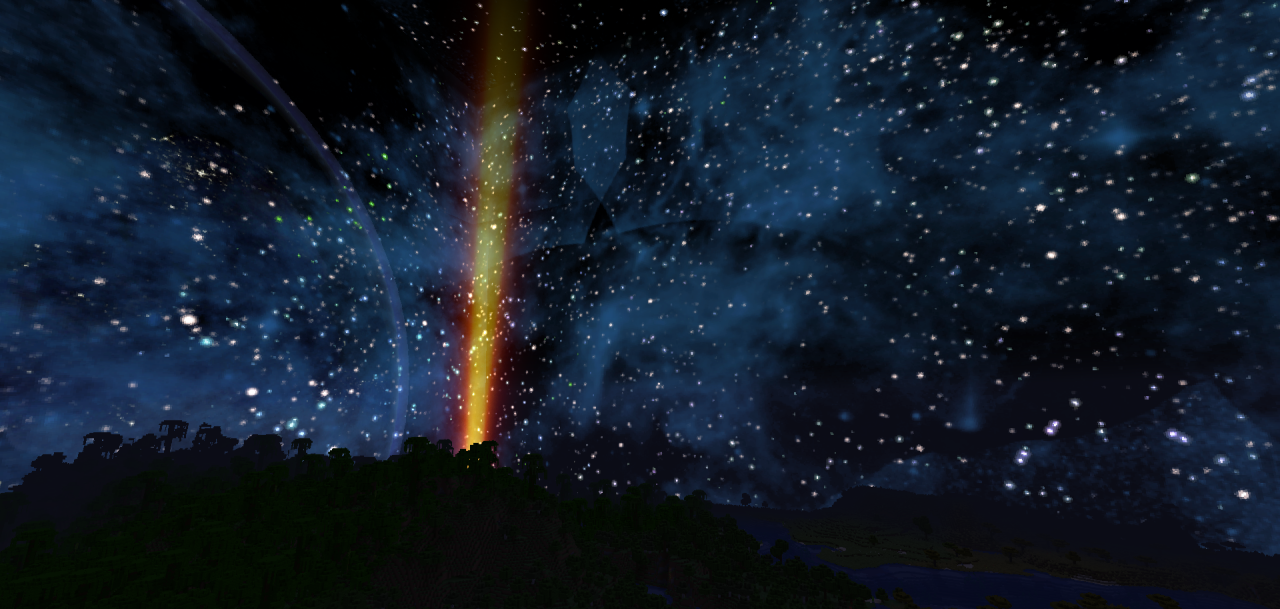
The night sky usually looks simple, but with Gliese Sky installed, everything changes. This small resource pack completely reworks the textures of the night sky, turning it into a real cosmic spectacle. After darkness falls, a huge number of bright stars appear above the world, and distant planets can be seen on the horizon. Among them, even a massive “Super-Earth” stands out, making the landscape even more impressive.
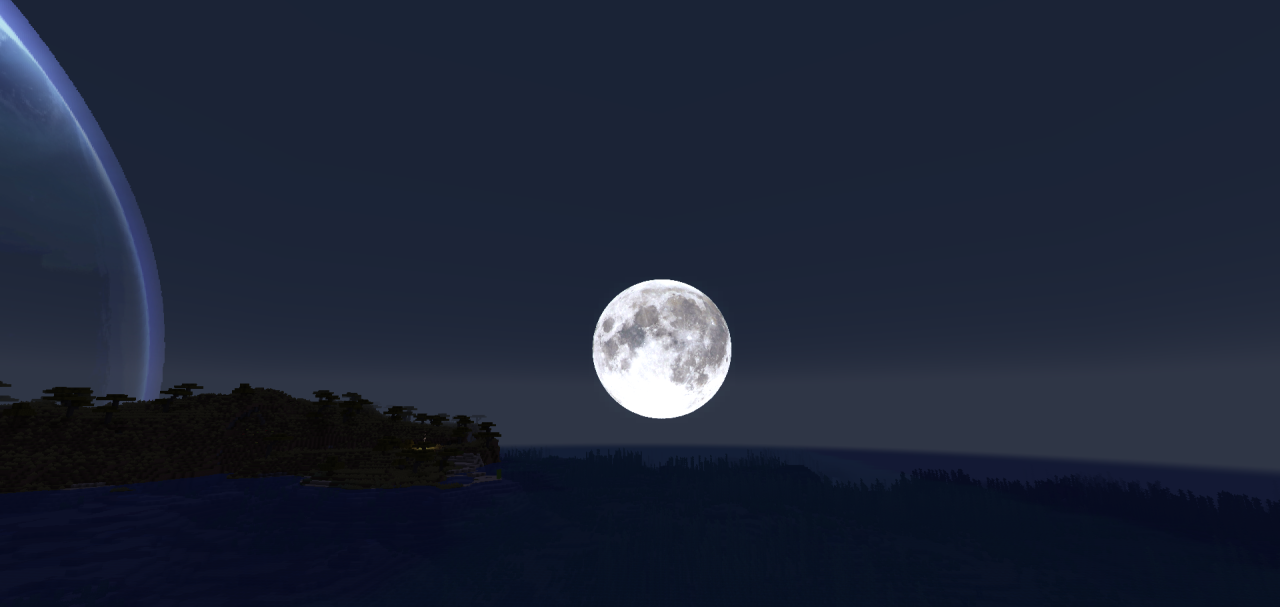
Thanks to such changes, nighttime walks, travel, and watching the sky become much more atmospheric. The pack does not change other elements of the game, but adds one important touch — a beautiful and deep cosmic sky that noticeably enhances the sense of the world’s scale.
How to install the texture pack:
First step: download and install Gliese Sky
Second step: copy the texture pack to the C:\Users\USER_NAME\AppData\Roaming\.minecraft\resourcepacks
Third step: in game settings choose needed resource pack.
Comments (0)