



Minecraft 26.4 Snashot 3 Java Edition Download (Overview)
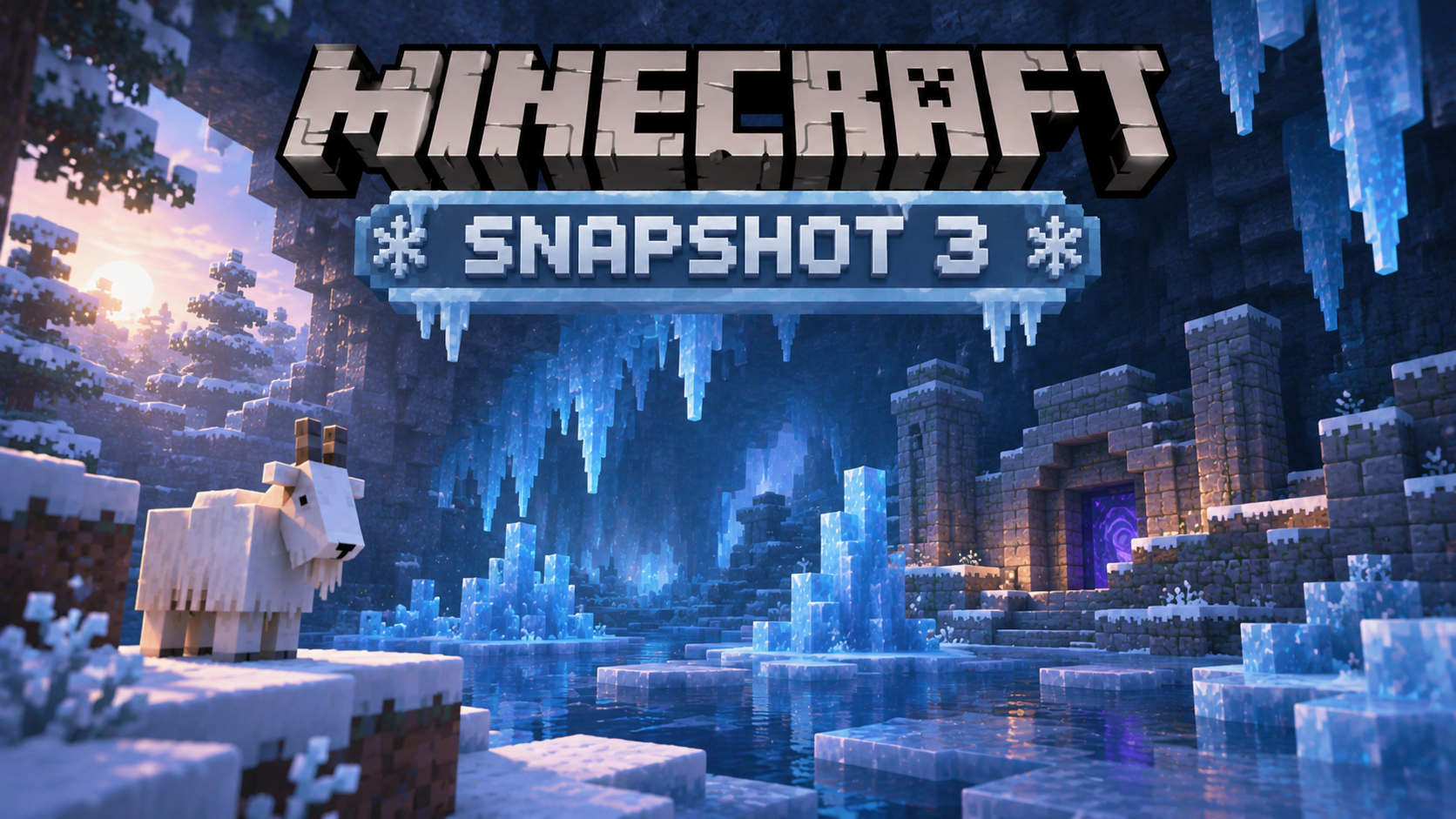
On October 6, 2026, the third Minecraft Java Edition snapshot for version 26.4 was released. Unlike the previous preview builds, this time the developers added new game content. The main addition was ice caves — an underground biome featuring ice crystals, icicles, and Frostbites. Along with them came ice balls and the Freezing effect, expanding the ways players can interact with cold environments.
Contents:
1 New Features
2 Changes
3 Bug Fixes
4 How to Install the Snapshot
5 Download Links
New Features
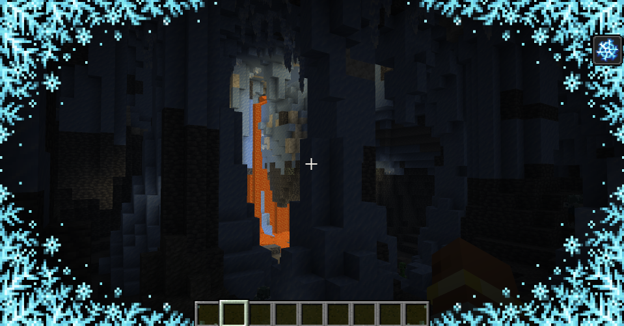
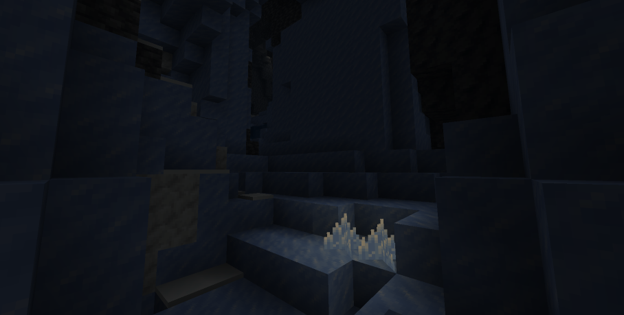
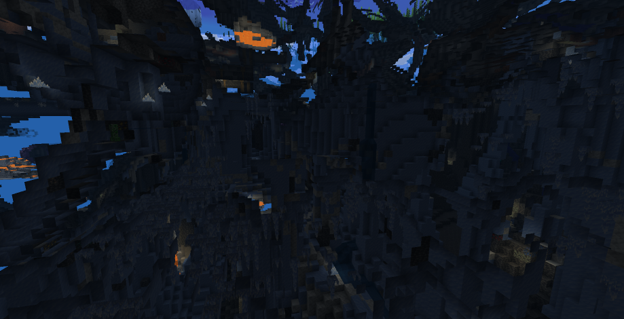
Ice Caves. The game now features a new underground biome that generates beneath snowy regions. Ice caves consist mainly of packed ice and calcite, with enormous ice columns, icicles, and glowing crystals found inside. Various hostile creatures also inhabit these caves, including Frostbites and Strays.
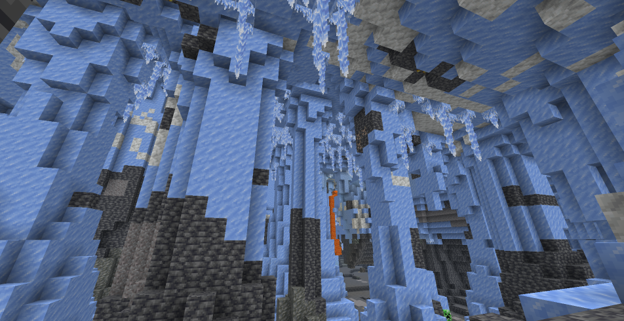
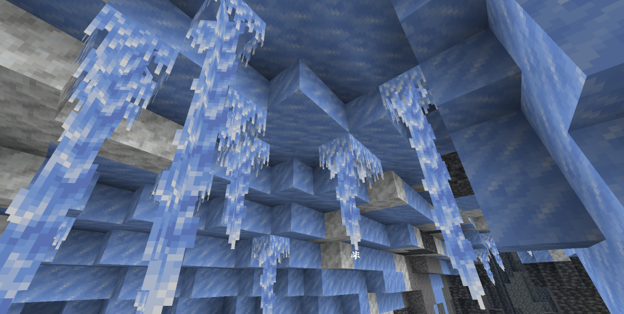
Ice Crystals and Icicles. Ice crystals resemble amethyst clusters, emit a faint light, and can be placed on any side of a block. If the supporting block is destroyed, the crystal breaks. Icicles are similar to pointed dripstone and can grow up to five blocks long. When exposed to bright light or placed in the Nether, hanging icicles can melt and collapse, dealing damage to creatures. Falling onto an icicle also causes additional damage.
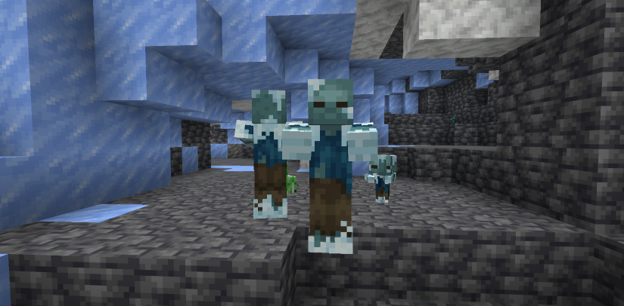
New Mob — Frostbite. An icy zombie variant that spawns in snowy biomes. A regular zombie can turn into a Frostbite after spending an extended period in powder snow. Frostbites are immune to freezing and can attack both in melee combat, applying the Freezing effect, and from a distance by throwing ice balls. When killed, they may drop rotten flesh and ice balls.
New Items
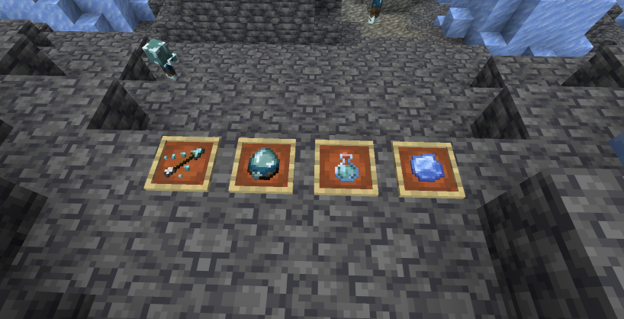
The snapshot introduces several items related to freezing:
- Ice Ball — a throwable projectile that deals damage and knocks back enemies. It is also used for brewing potions.
- Potion of Freezing — brewed by adding an ice ball to an Awkward Potion and applies the new effect.
- Arrow of Freezing — a special arrow that applies the Freezing effect on impact.
- Frostbite Spawn Egg — allows players to spawn the new mob.
Freezing Effect
The new effect gradually deals damage to creatures and slows their movement. Some mobs take five times more damage from it. Wearing any piece of leather armor provides protection, although the effect itself does not disappear. The Freezing effect can be inflicted by Frostbite attacks, special arrows, and potions, including splash and lingering variants.
Changes
- New Ice Sounds — regular ice now has its own sound effects.
- Snow Placement — snow can now be placed on the surface of packed ice.
- Snowball Knockback — snowballs now knock back players when they hit them.
- New Wandering Trader Offers — ice crystals and icicles have been added to the trader's selection of goods.
Bug Fixes
In 26.4 Snapshot 3, the developers fixed 18 bugs. The most important ones include:
- Crashes When Creating Superflat Worlds — fixed an issue that caused the game to crash when using custom world generation settings involving air.
- Pet Teleportation — fixed an issue that could cause tamed animals to teleport to incorrect coordinates when traveling through a Nether portal.
- Frame Rate Limitation — on some systems, the frame rate was incorrectly limited to 20 FPS when using the Vulkan rendering engine.
- Mushroom Generation on Mushroom Islands — fixed a bug introduced in the previous snapshot that caused small mushrooms to almost completely stop generating in this biome.
- Caps Lock Key Functionality — fixed an issue that prevented the key from being used for sprinting, sneaking, and other actions configured to require holding down a key.
Installation
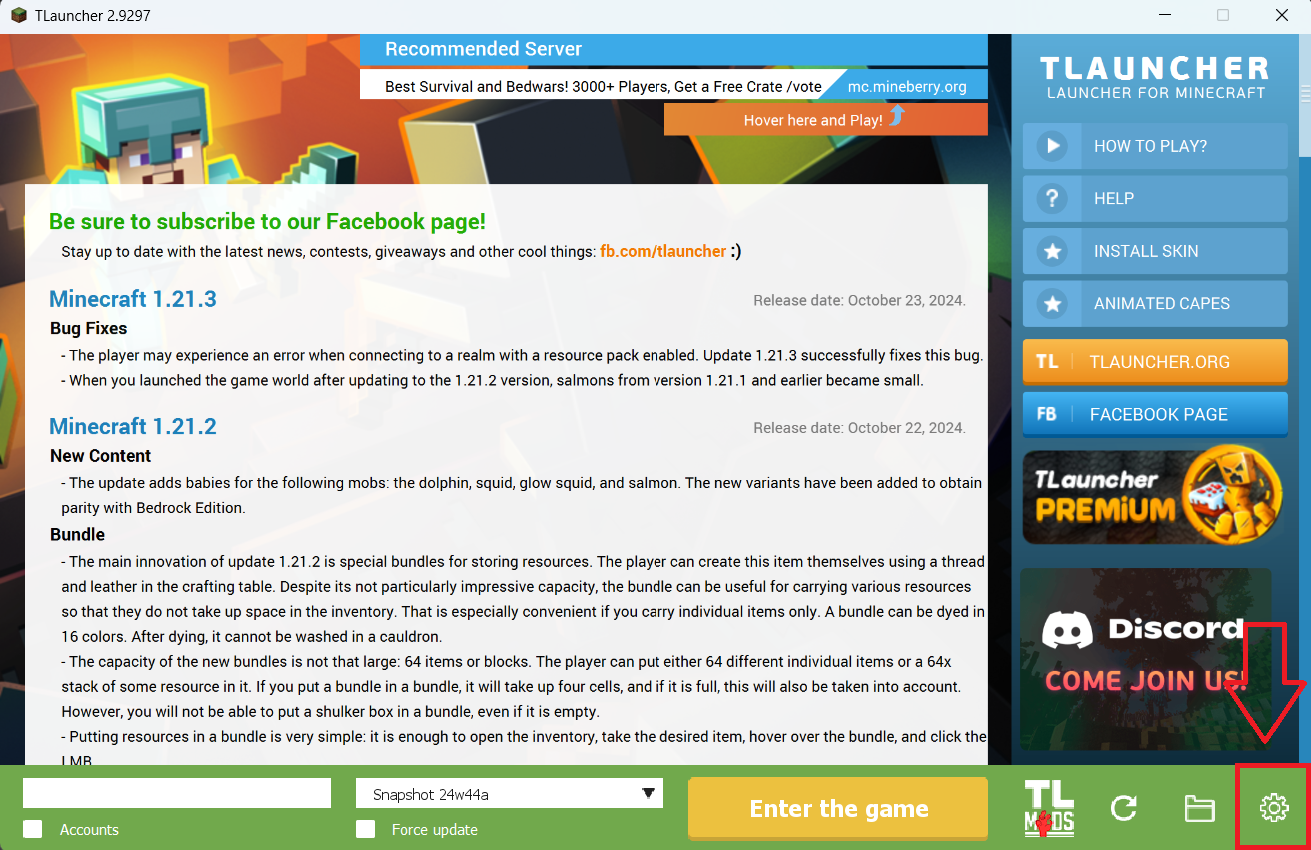
Step 1. Open TLauncher and go to the Settings tab by clicking the gear icon in the lower right corner.
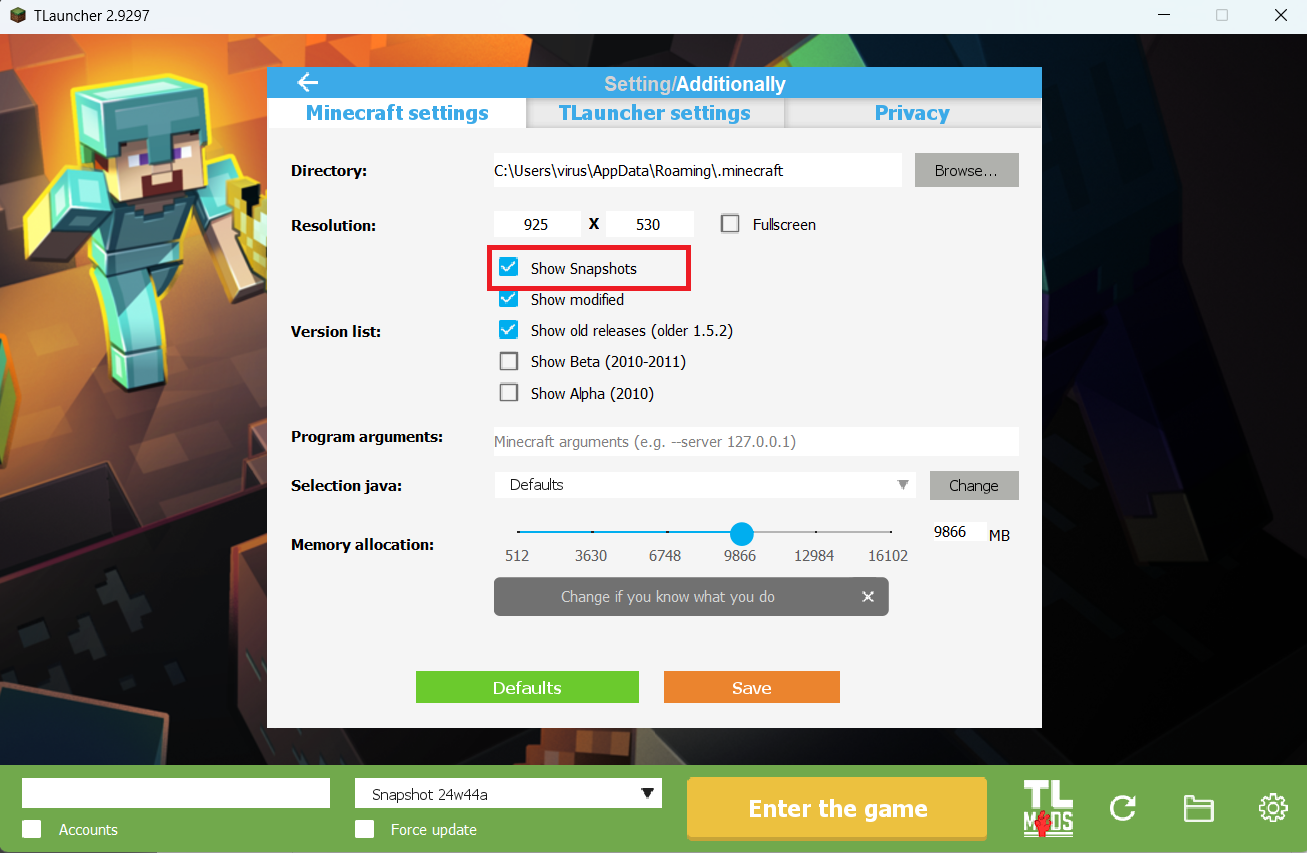
Step 2. Select the Display Snapshots checkbox, and do not forget to save the changes by clicking the appropriate button at the bottom.
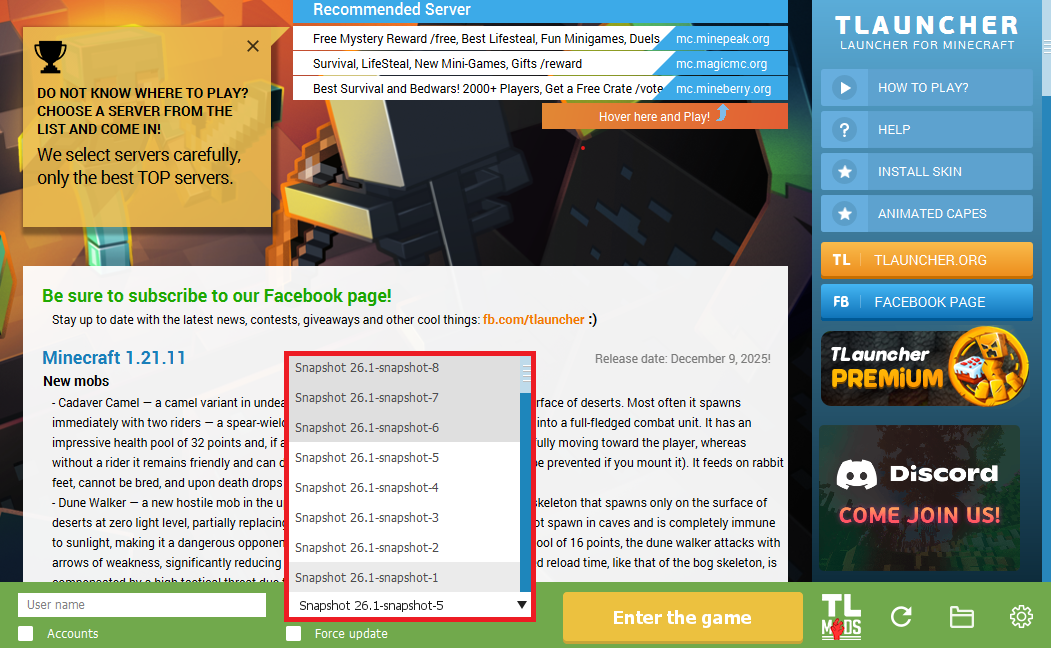
Step 3. On the main screen of TLauncher, open the version selection tab, select the desired snapshot, and click 'Install' or 'Launch the Game' if the snapshot is already installed.
Download Links
26.4 Snapshot 3 is out!
Previous snapshots:
The latest version of the game:
Comments (0)