



Minecraft 26.2 Snashot 2 Java Edition Download (Overview)
26.2 Snapshot 2 is the second Java Edition snapshot for version 26.2, which was released on April 9, 2026. This preview build continues preparing the game for the next stage of the update, introducing new changes, fixes, and technical improvements.
Contents:
1 Changes
2 Fixes
3 Installation
4 Download Links
Changes
· One of the notable changes was the accelerated updating of some worlds created before version 26.1. This means that when transferring old saves to a newer version of the game, in some cases the process may go faster than before.
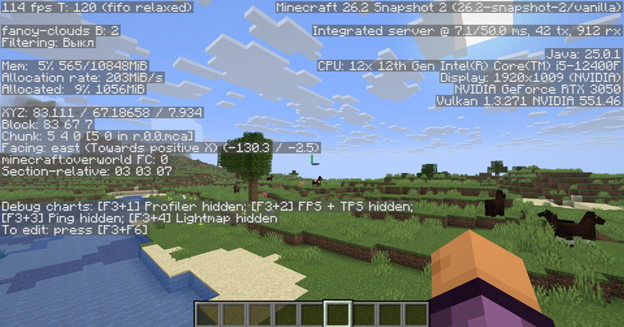
· The changes also affected the debug screen. Now, when pressing the F3 key, the fps field displays not only vsync, but also the type of mode being used, for example mailbox or fifo relaxed.
Fixes
7 bugs fixed:
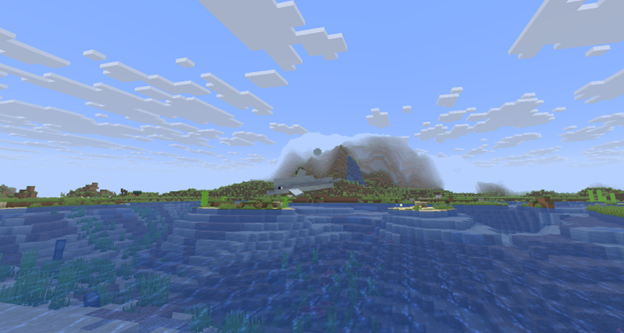
— dolphins no longer drown when the player is not nearby;
— the game now closes correctly after exiting;
— a freeze on startup with an incompatible resource pack that changes the core shaders has been fixed;
— core shaders now load correctly without requiring a restart when using Vulkan;
— issues that caused Vulkan to interfere with launching the game and cause crashes on some graphics cards have been fixed;
— game crashes before launch have been fixed;
— incompatibility between exclusive fullscreen mode and Vulkan rendering has been fixed.
Installation
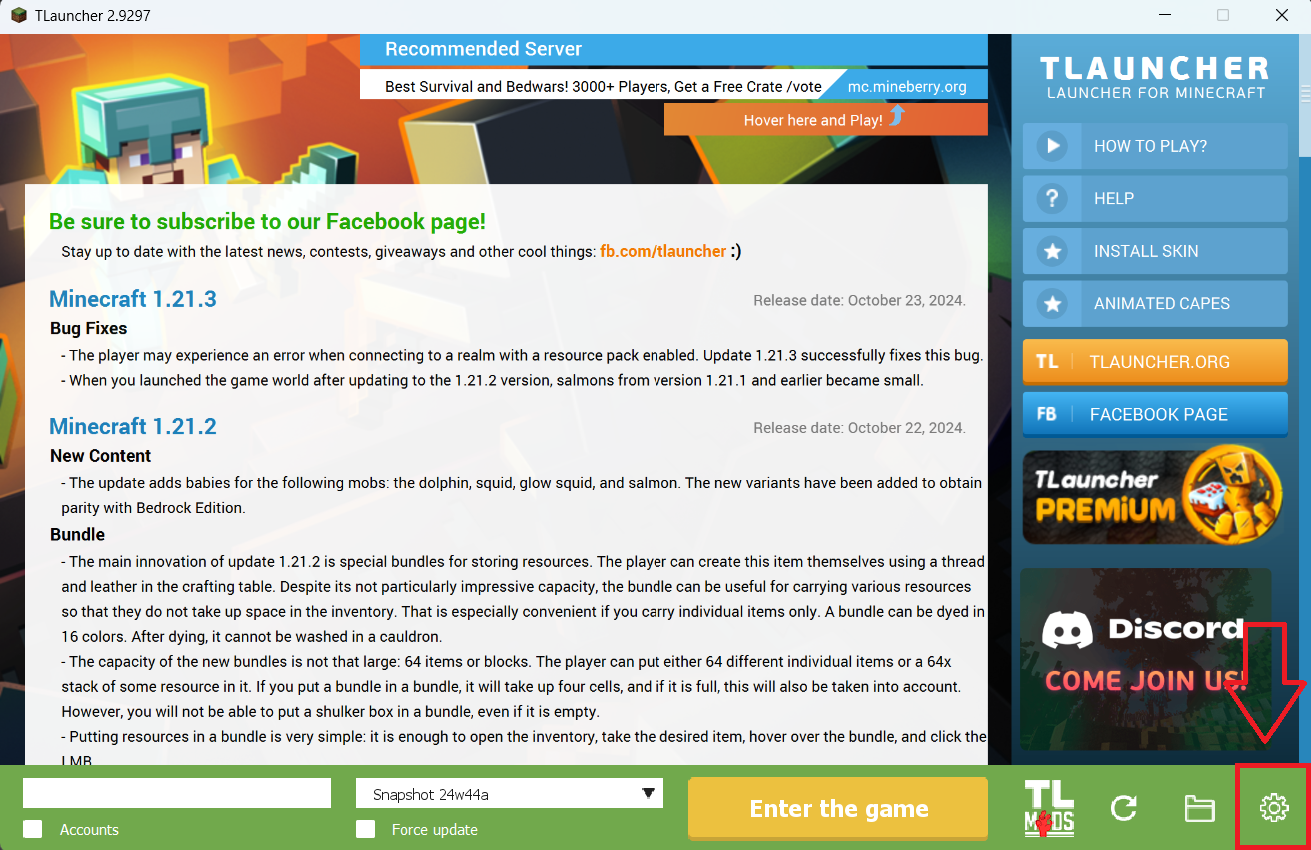
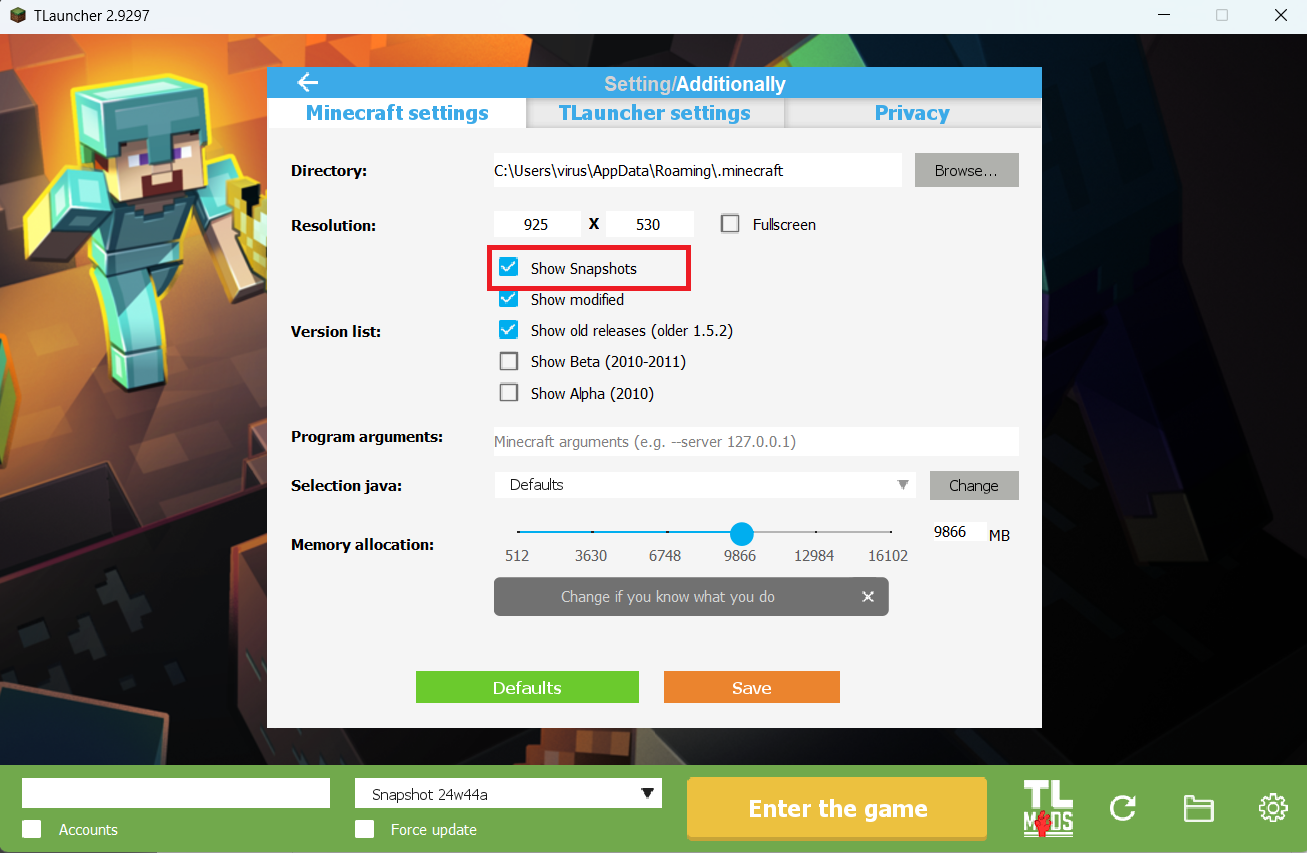
Step 1. Open TLauncher and go to the Settings tab by clicking the gear icon in the lower right corner.
Step 2. Select the Display Snapshots checkbox, and do not forget to save the changes by clicking the appropriate button at the bottom.
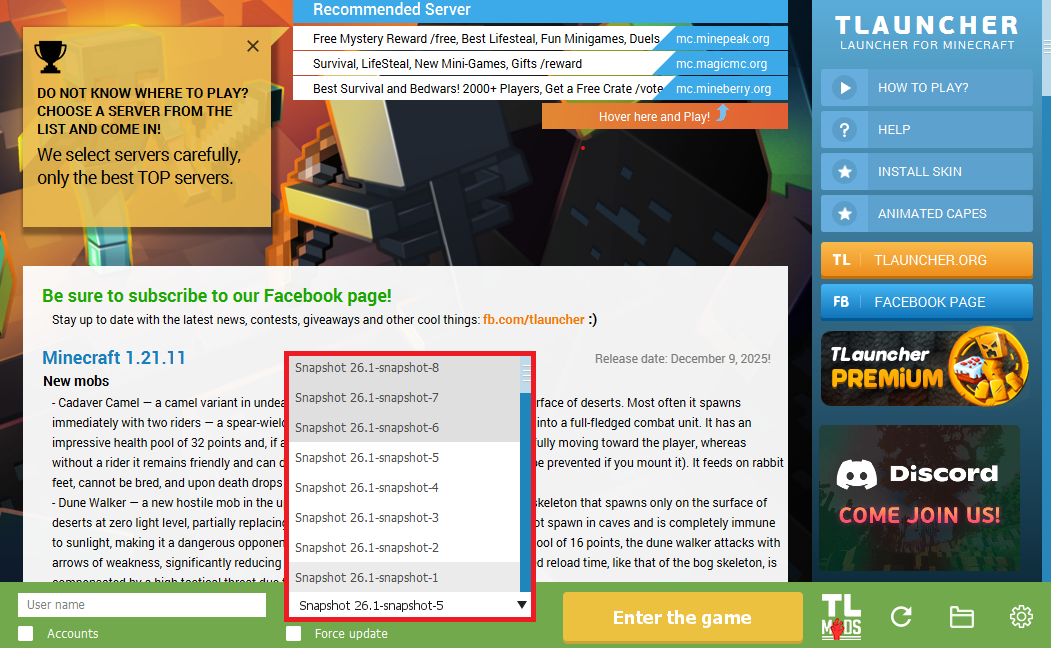
Step 3. On the main screen of TLauncher, open the version selection tab, select the desired snapshot, and click 'Install' or 'Launch the Game' if the snapshot is already installed.
Download Links
26.2 Snapshot 2 is out!
Previous snapshots:
The latest version of the game:
Comments (2)