



Minecraft 26.2 Snashot 1 Java Edition Download (Overview)

26.2 Snapshot 1 — the first Java Edition snapshot for version 26.2, released on April 7, 2026. A new biome has appeared in the game — the sulfur biome, as well as new blocks for it. Along with the content additions, the developers also introduced a major technical change — the experimental Vulkan graphics API, which is now used by default.
Contents:
1 New biome
2 New blocks
3 New mob
4 Installation
5 Download links
New biome
One of the main additions is a new cave biome — sulfur caves. They generate underground and can also be found inside hills and mountains, expanding the familiar system of underground spaces. Visually, this biome is easy to recognize by the characteristic bands of sulfur and cinnabar, which form its unique appearance.
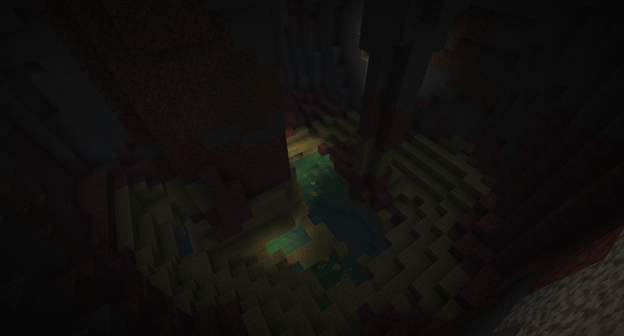
Sulfur caves act not only as a new type of location, but also as a full-fledged habitat for local mobs. It is here that sulfur cubes and cave spiders appear, making exploration of the biome noticeably more dangerous. The atmosphere is further enhanced by pools of active sulfur, covering the cave floor and making these areas even more recognizable.
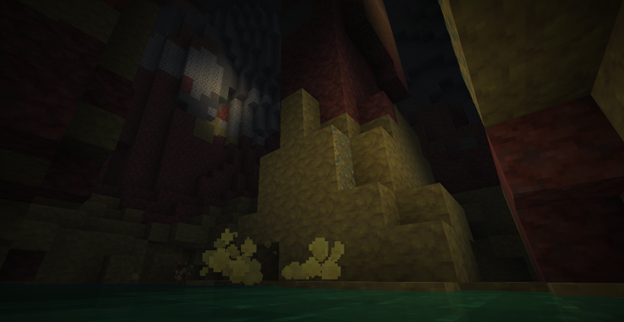
Sulfur spring
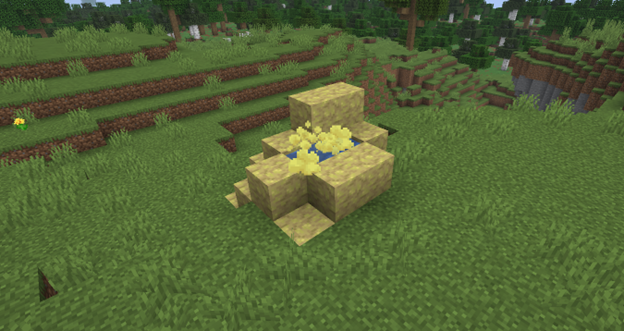
On the surface of the Overworld above sulfur caves, a new natural feature can now generate — a sulfur spring. This is a kind of external indication of the biome located below, helping to notice the unusual area even before descending underground. The sulfur spring consists of regular sulfur, active sulfur, and magma blocks, thanks to which it fits well into the overall theme of the biome. The structure can appear in four size variants: small, medium, large, and huge, making such formations visually more varied and more noticeable in the landscape.
New blocks
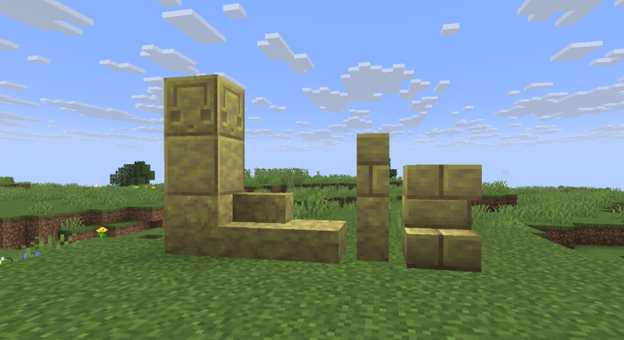
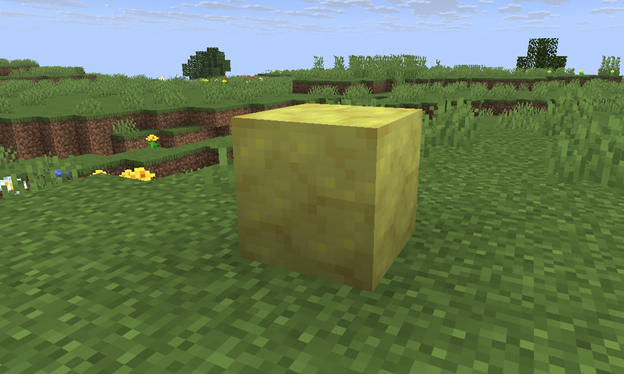
Sulfur is a yellow block that naturally generates in sulfur caves and forms the basis of the visual style of the new biome. This block also serves as a full-fledged building material that can be used on a crafting table or in a stonecutter to create a large number of decorative variants. From sulfur, you can make stairs, slabs, and walls, as well as polished sulfur blocks and their variants in the form of stairs, slabs, and walls. Sulfur brick blocks with corresponding stairs, slabs, and walls are available, as well as a chiseled block.
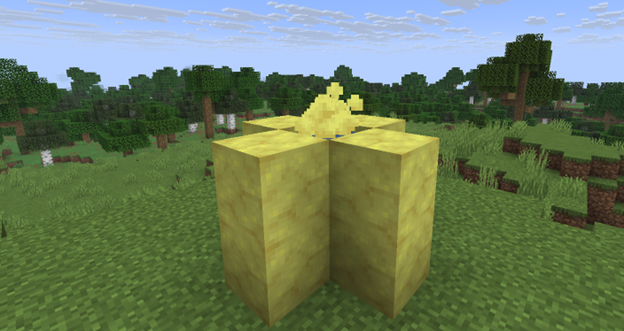
Another new block is active sulfur, which naturally generates at the bottom of pools in sulfur caves. Unlike ordinary decorative materials, this block not only shapes the atmosphere of the new biome, but also directly affects the environment, adding dangerous natural mechanics to it.
Active sulfur creates bubbles that rise up to a height of four water source blocks above the block itself. If it is placed under four blocks of water, a cloud of toxic gas appears on the surface, applying the Nausea effect to the player. At the same time, the gas is not limited to a single point, but spreads through neighboring water blocks within a radius of three blocks, making such areas especially unpleasant to explore.
Among the new blocks, cinnabar stands out — a red block that naturally generates in sulfur caves. It not only emphasizes the visual uniqueness of the new biome, but also serves as a full-fledged building material with broad possibilities for decorative use.
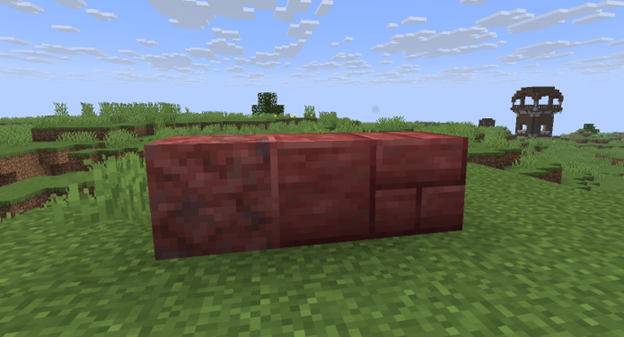
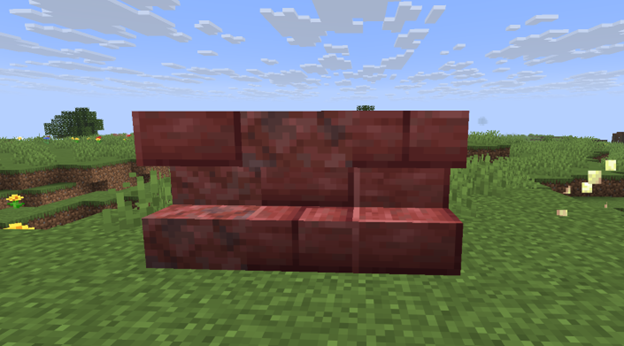
From cinnabar, on a crafting table or in a stonecutter, you can create several derived variants at once. Players have access to stairs, slabs, and walls, as well as polished cinnabar blocks and their own variants in the form of stairs, slabs, and walls. In addition, this material can be used to make cinnabar brick blocks with corresponding stairs, slabs, and walls, as well as a chiseled block. Because of this, cinnabar looks like one of the most flexible new decorative materials of the update.
New mob
Sulfur cube is a new mob that appears in sulfur caves and is built around an unusual mechanic of absorbing blocks. If you use a block on the mob, it will pull it into itself and disable its AI, becoming more of a physical object than an ordinary creature. In this state, the sulfur cube does not take damage, and players can interact with it through hits and pushes. The absorbed block can be removed with shears, after which the mob becomes active again.
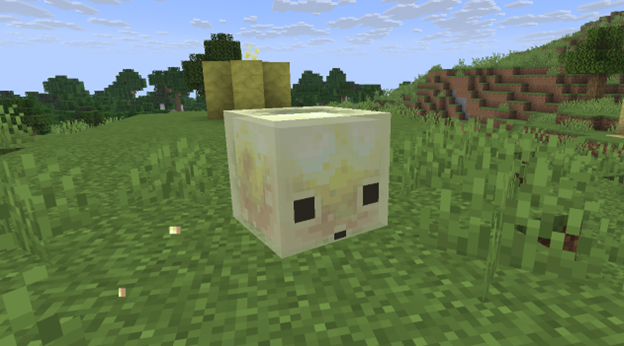
This mob also reacts to its surroundings: it follows the player if they are holding a suitable block, and can independently search for blocks lying on the ground in order to absorb them. When a large sulfur cube dies, it splits into two small ones, and a small cube can be grown back if you lure it and feed it slime. In addition, a large sulfur cube can be carried in a bucket, and a dispenser can place blocks into it, change them, remove them with shears, and even release the mob from the bucket.
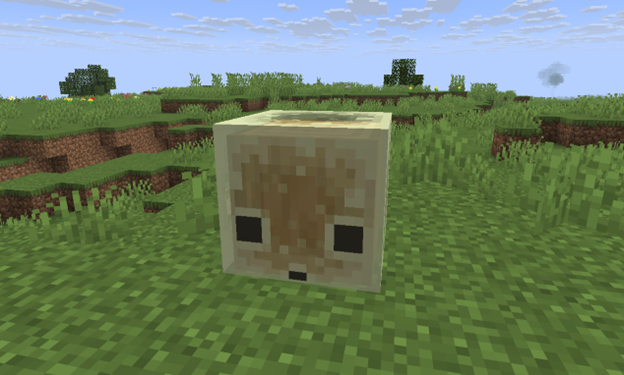
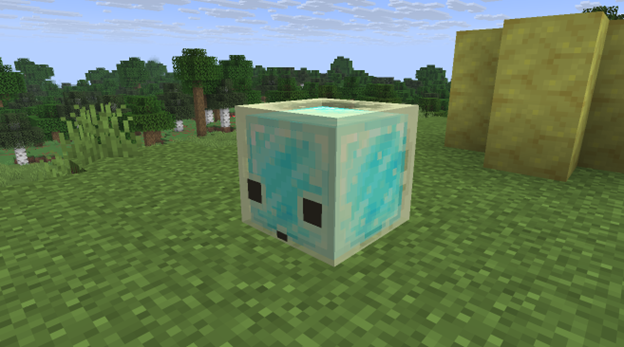
The main feature of the sulfur cube is that its physical properties depend on the absorbed block. Some materials make it bouncier, others make it more slippery, heavier, sturdier, or stickier. For example, wood increases elasticity, ice turns the cube into a fast-sliding object, wool makes it lighter, and a honeycomb block gives it a sticky effect. Because of this, the sulfur cube looks not just like a new mob, but like an experimental mechanic that can be interacted with in different ways in the game world.
Installation
Step 1. Open TLauncher and go to the Settings tab by clicking the gear icon in the lower right corner.

Step 2. Select the Display Snapshots checkbox, and do not forget to save the changes by clicking the appropriate button at the bottom.
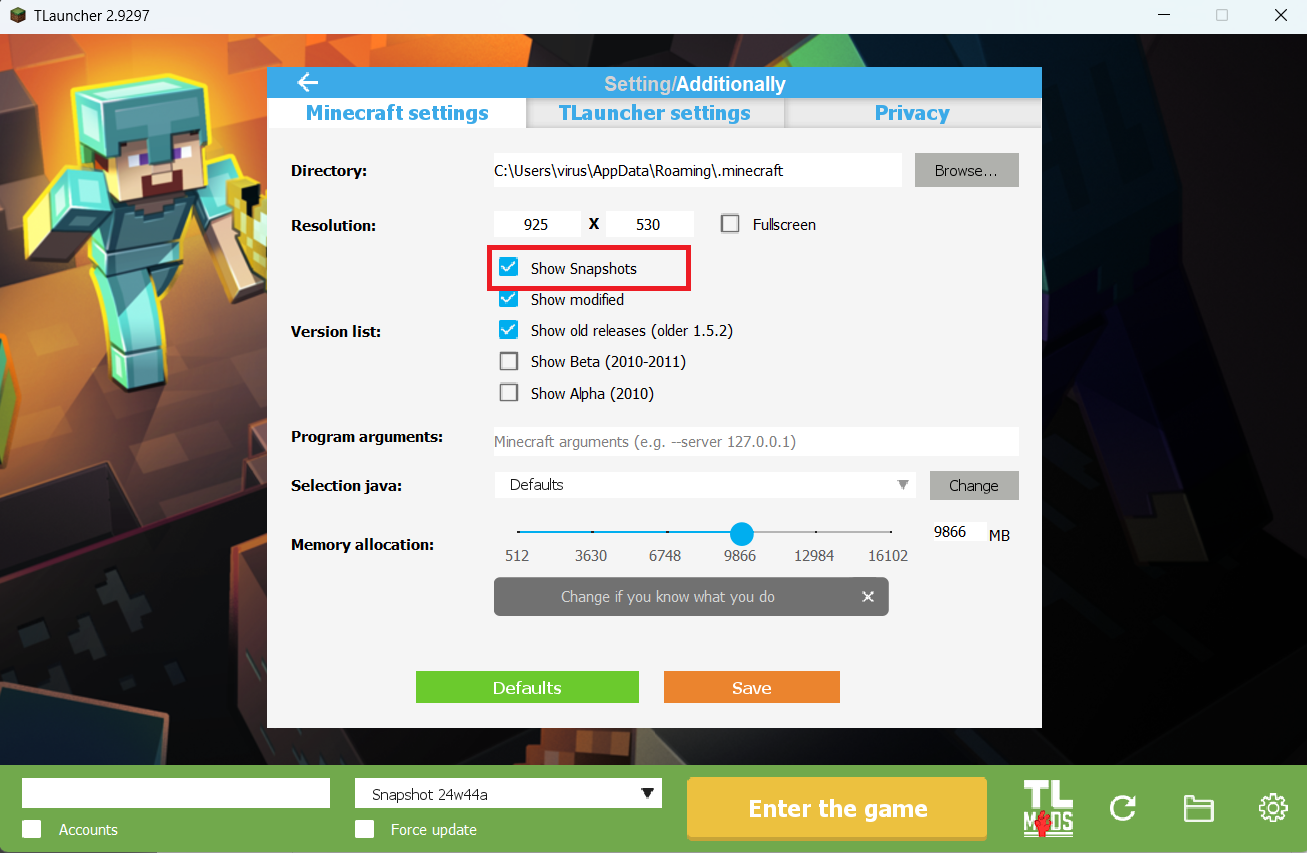
Step 3. On the main screen of TLauncher, open the version selection tab, select the desired snapshot, and click 'Install' or 'Launch the Game' if the snapshot is already installed.

Download Links
26.2 Snapshot 1 is out!
Previous snapshots:
The latest version of the game:
Comments (9)