



Minecraft 26.1 Snashot-10 Java Edition Download (Overview)
On February 24, 2026, the tenth snapshot for the new version — 26.1 Snapshot-10 — was released for Minecraft: Java Edition. The update continues refining the features introduced in the previous test builds. In this version, the developers made changes to baby mob models, adjusted certain elements of previously added content, and fixed a number of discovered bugs.
Contents:
1 Changes
2 Major Bugs
3 Installation
4 Download Links
Changes
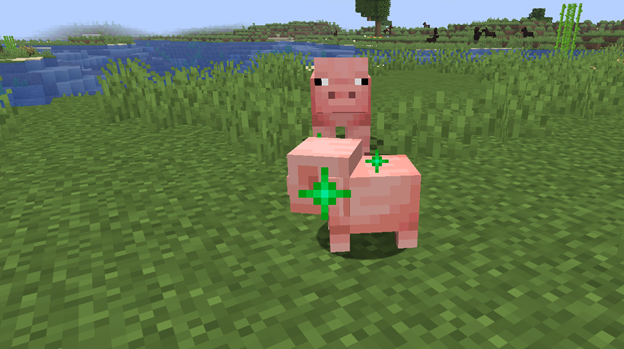
Golden Dandelion received a small but noticeable visual update. It now emits different particles depending on the action:
- When pausing a baby’s growth, green particles appear and drift downward.
- When resuming growth, green particles rise upward.
Other changes:
- The models of baby zombies, husks, and drowned were adjusted: the head size of the babies has been reduced.
- A missing pixel in the snifflet texture has been fixed.
- The hairs of small striders are now animated. In line with the Bedrock version, the color of a small strider now depends on the color of the adult it is standing on.
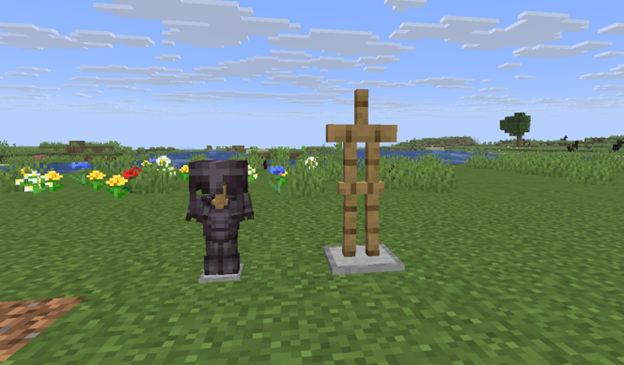
- Small armor stands now correctly display equipped armor.
Major Bugs
A total of 18 bugs were fixed in the snapshot; here are the 5 most notable:
- MC-91132 — proper cross-platform support for CJK IME has been added (character input no longer works with errors).
- MC-305507 — the scaling of kitten models has been fixed (now matches other baby mobs).
- MC-306300 — fixed an issue where baby zombies and related mobs visually “floated” above the ground.
- MC-306376 — corrected the improper display of armor on small armor stands.
- MC-306501 — changing game rules when creating a world now applies correctly again.
Installation
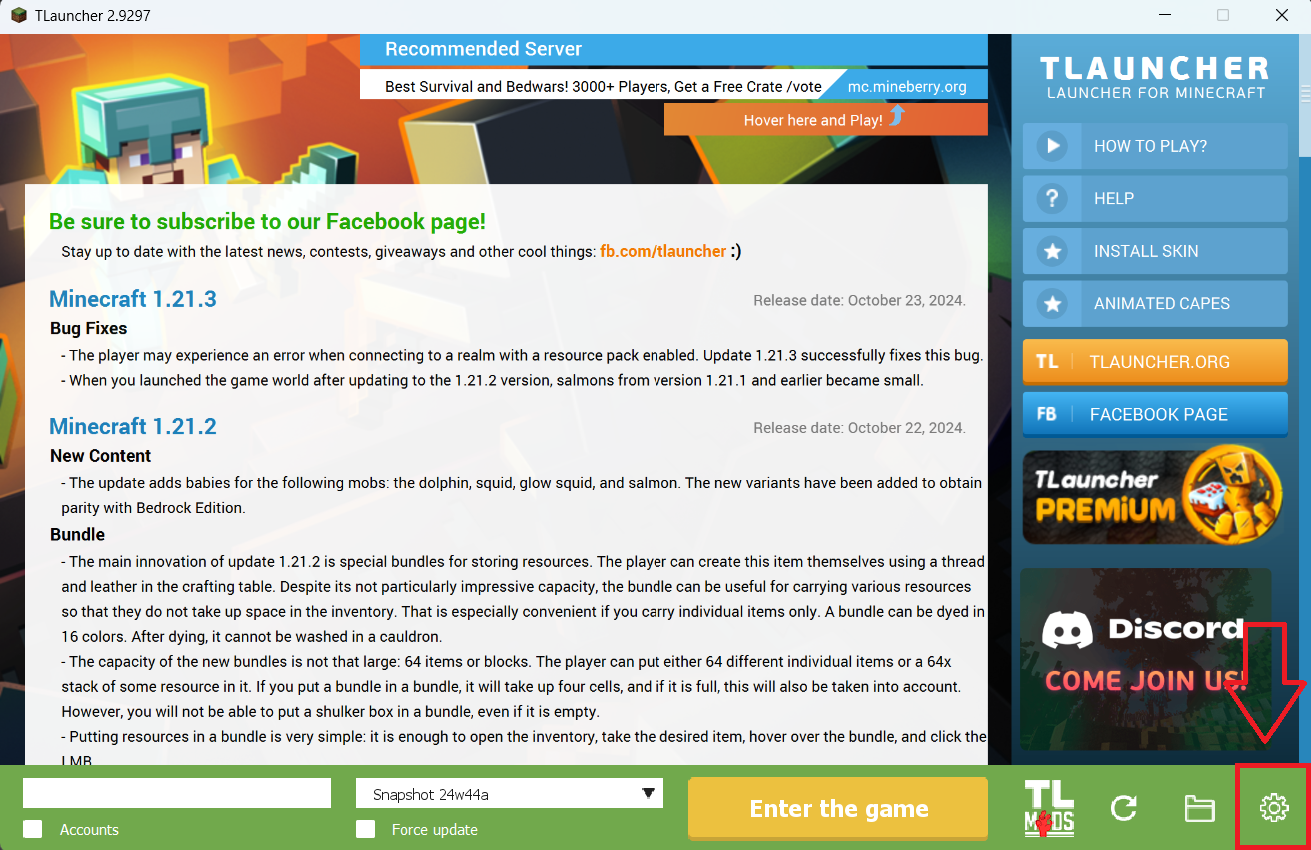
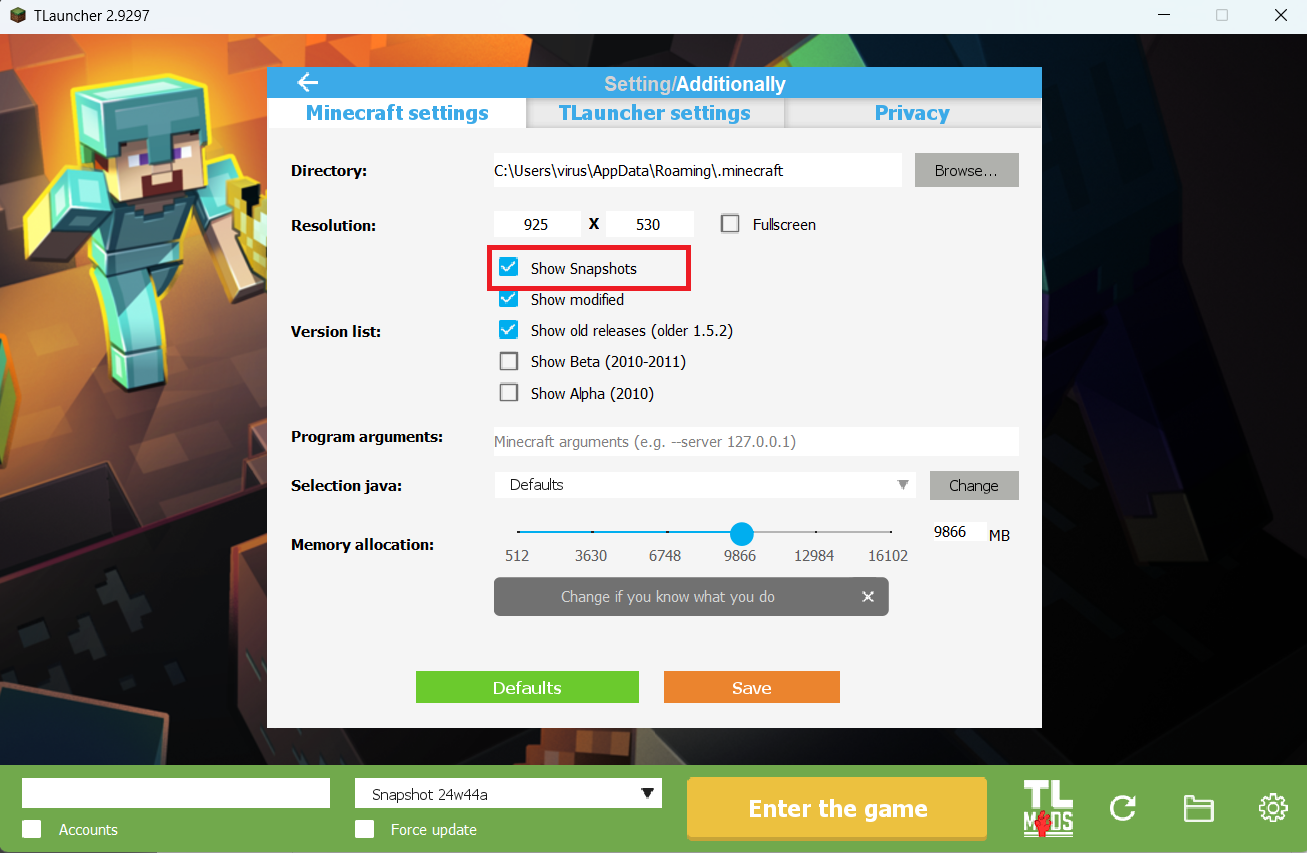
Step 1. Open TLauncher and go to the Settings tab by clicking the gear icon in the lower right corner.
Step 2. Select the Display Snapshots checkbox, and do not forget to save the changes by clicking the appropriate button at the bottom.
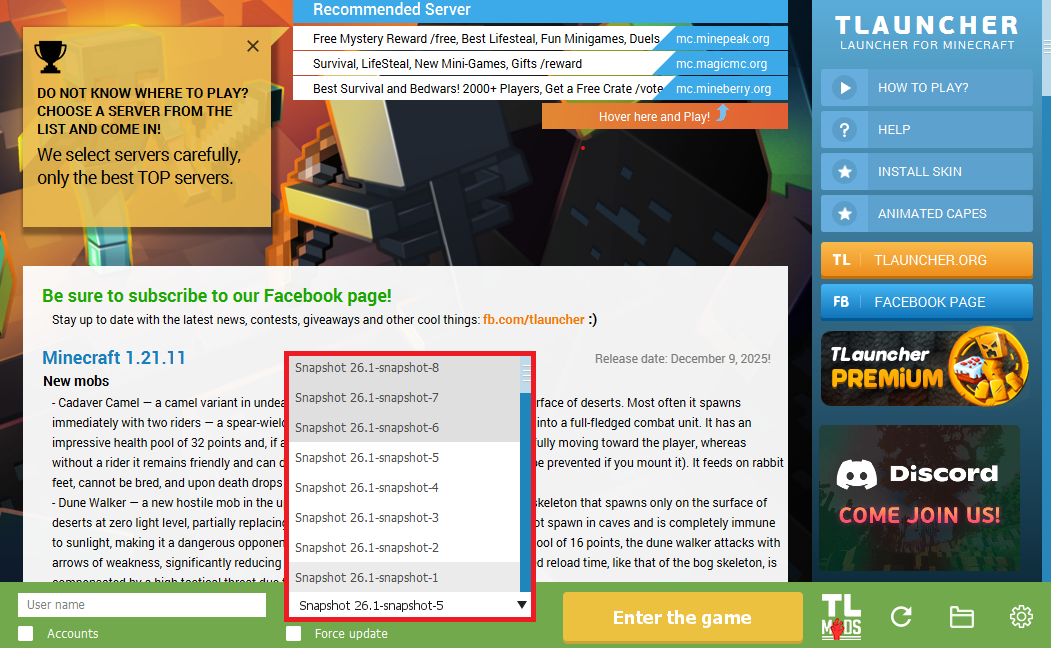
Step 3. On the main screen of TLauncher, open the version selection tab, select the desired snapshot, and click 'Install' or 'Launch the Game' if the snapshot is already installed.
Download Links
26.1 Snapshot-10 is out!
Previous snapshots:
The latest version of the game:
Comments (1)