



Minecraft 26.2 Snashot 3 Java Edition Download (Overview)
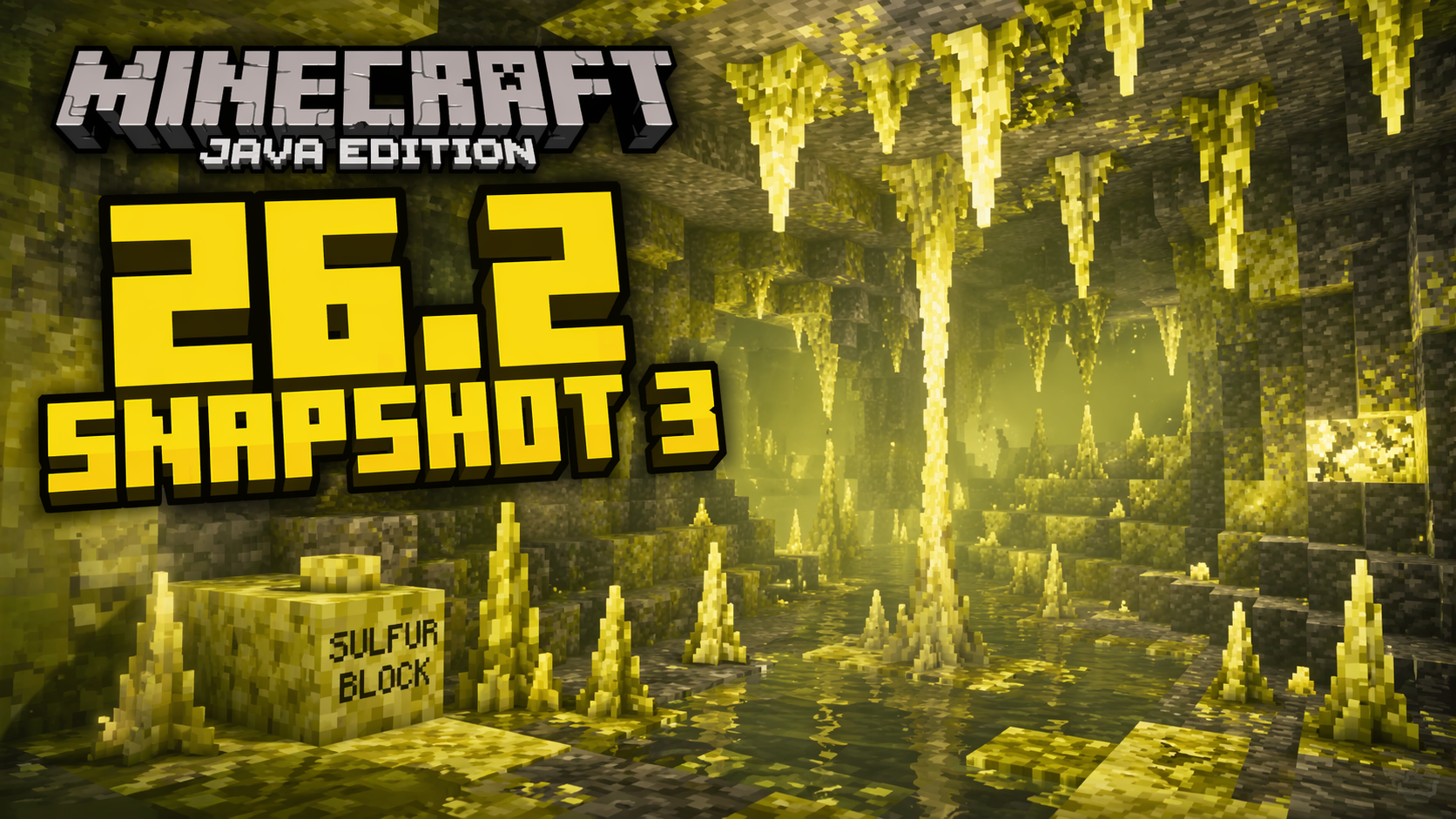
26.2 Snapshot 3 became the third Java Edition snapshot for version 26.2 and was released on April 14, 2026. This update brought a new block for caves to the game, as well as a number of changes and a large number of bug fixes.
Contents:
1 New Features
2 Changes
3 Fixes
4 Installation
5 Download Links
New Features
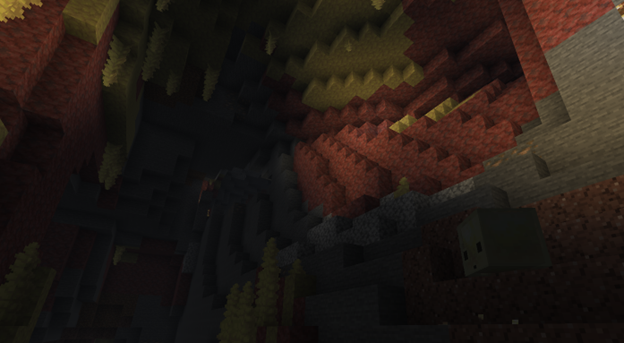
The main new feature was the sulfur spike — a new block associated with sulfur caves. It naturally generates on sulfur in this biome and works like a cave formation: when placed on the ceiling, it forms a stalactite, and when placed on the floor, a stalagmite. The block’s mechanics allow you to extend formations by placing sulfur spikes on top of one another. If you connect a stalactite and a stalagmite, you can get a stalagnate.
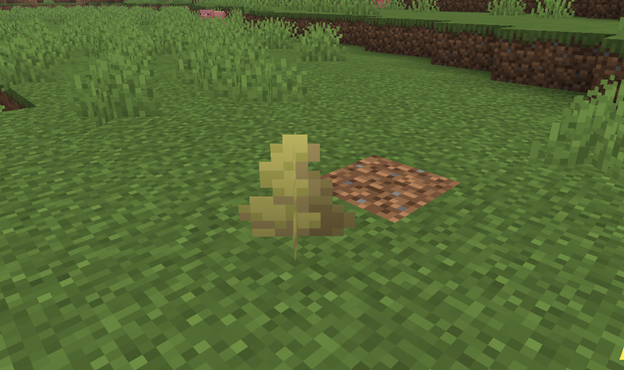
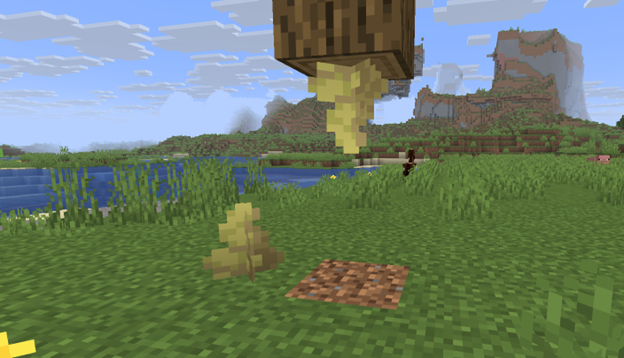
Like similar natural formations, the sulfur spike has its own physics. A stalagmite breaks if the supporting block is broken, and a stalactite falls downward. At the same time, a falling stalactite can deal damage to entities, just like an entity itself falling onto a stalagmite. A thrown trident breaks sulfur spikes, and four sulfur spikes can be used to craft sulfur.
Changes
- Active sulfur is no longer used to craft multiple sulfur blocks
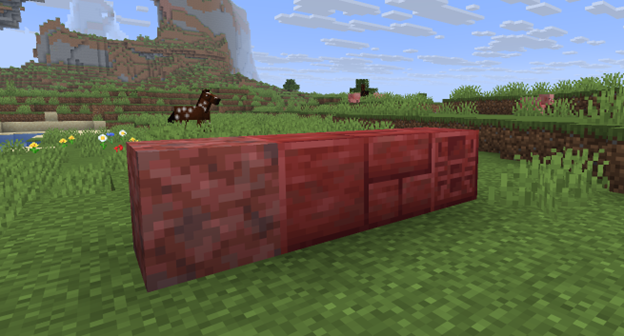
- The textures of cinnabar, chiseled cinnabar, cinnabar bricks, polished cinnabar, sulfur bricks, and chiseled sulfur have been updated
- The name was changed from “Polished Sulfur Block” to “Polished Sulfur”
- The sulfur cube can no longer be placed in a boat
Fixes
In 26.2 Snapshot 3, 19 bugs were fixed. 5 main fixes:
- Fixed a bug due to which the lead disappeared if you picked up an axolotl with a lead attached.
- Fixed a crash where the game crashed on startup if JFR profiling was enabled.
- Fixed a crash that occurred when an entity moved with the parameter friction_modifier = 2.5.
- Fixed a bug due to which magma cubes no longer dropped magma cream.
- Fixed a bug due to which frogs tried to eat large magma cubes.
Installation
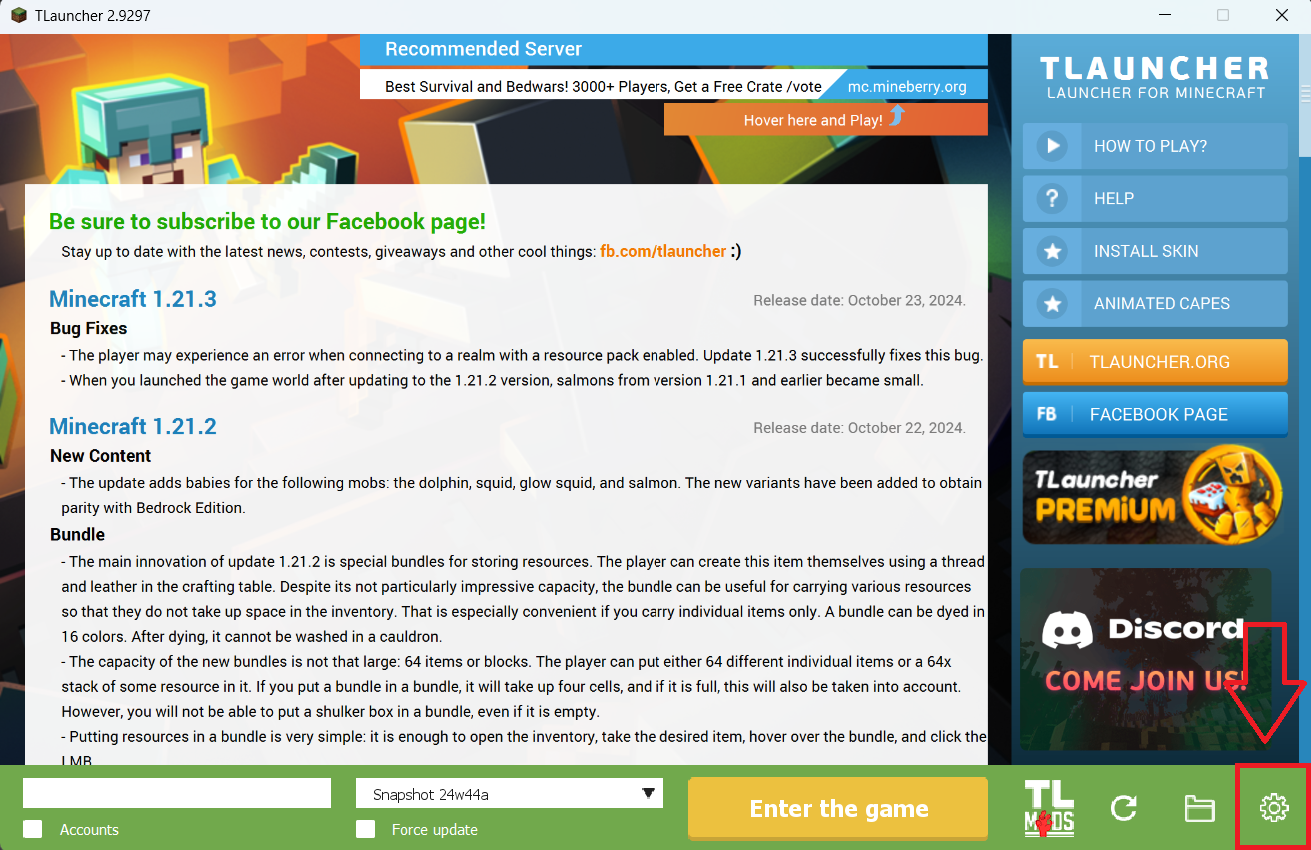
Step 1. Open TLauncher and go to the Settings tab by clicking the gear icon in the lower right corner.
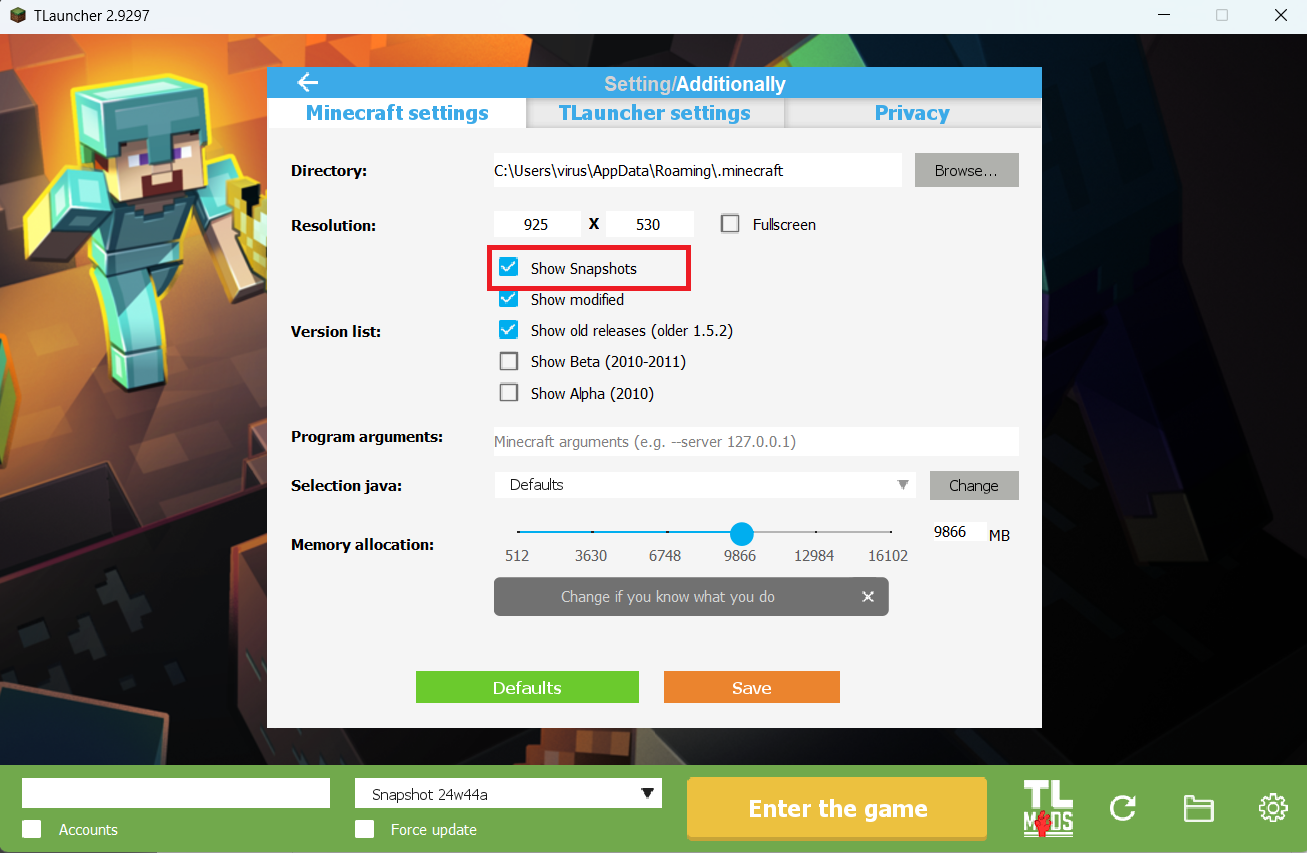
Step 2. Select the Display Snapshots checkbox, and do not forget to save the changes by clicking the appropriate button at the bottom.
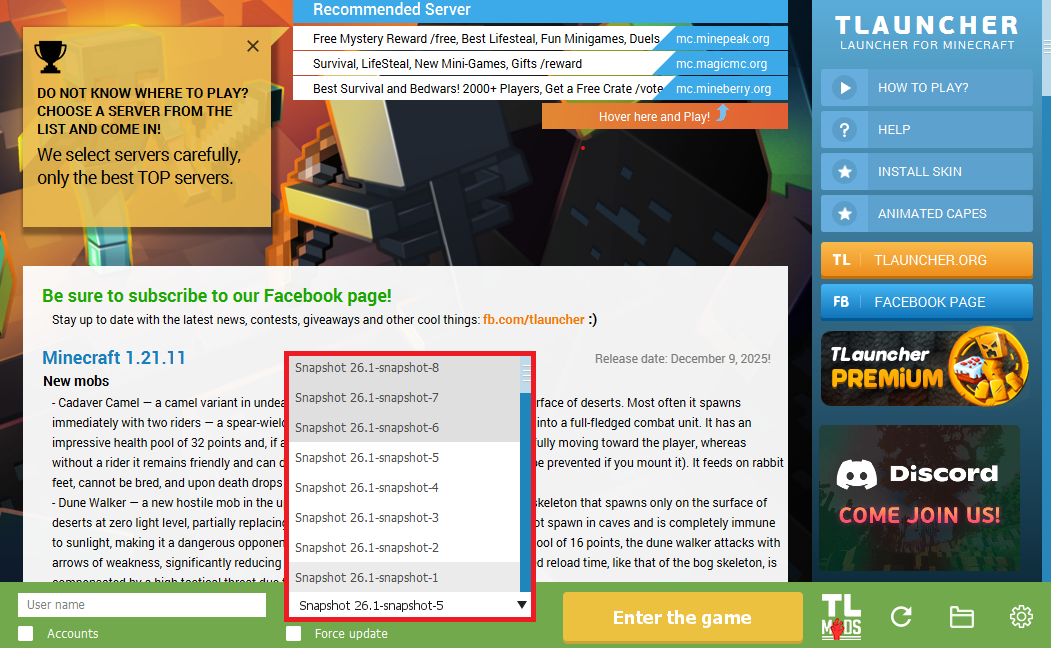
Step 3. On the main screen of TLauncher, open the version selection tab, select the desired snapshot, and click 'Install' or 'Launch the Game' if the snapshot is already installed.
Download Links
26.2 Snapshot 3 is out!
Previous snapshots:
The latest version of the game:
Comments (0)