



Armortip for Minecraft 26.1.2
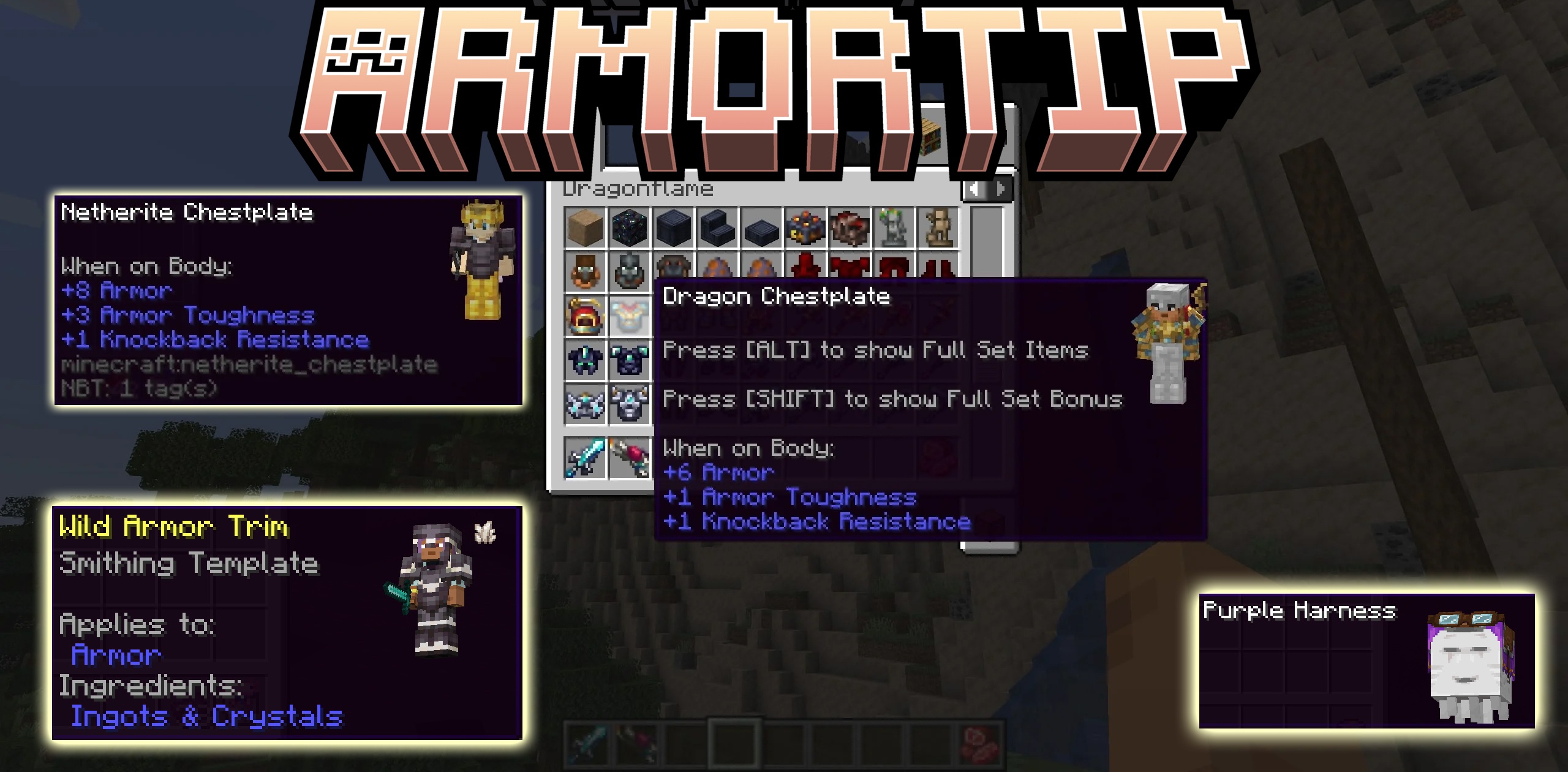
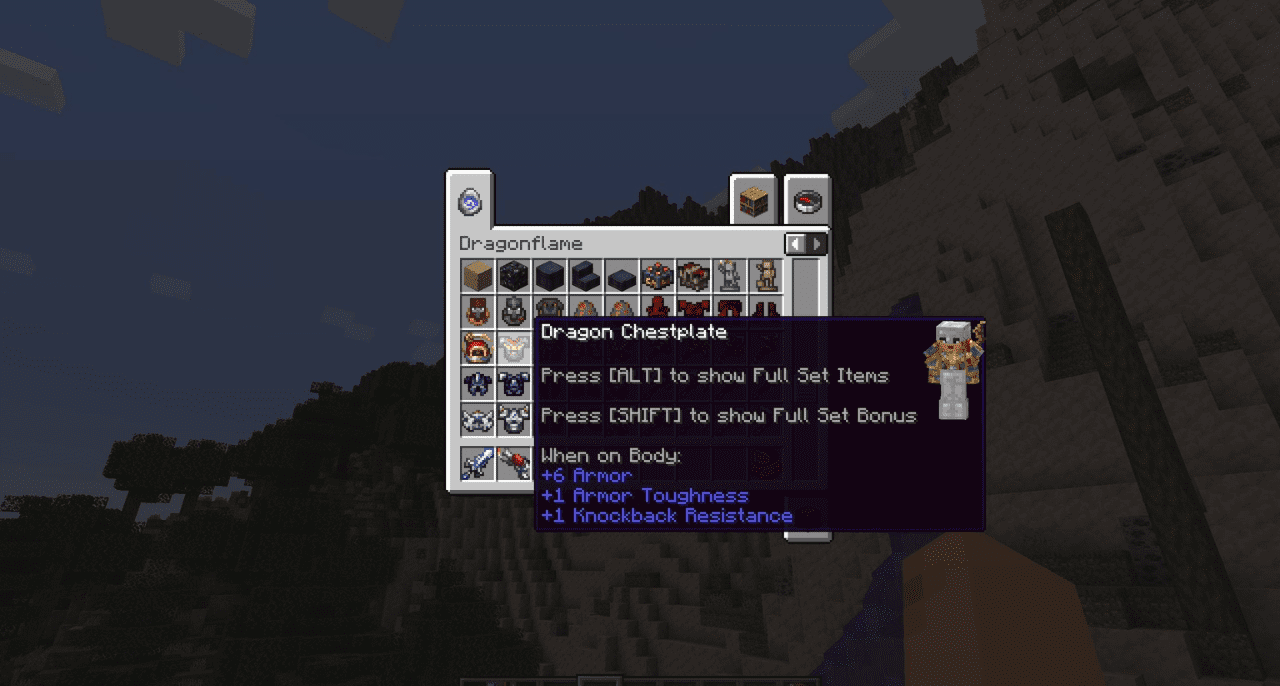
Sometimes you want to understand how new armor will look on the character before putting it on permanently. Armortip solves exactly this task and does it as simply as possible. The mod shows a visual preview of armor directly on the player’s skin, allowing you to instantly evaluate the appearance of the item when hovering over it. This is convenient in modpacks with a large number of sets, where the choice is made not only by stats, but also by style.
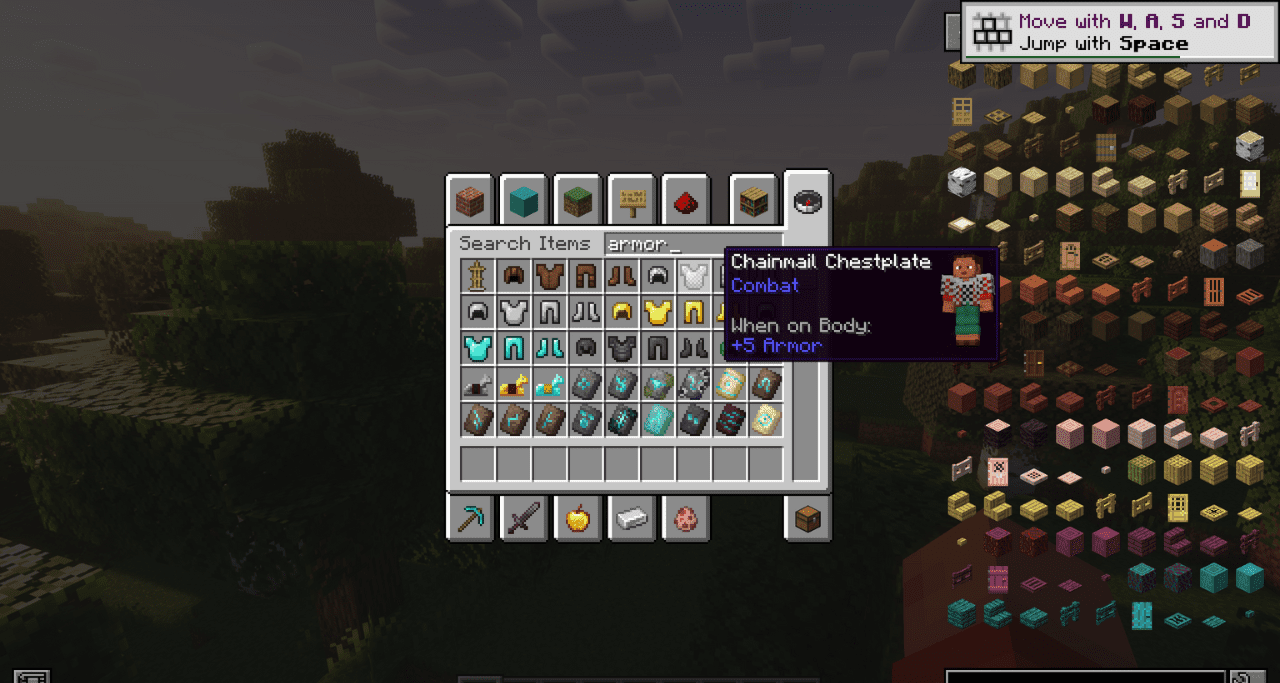
The mod does not overload the interface and does not introduce complex systems — it works quickly, clearly, and to the point. This approach speeds up equipment selection if it is important to you how the character looks overall, and not only how high the protection is.
How to install the modification:
First step: download and install Fabric и Fabric API.
Second step: download the mod file.
Third step: copy Armortip mod package to the .minecraft/mods folder (if it does not exist, install Forge again or create it yourself).
Comments (0)