



Craftopia Furniture for Minecraft Pocket Edition 26.1
For players who like to build not only beautifully, but also in a varied way, Craftopia Furniture can become one of the most useful finds. Its essence lies in scale: it combines several areas of furniture and decor at once, thanks to which more than a thousand new blocks appear in the game. Moreover, the main advantage is not just the quantity, but the fact that all of it goes well with the vanilla style of Minecraft Bedrock.
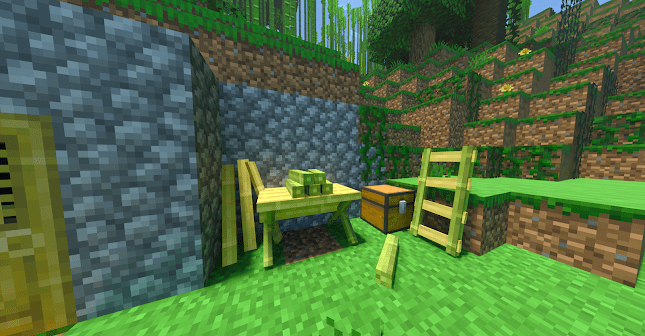
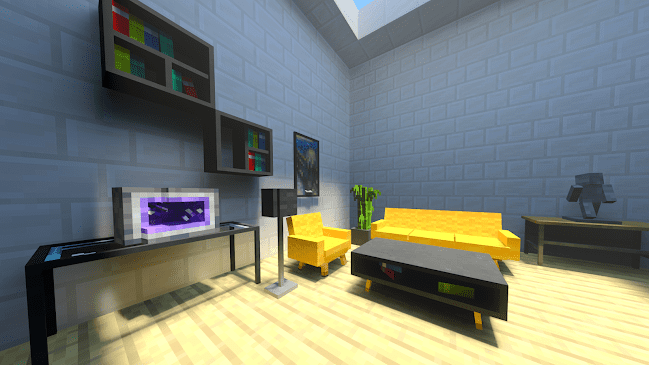
Here you can decorate a cozy hut, a medieval fortress, a modern house, or even an unusual space with decorative elements for pets. Thanks to the combination of different sets, the mod pack gives room for experiments and helps you move away from monotonous interiors.
Installing Craftopia Furniture:
The first step is to run the downloaded file and import the addon/texture into MCPE.
Second step: open Minecraft Pocket Edition and go to the settings of the world.
Third step: install the imported resource sets and add-ons for the world.
Step four: select the imported resource packages/add-on in each section and restart the mobile client.
Comments (0)