



Hycraft for Minecraft Pocket Edition 26.1

When everyday activities in Minecraft PE start to repeat themselves, you want a mod that refreshes familiar mechanics without completely destroying the vanilla spirit. Hycraft handles this very confidently. It rethinks activities such as farming and fishing, making them noticeably livelier and more interesting, while additional elements like dynamic lighting immediately strengthen the atmosphere of the world.
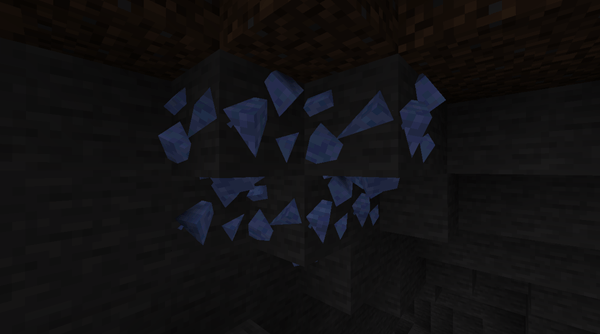
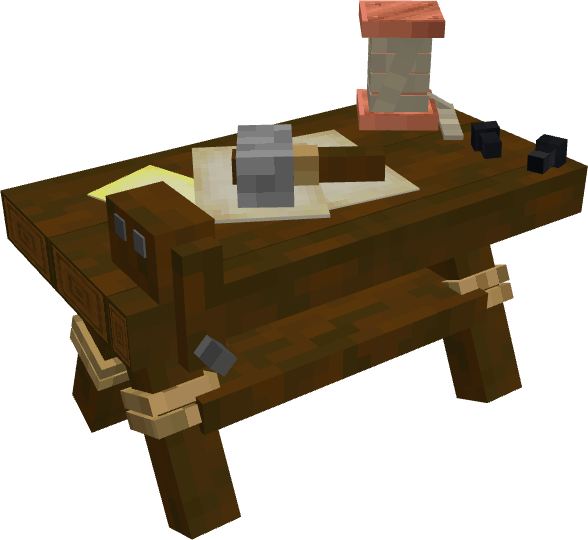
Fast chopping is especially pleasing: routine actions take less time and feel more energetic. New crafting tables also add variety, creating the feeling that the familiar system has become broader and more convenient. As a result, this is not just a set of features, but an addon that makes everyday gameplay richer.
Installing Hycraft:
The first step is to run the downloaded file and import the addon/texture into MCPE.
Second step: open Minecraft Pocket Edition and go to the settings of the world.
Third step: install the imported resource sets and add-ons for the world.
Step four: select the imported resource packages/add-on in each section and restart the mobile client.
Comments (0)