



Nature’s Touch for Minecraft Pocket Edition 26.1
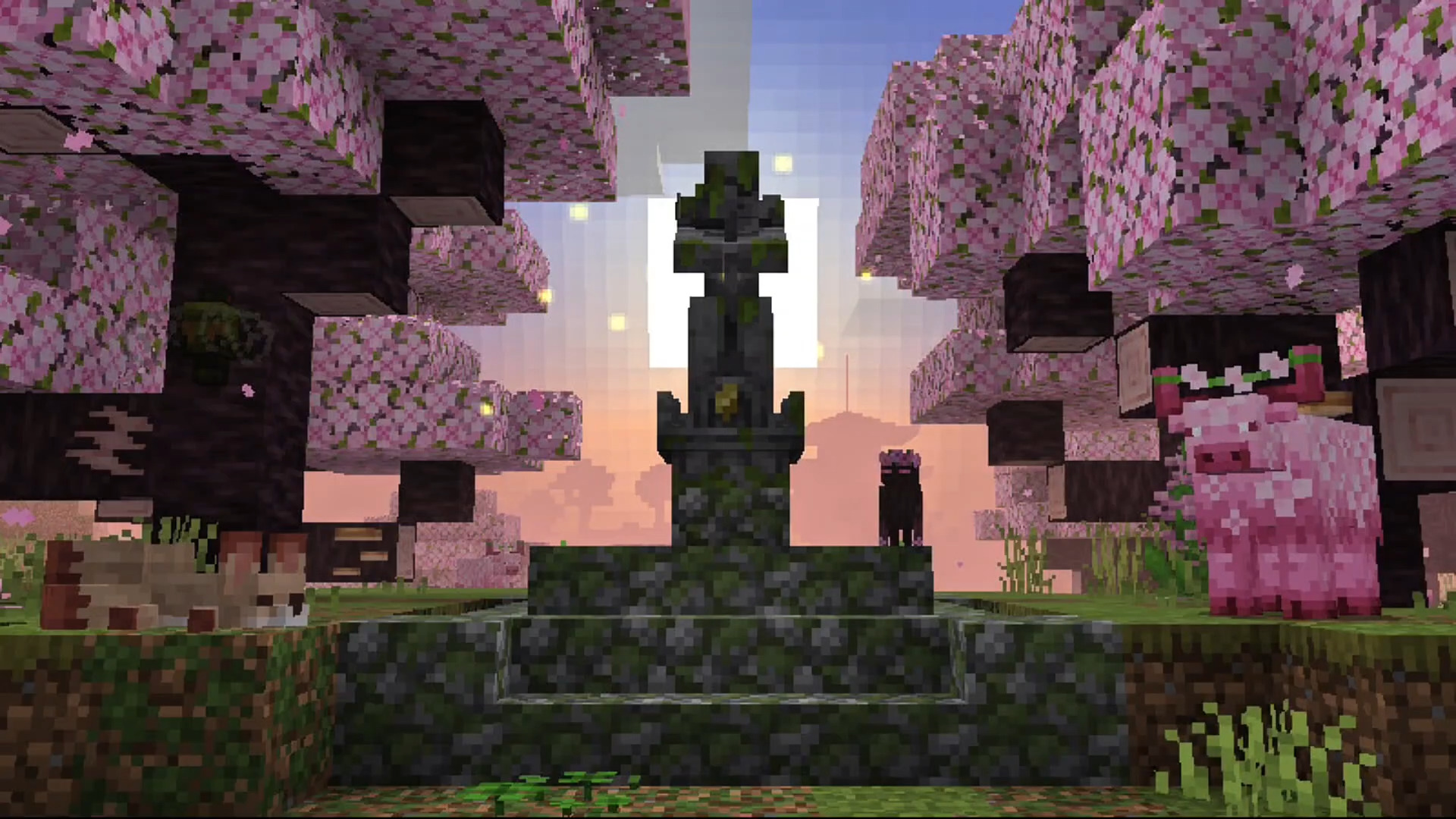
If you want the world to look richer, but at the same time not feel foreign in spirit, it is worth paying attention to Nature’s Touch. This addon noticeably reworks biomes and expands natural variety through twenty new zones, as well as a large number of plants, flowers, decorative foliage, branches, grass, and other small details that make the environment more saturated.
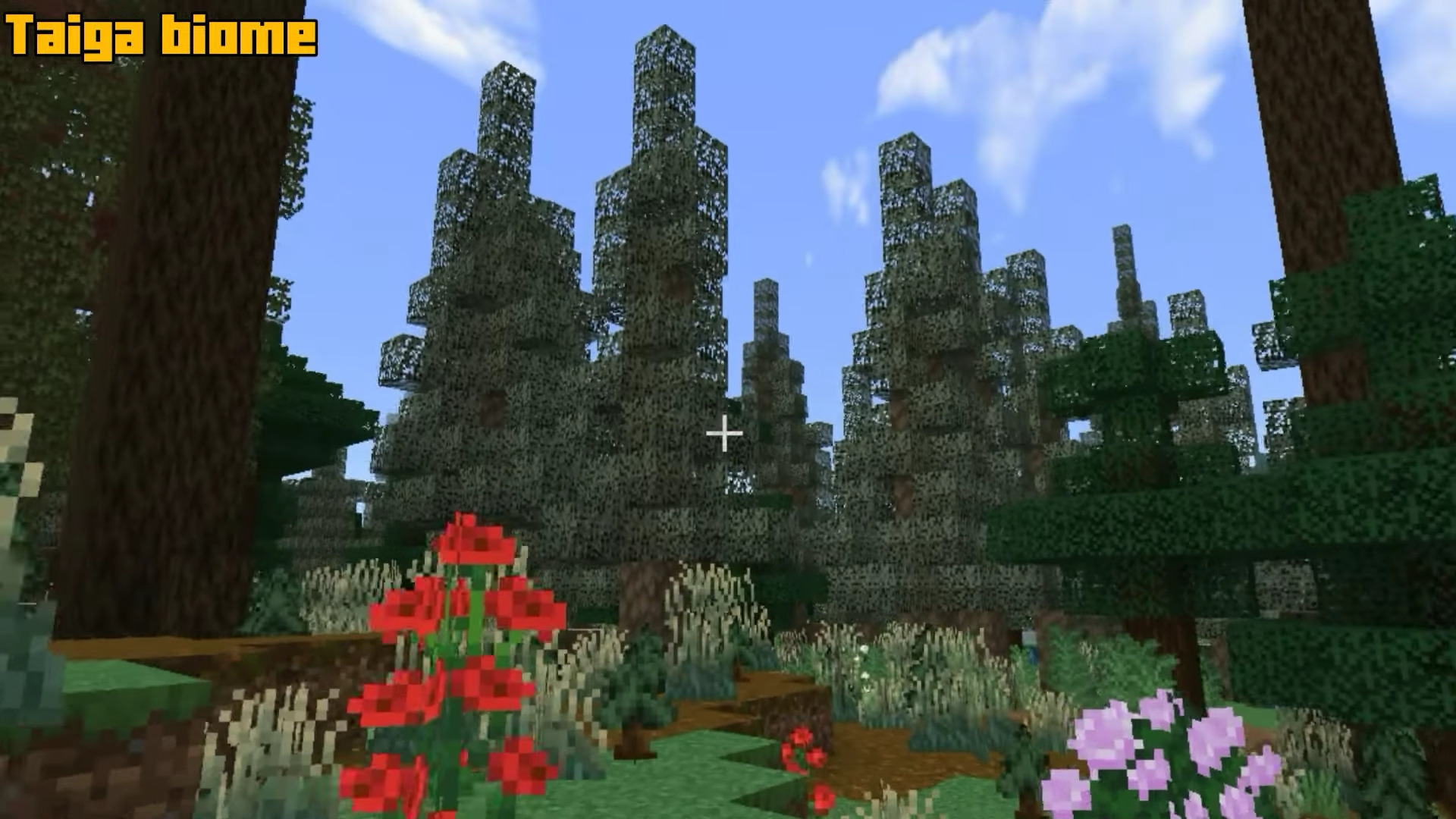
The changes affect not only the appearance, but also the atmosphere of exploration: different areas begin to feel like truly unique places, not just repainted sections of the map. There are also new tools, weapons, and materials connected with resin, thanks to which the addon is not limited to decoration alone.
Installing Nature’s Touch:
The first step is to run the downloaded file and import the addon/texture into MCPE.
Second step: open Minecraft Pocket Edition and go to the settings of the world.
Third step: install the imported resource sets and add-ons for the world.
Step four: select the imported resource packages/add-on in each section and restart the mobile client.
Comments (0)