



Vanilla Enhancing for Minecraft Pocket Edition 26.1
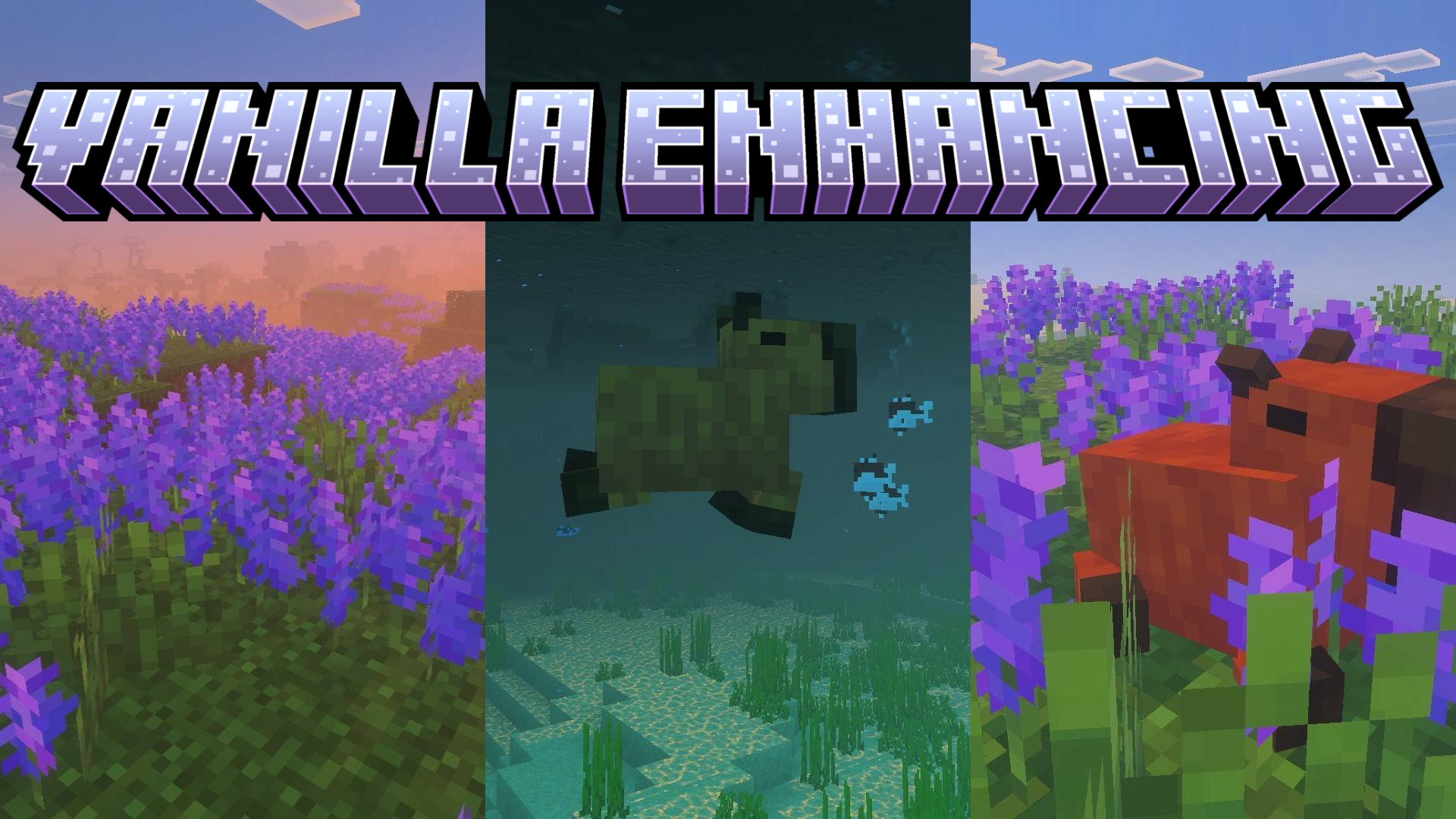
Sometimes the world of Minecraft PE lacks not a global rework, but a few successful touches that make it livelier and cozier. This is exactly how Vanilla Enhancing feels — an addon that expands the vanilla atmosphere with new plants, animals, and natural details.
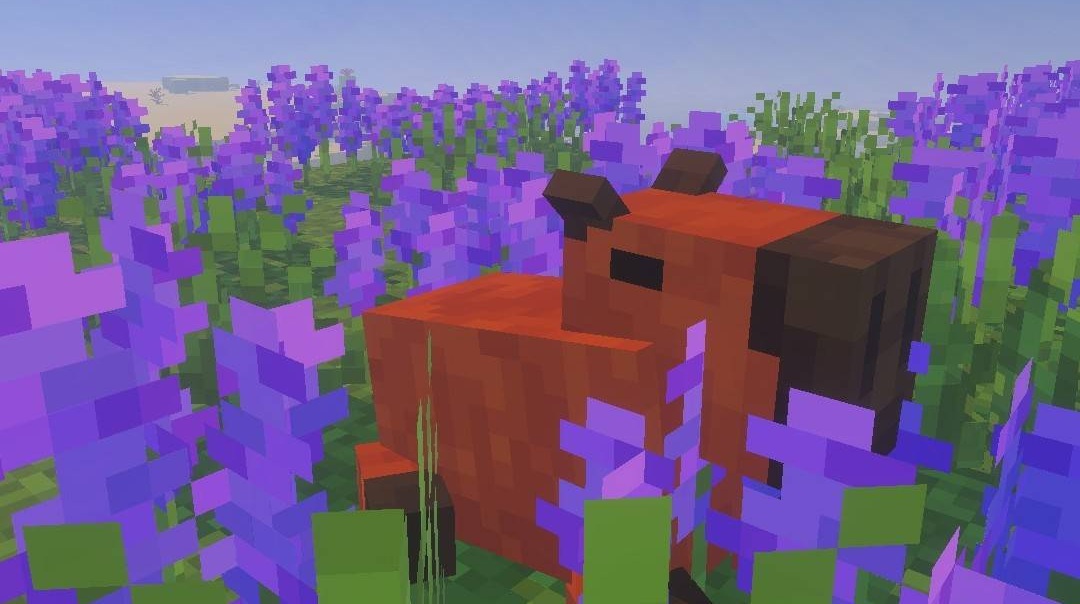
One of the most memorable additions here is capybaras, which immediately give the surroundings more life and character. Areas with lavender look no less pleasant: such zones noticeably refresh familiar landscapes and make exploring the world a little more aesthetic. The mod does not try to shock with scale; its strength lies in the soft improvement of the familiar environment.
Installing Vanilla Enhancing:
The first step is to run the downloaded file and import the addon/texture into MCPE.
Second step: open Minecraft Pocket Edition and go to the settings of the world.
Third step: install the imported resource sets and add-ons for the world.
Step four: select the imported resource packages/add-on in each section and restart the mobile client.
Comments (0)