



Future for Minecraft 26.1.2
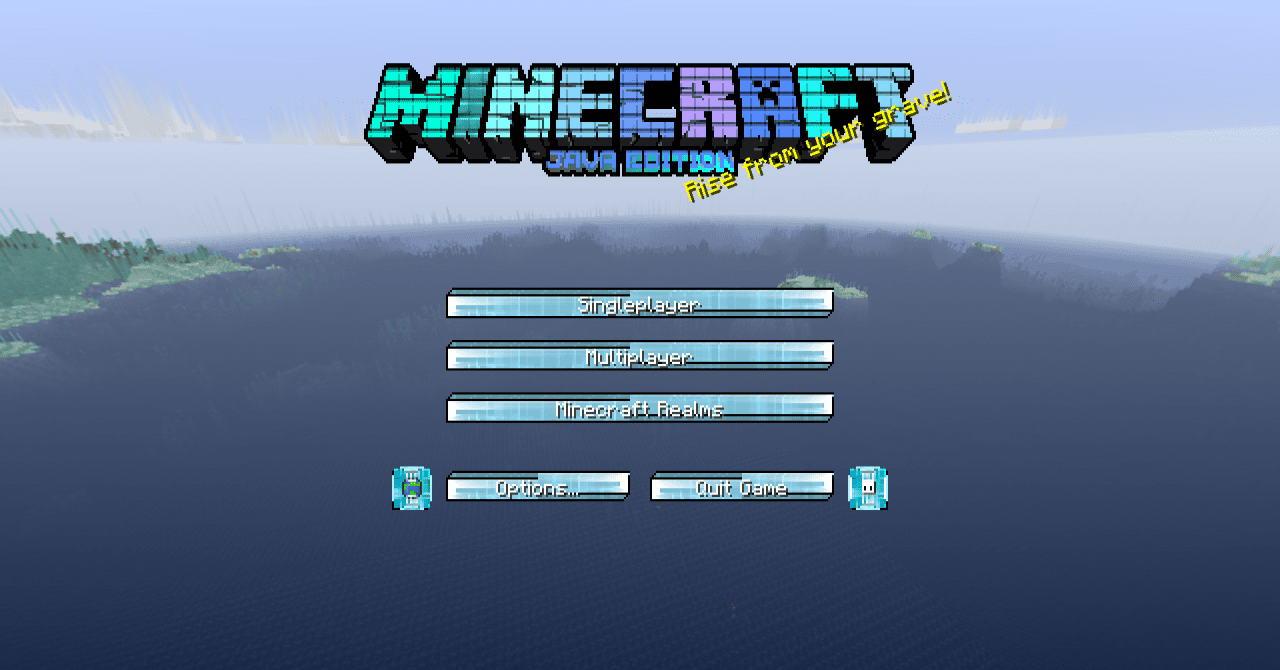
Future focuses not on reworking the entire world at once, but on creating a unified futuristic mood through the interface and graphic design. The pack changes the start screen, action bar, inventory, creative mode, and other important elements, thanks to which Minecraft begins to look more technological and modern.
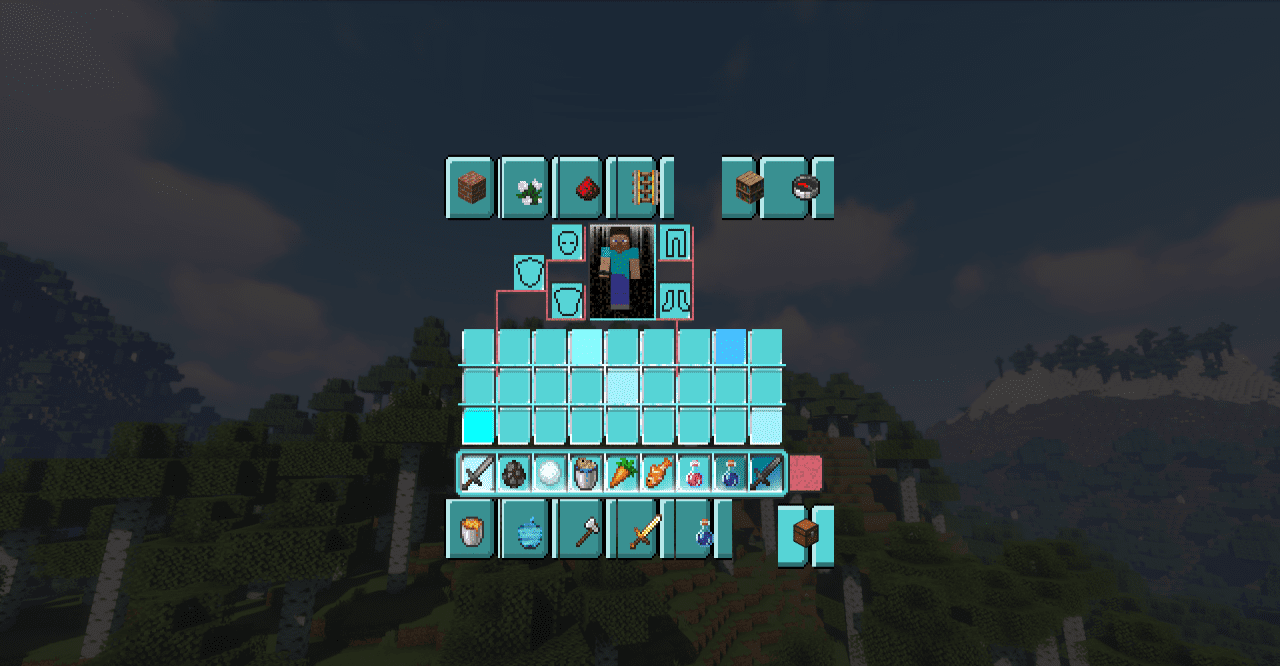
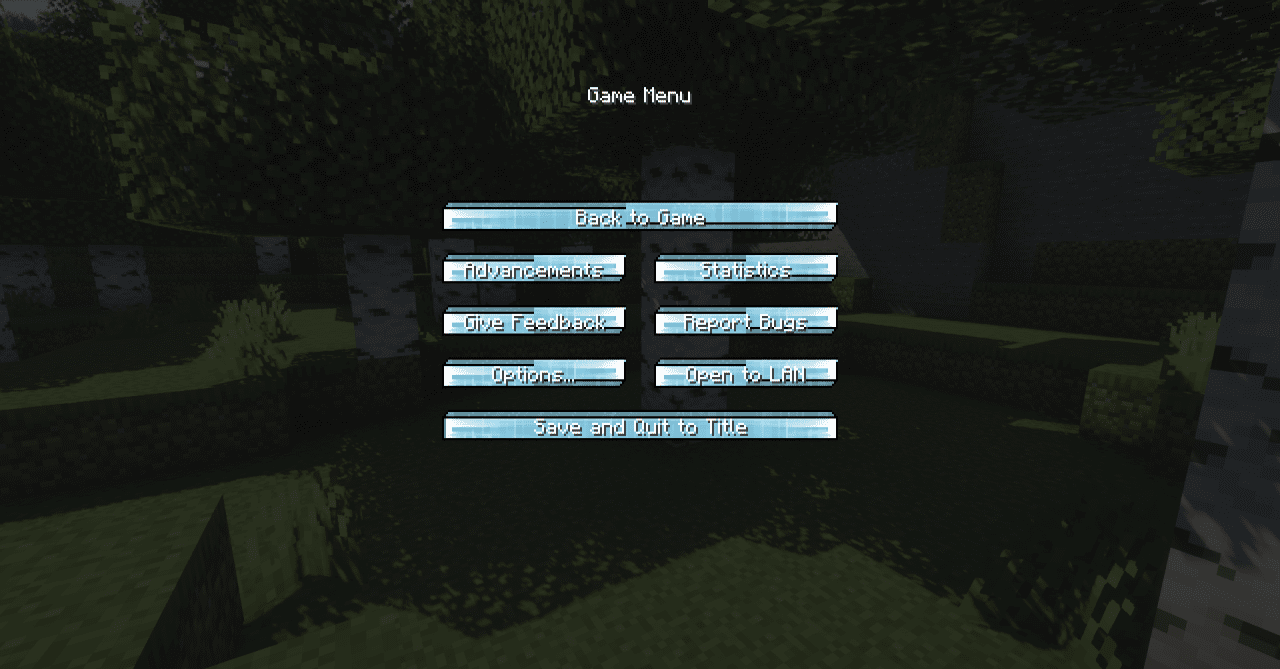
Even familiar menus feel different after installation: they gain a sense of science-fiction style, clean forms, and a unified visual concept. Because of this, the game receives a new character, although its basic mechanics, of course, remain the same.
How to install the texture pack:
First step: download and install Future
Second step: copy the texture pack to the C:\Users\USER_NAME\AppData\Roaming\.minecraft\resourcepacks
Third step: in game settings choose needed resource pack.
Comments (0)