



Rick’s Default for Minecraft 26.1.2
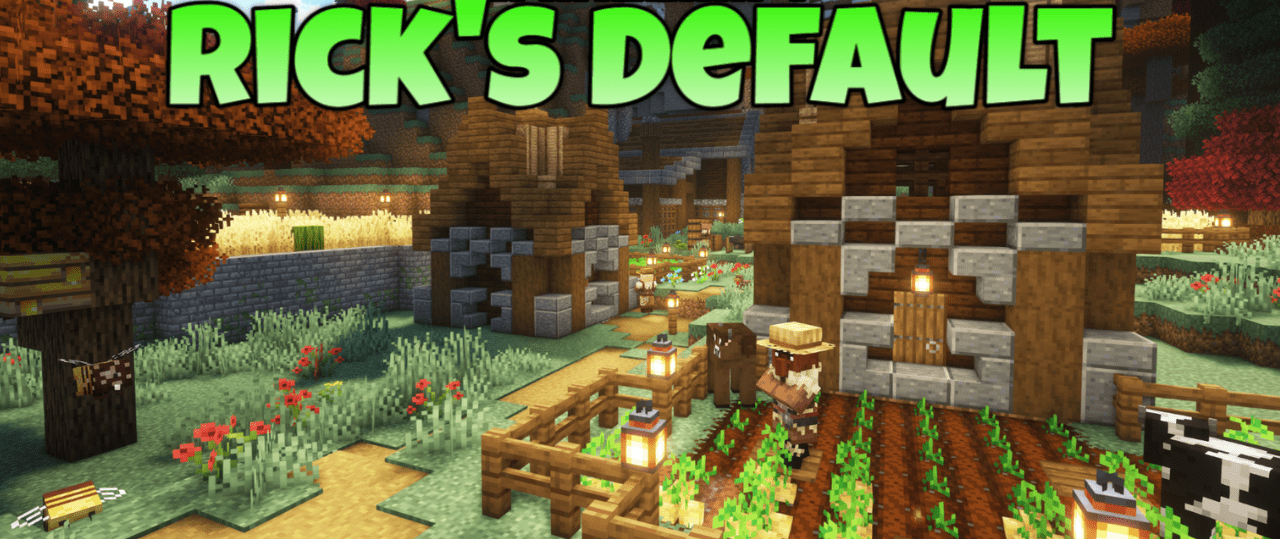
Rick’s Default can be called a successful reinterpretation of Minecraft’s standard visual style for those who already want something fresher, but without completely abandoning the classic atmosphere. This pack takes familiar textures as its foundation and makes them brighter, more varied, and more lively.
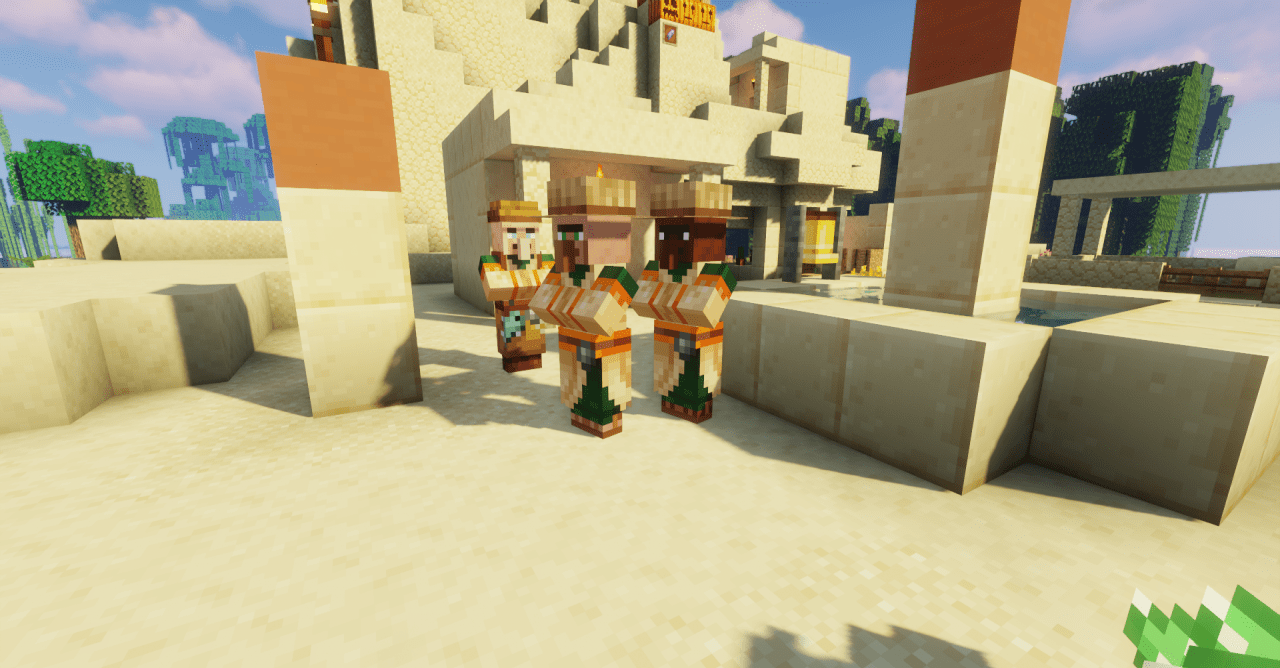
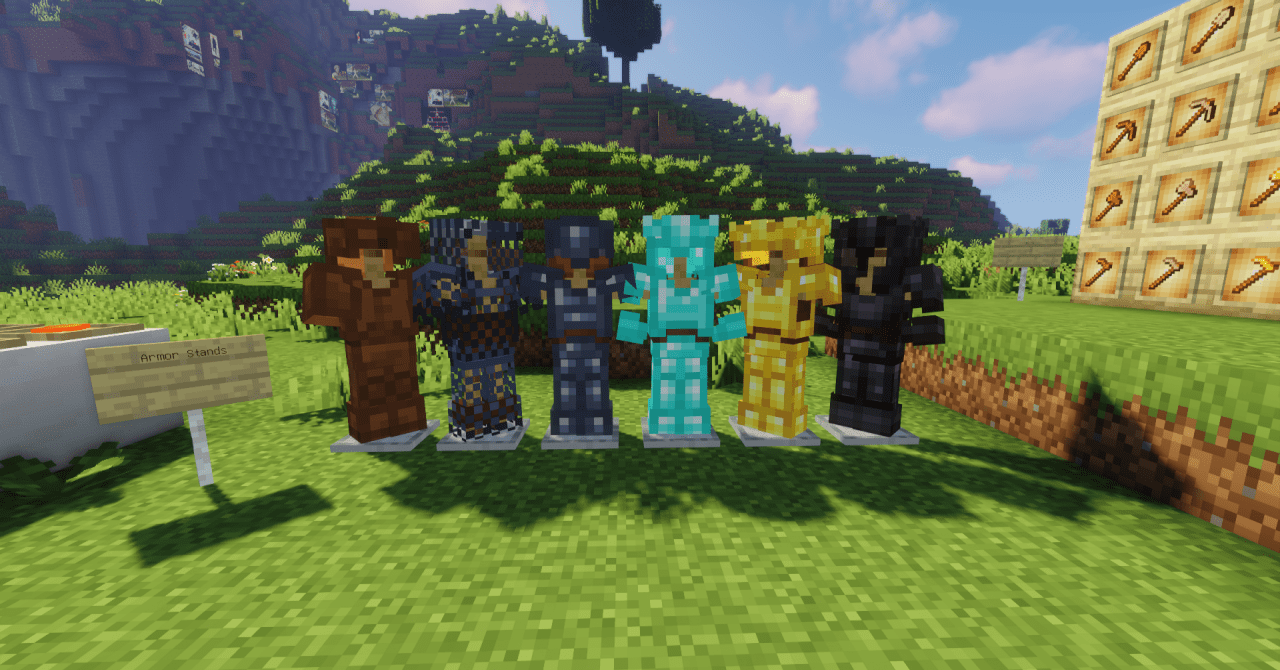
Additional variations of mobs, blocks, and items noticeably bring the world to life, which makes even familiar locations start to look more interesting. At the same time, the resource pack does not go to extremes and does not turn the game into something alien — on the contrary, it preserves the recognizability of the original Minecraft, simply making it more expressive.
How to install the texture pack:
First step: download and install Rick’s Default
Second step: copy the texture pack to the C:\Users\USER_NAME\AppData\Roaming\.minecraft\resourcepacks
Third step: in game settings choose needed resource pack.
Comments (0)