



Smooth Craft for Minecraft 26.1.2
If the standard textures seem too simple, but you still do not want to completely change the familiar aesthetics of the game, Smooth Craft becomes a very successful compromise. This pack makes the visual style of Minecraft smoother, cleaner, and more polished, thanks to which almost every block begins to look neater and more modern.
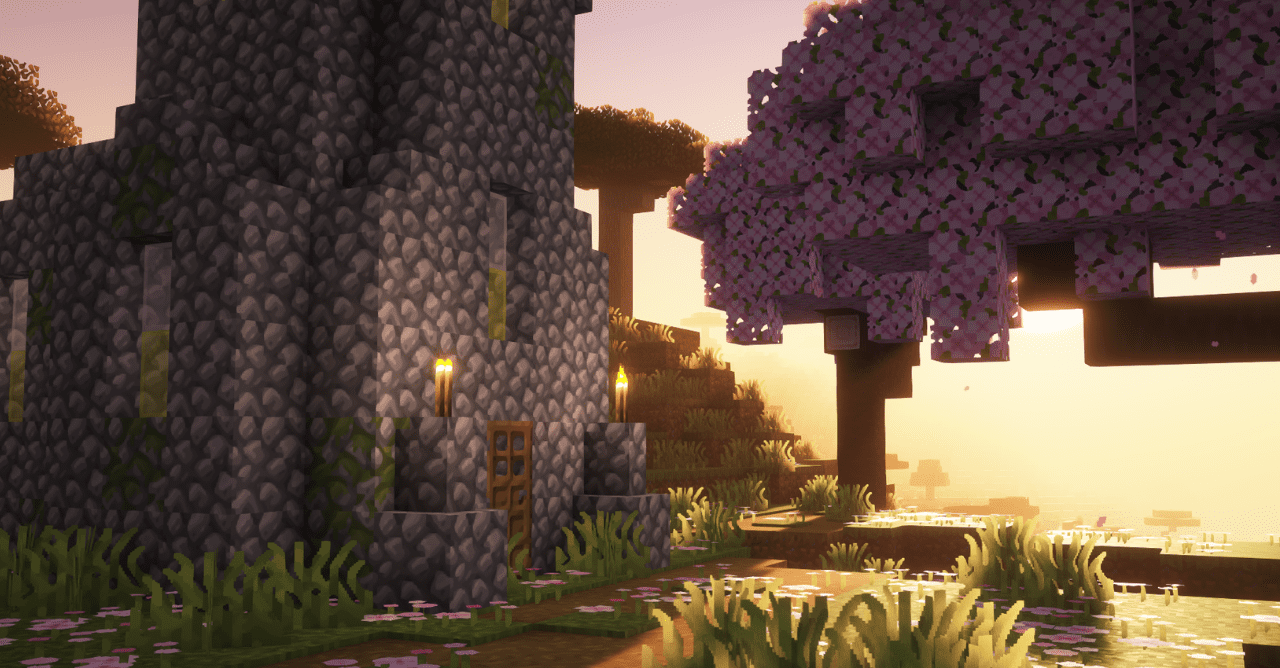
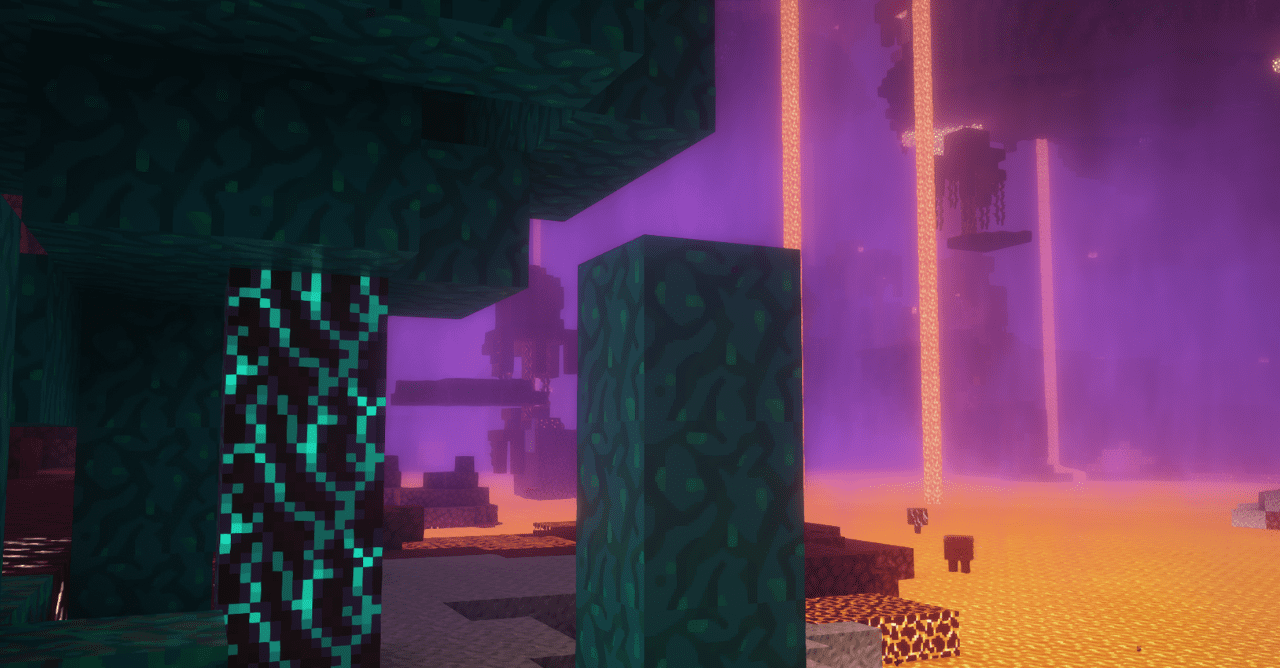
The world remains recognizable, but at the same time gains a more well-kept and aesthetic look. This is exactly its main advantage: it does not break the vanilla feeling of the game, but gently improves it, making the environment more pleasant to the eye. The textures look more unified, and the overall picture looks more collected and harmonious.
How to install the texture pack:
First step: download and install Smooth Craft
Second step: copy the texture pack to the C:\Users\USER_NAME\AppData\Roaming\.minecraft\resourcepacks
Third step: in game settings choose needed resource pack.
Comments (0)