



Undopia Zombie Skins for Minecraft 26.1.2
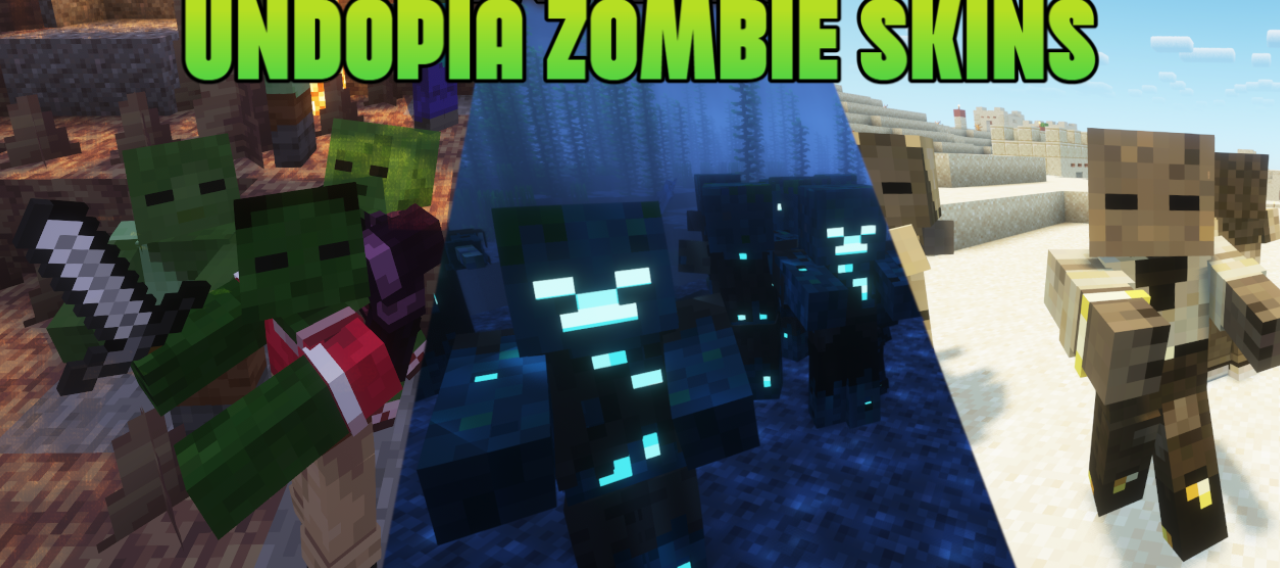
Undopia Zombie Skins seems like a simple pack, but it is exactly in this simplicity that its successful solution is hidden. It improves the visual variety of the undead by adding unique zombie variants for every standard player skin.
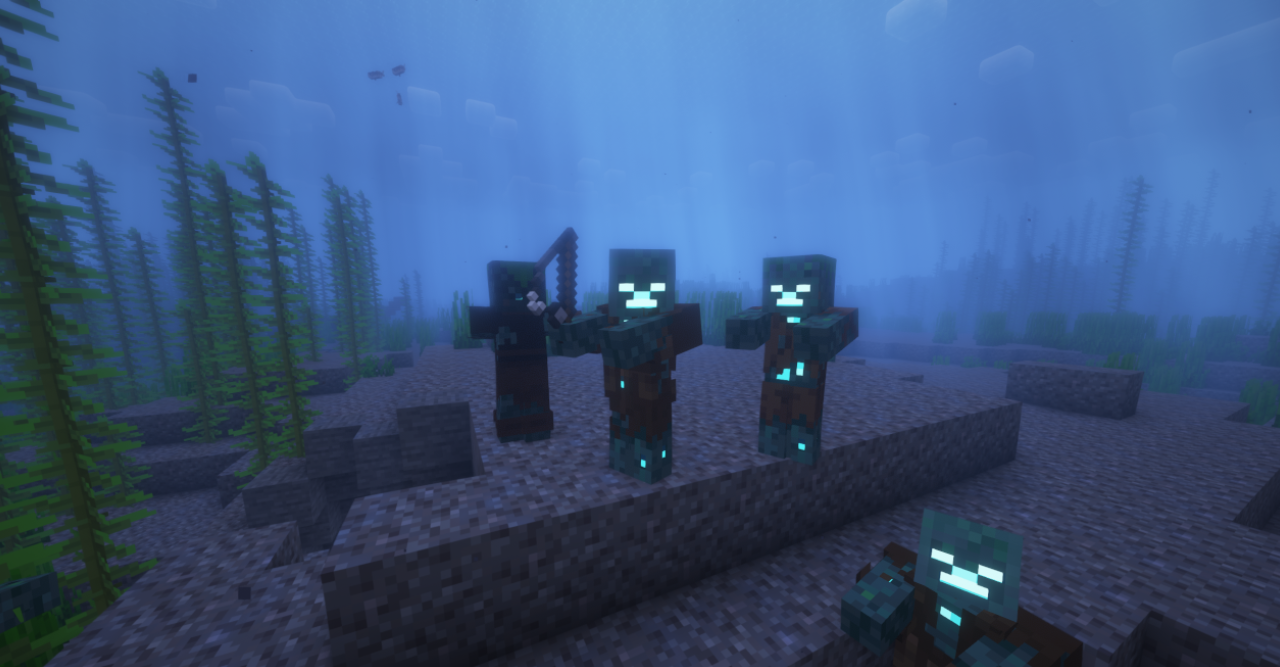
Thanks to this, zombies in the world begin to look not like a uniform mass, but like more varied and memorable enemies. This works especially well in survival, where encounters with the undead happen constantly and, over time, the standard models begin to seem too similar. The texture pack brings more life to nighttime outings, cave exploration, and battles in biomes where zombies appear especially often.
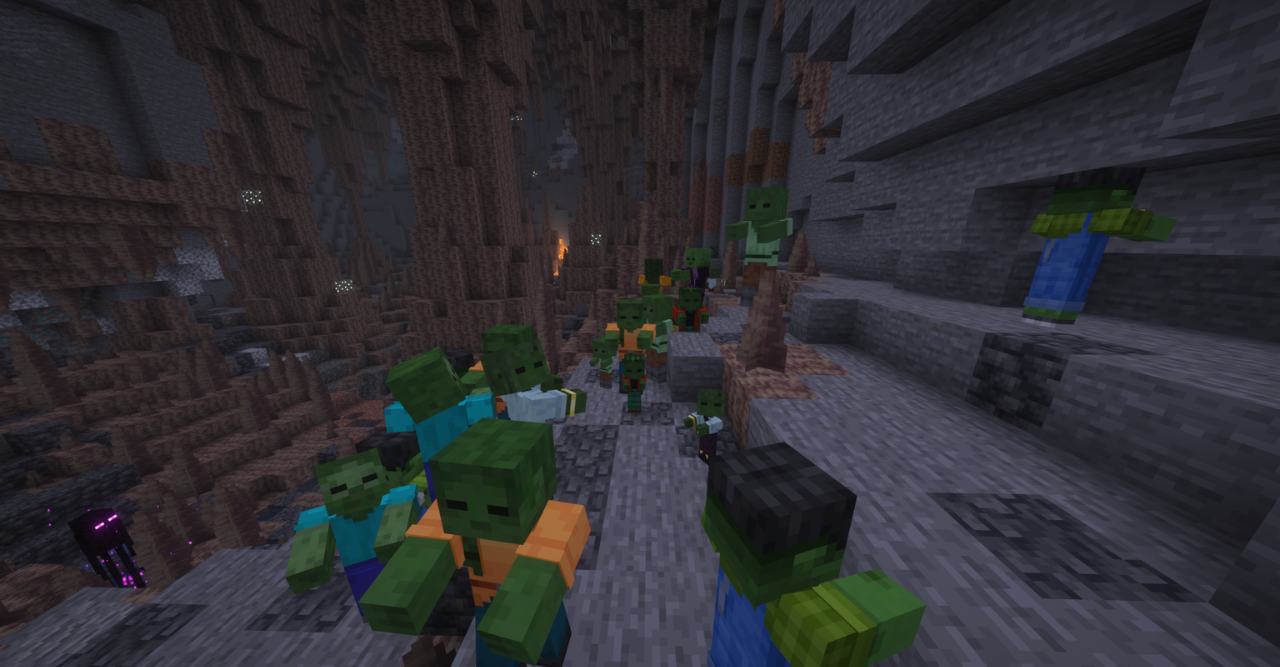
How to install the texture pack:
First step: download and install Undopia Zombie Skins
Second step: copy the texture pack to the C:\Users\USER_NAME\AppData\Roaming\.minecraft\resourcepacks
Third step: in game settings choose needed resource pack.
Comments (0)