



V8X for Minecraft 26.1.2
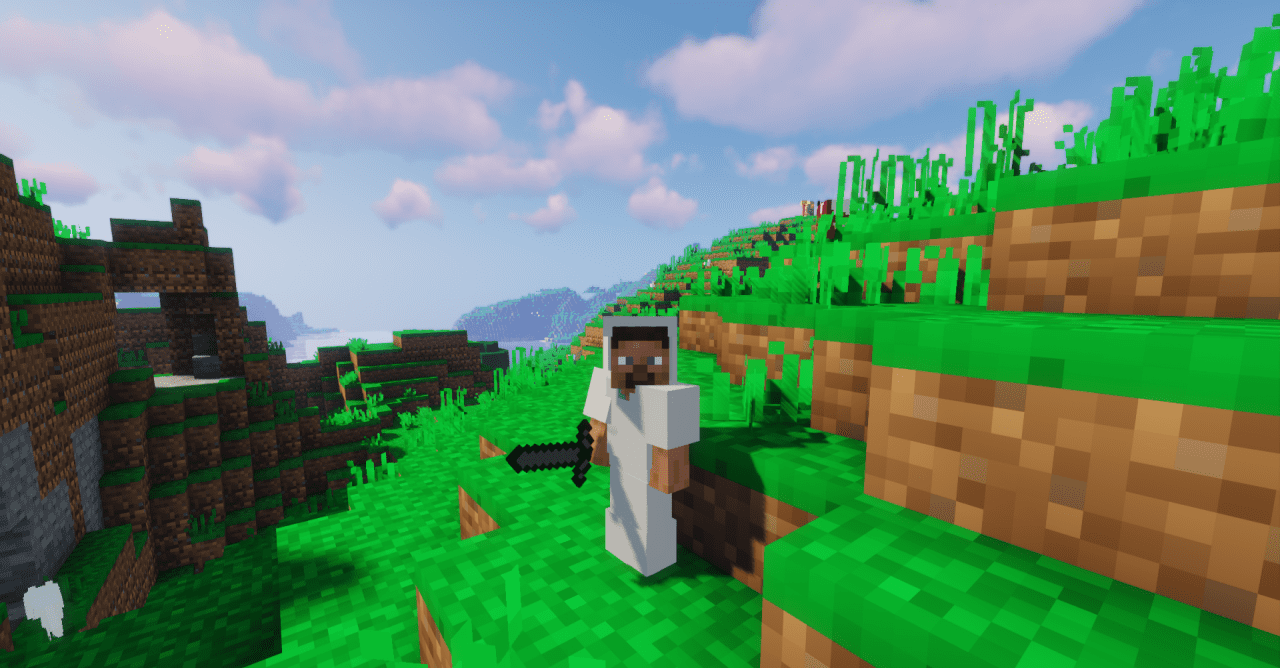
Sometimes, to get fresh impressions from Minecraft, you do not need to increase the level of detail; instead, it is enough to simplify it. This is exactly how V8X works, converting the standard 16-pixel textures into an 8-pixel format. As a result, the game gains a rougher, more pixelated, and more angular appearance, reminiscent of old games and classic pixel art.
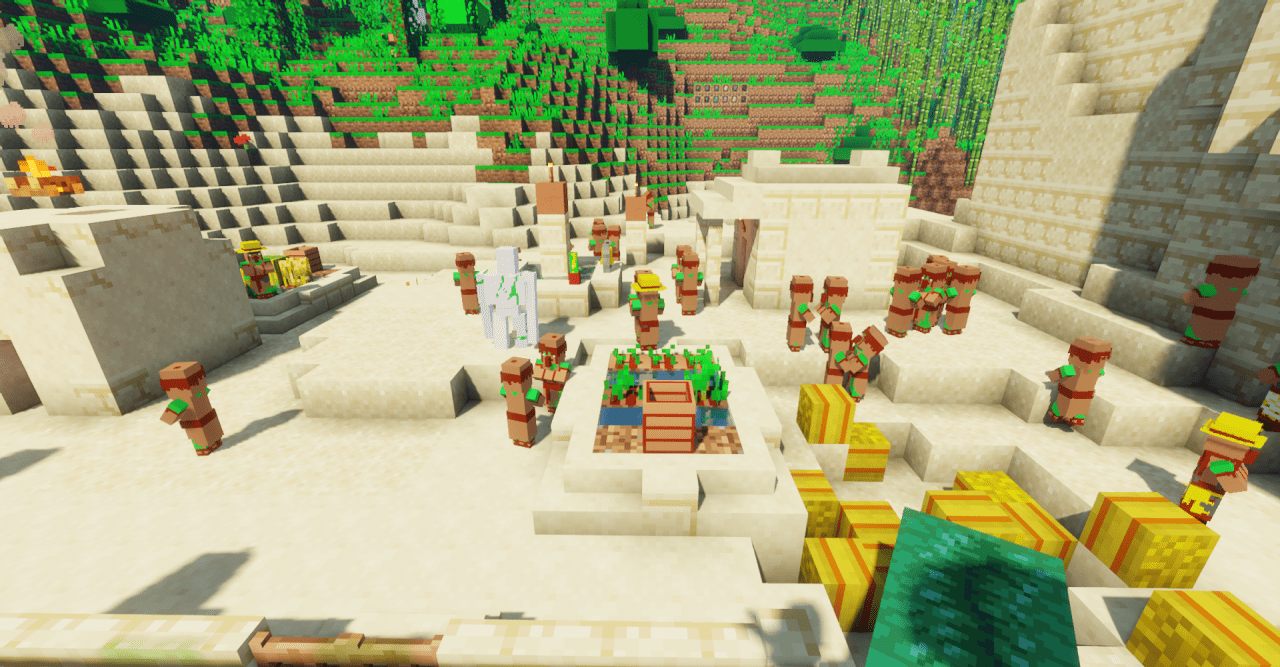
This style makes the world visually simpler, but that is exactly where its charm lies: everything looks concise, nostalgic, and very unified. The pack is suitable for those who like retro aesthetics, minimalism, and deliberately simplified graphics without being overloaded with small details.
How to install the texture pack:
First step: download and install V8X
Second step: copy the texture pack to the C:\Users\USER_NAME\AppData\Roaming\.minecraft\resourcepacks
Third step: in game settings choose needed resource pack.
Comments (0)