



Diversity | Minecraft Map
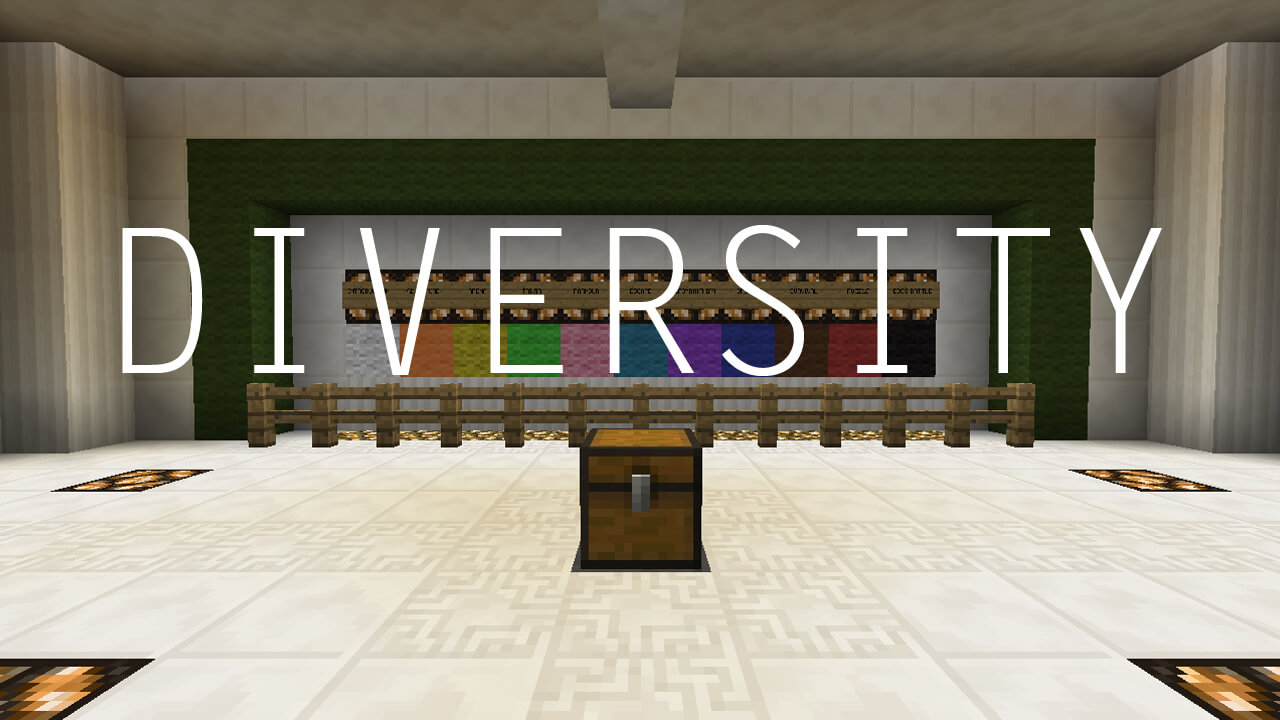 PC Gamer magazine ranked Diversity second out of the 25 best custom maps in January 2015. Little has changed since then: this map for Minecraft version 1.7.4 is still considered one of the best.
The player’s objective here is to insert the missing blocks into the statue. These blocks can be obtained by completing levels — at the end of each level, the player will find one of the missing pieces of the statue. The levels themselves vary — they feature almost every type of mini-game you might find in other maps: obstacle courses, mazes, arenas, puzzles, boss battles and many others.
Please note: the latest version of Diversity supports Minecraft 1.7.4. If you’d like to complete a similar map on a newer version of Minecraft — try Diversity 2!

How to install the map:
Step 1: Download the map archive.
Step 2: Extract the archive to create a folder.
Step 3: Copy the folder containing the Diversity map to the .minecraft/saves directory (if this folder does not exist, create it yourself).
Step 4: Find this map under the "Singleplayer" tab in the menu.
Comments (101)