



QMAGNETS Test Map | Minecraft Map
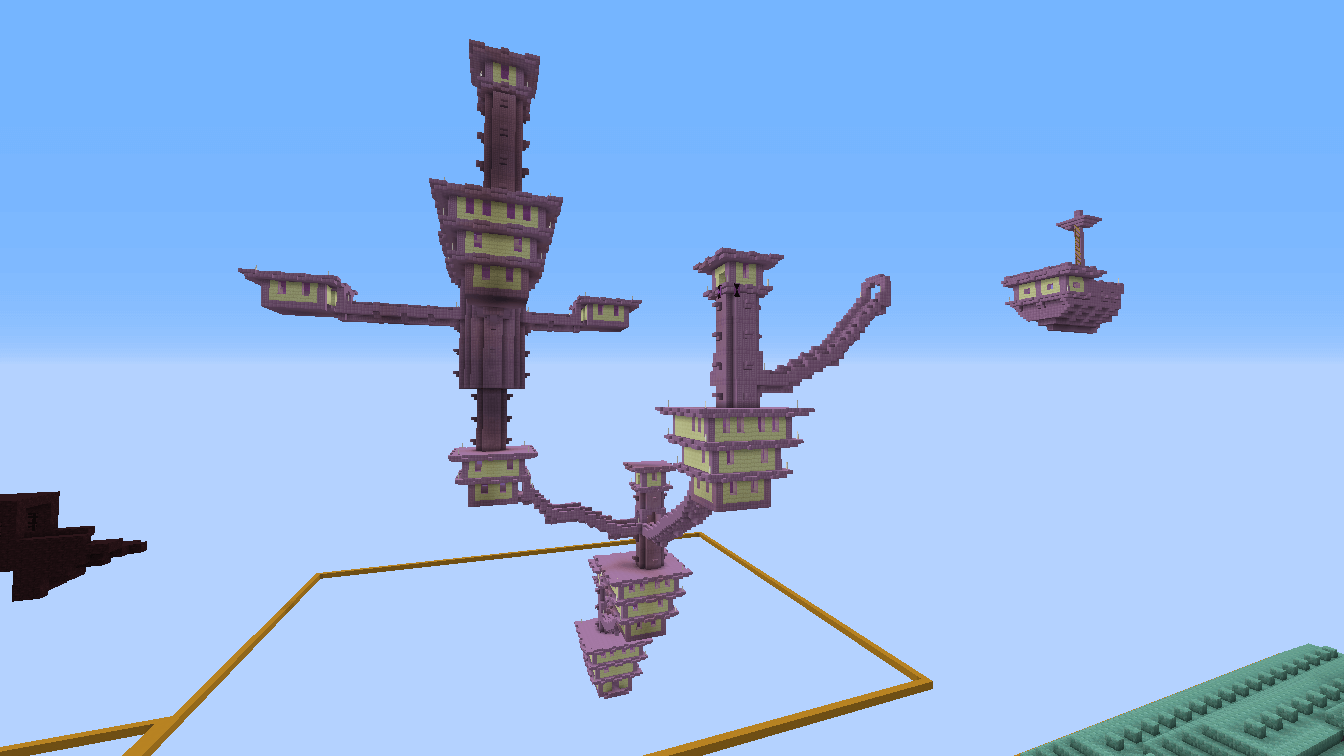
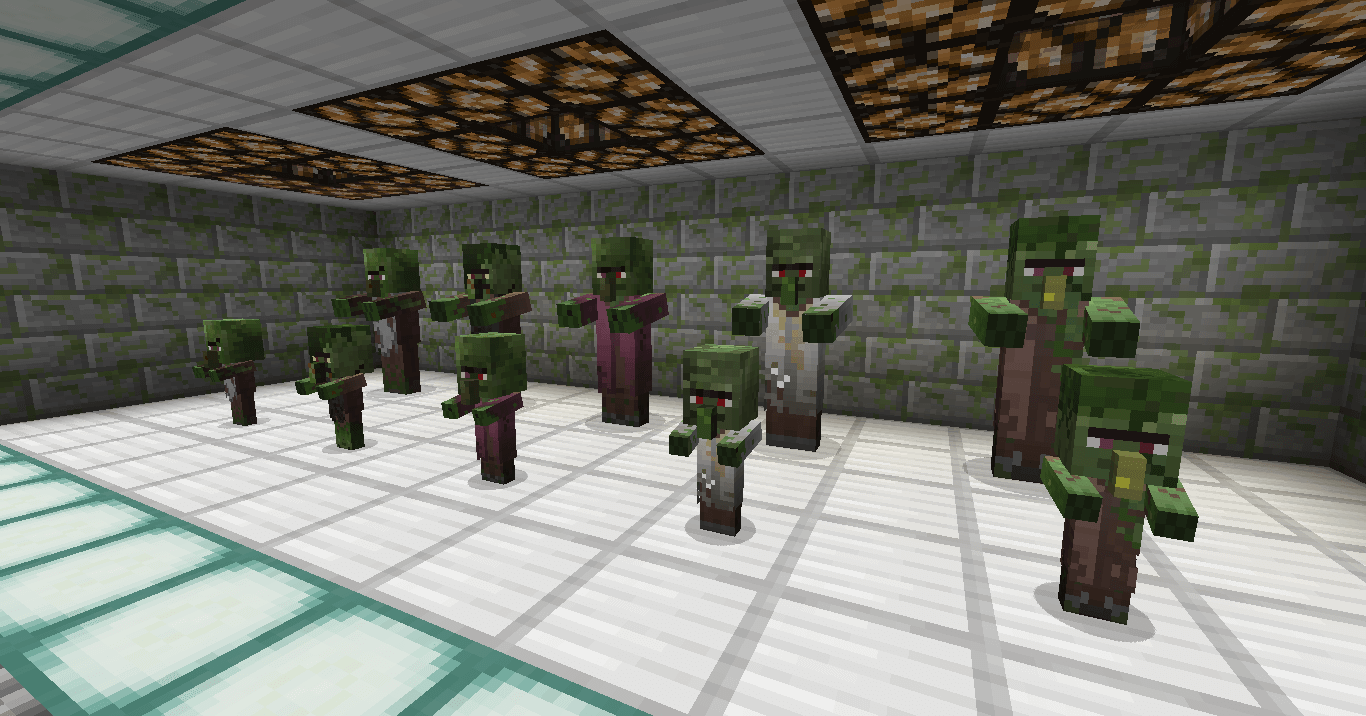
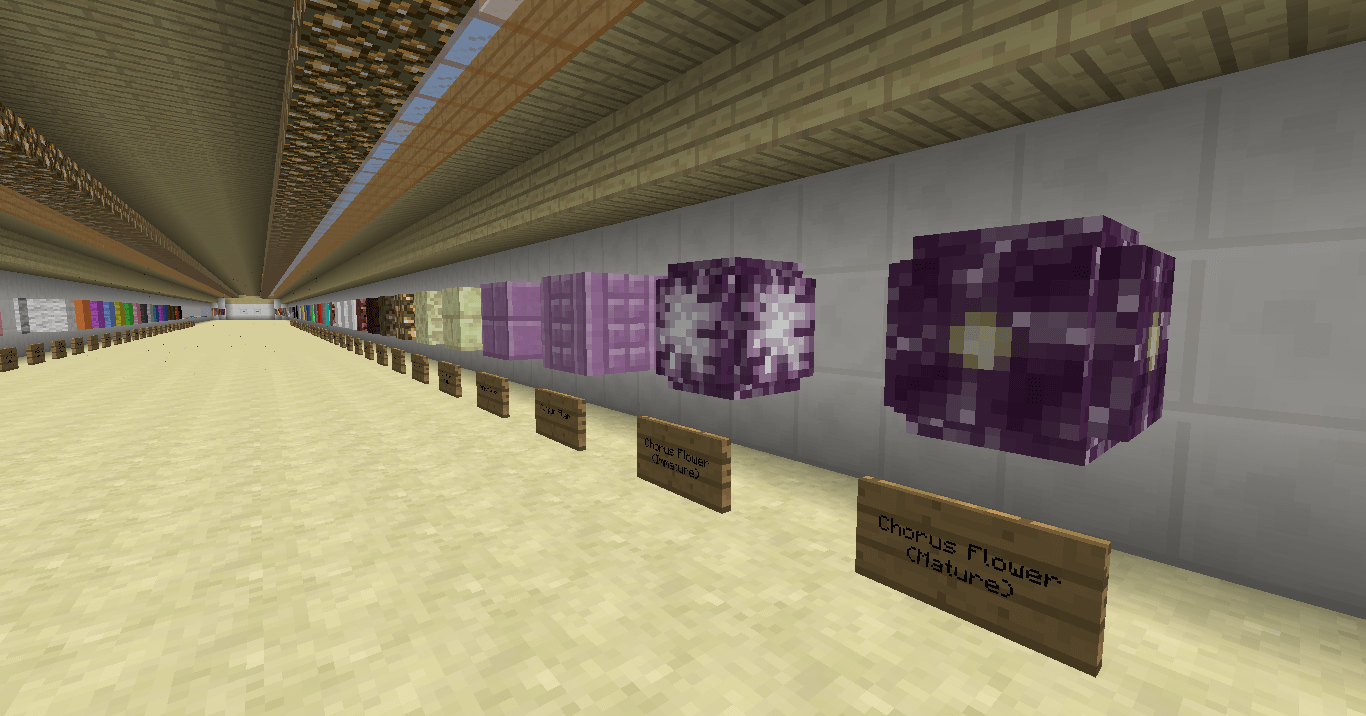
 Now, we’d like to draw your attention to a mod called QMAGNET’s Test Map for Minecraft 1.10 and invite you to install it. It includes a huge number of different texture packs that can be installed and used to enhance the visual appearance of Minecraft.
With this mod, you can give the game a new look and enjoy beautiful graphics with a cartoonish, dark or futuristic feel. All that remains is to gather your thoughts and try to choose the most suitable visual upgrade. We hope you have a great time!
How to install the map:
Step 1: Download the archive containing the map.
Step 2: Extract the archive to create a folder.
Step 3: Copy the map folder QMAGNET’s Test Map to the .minecraft/saves folder (if this folder does not exist, create it yourself).
Step 4: Find this map under the "Single Player" tab in the menu.
Comments (2)