



Theme Parkour | Minecraft Map
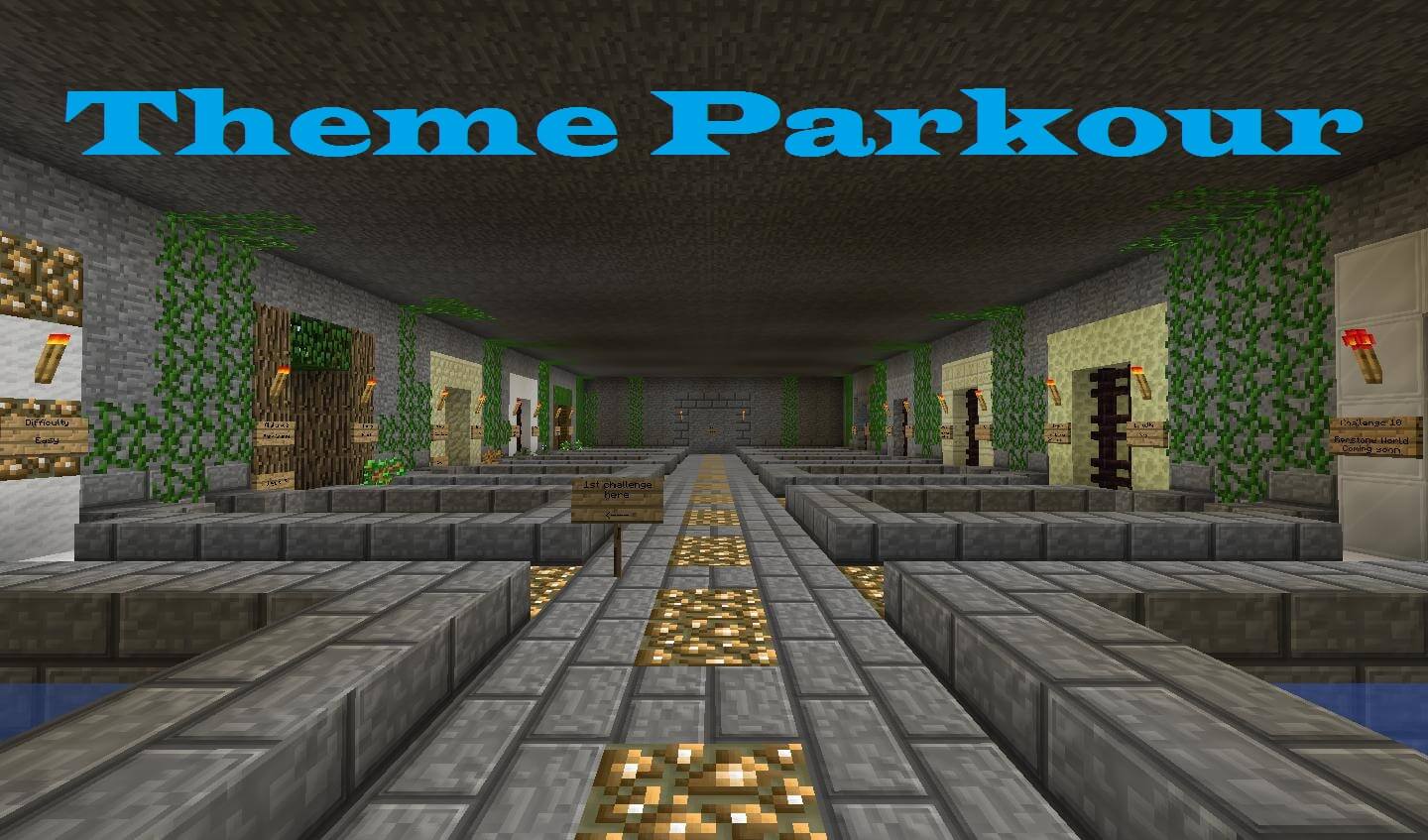 This map features a variety of different themes spread across two dimensions. As it is a first attempt, it may feel a little «unpolished». However, that’s no reason to miss out on the chance to try this parkour adventure for Minecraft 1.11.
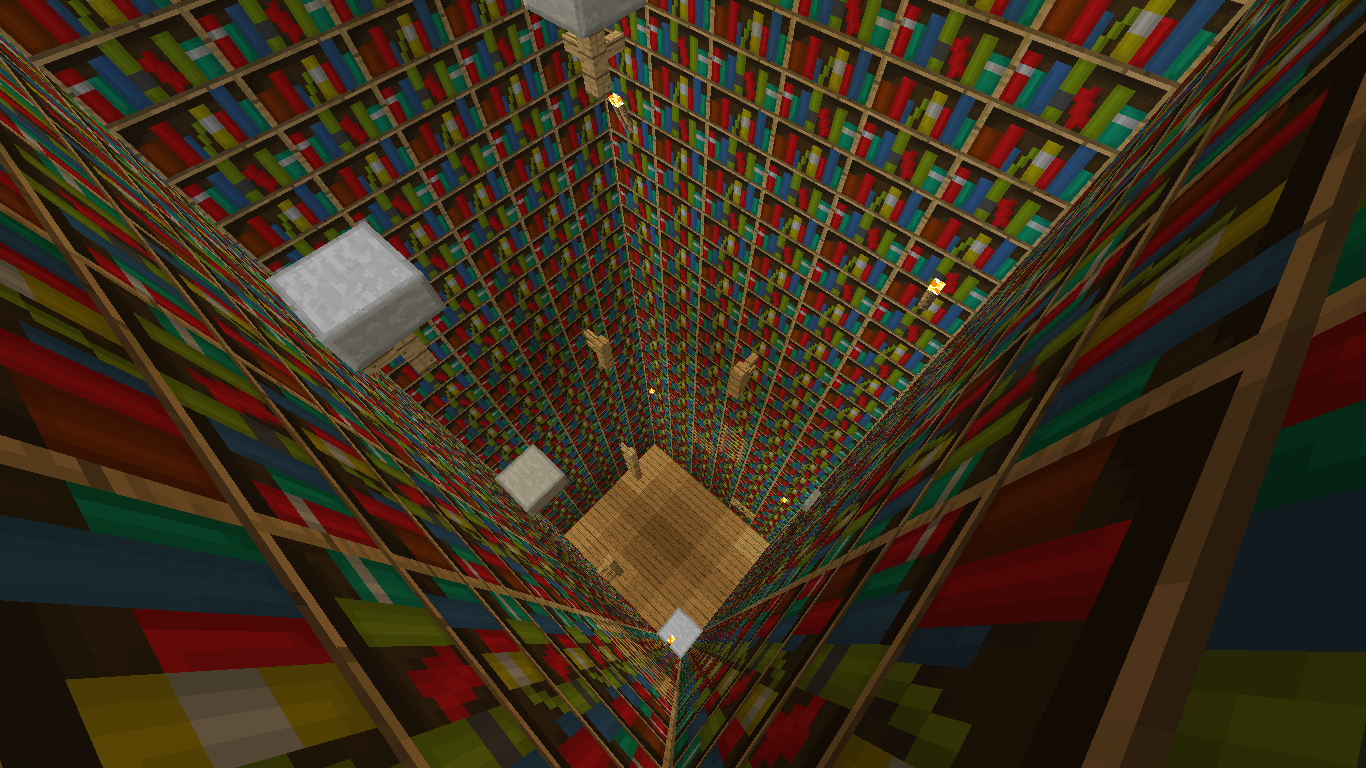 As with many maps, using cheats, breaking blocks and using mods are prohibited here. For a comfortable gaming experience, you’ll need to select Minecraft’s Peaceful mode. But the most important rule here is to enjoy the gameplay.
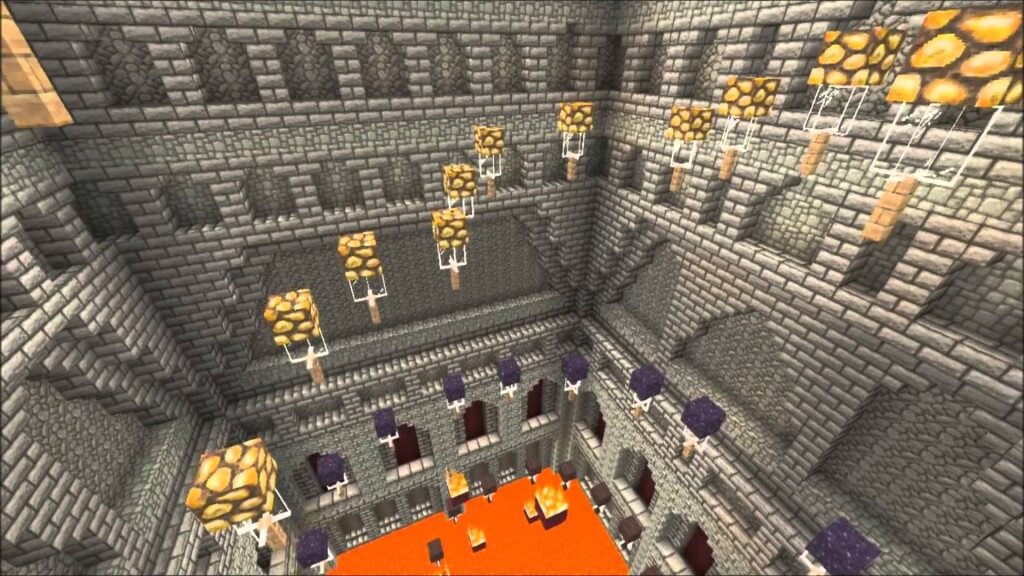
Tackle the challenges of navigating the map, jump across blocks and reach the end of the map. The beautiful and original levels in Minecraft 1.11 will appeal to all players.
How to install the map:
Step 1: Download the map archive.
Step 2: Extract the archive to create a folder.
Step 3: Copy the Theme Parkour map folder to the .minecraft/saves directory (if this folder does not exist, create it yourself).
Step 4: Find this map under "Singleplayer" in the menu.
Comments (79)